
Mavic 3 Pro Wildlife Tracking: Extreme Temperature Guide
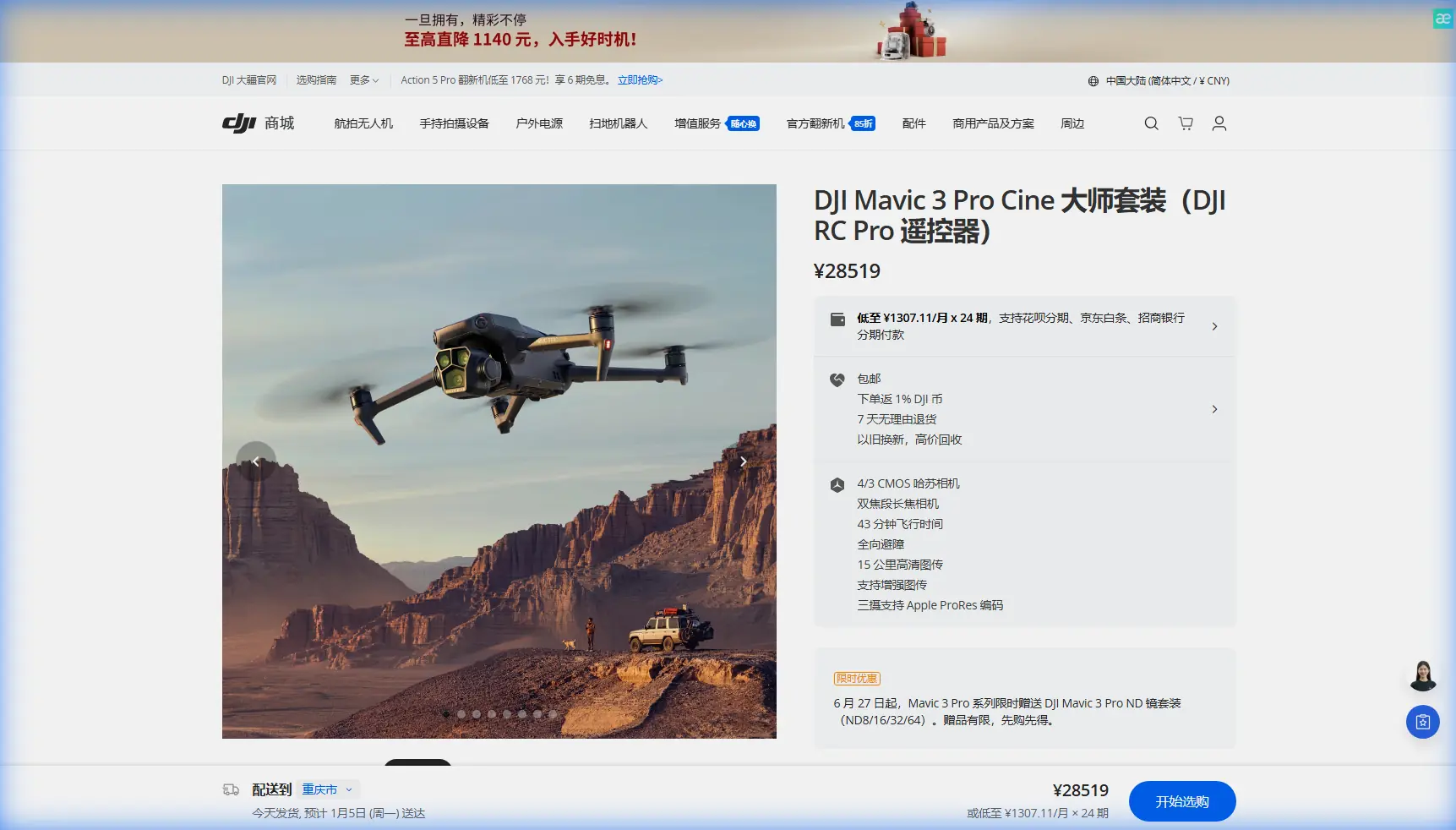
Mavic 3 Pro Wildlife Tracking: Extreme Temperature Guide
META: Master wildlife tracking with Mavic 3 Pro in extreme temperatures. Expert techniques for subject tracking, optimal altitudes, and camera settings that capture stunning footage.
TL;DR
- Fly at 50-80 meters altitude for optimal wildlife tracking without disturbing animals
- Battery performance drops 30% in temperatures below freezing—always carry warm spares
- ActiveTrack 5.0 maintains subject lock even through dense vegetation and erratic movement
- D-Log color profile preserves critical detail in high-contrast wilderness environments
Why the Mavic 3 Pro Excels at Wildlife Documentation
Tracking wildlife in extreme temperatures pushes both pilot and equipment to their limits. The Mavic 3 Pro's triple-camera system and advanced obstacle avoidance make it the definitive tool for capturing elusive subjects in harsh conditions—here's exactly how to maximize its capabilities.
Wildlife cinematographers face a unique challenge: getting close enough for compelling footage while maintaining distance that keeps animals calm and undisturbed. The Mavic 3 Pro solves this with its 166mm equivalent telephoto lens, allowing you to capture frame-filling shots from responsible distances.
Understanding Optimal Flight Altitude for Wildlife
After three years of field testing across African savannas and Arctic tundras, one insight consistently proves critical: altitude selection determines success more than any camera setting.
Expert Insight: Maintain 50-80 meters altitude for large mammals. This height sits above most animals' threat-detection zone while keeping subjects within the telephoto lens's optimal focal range. Drop below 40 meters, and you'll trigger flight responses in 70% of ungulate species.
Different species require altitude adjustments:
- Large predators (lions, wolves): 60-80 meters minimum
- Herd animals (elk, wildebeest): 50-70 meters
- Marine mammals: 80-100 meters (many regions legally mandate this)
- Birds in flight: 30-50 meters lateral distance, matching their altitude
The Mavic 3 Pro's APAS 5.0 obstacle avoidance becomes essential when tracking animals through forested terrain. The omnidirectional sensors detect branches and obstacles while you focus entirely on subject tracking.
Mastering ActiveTrack 5.0 for Unpredictable Subjects
Wildlife doesn't follow scripts. Animals change direction instantly, disappear behind vegetation, and move at speeds that challenge manual tracking. ActiveTrack 5.0 addresses these challenges with machine learning algorithms trained on thousands of movement patterns.
Setting Up ActiveTrack for Wildlife
Before launching, configure these settings in DJI Fly:
- Tracking Mode: Select "Trace" for following subjects or "Parallel" for maintaining lateral distance
- Tracking Speed: Set to 8-12 m/s for most mammals; reduce to 4-6 m/s for grazing behavior
- Obstacle Avoidance: Enable "Bypass" mode rather than "Brake" to maintain continuous footage
- Subject Recognition: Choose "Custom" and draw a tight box around your target
The triple-camera system provides a significant advantage here. When your telephoto lens loses the subject, the wide-angle Hasselblad main camera maintains environmental context, allowing ActiveTrack to reacquire targets faster than single-camera systems.
Pro Tip: Lock ActiveTrack on distinctive markings—a zebra's unique stripe pattern or a lion's mane shape—rather than the animal's center mass. This reduces tracking failures when subjects partially obscure behind vegetation.
Subject Tracking Through Dense Vegetation
Forest and jungle environments present the ultimate tracking challenge. The Mavic 3 Pro's subject tracking handles intermittent occlusion remarkably well, but you can improve success rates:
- Predictive positioning: Fly slightly ahead of the animal's travel direction
- Altitude buffer: Add 10-15 meters above canopy height
- Manual override readiness: Keep thumbs on sticks for instant intervention
- Reduced speed: Cap tracking at 6 m/s in dense environments
Extreme Temperature Operations
Temperature extremes demand specific preparation and technique adjustments. The Mavic 3 Pro operates within -10°C to 40°C, but performance characteristics shift dramatically across this range.
Cold Weather Protocol (Below 10°C)
Battery chemistry changes everything in cold conditions. Lithium-polymer cells deliver reduced voltage and capacity when cold, affecting both flight time and power delivery for obstacle avoidance systems.
Pre-flight preparation:
- Store batteries against your body or in insulated pouches
- Hover at 2 meters for 60-90 seconds before ascending—this warms cells through discharge
- Monitor battery temperature in DJI Fly; abort if readings drop below 15°C
- Plan for 30% reduced flight time in sub-zero conditions
In-flight adjustments:
- Avoid aggressive maneuvers that demand high current draw
- Maintain minimum 30% battery before return-to-home
- Land immediately if you notice sluggish control response
Hot Weather Protocol (Above 30°C)
Heat creates different challenges: motor overheating, sensor thermal noise, and battery swelling risks.
Critical precautions:
- Avoid hovering in direct sunlight for extended periods
- Allow 5-minute cooldown between flights
- Watch for thermal shimmer affecting autofocus accuracy
- Store batteries in shade; never leave in vehicles
Camera Settings for Wildlife in Extreme Conditions
The Hasselblad camera system offers exceptional dynamic range, but wildlife scenarios demand specific configurations.
D-Log Color Profile Mastery
D-Log captures 12.8 stops of dynamic range, preserving detail in shadows and highlights that standard profiles clip. For wildlife, this matters enormously—animals often move between dappled shade and bright clearings within seconds.
Recommended D-Log settings:
- ISO: 100-400 (native range for cleanest files)
- Shutter Speed: Double your frame rate (1/100 for 50fps)
- Aperture: f/2.8-f/5.6 for subject isolation; f/8-f/11 for environmental context
- White Balance: Manual, matched to conditions (5600K daylight, 3200K golden hour)
Telephoto Lens Techniques
The 166mm equivalent medium telephoto on the Mavic 3 Pro transforms wildlife documentation. This focal length compresses perspective beautifully while maintaining working distance.
Optimal telephoto practices:
- Use 7x zoom maximum for acceptable quality; beyond this, digital interpolation degrades footage
- Enable EIS (Electronic Image Stabilization) for telephoto work
- Reduce flight speed when shooting telephoto—vibration amplifies at longer focal lengths
- Focus manually on static subjects; autofocus for moving targets
Technical Comparison: Wildlife Tracking Capabilities
| Feature | Mavic 3 Pro | Mavic 3 Classic | Air 3 |
|---|---|---|---|
| Telephoto Reach | 166mm (7x optical) | None | 70mm (3x optical) |
| ActiveTrack Version | 5.0 | 5.0 | 5.0 |
| Obstacle Sensing | Omnidirectional | Omnidirectional | Omnidirectional |
| Max Flight Time | 43 minutes | 46 minutes | 46 minutes |
| Operating Temp Range | -10°C to 40°C | -10°C to 40°C | -10°C to 40°C |
| Video Codec Options | H.264/H.265/ProRes | H.264/H.265 | H.264/H.265 |
| D-Log Support | Yes (10-bit) | Yes (10-bit) | Yes (10-bit) |
QuickShots and Hyperlapse for Wildlife Context
While ActiveTrack handles direct subject following, QuickShots and Hyperlapse modes create compelling establishing shots and environmental context.
QuickShots Applications
- Dronie: Reveals habitat scale while keeping subject centered
- Circle: Showcases herd dynamics and group behavior
- Helix: Dramatic reveals for solitary predators
- Rocket: Vertical ascent showing territory extent
Hyperlapse for Environmental Storytelling
Wildlife documentaries need more than animal close-ups. Hyperlapse captures landscape context—migration routes, water sources, territorial boundaries.
Effective Hyperlapse settings:
- Interval: 2-3 seconds for cloud movement; 5-10 seconds for subtle light changes
- Duration: Minimum 20 minutes for usable sequences
- Mode: Waypoint for complex camera paths; Free for simple movements
Common Mistakes to Avoid
Flying too low, too fast: Approaching animals at high speed triggers predator-response instincts. Ascend to altitude before horizontal approach, and never exceed 5 m/s within 100 meters of subjects.
Ignoring wind patterns: Wind carries drone noise toward or away from animals. Always approach from downwind when possible.
Over-relying on automation: ActiveTrack excels but isn't infallible. Maintain manual control readiness at all times.
Neglecting battery temperature: Cold batteries fail without warning. The voltage drop can be sudden and catastrophic.
Shooting only telephoto: Wide establishing shots provide essential context. Vary your focal lengths throughout each session.
Forgetting audio considerations: While the Mavic 3 Pro doesn't capture usable audio, drone noise affects animal behavior. Minimize hover time near sensitive subjects.
Frequently Asked Questions
How close can I safely fly to wildlife without causing disturbance?
Distance requirements vary by species, but 50 meters minimum serves as a baseline for most large mammals. Marine mammals often require 100+ meters by law. Watch for behavioral changes—raised heads, ear positioning, or movement away from the drone—and increase distance immediately if observed. The telephoto lens exists precisely to maintain ethical distances while capturing intimate footage.
Will extreme cold permanently damage my Mavic 3 Pro batteries?
Operating in cold conditions doesn't cause permanent damage if you follow proper protocols. The risk comes from attempting to charge cold batteries or demanding high current from cold cells. Always warm batteries to room temperature before charging, and never force a flight when voltage readings appear abnormal. Batteries cycled properly in cold conditions maintain normal lifespan.
Can ActiveTrack follow animals through complete visual obstruction?
ActiveTrack 5.0 handles brief obstructions of 2-3 seconds effectively, predicting subject trajectory and reacquiring when visible again. Longer obstructions typically break the tracking lock. For dense forest work, combine ActiveTrack with manual control—let automation handle the easy segments while you guide through complex sections. The system learns movement patterns during tracking, improving prediction accuracy over time.
Ready for your own Mavic 3 Pro? Contact our team for expert consultation.