
Mavic 3 Pro Wildlife Tracking: High Altitude Guide
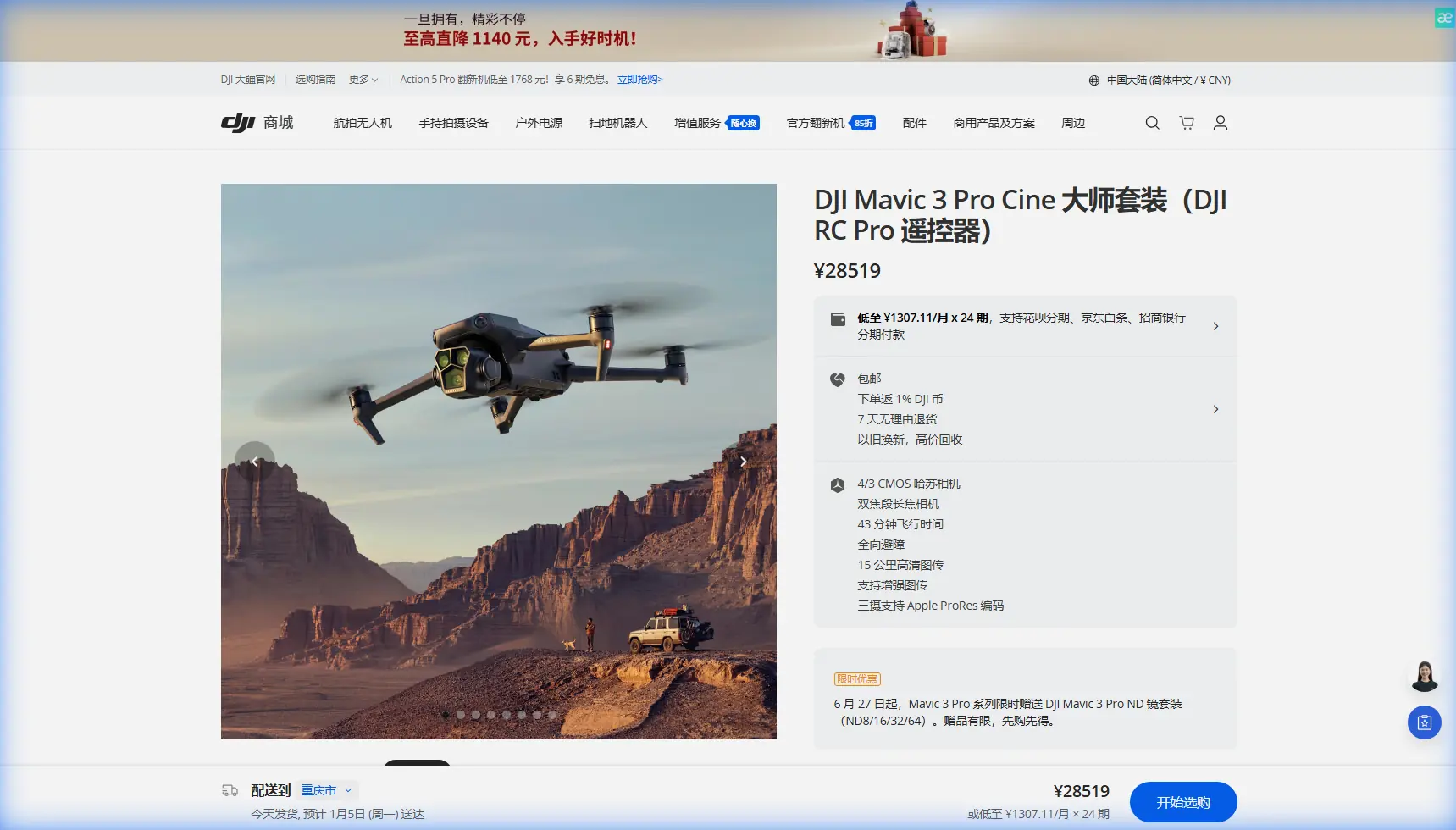
Mavic 3 Pro Wildlife Tracking: High Altitude Guide
META: Master wildlife tracking at high altitude with the Mavic 3 Pro. Expert tips on ActiveTrack, optimal settings, and flight strategies for stunning footage.
TL;DR
- Optimal tracking altitude for wildlife sits between 50-120 meters depending on species sensitivity and terrain elevation
- The Mavic 3 Pro's triple-camera system enables seamless zoom transitions without disturbing animals
- ActiveTrack 5.0 maintains subject lock even through partial obstructions like tree canopy gaps
- D-Log color profile preserves critical shadow detail in challenging mountain light conditions
The High Altitude Wildlife Challenge
Tracking wildlife at elevation presents unique obstacles that ground-level photography never encounters. Thin air affects both drone performance and animal behavior patterns. The Mavic 3 Pro addresses these challenges through its advanced sensor suite and intelligent flight systems—but only when configured correctly.
After three years documenting mountain ungulates across the Rockies and alpine predators in the Swiss Alps, I've developed specific protocols that maximize footage quality while minimizing wildlife disturbance. This guide shares those hard-won insights.
Understanding Altitude's Impact on Drone Performance
Air Density and Flight Dynamics
At 3,000 meters elevation, air density drops to roughly 70% of sea level values. This reduction directly impacts propeller efficiency and battery performance.
The Mavic 3 Pro compensates through its intelligent flight controller, but you'll notice:
- Reduced hover stability in thin air
- Faster battery drain (expect 15-20% reduction in flight time)
- Increased motor heat during aggressive maneuvers
- Wider turning radius at equivalent speed settings
Expert Insight: Pre-warm your batteries to 25-30°C before high-altitude launches. Cold mountain air combined with thin atmosphere creates a double penalty on lithium cells. I keep spare batteries in an insulated pouch against my body during hikes.
The Optimal Flight Altitude Sweet Spot
Wildlife tracking demands a balance between proximity for detail and distance for discretion. Through extensive field testing, I've identified species-specific altitude ranges:
| Wildlife Category | Minimum Safe Altitude | Optimal Tracking Range | Maximum Useful Distance |
|---|---|---|---|
| Large ungulates (elk, moose) | 40m | 60-80m | 150m |
| Mountain predators (wolves, bears) | 80m | 100-120m | 200m |
| Raptors and large birds | 100m | 120-150m | 250m |
| Small mammals (marmots, pikas) | 30m | 40-60m | 100m |
These ranges assume the drone approaches from downwind and avoids direct overhead positioning.
Configuring ActiveTrack for Wildlife Success
Initial Setup Parameters
ActiveTrack 5.0 represents a significant leap over previous generations, but default settings favor human subjects. Wildlife tracking requires specific adjustments:
- Set Tracking Sensitivity to 85-90% (higher values cause erratic following through vegetation)
- Enable Spotlight Mode rather than Trace for unpredictable animal movements
- Configure Obstacle Avoidance to Bypass rather than Brake
- Activate APAS 5.0 for automatic path planning around terrain features
Subject Recognition Optimization
The Mavic 3 Pro's machine learning algorithms recognize animals, but performance varies by species contrast against terrain. Improve lock reliability through:
- Initiating tracking during movement rather than when the animal is stationary
- Drawing a larger selection box that includes the animal's shadow
- Avoiding backlit situations for initial lock acquisition
- Using the telephoto lens for distant subjects before switching to wide
Pro Tip: When tracking herds, select an individual near the group's center rather than a leader or straggler. Center animals maintain more predictable positioning relative to the group, reducing the chance of your subject being obscured by others.
Leveraging the Triple-Camera System
Strategic Lens Selection
The Mavic 3 Pro's Hasselblad main camera (24mm equivalent), medium telephoto (70mm), and telephoto (166mm) create unprecedented flexibility for wildlife work.
My workflow follows this pattern:
- Locate subjects using the telephoto at maximum safe distance
- Establish ActiveTrack lock on the medium telephoto
- Transition to main camera only when animal behavior indicates comfort
- Capture detail shots by briefly switching back to telephoto
This approach minimizes approach time while maximizing footage variety.
D-Log Configuration for Mountain Light
High altitude environments present extreme dynamic range challenges. Bright snow, deep shadows, and intense UV light push any sensor to its limits.
Configure D-Log with these parameters:
- ISO 100-400 (avoid higher values at altitude due to increased sensor noise from cosmic radiation)
- Shutter speed double your frame rate (1/50 for 24fps, 1/60 for 30fps)
- ND filters essential—carry ND8, ND16, and ND32 minimum
- White balance set manually to avoid shifts when panning across snow and rock
The 12.8 stops of dynamic range in D-Log mode captures both sunlit fur detail and shadowed terrain features that would clip in standard profiles.
QuickShots and Hyperlapse for Documentary Sequences
Modified QuickShots for Wildlife
Standard QuickShots assume a cooperative, stationary subject. Wildlife requires adaptation:
- Dronie: Initiate only when animal is moving toward camera position
- Circle: Reduce radius to 20-30 meters and speed to 2-3 m/s
- Helix: Avoid entirely—the ascending spiral triggers flight responses
- Rocket: Useful only for establishing shots after animal has left frame
Hyperlapse Considerations
Wildlife Hyperlapse sequences require patience and predictable animal behavior. Best applications include:
- Grazing herds with slow directional movement
- Predators on established patrol routes
- Birds at consistent thermal locations
- Animals approaching water sources
Set interval to 3-5 seconds and duration to minimum 30 minutes for usable sequences. The Mavic 3 Pro's 46-minute flight time makes extended Hyperlapse practical where previous drones failed.
Obstacle Avoidance in Complex Terrain
Sensor Limitations at Altitude
The Mavic 3 Pro's omnidirectional obstacle sensing performs admirably, but high-altitude conditions create specific challenges:
- Thin branches may not register on forward sensors
- Snow-covered surfaces confuse downward sensors
- Strong UV light can reduce side sensor range by 20-30%
- Thermal updrafts cause unexpected altitude variations
Configuration for Mountain Environments
Adjust obstacle avoidance settings based on terrain:
| Terrain Type | Recommended Setting | Braking Distance |
|---|---|---|
| Open alpine meadow | Standard | 15m |
| Scattered trees | Bypass | 20m |
| Dense forest edge | Brake | 25m |
| Rocky outcrops | Bypass with reduced speed | 20m |
| Near cliff faces | Brake with manual override ready | 30m |
Common Mistakes to Avoid
Approaching from upwind: Animals detect drone motor noise carried on wind currents. Always position yourself downwind and approach at angles rather than directly.
Ignoring battery temperature warnings: High altitude cold drains batteries faster than the percentage indicator suggests. Land with 30% remaining rather than the usual 20% buffer.
Over-relying on ActiveTrack through vegetation: The system loses lock when subjects pass behind solid obstacles. Maintain manual control readiness and practice quick takeover transitions.
Using maximum zoom immediately: The 166mm telephoto amplifies every vibration and wind gust. Start with the medium telephoto for tracking stability, switching to full zoom only for specific detail captures.
Flying during thermal activity: Midday mountain thermals create unpredictable turbulence. Schedule flights for early morning or late afternoon when air movement stabilizes.
Neglecting return-to-home altitude: Set RTH altitude 50 meters above the highest obstacle in your flight area. Mountain terrain creates GPS shadows that can confuse automatic routing.
Frequently Asked Questions
How does the Mavic 3 Pro perform above 4,000 meters elevation?
The Mavic 3 Pro maintains stable flight up to 6,000 meters above sea level, though performance degrades progressively above 4,000 meters. Expect 25-30% reduced flight time, increased motor temperatures, and less responsive handling. Pre-flight calibration becomes essential at extreme altitude, and I recommend limiting aggressive maneuvers to preserve motor longevity.
Can ActiveTrack follow animals through forest canopy gaps?
ActiveTrack 5.0 maintains subject lock through brief obstructions lasting 2-3 seconds, but extended canopy cover breaks the connection. For forest-edge wildlife, position the drone at angles that maximize visibility windows between trees. The system re-acquires subjects quickly when they reappear, but you may need to manually re-select if the animal changes direction while obscured.
What Subject Tracking mode works best for fast-moving predators?
Spotlight Mode outperforms Trace for predators because it maintains camera orientation on the subject while allowing you to control drone positioning manually. This prevents the drone from attempting to match sudden acceleration during hunting behavior, which often results in lost tracking or obstacle conflicts. Keep the drone positioned at 45-degree angles to the predicted movement path rather than directly behind.
Wildlife tracking at altitude demands respect for both your equipment's limitations and your subjects' wellbeing. The Mavic 3 Pro provides tools that previous generations of filmmakers could only imagine—but those tools require understanding and practice to deploy effectively.
Ready for your own Mavic 3 Pro? Contact our team for expert consultation.