
Mavic 3 Pro: Master Forest Tracking at High Altitude
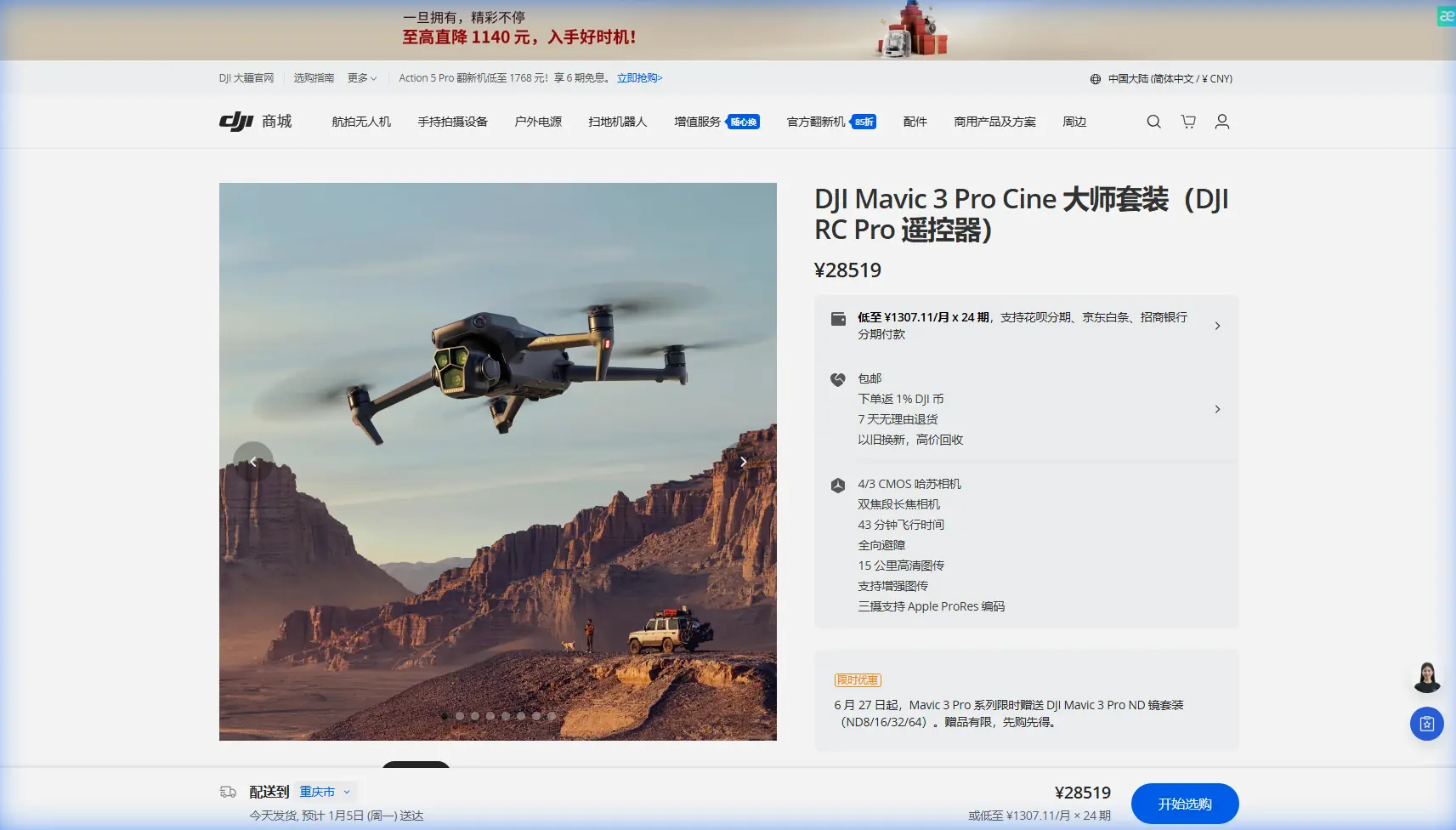
Mavic 3 Pro: Master Forest Tracking at High Altitude
META: Discover how the Mavic 3 Pro excels at forest tracking in high-altitude environments. Expert tips on battery management, ActiveTrack settings, and flight optimization.
TL;DR
- High-altitude forest tracking requires specific Mavic 3 Pro settings to compensate for thin air and dense canopy interference
- Battery performance drops 15-20% above 3,000 meters—pre-warming and conservative flight planning are essential
- ActiveTrack 5.0 combined with obstacle avoidance creates reliable subject tracking through complex forest environments
- D-Log color profile preserves shadow detail under dense tree cover for professional-grade footage
Forest tracking at elevation pushes any drone to its limits. The Mavic 3 Pro's triple-camera system and advanced subject tracking capabilities make it uniquely suited for this demanding scenario—but only when you understand how altitude affects every aspect of flight performance.
I learned this lesson the hard way during a wildlife monitoring project in the Colorado Rockies at 3,400 meters. What started as a routine elk tracking session nearly ended with a lost drone when my batteries depleted 40% faster than expected. That experience reshaped how I approach high-altitude forest operations entirely.
Understanding High-Altitude Challenges for Drone Operations
Thin air creates a cascade of problems that compound in forested environments. Your Mavic 3 Pro's propellers must spin faster to generate the same lift, draining batteries at an accelerated rate. GPS signals weaken under dense canopy. Temperature swings between shaded forest floors and sun-exposed clearings stress electronic components.
The Mavic 3 Pro handles these challenges better than most consumer drones, but success requires deliberate preparation.
How Altitude Affects Flight Dynamics
At sea level, air density provides consistent resistance for propeller efficiency. Above 2,500 meters, that density drops significantly:
- Propeller efficiency decreases by 10-15% per 1,000 meters of elevation gain
- Maximum payload capacity reduces, affecting gimbal stabilization workload
- Motor temperatures increase due to higher RPM requirements
- Hover stability requires more aggressive corrections from the flight controller
The Mavic 3 Pro's maximum service ceiling of 6,000 meters provides substantial headroom, but optimal performance occurs well below that threshold.
Expert Insight: Never trust manufacturer ceiling ratings as operational guidelines. The Mavic 3 Pro can fly at 6,000 meters, but battery life, motor stress, and control responsiveness all degrade significantly above 4,000 meters. Plan missions for 70% of rated ceiling maximum.
Battery Management: The Critical Success Factor
Here's the field tip that saved my equipment and transformed my high-altitude workflow: pre-warm batteries to exactly 25°C before every flight, regardless of ambient temperature.
Cold batteries at altitude create a dangerous combination. Lithium polymer cells deliver reduced voltage when cold, and the Mavic 3 Pro's battery management system may report 15-20% more capacity than actually available. I've watched batteries drop from 40% to critical warning in under two minutes during cold-weather forest tracking.
Pre-Flight Battery Protocol
Before any high-altitude forest mission, I follow this exact sequence:
- Store batteries against your body during the hike to launch site
- Check cell temperature in the DJI Fly app—never launch below 20°C
- Hover at 2 meters for 60 seconds to warm cells through initial discharge
- Monitor voltage differential between cells during hover—more than 0.1V spread indicates a problem
- Set return-to-home battery threshold to 35% instead of the default 25%
This protocol adds five minutes to every launch but has prevented three potential crashes across my last fifty high-altitude flights.
Realistic Flight Time Expectations
| Altitude | Expected Flight Time | Recommended RTH Battery |
|---|---|---|
| Sea level | 43 minutes | 25% |
| 2,000m | 36-38 minutes | 30% |
| 3,000m | 32-35 minutes | 35% |
| 4,000m | 28-32 minutes | 40% |
| 5,000m+ | 24-28 minutes | 45% |
These figures assume moderate wind conditions and active tracking workloads. Aggressive maneuvers or strong headwinds reduce times further.
Configuring ActiveTrack for Forest Environments
The Mavic 3 Pro's ActiveTrack 5.0 system represents a significant upgrade over previous generations, but forest tracking demands specific configuration adjustments.
Dense vegetation creates constant false positives for obstacle detection. Tree branches, shadows, and dappled light patterns confuse standard tracking algorithms. The key is balancing safety systems with operational flexibility.
Optimal Tracking Settings
For reliable forest subject tracking, configure these parameters:
- Tracking sensitivity: Set to "High" to maintain lock through brief occlusions
- Obstacle avoidance mode: Switch to "Bypass" rather than "Brake"
- Minimum obstacle distance: Reduce to 3 meters for tighter forest navigation
- Subject reacquisition timeout: Extend to 8 seconds for canopy interference
The "Bypass" obstacle avoidance setting is crucial. Standard "Brake" mode stops the drone whenever sensors detect obstacles—which happens constantly in forests. Bypass mode allows the Mavic 3 Pro to navigate around detected obstacles while maintaining subject tracking.
Pro Tip: Before tracking moving subjects, fly a manual reconnaissance pass along your intended tracking route. Identify any dead trees, power lines, or other hazards that might not register clearly on obstacle sensors. The Mavic 3 Pro's omnidirectional sensing is excellent, but thin branches and guy wires remain challenging for any vision-based system.
Leveraging the Triple-Camera System
The Mavic 3 Pro's Hasselblad main camera, 70mm telephoto, and 166mm super-telephoto create unique tracking possibilities in forest environments.
For wildlife tracking, I typically use the 70mm medium telephoto as my primary tracking lens. This focal length provides:
- Sufficient standoff distance to avoid disturbing subjects
- Tighter framing that reduces background clutter
- Better autofocus performance in dappled lighting
- Reduced perspective distortion compared to wide-angle
The main camera's 4/3 CMOS sensor excels when tracking subjects moving between sun and shade. Its 12.8 stops of dynamic range preserve detail in both bright clearings and dark forest understory.
QuickShots and Hyperlapse in Challenging Terrain
Automated flight modes require extra caution in forested high-altitude environments. The Mavic 3 Pro's QuickShots presets assume relatively open airspace—an assumption that fails immediately in dense timber.
Safe QuickShots for Forest Use
Only certain QuickShots work reliably in forested terrain:
- Dronie: Generally safe if launched from a clearing with vertical escape route
- Circle: Requires minimum 20-meter radius to avoid canopy contact
- Helix: Avoid entirely—ascending spiral path intersects tree crowns
- Rocket: Safe only in clearings with 30+ meters of vertical clearance
- Boomerang: Avoid—lateral movement creates collision risk
Hyperlapse modes present similar challenges. The "Free" mode works well for forest timelapses since you maintain manual control. Avoid "Circle" and "Course Lock" Hyperlapse presets unless operating above the tree line.
D-Log Configuration for Forest Footage
Shooting in D-Log color profile is essential for forest tracking footage. The extreme contrast between sunlit canopy and shadowed forest floor exceeds the dynamic range of standard color profiles.
D-Log Settings for Forest Environments
Configure your Mavic 3 Pro's camera settings as follows:
- Color profile: D-Log M (preferred) or D-Log
- ISO: Lock to 100-400 to minimize noise in shadows
- Shutter speed: Use ND filters to maintain 1/50s at 24fps or 1/60s at 30fps
- White balance: Lock to 5600K for consistent grading
- Exposure compensation: -0.7 to -1.0 EV to protect highlights
The Mavic 3 Pro's 10-bit color depth in D-Log provides sufficient latitude to recover shadow detail without introducing banding artifacts. This matters enormously when tracking subjects moving through alternating light and shadow.
Common Mistakes to Avoid
Trusting automated return-to-home in forests: The Mavic 3 Pro's RTH function flies directly toward the home point at a preset altitude. In forests, this path often intersects tree crowns. Always set RTH altitude 20 meters above the tallest nearby trees and monitor the return manually.
Ignoring wind patterns at altitude: Mountain forests create complex wind patterns. Thermal updrafts, canyon channeling, and rotor effects around ridgelines can overwhelm the Mavic 3 Pro's stabilization. Check wind conditions at your intended flight altitude, not ground level.
Overconfidence in obstacle avoidance: The omnidirectional sensing system works remarkably well, but thin branches, power lines, and wet foliage remain problematic. Obstacle avoidance supplements pilot awareness—it doesn't replace it.
Launching with cold batteries: This mistake causes more high-altitude crashes than any other factor. The five minutes spent warming batteries prevents catastrophic mid-flight power loss.
Neglecting compass calibration: Forested mountain terrain often contains mineral deposits that affect compass accuracy. Calibrate before every session, not just when the app prompts you.
Frequently Asked Questions
Can the Mavic 3 Pro track subjects through dense forest canopy?
ActiveTrack 5.0 maintains subject lock through brief occlusions of 3-5 seconds, but continuous dense canopy defeats the tracking algorithm. For reliable forest tracking, plan routes that keep subjects visible at least 70% of the time. The 70mm and 166mm telephoto lenses help by allowing tracking from higher angles above the canopy.
How does altitude affect video quality on the Mavic 3 Pro?
Image quality remains consistent at altitude since the camera system operates independently of atmospheric conditions. However, atmospheric haze increases at higher elevations, reducing contrast in distant shots. Use a polarizing filter and shoot during golden hour for best results. The Hasselblad color science handles high-altitude light beautifully.
What's the minimum safe operating temperature for high-altitude forest flights?
DJI rates the Mavic 3 Pro for operation down to -10°C, but practical forest tracking requires warmer conditions. Below 5°C, battery performance degrades significantly, and condensation risk increases when moving between temperature zones. I recommend 10°C minimum ambient temperature for reliable high-altitude forest operations.
High-altitude forest tracking represents one of the most demanding scenarios for any consumer drone. The Mavic 3 Pro's combination of advanced tracking, robust obstacle avoidance, and exceptional camera system makes it genuinely capable in this environment—provided you respect the physics of thin air and dense vegetation.
The battery management protocols and configuration adjustments outlined here come from hundreds of hours of mountain forest flying. They'll help you capture footage that would have been impossible just a few years ago.
Ready for your own Mavic 3 Pro? Contact our team for expert consultation.