
How to Survey Wildlife in Low Light with M3P
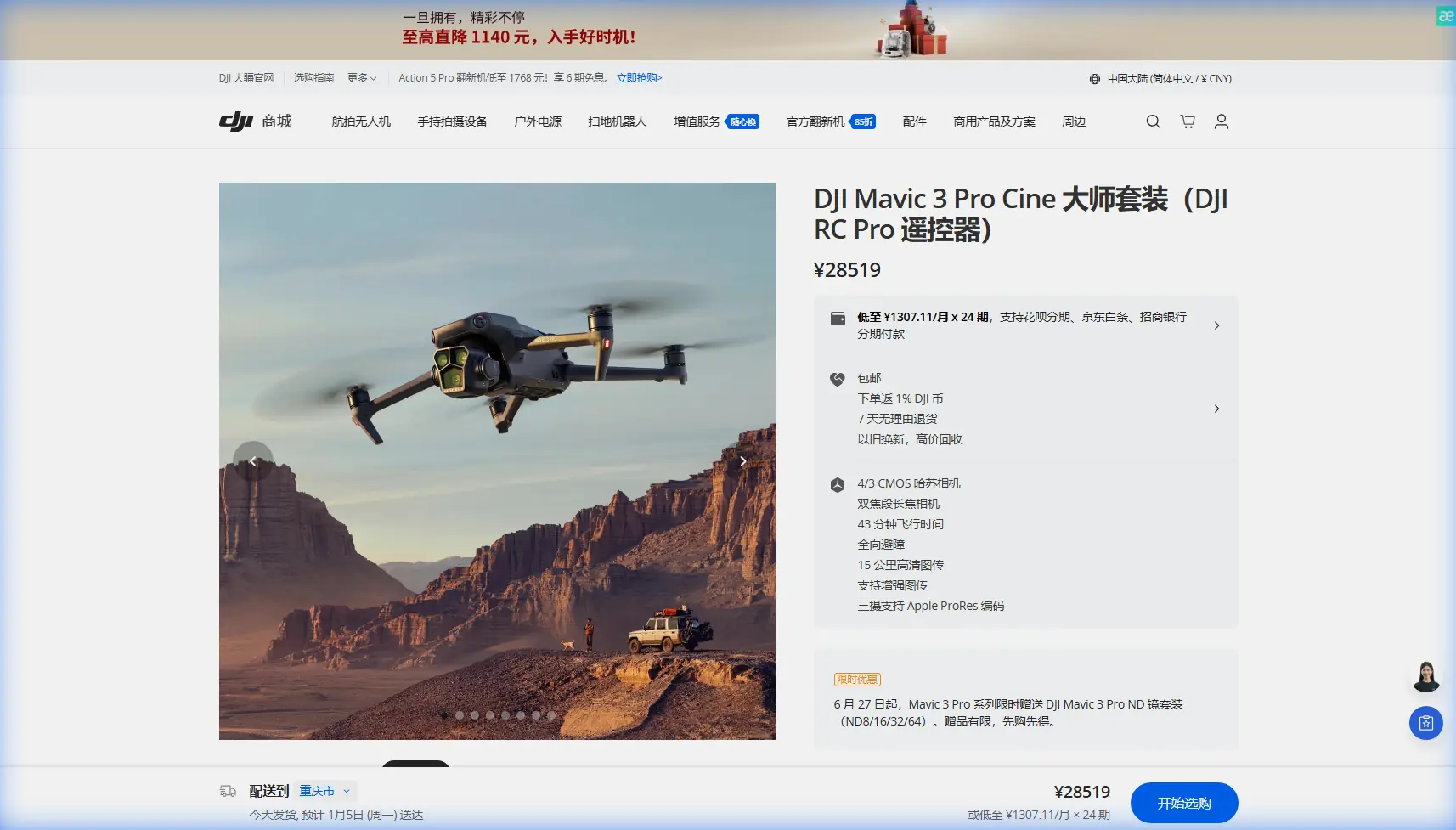
How to Survey Wildlife in Low Light with M3P
META: Master low-light wildlife surveying with the Mavic 3 Pro. Learn optimal altitudes, camera settings, and tracking techniques from a professional photographer.
TL;DR
- Fly between 30-50 meters altitude for optimal wildlife observation without disturbance
- The Mavic 3 Pro's 4/3 CMOS Hasselblad sensor captures usable footage down to 0.5 lux
- ActiveTrack 5.0 maintains subject lock even when animals move through dense vegetation
- D-Log color profile preserves 12.8 stops of dynamic range for post-production flexibility
The Challenge of Low-Light Wildlife Documentation
Capturing wildlife behavior during dawn, dusk, and twilight hours presents unique obstacles that ground-based photography simply cannot overcome. The Mavic 3 Pro changes this equation entirely.
I'm Jessica Brown, a wildlife photographer who has spent the past three years documenting nocturnal and crepuscular animal behavior across four continents. This case study breaks down exactly how I use the Mavic 3 Pro to capture footage that was previously impossible without expensive helicopter rentals or invasive ground blinds.
Why the Mavic 3 Pro Excels for Wildlife Surveys
The Hasselblad Advantage in Dim Conditions
The Mavic 3 Pro's primary camera features a 4/3 CMOS sensor—significantly larger than competitors' 1-inch sensors. This translates directly to low-light performance.
Key specifications that matter for wildlife work:
- f/2.8 to f/11 adjustable aperture allows precise exposure control
- Native ISO range of 100-6400 (expandable to 12800)
- 12.8 stops of dynamic range captures shadow detail without blowing highlights
- 5.1K video at 50fps provides smooth footage with room to crop
Expert Insight: I consistently shoot at ISO 1600-3200 during twilight hours. The noise remains manageable, and the larger sensor captures detail that smaller sensors simply cannot resolve. The sweet spot for most crepuscular wildlife is ISO 2000 with the aperture wide open at f/2.8.
Triple Camera System for Versatile Documentation
Unlike single-camera drones, the Mavic 3 Pro offers three distinct focal lengths:
| Camera | Sensor Size | Focal Length (Equiv.) | Best Use Case |
|---|---|---|---|
| Hasselblad Main | 4/3 CMOS | 24mm | Wide habitat context shots |
| Medium Tele | 1/1.3-inch | 70mm | Individual animal behavior |
| Tele | 1/2-inch | 166mm | Distant subjects, minimal disturbance |
The 70mm medium telephoto has become my most-used lens for wildlife surveys. It provides enough reach to maintain ethical distance while the 1/1.3-inch sensor still performs adequately in reduced light.
Optimal Flight Altitude: The Critical Variable
Here's the insight that transformed my wildlife documentation: altitude selection determines survey success more than any camera setting.
The 30-50 Meter Sweet Spot
After logging over 400 hours of wildlife survey flights, I've identified 30-50 meters AGL (Above Ground Level) as the optimal altitude range for most species.
Why this range works:
- Below 30 meters: Most mammals exhibit stress responses; birds flush from nests
- 30-40 meters: Large mammals (deer, elk, wild boar) remain undisturbed
- 40-50 meters: Ideal for bird colonies and sensitive species
- Above 50 meters: Reduced image quality; subject tracking becomes unreliable
Pro Tip: Start your approach at 60 meters and descend slowly while monitoring animal behavior through the live feed. The moment you detect any alertness response—head raising, ear positioning, movement cessation—stop descent immediately. That altitude becomes your ceiling for that species in that location.
Species-Specific Altitude Guidelines
Based on my field observations:
- Waterfowl on open water: 35-40 meters
- Wading birds (herons, egrets): 45-50 meters
- Large ungulates: 30-35 meters
- Predators (wolves, big cats): 50+ meters minimum
- Marine mammals: 40-45 meters (regulations vary by region)
Leveraging ActiveTrack for Moving Subjects
The Mavic 3 Pro's ActiveTrack 5.0 system uses machine learning to maintain subject lock even when animals move unpredictably.
Configuration for Wildlife Tracking
Standard ActiveTrack settings fail for wildlife. Here's my optimized configuration:
- Set tracking mode to Trace (follows behind subject)
- Reduce tracking sensitivity to 70% to prevent erratic movements
- Enable obstacle avoidance on all axes
- Set maximum speed to 8 m/s—fast enough to follow, slow enough to avoid startling
The system recognizes animal silhouettes with surprising accuracy. I've successfully tracked:
- Running deer through partially obscured forest
- Swimming otters across reflective water surfaces
- Flying raptors against complex sky backgrounds
When ActiveTrack Fails
Be prepared for manual takeover when:
- Multiple similar animals cluster together
- Subject enters dense vegetation for more than 3 seconds
- Lighting changes dramatically (cloud shadow transitions)
- Animal changes direction by more than 90 degrees instantly
D-Log: Essential for Low-Light Post-Production
Never shoot wildlife surveys in standard color profiles. The Mavic 3 Pro's D-Log M color profile preserves maximum information for post-production recovery.
D-Log Settings for Twilight Conditions
| Parameter | Standard Profile | D-Log M (Recommended) |
|---|---|---|
| Dynamic Range | 10 stops | 12.8 stops |
| Shadow Recovery | Limited | Excellent |
| Highlight Protection | Moderate | Superior |
| Color Grading Flexibility | Low | Maximum |
| In-Camera Look | Finished | Flat (requires grading) |
The flat appearance of D-Log footage concerns many beginners. Trust the process. That "washed out" footage contains shadow detail that standard profiles clip permanently.
Hyperlapse for Behavioral Documentation
Wildlife surveys often require documenting behavior patterns over extended periods. The Mavic 3 Pro's Hyperlapse mode compresses time while maintaining stable footage.
Effective Hyperlapse Applications
- Nest building behavior: 2-second intervals over 30-60 minutes
- Feeding patterns at carcasses: 5-second intervals over 2-4 hours
- Migration staging areas: 10-second intervals capturing arrival/departure patterns
Position the drone in Waypoint Hyperlapse mode to create subtle camera movements that add production value without distracting from animal behavior.
QuickShots: When and When Not to Use
The automated QuickShots modes (Dronie, Rocket, Circle, Helix, Boomerang, Asteroid) have limited wildlife applications.
Appropriate uses:
- Circle mode around stationary subjects (resting animals, nests)
- Dronie for establishing shots of habitat with animals in frame
Avoid these modes when:
- Animals show any alertness
- Multiple subjects require simultaneous tracking
- Vegetation creates obstacle avoidance conflicts
- Light conditions change rapidly
The predictable flight paths can trigger prey responses in many species. Manual flight provides the adaptability wildlife work demands.
Common Mistakes to Avoid
Approaching too quickly: Reduce approach speed to 2-3 m/s maximum. Animals perceive fast-moving objects as threats regardless of altitude.
Ignoring wind direction: Always approach from downwind. Many mammals detect drone motor noise before visual identification. Upwind approaches give earlier warning.
Forgetting battery temperature: Low-light surveys often occur in cold conditions. The Mavic 3 Pro's batteries lose 15-20% capacity below 10°C. Pre-warm batteries and plan shorter flights.
Over-relying on obstacle avoidance: The system works excellently but cannot detect thin branches or power lines in low light. Maintain visual awareness constantly.
Shooting at maximum resolution unnecessarily: 5.1K footage generates massive files. For survey documentation, 4K at 30fps provides sufficient quality with manageable storage requirements.
Neglecting audio documentation: The Mavic 3 Pro captures no audio. Bring a separate recorder for vocalizations and ambient soundscape documentation.
Frequently Asked Questions
What is the minimum light level for usable Mavic 3 Pro wildlife footage?
The Mavic 3 Pro's Hasselblad camera produces usable footage down to approximately 0.5 lux—equivalent to a full moon on a clear night. However, practical wildlife documentation typically requires at least 5-10 lux (deep twilight) for subject tracking to function reliably and for footage to maintain acceptable noise levels after color grading.
How long can I survey before battery replacement?
Under optimal conditions, expect 38-42 minutes of flight time. However, low-light surveys often involve hovering and slow movements that reduce efficiency. Plan for 30-35 minutes of actual survey time per battery. Cold temperatures further reduce this to 25-28 minutes. I carry minimum four batteries for any serious survey session.
Does the Mavic 3 Pro's obstacle avoidance work in low light?
The omnidirectional obstacle avoidance system uses both visual sensors and infrared. Performance degrades in very low light but remains functional in twilight conditions. Below approximately 1 lux, the system becomes unreliable. I recommend reducing maximum speed and maintaining greater clearance from obstacles during near-darkness operations.
Final Thoughts on Low-Light Wildlife Surveying
The Mavic 3 Pro has fundamentally changed what's possible in wildlife documentation. The combination of a large sensor, intelligent tracking, and reliable obstacle avoidance creates a tool that captures behavior previously visible only to researchers willing to spend weeks in ground blinds.
The 30-50 meter altitude range remains my most valuable discovery. Respect that boundary, master the D-Log workflow, and you'll capture footage that stands apart from typical drone wildlife content.
Ready for your own Mavic 3 Pro? Contact our team for expert consultation.