
How to Survey High-Altitude Venues with Mavic 3 Pro
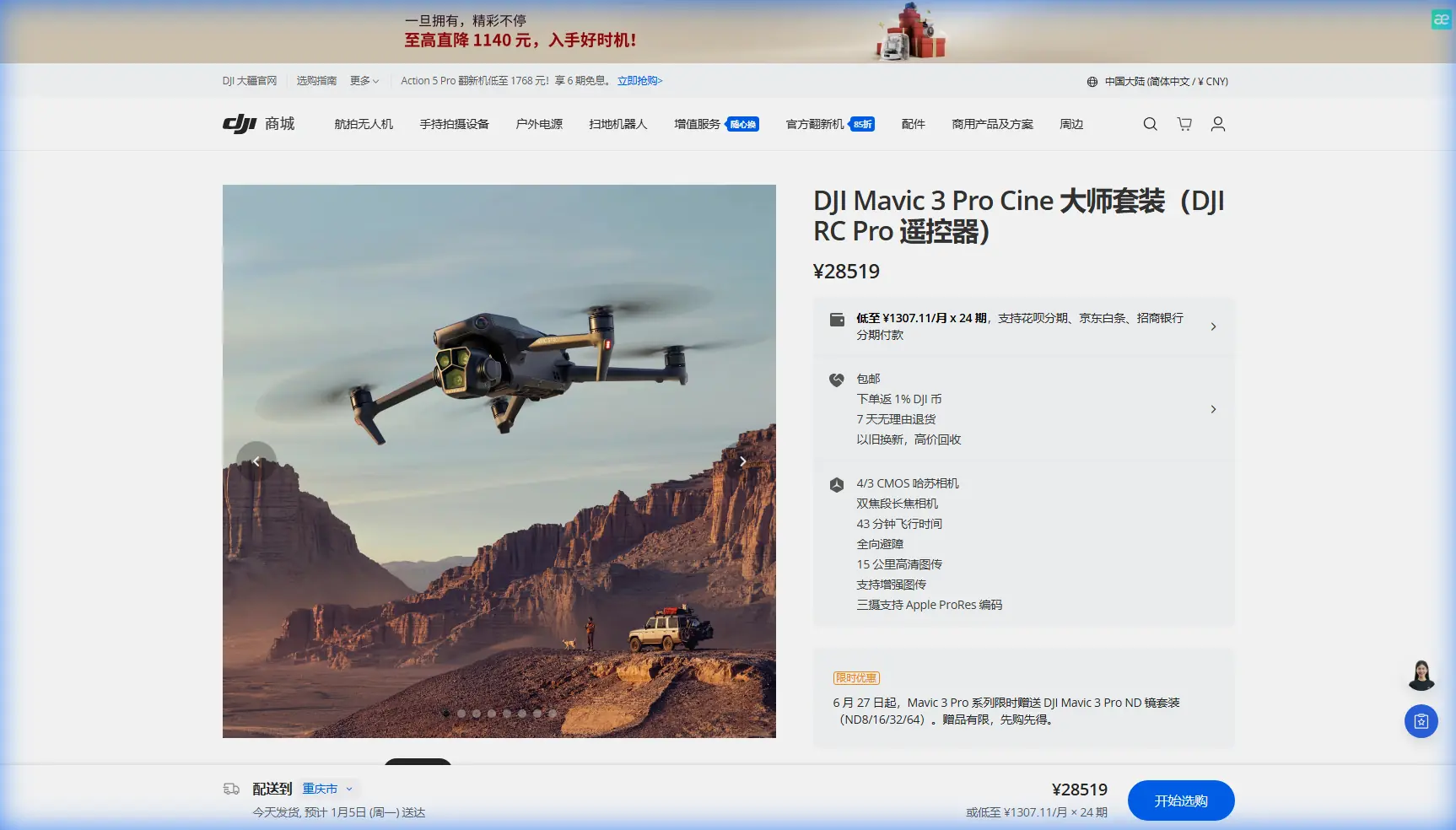
How to Survey High-Altitude Venues with Mavic 3 Pro
META: Learn how the DJI Mavic 3 Pro transforms high-altitude venue surveys with tri-camera precision. Creator Chris Park shares his proven workflow and flight tips.
TL;DR
- Optimal flight altitude of 60–120 meters AGL delivers the best balance of coverage and detail for high-altitude venue surveys
- The Mavic 3 Pro's tri-camera system lets you switch focal lengths mid-flight without swapping lenses or landing
- D-Log color profile preserves critical shadow and highlight data in harsh alpine lighting conditions
- Obstacle avoidance and ActiveTrack enable safer, more repeatable survey passes in complex terrain
By Chris Park, Creator
The Challenge: Surveying Venues Where Thin Air Meets Tight Deadlines
High-altitude venue surveys break most standard drone workflows. You're dealing with reduced air density that cuts into flight performance, unpredictable mountain winds, and lighting conditions that swing from blinding snow glare to deep shadow within a single orbit. Every minute of battery life counts more when you're working at 3,000+ meters above sea level.
This case study walks through my complete workflow for surveying an outdoor amphitheater and event complex nestled at 2,800 meters elevation in the Colorado Rockies. After testing multiple platforms over three seasons, I've built my entire survey operation around the DJI Mavic 3 Pro—and the results speak for themselves.
Why the Mavic 3 Pro Earned Its Place in My Kit
Before settling on the Mavic 3 Pro, I rotated through two competing platforms and an older Mavic model. The decision came down to three non-negotiable requirements for high-altitude venue work.
Tri-Camera Flexibility Eliminates Wasted Flights
The Mavic 3 Pro carries three cameras on a single gimbal:
- 24mm wide-angle (4/3 CMOS, 20MP) for full-venue contextual shots
- 70mm medium telephoto (48MP) for structural detail and mid-range mapping
- 166mm telephoto (12MP) for inspecting specific features without closing distance
On a typical venue survey, I need wide establishing shots for client presentations, medium focal-length images for spatial analysis, and tight close-ups of infrastructure like stage rigging points and power distribution areas. With the Mavic 3 Pro, I capture all three in a single flight. That efficiency is critical when battery performance drops by roughly 10–15% at high elevation due to thinner air requiring higher motor RPM.
Obstacle Avoidance You Can Actually Trust
The venue I surveyed sits on a terraced mountainside surrounded by mature pines, overhead power lines along the access road, and steel-cable guy-wires anchoring a permanent stage canopy. The Mavic 3 Pro's omnidirectional obstacle sensing system uses multiple vision sensors and an infrared TOF sensor to detect obstacles in all directions.
I don't fly recklessly because obstacle avoidance exists. I fly confidently because it provides a genuine safety net during complex orbits and proximity passes where my attention is split between framing and flight path.
Expert Insight: At elevations above 2,500 meters, calibrate your obstacle avoidance sensors before the first flight of each session. Temperature differentials between your vehicle and the ambient mountain air can cause condensation on sensor lenses that degrades detection range by up to 30%.
The Flight Plan: Altitude Strategy That Changed Everything
Here's the insight that transformed my high-altitude survey quality: most operators fly too high or too low for venue work, and almost nobody varies altitude systematically within a single session.
The Three-Tier Altitude Framework
After dozens of surveys, I've standardized a three-pass system:
Pass 1 — Context Layer (100–120 meters AGL) Using the 24mm wide camera, I fly a slow orbit around the full venue perimeter. This captures the facility's relationship to surrounding terrain, access roads, parking infrastructure, and natural features. I shoot in Hyperlapse mode (TimeShift) during this pass to generate a compressed overview video clients can share with stakeholders who won't attend site visits.
Pass 2 — Detail Layer (40–60 meters AGL) Switching to the 70mm camera, I fly tighter grid patterns over specific zones: the main stage area, VIP sections, vendor corridors, and emergency egress routes. This focal length provides enough detail to count individual seat rows while maintaining broad enough coverage to keep flight time reasonable.
Pass 3 — Inspection Layer (15–30 meters AGL) The 166mm telephoto handles close-range structural inspection. I examine rigging attachment points, drainage grates, electrical panel housings, and any infrastructure the event production team needs assessed. ActiveTrack proves valuable here—I lock onto a specific structural element and let the drone maintain framing while I focus on altitude and positioning.
Pro Tip: Set your Subject Tracking sensitivity to "Low" when using ActiveTrack for structural inspection. The default sensitivity can cause the gimbal to jump between similar-looking features—like repeated truss segments—creating unusable footage. Low sensitivity locks harder onto your initial target.
Why 60–120 Meters AGL Is the Sweet Spot
Below 40 meters, rotor wash interacts with loose ground material at mountain venues, and wind turbulence from nearby structures becomes unpredictable. Above 120 meters, the wide-angle camera loses the detail resolution needed for meaningful survey data, and you start competing with stronger sustained winds common at altitude.
The 60–120 meter range keeps you in the laminar airflow zone above most ground-level turbulence while preserving enough ground sampling distance for actionable imagery.
Shooting Configuration: D-Log and Exposure Strategy
Alpine lighting is brutal. At 2,800 meters, UV intensity is roughly 25–30% higher than at sea level, and the contrast ratio between sunlit rock faces and shadowed tree lines can exceed 14 stops. The Mavic 3 Pro's Hasselblad main camera shooting in D-Log color profile captures approximately 12.8 stops of dynamic range, giving me the latitude to recover details in post that would be permanently clipped in a standard color profile.
My standard settings for high-altitude venue surveys:
- Color Profile: D-Log (main camera), Normal (telephoto cameras—they don't support D-Log)
- ISO: 100–200 (keeping noise floor low in the thin-air UV environment)
- Shutter Speed: 1/focal length x2 minimum for sharp stills; 1/50 for 24fps video with ND filtration
- White Balance: Manual, 5600K (auto WB shifts unpredictably with snow or rock reflections)
- File Format: RAW + JPEG for stills, Apple ProRes 422 HQ for video when post-production time allows
Technical Comparison: Mavic 3 Pro vs. Common Alternatives
| Feature | Mavic 3 Pro | Competitor A (Dual-Cam) | Competitor B (Single-Cam) |
|---|---|---|---|
| Camera Count | 3 | 2 | 1 |
| Max Sensor Size | 4/3 CMOS | 1-inch | 1-inch |
| Focal Length Range | 24–166mm | 24–70mm | 24mm only |
| Max Flight Time | 43 min (sea level) | 38 min | 34 min |
| Obstacle Sensing | Omnidirectional | Forward/Backward/Down | Forward/Down |
| ActiveTrack | ActiveTrack 5.0 | Basic tracking | No tracking |
| D-Log Support | Yes (main camera) | Yes | Limited |
| Max Video Resolution | 5.1K/50fps | 5.4K/30fps | 4K/60fps |
| QuickShots Modes | All (including MasterShots) | Limited set | Standard set |
| Weight | 958g | 895g | 760g |
| Max Altitude (MSL) | 6,000m | 5,000m | 4,500m |
The 6,000-meter max service ceiling is a spec that matters enormously for mountain work. My survey site at 2,800 meters MSL leaves comfortable headroom, while Competitor B's 4,500-meter limit creates genuine operational constraints at venues above 3,500 meters.
QuickShots and Hyperlapse: Deliverables That Win Repeat Clients
Beyond raw survey data, venue clients want polished visual content they can use for marketing and investor presentations. The Mavic 3 Pro's QuickShots modes—Dronie, Helix, Rocket, Boomerang, and Asteroid—produce cinematic reveals that require zero editing.
I routinely deliver a Hyperlapse sequence as a bonus deliverable. The venue's amphitheater seating, captured in Circle Hyperlapse mode over a 90-second automated orbit, produced a time-compressed sequence showing how shadow patterns move across the seating bowl throughout a two-hour window. The event production team used this directly to determine optimal stage lighting placement. That single deliverable generated three referral contracts.
Common Mistakes to Avoid
Ignoring density altitude calculations: Your drone's actual performance ceiling is determined by density altitude, not MSL or AGL. A hot afternoon at 2,800 meters MSL can produce density altitude equivalent to 3,500+ meters, reducing max thrust and battery efficiency significantly.
Using auto white balance in alpine environments: Snow, granite, and red rock create wildly different color temperatures within a single frame. Auto WB hunts between frames, making post-production color matching a nightmare. Lock it manually.
Flying all passes at the same altitude: A single-altitude survey delivers flat, repetitive data. The three-tier framework above produces dramatically richer deliverables with only marginally more flight time.
Skipping pre-flight sensor calibration in cold conditions: Temperature-shocked sensors produce unreliable obstacle detection data. Take five minutes to power on and let the system acclimate before launch.
Neglecting ND filters at altitude: Higher UV intensity and reduced atmospheric haze mean brighter scenes than your light meter expects. Carry ND8, ND16, and ND32 filters minimum. I use ND64 on bright snow days.
Treating D-Log footage as final: D-Log looks flat and desaturated by design. Always apply a base correction LUT before client review. Showing raw D-Log footage to a non-technical client undermines confidence in your work.
Frequently Asked Questions
How does high altitude affect Mavic 3 Pro battery life?
At 2,800 meters, I consistently see 35–37 minutes of flight time versus the rated 43 minutes at sea level. The thinner air forces motors to spin faster to generate equivalent thrust, drawing more current. Plan for roughly a 10–15% reduction in usable flight time for every 1,000 meters above sea level, and always land with at least 20% battery remaining as a safety margin.
Can the Mavic 3 Pro handle sustained mountain winds during a venue survey?
The Mavic 3 Pro is rated for Level 6 winds (up to 39–49 km/h). In practice, I've flown successful survey passes in sustained gusts of 35 km/h at altitude. The key is selecting your survey window carefully—mountain winds typically calm during the two hours after sunrise and the hour before sunset. Mid-day thermal winds at altitude are unpredictable and frequently exceed safe operating limits.
Is ActiveTrack reliable enough for professional survey work at altitude?
ActiveTrack 5.0 on the Mavic 3 Pro uses the same omnidirectional vision system that powers obstacle avoidance, so it maintains subject lock even when the subject passes behind partial obstructions like tree branches or structural columns. For venue surveys, I use it primarily during inspection-layer passes to keep the camera locked on specific infrastructure while I manage flight path. It's not a replacement for manual gimbal control in every situation, but for repeatable, consistent survey passes, it saves significant time and reduces operator fatigue during long sessions.
Ready for your own Mavic 3 Pro? Contact our team for expert consultation.