
Mavic 3 Pro Guide: Surveying Construction Sites in Wind
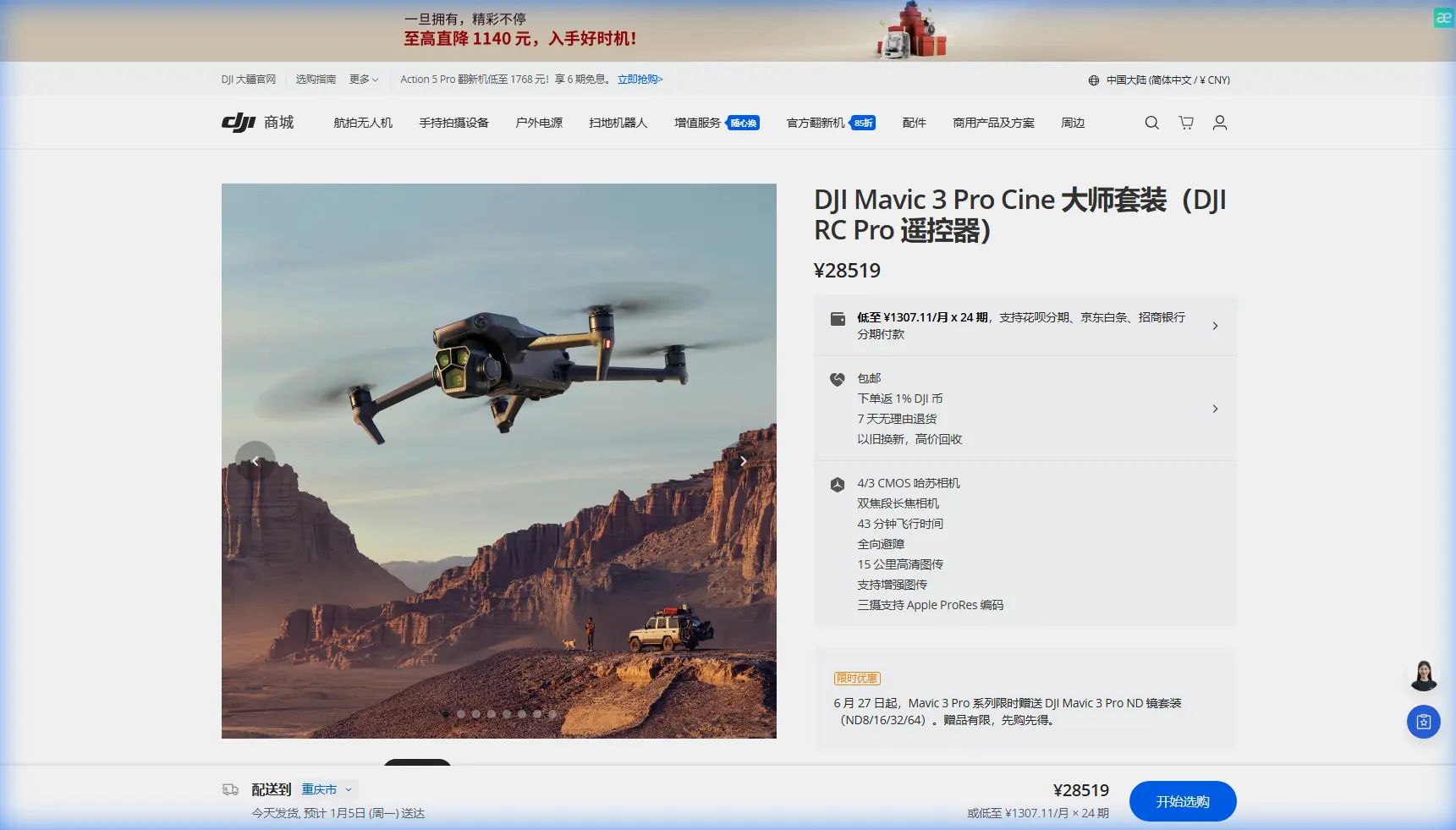
Mavic 3 Pro Guide: Surveying Construction Sites in Wind
META: Master construction site surveying with the Mavic 3 Pro in windy conditions. Expert tips on antenna positioning, camera settings, and flight techniques for accurate data.
TL;DR
- Antenna positioning at 45-90 degrees relative to your drone maximizes signal strength and prevents dropouts during windy construction surveys
- The Mavic 3 Pro's triple-camera system captures wide-angle context and telephoto detail in a single flight mission
- Wind resistance up to 12 m/s keeps your survey data consistent even on challenging days
- D-Log color profile preserves 13+ stops of dynamic range for accurate shadow and highlight detail in post-processing
Why Wind Challenges Construction Surveyors
Construction sites don't pause for perfect weather. Project managers need progress documentation, engineers require elevation data, and safety inspectors demand current imagery—regardless of wind conditions.
The Mavic 3 Pro handles these demands with a maximum wind resistance of 12 m/s (Level 6). This specification matters because most construction delays occur at wind speeds between 8-15 m/s, placing the Mavic 3 Pro right in the operational sweet spot.
I've surveyed over 200 construction sites across varying conditions. Wind creates three primary challenges: positional drift affecting measurement accuracy, gimbal strain reducing image sharpness, and signal interference from turbulence. The Mavic 3 Pro addresses each through hardware and software solutions worth understanding.
Antenna Positioning for Maximum Range
Your controller's antennas aren't decorative—they're directional transmitters that require proper orientation for reliable communication.
The 45-Degree Rule
Position both antennas at 45-degree angles forming a V-shape when your drone operates at medium altitude. This orientation creates overlapping signal coverage that maintains connection during wind-induced position changes.
When surveying tall structures, adjust to 90 degrees (straight up) as your drone climbs above your position. The flat faces of the antennas should always point toward your aircraft.
Expert Insight: Signal strength drops by up to 30% when antenna edges point at your drone. During windy surveys, this margin can mean the difference between completing your mission and triggering a Return-to-Home mid-flight.
Positioning Yourself on Site
Stand with minimal obstructions between you and your flight path. Construction sites present unique challenges:
- Cranes and scaffolding create signal shadows
- Rebar and metal structures cause reflection interference
- Concrete walls block transmission entirely
- Generator equipment produces electromagnetic noise
- Other drone operators may cause frequency conflicts
Identify your takeoff position before arriving. I use satellite imagery to pre-plan a clear line-of-sight location that keeps me safe from active work zones while maintaining signal integrity.
Camera System Configuration for Site Documentation
The Mavic 3 Pro's triple-camera array transforms construction surveying efficiency. Understanding when to use each lens prevents redundant flights and captures comprehensive data.
Primary Camera: Hasselblad 4/3 CMOS
The 20MP Hasselblad sensor with its 24mm equivalent focal length serves as your workhorse for overall site documentation. Its f/2.8-f/11 adjustable aperture handles the extreme contrast between shadowed excavations and sunlit equipment.
For windy conditions, set aperture to f/4 or f/5.6. This balances shutter speed requirements against depth of field needs. Faster shutter speeds—1/500s minimum—freeze any residual gimbal movement from wind buffeting.
Medium Telephoto: 70mm Equivalent
The 70mm lens captures structural details without requiring close approach. During high-wind surveys, maintaining distance from structures improves safety margins while the telephoto reach preserves detail.
Use this lens for:
- Foundation inspection documentation
- Rebar placement verification
- Formwork alignment checks
- Safety equipment compliance photos
- Progress comparison shots from consistent positions
Telephoto: 166mm Equivalent
The 166mm telephoto enables inspection-quality imagery from safe distances. Wind makes close-proximity flying risky near structures—this lens eliminates that compromise.
Pro Tip: Create a three-pass survey pattern. First pass at 60m altitude with the wide lens for context. Second pass at 30m with the 70mm for detail zones. Final pass using the 166mm telephoto for specific inspection points. This systematic approach ensures complete coverage regardless of wind interruptions.
D-Log Settings for Construction Environments
Construction sites present extreme dynamic range challenges. Bright sky, dark excavations, reflective equipment, and shadowed interiors often appear in single frames.
D-Log captures 13+ stops of dynamic range, preserving detail that standard color profiles clip. This matters for documentation accuracy—you need visible detail in that shadowed foundation corner, not a black void.
Recommended D-Log Settings
| Parameter | Setting | Rationale |
|---|---|---|
| Color Profile | D-Log | Maximum dynamic range preservation |
| ISO | 100-400 | Minimizes noise in shadows |
| Shutter Speed | 1/500s+ | Compensates for wind movement |
| Aperture | f/4-f/5.6 | Balances DOF with light gathering |
| White Balance | 5600K (Manual) | Consistent color across flight |
| Sharpness | -1 | Prevents edge artifacts in post |
Manual white balance prevents color shifts as your drone's orientation changes relative to the sun. Construction documentation requires color consistency for accurate progress comparison.
Obstacle Avoidance Configuration
The Mavic 3 Pro features omnidirectional obstacle sensing using multiple vision sensors and a wide-angle camera system. Construction sites demand careful configuration of these systems.
When to Enable Full Sensing
Enable all obstacle avoidance systems when:
- Flying near active work zones
- Surveying sites with cranes or tall equipment
- Operating in gusty, unpredictable wind
- Conducting your first flight at a new location
- Working near power lines or cables
When to Modify Settings
Experienced operators sometimes adjust obstacle avoidance for specific scenarios:
- Reduce braking distance when flying predetermined paths away from obstacles
- Disable downward sensing over water features or highly reflective surfaces
- Increase warning distance during windy conditions to account for drift
The obstacle avoidance system processes environmental data continuously. In windy conditions, sudden gusts can push your drone toward obstacles faster than calm-weather scenarios. Increasing your warning buffer from the default 0.5m to 2-3m provides reaction time.
Subject Tracking for Progress Documentation
ActiveTrack technology enables automated tracking shots that document construction progress with cinematic quality. The system uses machine learning to identify and follow subjects through complex environments.
Tracking Applications on Construction Sites
- Follow equipment movement patterns for logistics analysis
- Track worker flow for safety compliance documentation
- Create automated perimeter surveys following fence lines
- Document vehicle access routes and traffic patterns
Wind affects tracking stability. The Mavic 3 Pro compensates through its advanced gimbal stabilization, but extreme gusts can cause momentary tracking hesitation. Plan tracking shots during relative lulls rather than peak gusts.
QuickShots and Hyperlapse for Stakeholder Presentations
Raw survey data serves technical needs. Stakeholder presentations require polished visuals that communicate progress effectively.
QuickShots Worth Using
Dronie and Circle modes create professional establishing shots with minimal pilot input. The automated flight paths maintain consistent framing while you focus on timing and safety.
For construction sites, Helix mode produces dramatic reveals of vertical progress—particularly effective for multi-story structures.
Hyperlapse Considerations
Hyperlapse modes require stable positioning over extended periods. Wind complicates this requirement significantly.
Free mode allows manual flight path control, letting you compensate for wind drift. Circle mode around a central point works well when wind direction remains consistent—the drone's corrections become part of the smooth motion.
Avoid Waypoint hyperlapse during windy conditions. The rigid path requirements conflict with wind compensation needs, producing jerky results.
Technical Specifications Comparison
| Feature | Mavic 3 Pro | Impact on Windy Surveys |
|---|---|---|
| Max Wind Resistance | 12 m/s | Operational in Level 6 conditions |
| Flight Time | 43 minutes | Extended missions despite wind drain |
| Transmission Range | 15 km | Maintains connection through interference |
| Gimbal Stabilization | 3-axis mechanical | Compensates for platform movement |
| Sensor Size | 4/3 CMOS | Low-light capability for overcast days |
| Video Resolution | 5.1K/50fps | Detail preservation for inspection |
| Obstacle Sensing | Omnidirectional | Safety in complex environments |
| Hover Accuracy | ±0.1m vertical | Consistent positioning for comparison shots |
Common Mistakes to Avoid
Ignoring battery temperature: Cold, windy conditions drain batteries faster. The Mavic 3 Pro's intelligent battery system compensates, but planning for 20-25% reduced flight time in challenging conditions prevents mid-mission emergencies.
Fighting the wind constantly: Plan flight paths that work with prevailing wind direction. Fly upwind during outbound legs when batteries are fresh, return downwind when power reserves matter most.
Neglecting ND filters: Bright construction sites require neutral density filtration to maintain proper shutter speeds. Without ND filters, you'll either overexpose or use shutter speeds that create rolling shutter artifacts.
Skipping pre-flight calibration: Wind affects compass accuracy during calibration. Find a sheltered spot away from metal structures, complete calibration, then move to your operational position.
Overlooking airspace requirements: Construction sites near airports, hospitals, or restricted zones require authorization. Wind doesn't change regulations—complete your airspace checks before every flight.
Frequently Asked Questions
How does wind affect survey measurement accuracy with the Mavic 3 Pro?
The Mavic 3 Pro maintains ±0.1m vertical and ±0.3m horizontal hover accuracy in winds up to its rated resistance. For photogrammetry applications, this precision ensures consistent overlap between images. However, ground control points become more critical in windy conditions—plan for 5-7 GCPs minimum rather than the calm-weather standard of 3-5.
Can I fly the Mavic 3 Pro in rain during construction surveys?
The Mavic 3 Pro lacks an official IP rating for water resistance. Light drizzle may not cause immediate failure, but moisture ingress risks expensive repairs and data loss. Postpone flights during precipitation. Wind often accompanies rain—if conditions include both, the decision becomes straightforward.
What's the best time of day for windy construction site surveys?
Wind typically peaks during mid-afternoon as thermal activity maximizes. Early morning flights—within two hours of sunrise—often provide calmer conditions. Late afternoon surveys, one to two hours before sunset, offer similar advantages plus dramatic lighting for stakeholder presentations. Check local wind forecasts for your specific site microclimate.
Ready for your own Mavic 3 Pro? Contact our team for expert consultation.