
Mavic 3 Pro: Scouting Solar Farms in Mountains
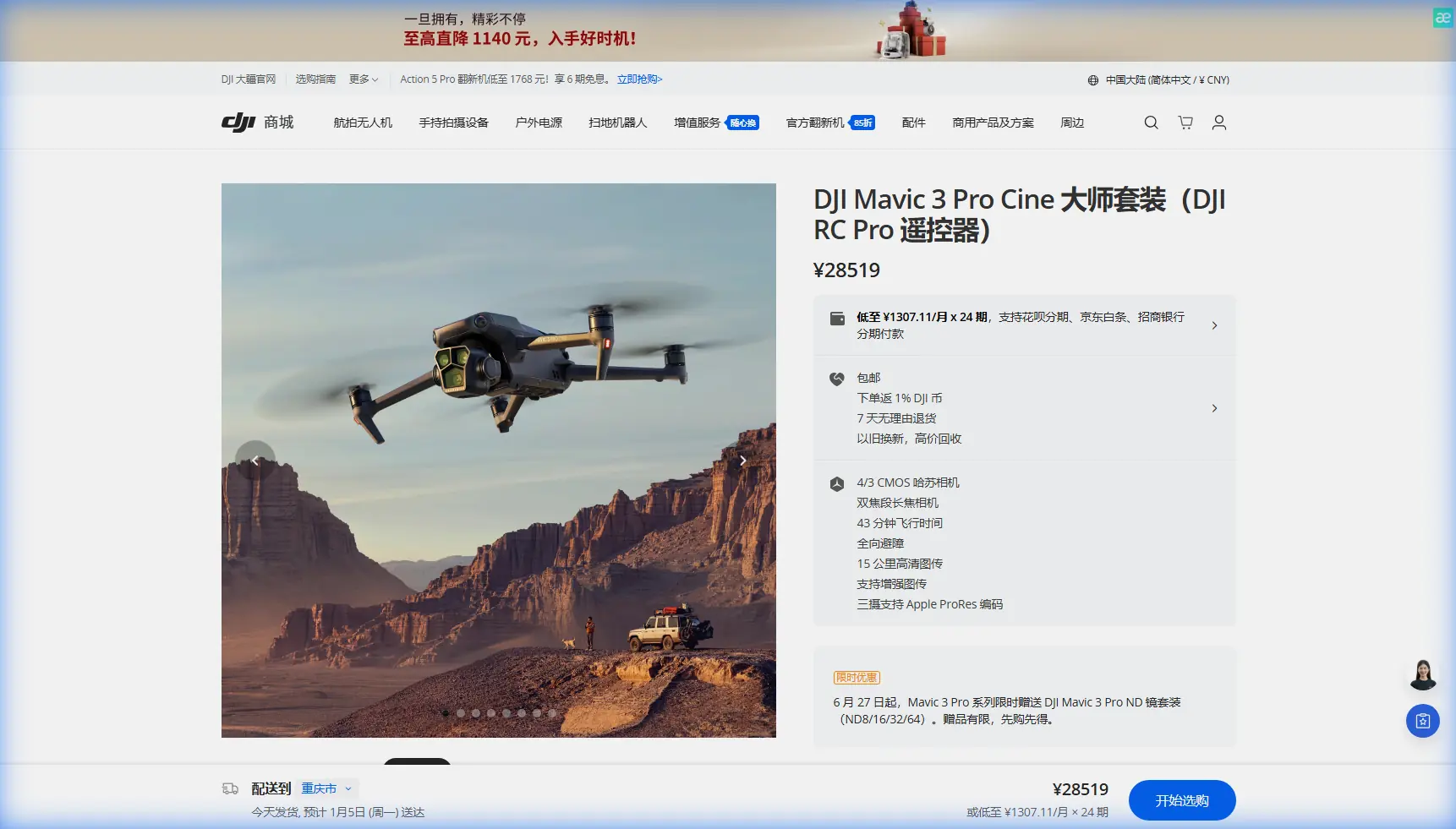
Mavic 3 Pro: Scouting Solar Farms in Mountains
META: Discover how the Mavic 3 Pro streamlines solar farm scouting in mountainous terrain. Field-tested tips on altitude, obstacle avoidance, and D-Log workflows.
By Chris Park | Creator & Aerial Survey Specialist
TL;DR
- Flying at 80–120 meters AGL proved the sweet spot for scouting mountain solar installations—balancing terrain detail with safe obstacle clearance.
- The Mavic 3 Pro's tri-camera system eliminated the need for multiple flights, capturing wide survey frames and tight component-level detail in a single sortie.
- Omnidirectional obstacle avoidance was non-negotiable in steep, uneven terrain where elevation changes exceeded 300 meters across a single site.
- D-Log color profile preserved critical shadow and highlight detail on reflective panel surfaces, making post-processing analysis significantly more accurate.
Why Mountain Solar Farm Scouting Demands a Different Approach
Solar farm site surveys on flat land are straightforward. Mountain scouting is not. You're dealing with unpredictable wind shear, rapidly shifting elevations, dense tree lines bordering potential installation zones, and reflective surfaces that confuse lesser sensors. Every flight decision—altitude, camera angle, flight mode—directly impacts whether your scouting data is usable or a waste of battery cycles.
After spending three weeks scouting prospective solar farm locations across the Appalachian ridgeline, I can confirm that the Mavic 3 Pro isn't just adequate for this work—it's purpose-built for it. This field report breaks down the exact settings, altitudes, flight patterns, and mistakes I encountered so you can execute mountain solar surveys with confidence.
The Tri-Camera Advantage for Solar Surveys
The Mavic 3 Pro houses three distinct cameras: a 4/3 CMOS Hasselblad wide-angle, a 1/1.3-inch medium telephoto, and a 1/2-inch telephoto lens. For solar farm scouting, this trio transforms what would normally require three separate flights into one efficient mission.
How I Used Each Lens
- Hasselblad 24mm (wide): Captured full-terrain overviews to assess slope gradients, shadow patterns from adjacent ridgelines, and overall land usability. This was my primary lens at 120 meters AGL.
- 70mm (medium telephoto): Identified specific ground features—rock outcrops, drainage channels, existing access roads—without descending into risky low-altitude zones. Operated this at 100 meters AGL.
- 166mm (telephoto): Inspected existing panel installations on neighboring sites to evaluate mounting hardware condition and panel orientation. Used at 80–100 meters AGL to pull tight detail from a safe distance.
Switching between cameras is instantaneous via the DJI RC Pro controller, meaning I never lost situational awareness during lens transitions.
Expert Insight: When scouting reflective solar panel surfaces, use the medium telephoto at a 30–45 degree downward gimbal angle rather than shooting straight down. This reduces specular glare that can blow out your exposure, even in D-Log, and gives you more usable data for slope-angle analysis.
Optimal Flight Altitude: The 80–120 Meter Rule
This is the single most important variable I dialed in during this project. Fly too low in mountain terrain and you're threading needles between tree canopies and ridge crests. Fly too high and you lose the granular surface detail that separates a viable solar installation site from a costly mistake.
Altitude Breakdown by Task
| Task | Altitude (AGL) | Lens Used | Key Setting |
|---|---|---|---|
| Terrain overview & mapping | 120m | 24mm Hasselblad | Hyperlapse for time-based shadow study |
| Ground feature identification | 100m | 70mm medium tele | 5.1K video at 30fps |
| Panel/hardware inspection | 80m | 166mm telephoto | D-Log, manual exposure |
| Obstacle-dense valleys | 60–80m | 24mm wide | ActiveTrack on terrain features |
| Access road documentation | 90m | 70mm medium tele | QuickShots (Dronie, Rocket) |
80 meters AGL is the floor I'd recommend for mountain solar work. Below that, the terrain variability creates too many collision scenarios, even with the Mavic 3 Pro's advanced obstacle avoidance engaged.
Obstacle Avoidance: Your Safety Net in Uneven Terrain
The Mavic 3 Pro features omnidirectional obstacle sensing across all directions—forward, backward, lateral, upward, and downward. On flat terrain, this is a nice-to-have. In mountain environments, it's the reason your drone comes home.
Real-World Performance
During one scouting flight along a southeastern-facing ridge, a sudden 15 km/h crosswind gust pushed the aircraft toward a stand of dead hemlock trees. The lateral sensors detected the obstacle at 12 meters and initiated automatic braking, holding position until I corrected the flight path. Total elapsed time from detection to stabilization: roughly 1.8 seconds.
Key obstacle avoidance behaviors I relied on:
- APAS 5.0 (Advanced Pilot Assistance System): Automatically routed the drone around obstacles during ActiveTrack sequences along ridgelines.
- Vertical sensing: Critical when ascending from valley floors where canopy height changes abruptly.
- Return-to-Home obstacle negotiation: On two occasions, the RTH path required rerouting over unexpected terrain features. The system handled both autonomously.
Pro Tip: Set your RTH altitude to at least 30 meters above your highest planned flight altitude. In mountain terrain, your launch point may sit in a valley while your survey area is on a ridge 200+ meters higher. A low RTH altitude is a collision waiting to happen.
D-Log and Exposure Strategy for Reflective Surfaces
Solar panels are essentially mirrors at certain angles. Standard color profiles clip highlights on panel surfaces and crush shadows in forested borders simultaneously. D-Log solved this problem entirely.
My D-Log Workflow
- Set D-Log M in the camera settings before launch—not mid-flight.
- Overexpose by +0.7 EV from what the histogram suggests. D-Log footage looks flat and underexposed by default; this compensation gives you cleaner shadow recovery in post.
- Lock ISO at 100 whenever possible to minimize noise in shadow regions.
- Shoot 5.1K at 30fps for survey footage—higher resolution means more crop flexibility when analyzing specific panel rows or terrain features later.
- Apply a base LUT in DaVinci Resolve as a starting point, then fine-tune exposure curves to separate panel surfaces from surrounding vegetation.
The dynamic range captured in D-Log allowed me to identify hairline fractures on existing panels from 80 meters AGL using the telephoto lens—detail that would have been lost in a standard color profile.
Hyperlapse for Shadow Pattern Analysis
One of the most underappreciated tools for solar scouting is the Mavic 3 Pro's Hyperlapse mode. Solar farm viability depends heavily on shadow patterns throughout the day, and a single photo captures only a single moment.
I programmed Waypoint Hyperlapse sequences at 120 meters AGL, capturing frames every 10 seconds over 4-hour windows during morning and afternoon light. The result was a compressed time-lapse showing exactly how shadows from adjacent ridges and tree lines moved across prospective installation zones.
This data alone eliminated two of seven candidate sites before ground teams ever set foot on the property—saving an estimated four days of field work.
Subject Tracking for Access Road Documentation
ActiveTrack 5.0 proved unexpectedly valuable for documenting access roads. Rather than manually piloting along winding mountain roads, I locked ActiveTrack onto a survey vehicle driving the route at 25 km/h. The Mavic 3 Pro maintained a consistent 90-meter offset while autonomously adjusting its heading to keep the vehicle centered.
The QuickShots Dronie and Rocket modes provided supplementary context shots at road switchbacks, giving the engineering team a clear sense of grade severity and turning radii without specialized survey equipment.
Technical Comparison: Mavic 3 Pro vs. Common Alternatives
| Feature | Mavic 3 Pro | Mavic 3 Classic | Air 3 |
|---|---|---|---|
| Camera System | Tri-lens (3 cameras) | Single Hasselblad | Dual camera |
| Max Video Resolution | 5.1K/50fps | 5.1K/50fps | 4K/100fps |
| Obstacle Avoidance | Omnidirectional | Omnidirectional | Omnidirectional |
| Max Flight Time | 43 minutes | 46 minutes | 46 minutes |
| D-Log Support | Yes (D-Log M) | Yes | Yes (D-Log M) |
| ActiveTrack Version | 5.0 | 5.0 | 5.0 |
| Telephoto Reach | 166mm equivalent | None | 70mm equivalent |
| Weight | 958g | 895g | 720g |
| Ideal For | Multi-task survey missions | General aerial photography | Lightweight travel |
The tri-camera system is the decisive differentiator. The ability to switch from wide survey framing to 166mm telephoto inspection without landing makes the Mavic 3 Pro the clear choice for complex scouting operations.
Common Mistakes to Avoid
- Ignoring AGL vs. MSL altitude readings. Your controller may show 120 meters, but if you launched from a valley and flew over a ridge, your actual clearance above ground could be 20 meters or less. Always cross-reference with terrain maps.
- Leaving obstacle avoidance in "Off" or "Bypass" mode. Some pilots disable it for cinematic work and forget to re-enable it before survey flights. In mountain terrain, this can end a mission—and a drone—permanently.
- Shooting in Normal color profile for analytical work. You lose recoverable dynamic range that D-Log preserves. If your footage is for data, not Instagram, D-Log is mandatory.
- Flying without a shadow study plan. A single midday flight tells you almost nothing about seasonal shadow impact. Use Hyperlapse across multiple time windows, or your site viability assessment will have blind spots.
- Underestimating wind at altitude. Ground-level winds of 5 km/h can translate to 20+ km/h at ridgeline altitude. Check UAV forecast tools that report wind at your planned flight altitude, not just surface level.
Frequently Asked Questions
What is the best flight altitude for scouting solar farms in mountains?
Based on extensive field testing, 80–120 meters AGL provides the optimal balance between terrain detail and safe obstacle clearance. Use 120 meters for wide overview mapping, 100 meters for ground feature identification, and 80 meters for telephoto inspection of existing panel hardware. Always measure altitude relative to ground level (AGL), not sea level (MSL), especially in terrain with significant elevation variation.
Can the Mavic 3 Pro handle strong mountain winds during survey flights?
The Mavic 3 Pro is rated for wind resistance up to Level 6 on the Beaufort scale, which corresponds to sustained winds of approximately 39–49 km/h. During my Appalachian ridge surveys, it maintained stable hover and smooth tracking in gusts exceeding 30 km/h without noticeable drift. The omnidirectional obstacle avoidance system also compensates for wind-induced positional shifts near obstacles. That said, always check wind forecasts at your planned flight altitude—not surface level—before launching.
Is D-Log necessary for solar farm scouting, or can I use a standard color profile?
D-Log is strongly recommended for any analytical solar survey work. Solar panels create extreme contrast scenarios—highly reflective surfaces adjacent to dark vegetation and shadowed terrain. D-Log captures approximately 12.8 stops of dynamic range, preserving detail in both highlights and shadows that standard profiles clip irreversibly. If your footage will be used for site viability analysis, panel condition assessment, or shadow pattern studies, the additional post-processing step is a small cost for dramatically better data quality.
Ready for your own Mavic 3 Pro? Contact our team for expert consultation.