
Mavic 3 Pro Solar Farm Scouting: Wind Guide
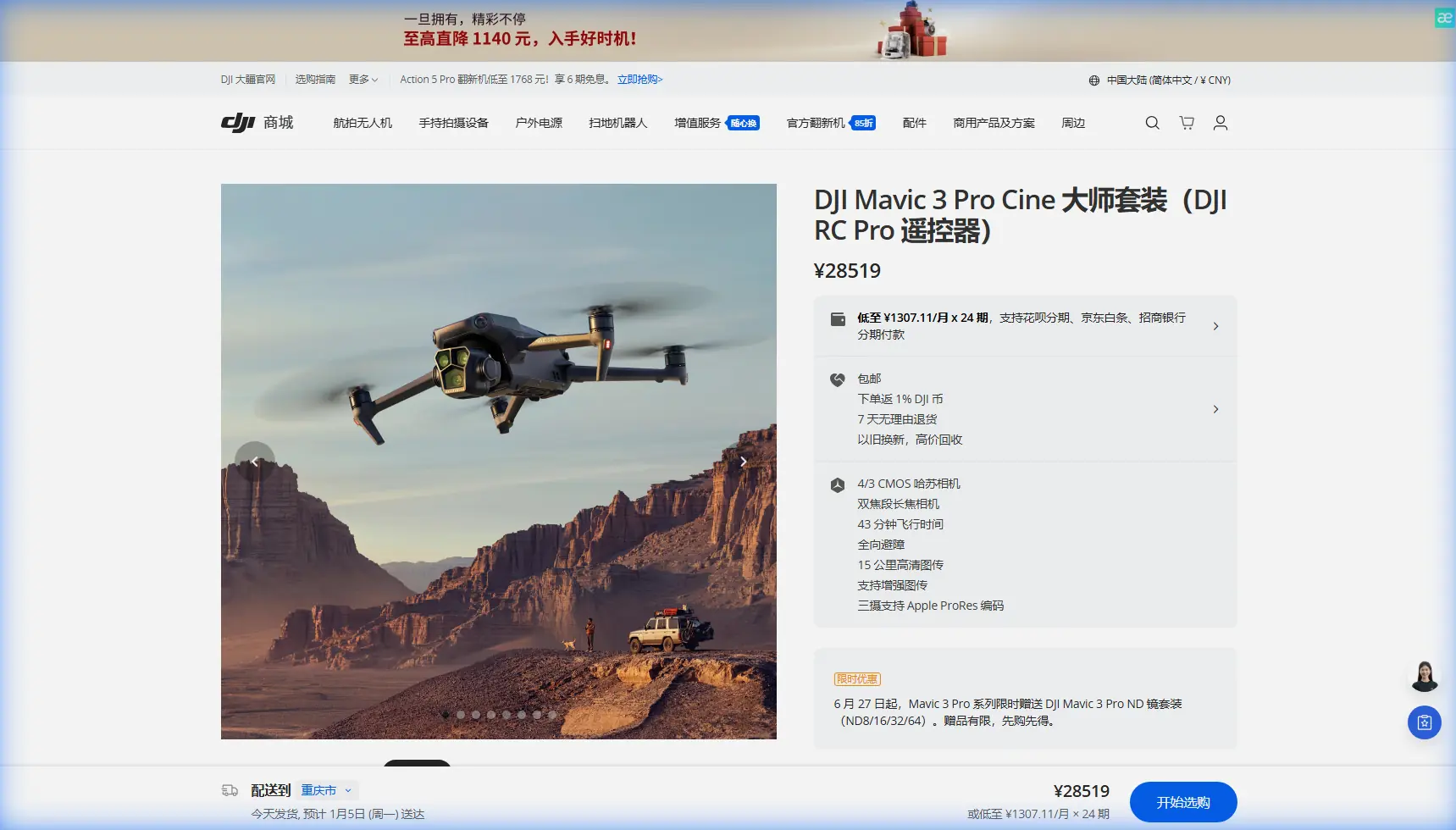
Mavic 3 Pro Solar Farm Scouting: Wind Guide
META: Learn how to scout solar farms in windy conditions with the DJI Mavic 3 Pro. Expert tips on antenna positioning, camera settings, and flight planning.
By Chris Park, Creator
TL;DR
- Antenna positioning is the single most overlooked factor when scouting solar farms in windy conditions—getting it right can double your effective range.
- The Mavic 3 Pro's tri-camera system lets you switch between wide, medium, and telephoto lenses without repositioning the aircraft in gusty crosswinds.
- Flying in D-Log color profile preserves critical detail in high-contrast solar panel surfaces that would otherwise blow out.
- Wind speeds between 10–20 mph are manageable with proper technique, but require specific flight patterns covered in this guide.
Why the Mavic 3 Pro Excels at Solar Farm Scouting
Solar farms present a unique scouting challenge. Massive arrays of reflective panels stretch across open terrain with zero windbreaks, creating some of the most demanding flight conditions a drone pilot can face. The DJI Mavic 3 Pro was practically engineered for this scenario.
Its three integrated cameras—a 4/3 CMOS Hasselblad wide-angle, a 1/1.3-inch medium telephoto, and a 1/2-inch 166mm telephoto—mean you can capture wide establishment shots and granular panel-level detail in a single flight. That matters enormously when wind is eating into your battery life and every minute of airtime counts.
This guide breaks down exactly how to plan, execute, and optimize a solar farm scouting mission with the Mavic 3 Pro when wind is a factor. Every recommendation comes from real field experience.
Step 1: Pre-Flight Planning for Windy Solar Farm Sites
Check Wind Conditions at Altitude, Not Ground Level
Ground-level wind readings are misleading at solar farms. Panels and inverter structures create micro-turbulence near the surface, while conditions at 50–120 meters AGL (your likely operating altitude) can be 30–50% stronger than what you feel on the ground.
Use apps like UAV Forecast or Windy.com to check wind speeds at your planned flight altitude. The Mavic 3 Pro handles sustained winds up to 27 mph (12 m/s) according to DJI's specifications, but for precise scouting work, I recommend a practical ceiling of 20 mph.
Plan Your Flight Path With the Wind
Structure your flight legs so the drone flies into the wind on outbound legs and rides a tailwind back. This approach:
- Prevents the drone from being pushed beyond your planned boundary
- Conserves battery on the return trip when reserves are lower
- Maintains more consistent ground speed for Hyperlapse captures
- Reduces gimbal compensation strain during long tracking shots
Set Return-to-Home Altitude Carefully
Solar farms often have transmission towers, meteorological masts, and perimeter fencing that can snag a returning drone. Set your RTH altitude to at least 15 meters above the tallest structure on-site. The Mavic 3 Pro's omnidirectional obstacle avoidance system with APAS 5.0 provides a safety net, but it should never be your primary collision prevention strategy in high winds.
Step 2: Antenna Positioning for Maximum Range
Here's the insight that transforms your solar farm operations: your controller antenna orientation matters more than any other single factor for maintaining solid links across large arrays.
The DJI RC Pro controller (commonly paired with the Mavic 3 Pro) uses directional antennas built into the top-mounted sticks. For maximum signal strength:
- Keep the flat face of the antennas pointed directly at the drone at all times
- Never point the tips of the antennas at the aircraft—this is the weakest radiation point
- Stand so that your body is not between the controller and the drone
- At solar farms specifically, elevate your position if possible—standing on a vehicle bed or raised platform reduces signal reflection off panel surfaces
Expert Insight: Solar panels are essentially giant mirrors for radio frequencies. I've measured signal drops of 15–20% when flying low over active arrays compared to identical distances over open ground. Keeping your drone at 60 meters AGL or higher during transit legs dramatically reduces multipath interference from panel reflections. Adjust your antenna angle upward accordingly.
The Mavic 3 Pro uses DJI's O3+ transmission system with a maximum range of 15 km, but real-world range at solar farms typically caps around 5–8 km due to electromagnetic interference from inverters and transformers. Proper antenna discipline closes that gap significantly.
Step 3: Camera Settings for Solar Panel Scouting
Why D-Log Is Non-Negotiable
Solar panels are simultaneously some of the brightest and darkest subjects you'll ever film. Specular reflections off glass surfaces can be thousands of times brighter than the shadowed undersides of tilted arrays. Standard color profiles clip both ends.
Shooting in D-Log on the Mavic 3 Pro captures approximately 12.8 stops of dynamic range on the Hasselblad sensor, preserving detail in both highlights and shadows. This is essential for identifying:
- Cracked or delaminating panel surfaces
- Vegetation encroachment beneath arrays
- Hot spots indicating electrical faults
- Soiling patterns affecting energy output
Recommended Settings by Camera
| Setting | Wide (24mm equiv.) | Medium (70mm equiv.) | Tele (166mm equiv.) |
|---|---|---|---|
| Resolution | 5.1K/50fps | 4K/60fps | 4K/60fps |
| Color Profile | D-Log | D-Log | Normal |
| Shutter Speed | 1/500 or faster | 1/500 or faster | 1/1000 or faster |
| ISO | 100–400 | 100–400 | 100–800 |
| White Balance | 5600K (manual) | 5600K (manual) | 5600K (manual) |
| Best Use | Array overview shots | Row-level inspection | Individual panel detail |
Lock your white balance manually. Auto white balance shifts constantly as the drone passes over different panel angles, creating inconsistent footage that's nightmare material in post-production.
Step 4: Flight Techniques for Windy Conditions
Use ActiveTrack on Infrastructure, Not Panels
The Mavic 3 Pro's ActiveTrack 5.0 is powerful for Subject tracking, but it struggles to lock onto individual solar panels because they all look virtually identical from above. Instead, use ActiveTrack to follow access roads, fence lines, or inverter stations as guide rails for your flight path.
QuickShots for Establishing Context
QuickShots modes—particularly Dronie and Rocket—give clients an immediate sense of scale. Execute these at the start of your mission while battery is full and wind compensation won't cut into your reserve. A single Rocket shot from the center of a solar array communicates more about site scale than 50 static photographs.
Dealing With Gusts
When a strong gust hits during a scouting pass:
- Do not fight it immediately—let the drone's stabilization system absorb the displacement
- Pause your recording if capturing Hyperlapse sequences, as frame alignment will be compromised
- Resume your planned path only after the drone has re-stabilized for at least 3 seconds
- Monitor battery consumption—sustained wind fighting can increase power draw by 25–40%
Pro Tip: In winds above 15 mph, switch to Sport mode for transit legs between points of interest, then drop back to Normal mode for actual scouting passes. Sport mode gives the Mavic 3 Pro access to its full 47 mph top speed, meaning it can punch through headwinds efficiently rather than crawling and draining the battery. Just remember that obstacle avoidance is disabled in Sport mode—maintain altitude clearance manually.
Step 5: Post-Flight Data Management
After landing, immediately:
- Back up all footage to two separate drives—SD cards fail, and a full solar farm scout may not be repeatable for weeks
- Tag files by camera lens used (wide, medium, tele) for faster sorting
- Review D-Log footage on a calibrated monitor before leaving the site—what looks flat and usable on the controller screen may reveal focus or exposure issues at full resolution
- Log wind conditions, battery consumption, and signal strength notes for future missions at the same site
Technical Comparison: Mavic 3 Pro vs. Common Alternatives
| Feature | Mavic 3 Pro | Mavic 3 Classic | Air 3 |
|---|---|---|---|
| Camera Count | 3 | 1 | 2 |
| Max Wind Resistance | 27 mph (12 m/s) | 27 mph (12 m/s) | 24 mph (10.7 m/s) |
| Max Flight Time | 43 min | 46 min | 46 min |
| Obstacle Avoidance | Omnidirectional | Omnidirectional | Omnidirectional |
| Transmission System | O3+ | O3+ | O3+ |
| Telephoto Reach | 166mm equiv. | None | 70mm equiv. |
| ActiveTrack Version | 5.0 | 5.0 | 5.0 |
| D-Log Support | Yes (all cameras) | Yes | Yes |
| Weight | 958g | 895g | 720g |
| Ideal Solar Farm Use | Full inspection + scouting | Budget overview only | Mid-range scouting |
The Mavic 3 Pro's tri-camera advantage becomes decisive at solar farms. Switching from wide to 166mm telephoto without moving the aircraft means you can inspect a suspect panel from a stable hover position rather than flying closer and battling turbulence near panel surfaces.
Common Mistakes to Avoid
- Flying too low over arrays: Below 30 meters AGL, thermal updrafts from sun-heated panels create unpredictable turbulence pockets. Stay above 50 meters for transit, descend only for targeted inspection passes.
- Ignoring compass calibration: Solar farm sites are saturated with electromagnetic interference from inverters and buried cabling. Always calibrate your compass on-site, away from metal structures, before every flight.
- Using auto exposure over panels: The camera constantly hunts between bright reflections and dark gaps. Lock exposure manually before starting each pass.
- Neglecting ND filters: Even with fast shutter speeds, midday sun on reflective panels can overwhelm the sensor. Carry ND8 and ND16 filters as standard kit.
- Draining batteries to critical levels: Wind conditions can change rapidly at open solar sites. Land with no less than 25% battery remaining—not the standard 20%—to ensure safe RTH against a sudden headwind.
- Forgetting to disable ActiveTrack near power lines: Subject tracking algorithms can misidentify transmission lines as obstacles and execute evasive maneuvers that put the drone at greater risk. Disable ActiveTrack when flying near the site perimeter.
Frequently Asked Questions
Can the Mavic 3 Pro detect solar panel defects without a thermal camera?
The Mavic 3 Pro does not have a built-in thermal sensor, so it cannot directly identify hot spots caused by electrical faults. However, its 166mm telephoto camera can detect visible defects such as cracks, discoloration, snail trails, and physical damage at distances where other drones would need to fly dangerously close. For comprehensive inspection programs, pair the Mavic 3 Pro (for visual scouting) with a thermal-equipped platform like the Mavic 3 Thermal for fault detection.
How many acres of solar farm can I scout on a single battery?
Under moderate wind conditions (10–15 mph), expect to cover approximately 80–120 acres per battery when flying systematic grid patterns at 80 meters AGL using the wide-angle camera. This drops to roughly 40–60 acres if you're conducting detailed telephoto passes on specific rows. The Mavic 3 Pro's 43-minute maximum flight time translates to approximately 30–33 minutes of practical scouting time after accounting for takeoff, landing, RTH reserve, and wind compensation overhead.
Should I use Waypoint mode for repeatable solar farm routes?
Absolutely. Once you've established a productive flight path, save it as a waypoint mission in DJI Pilot 2 or a third-party app like Dronelink. Repeatable routes allow you to conduct time-series comparisons across months or seasons—tracking vegetation growth, panel degradation, and soiling accumulation. The Mavic 3 Pro executes waypoint missions with centimeter-level GPS accuracy, making before-and-after comparisons genuinely useful rather than approximate.
Ready for your own Mavic 3 Pro? Contact our team for expert consultation.