
Mavic 3 Pro Power Line Scouting at High Altitude
Mavic 3 Pro Power Line Scouting at High Altitude
META: Master high-altitude power line inspections with Mavic 3 Pro. Expert tips on antenna positioning, obstacle avoidance, and flight techniques for reliable scouting missions.
TL;DR
- Antenna positioning at 45-degree angles maximizes signal strength during high-altitude power line inspections
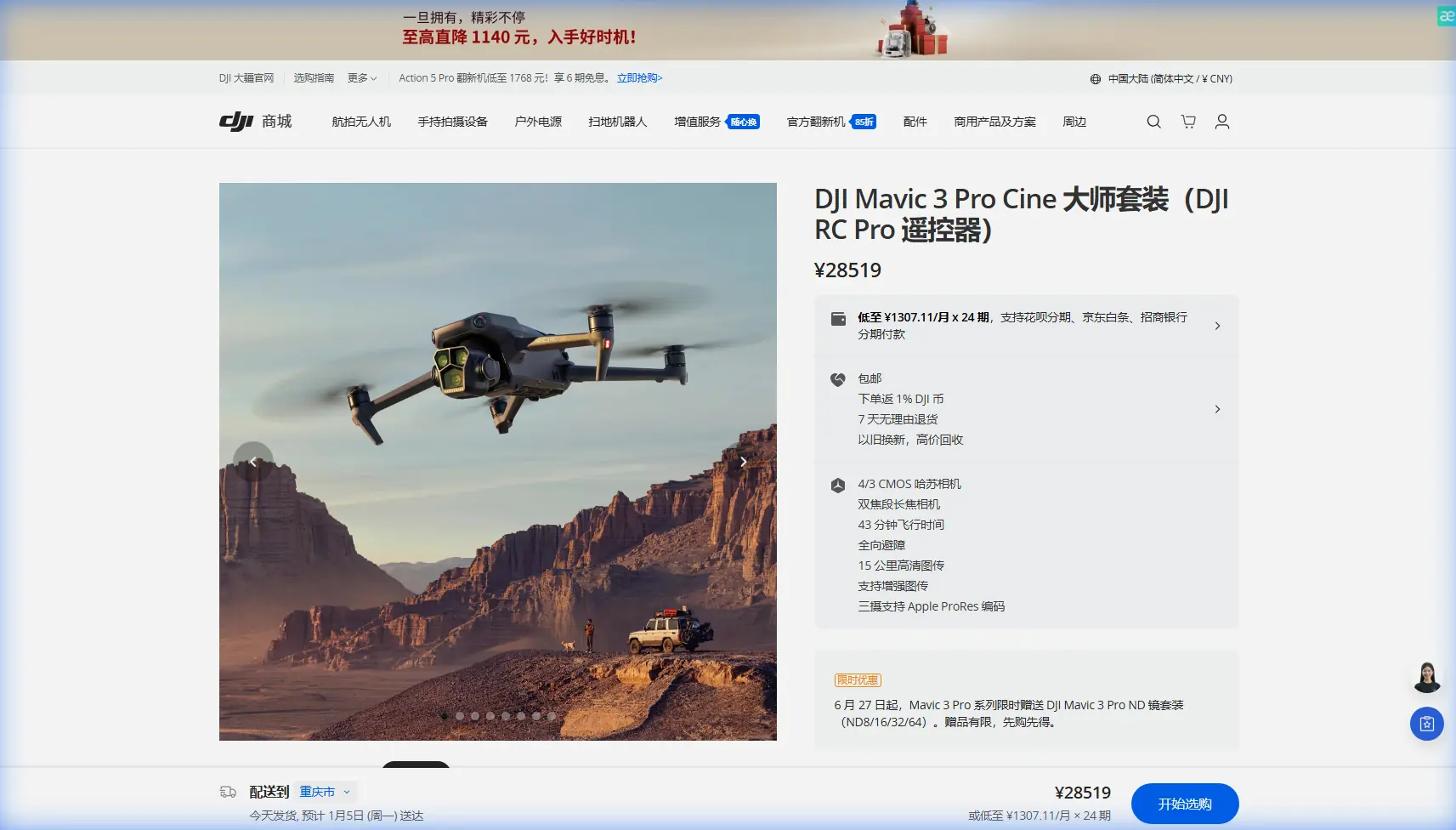
- The Mavic 3 Pro's tri-camera system enables simultaneous wide-angle mapping and telephoto detail capture
- Obstacle avoidance sensors require manual adjustment in complex transmission tower environments
- D-Log color profile preserves critical detail in high-contrast infrastructure scenarios
The High-Altitude Power Line Challenge
Power line inspections at elevation present unique obstacles that ground-based methods simply cannot address. The Mavic 3 Pro transforms these challenging surveys into systematic, repeatable workflows—but only when operators understand the specific techniques required for transmission infrastructure.
This guide covers antenna optimization strategies, camera configurations, and flight patterns developed through hundreds of hours inspecting power corridors above 3,000 meters elevation. Whether you're documenting insulator damage or mapping right-of-way vegetation encroachment, these methods will improve your capture efficiency and data quality.
Why the Mavic 3 Pro Excels at Infrastructure Inspection
The Mavic 3 Pro brings capabilities specifically suited to power line work that previous platforms lacked.
Tri-Camera Advantage for Dual-Purpose Flights
Traditional inspection drones force operators to choose between wide contextual shots and detailed component imagery. The Mavic 3 Pro eliminates this compromise with its three-lens system:
- 24mm Hasselblad main camera captures corridor-wide context at 20MP
- 70mm medium telephoto isolates individual towers and span sections
- 166mm telephoto reveals insulator cracks, conductor fraying, and hardware corrosion
Switching between focal lengths happens instantly through the controller interface. A single pass along a transmission corridor can document both the macro environment and micro defects without repositioning.
Expert Insight: Program your C1 and C2 buttons for instant telephoto switching. During linear inspections, you'll toggle between wide and tight framing dozens of times per flight. Eliminating menu navigation saves 8-12 minutes per battery cycle.
Obstacle Avoidance Configuration for Tower Environments
The omnidirectional sensing system provides 360-degree obstacle detection, but transmission tower geometry creates specific challenges. Guy wires, static lines, and lattice structures can confuse automated avoidance algorithms.
For power line work, configure obstacle avoidance with these parameters:
- Set horizontal obstacle avoidance distance to minimum 5 meters around towers
- Enable APAS 5.0 in bypass mode rather than brake mode
- Disable downward sensing when flying below conductor level to prevent false ground readings
- Maintain manual control authority when within 15 meters of any structure
The system's millimeter-wave radar performs better than optical-only sensing in dawn/dusk inspection windows when lighting conditions challenge camera-based detection.
Antenna Positioning for Maximum Range at Altitude
Signal reliability determines mission success more than any other factor during high-altitude operations. The Mavic 3 Pro's OcuSync 3+ system delivers 15km maximum transmission range, but real-world performance depends entirely on antenna orientation.
The 45-Degree Rule
Controller antennas radiate signal perpendicular to their flat faces—not from the tips. Most operators instinctively point antennas toward the aircraft, which actually minimizes signal strength.
Optimal positioning technique:
- Hold the controller with antennas angled 45 degrees backward from vertical
- Keep antenna flat faces oriented toward the aircraft's general position
- Avoid crossing antennas or allowing them to shadow each other
- Maintain consistent orientation throughout the flight envelope
At 2,500+ meters elevation, atmospheric density decreases enough to slightly extend effective range. However, temperature extremes common at altitude stress battery chemistry, so the range advantage rarely translates to longer flights.
Pro Tip: Mark your controller with a small reference line indicating optimal antenna angle. During complex inspection sequences, operators naturally shift grip position. A visual reference prevents gradual signal degradation from antenna drift.
Terrain Shielding Considerations
Mountain valleys and ridgeline power corridors create signal shadow zones. When inspecting infrastructure that crosses terrain features:
- Position yourself on the same side of ridgelines as the aircraft
- Avoid locations where terrain rises between operator and drone
- Use waypoint missions to maintain line-of-sight during automated sequences
- Monitor signal strength indicators continuously—degradation below two bars warrants repositioning
Camera Settings for Infrastructure Documentation
Power line inspection imagery serves engineering analysis, not artistic purposes. Configure the Mavic 3 Pro's imaging pipeline for maximum technical utility.
D-Log Profile for High-Contrast Scenes
Transmission infrastructure creates extreme dynamic range challenges. Bright sky backgrounds, shadowed tower faces, and reflective conductor surfaces exceed standard color profiles' latitude.
D-Log preserves approximately 12.8 stops of dynamic range, capturing detail in both highlight and shadow regions that normal profiles clip. Post-processing requirements increase, but the additional data proves essential for defect identification.
Recommended D-Log settings for power line work:
- ISO: 100-400 (avoid higher values that increase noise in shadow regions)
- Shutter speed: 1/500 minimum to freeze conductor movement
- Aperture: f/4-f/5.6 for optimal sharpness across the frame
- White balance: Manual at 5600K for consistent color between flights
Hyperlapse for Corridor Documentation
Linear infrastructure benefits from Hyperlapse modes that compress lengthy inspection flights into reviewable sequences. The Waypoint Hyperlapse function creates smooth time-compressed footage along predetermined paths.
For transmission corridors:
- Set waypoints at 500-meter intervals along the right-of-way
- Configure 2-second intervals between captures
- Use Free mode to maintain consistent framing on conductors
- Export at 4K resolution for engineering review compatibility
Flight Patterns for Comprehensive Coverage
Systematic flight patterns ensure complete documentation while maximizing battery efficiency.
The Parallel Offset Method
Rather than flying directly along conductor paths, offset your flight line 15-20 meters to one side. This positioning:
- Keeps all three conductor phases visible in wide shots
- Provides oblique angles that reveal hardware condition better than direct overhead views
- Maintains safer separation from energized infrastructure
- Enables ActiveTrack subject tracking to follow tower sequences automatically
Tower Orbit Sequences
Individual tower inspection requires orbital flight paths that capture all structural faces. The Mavic 3 Pro's QuickShots Orbit mode automates this process:
- Set orbit radius to 25-30 meters for lattice towers
- Configure 15-degree camera pitch to capture both base and peak
- Complete two full orbits—one at conductor level, one at tower peak
- Use Subject Tracking to maintain tower centering during manual orbits
Technical Comparison: Inspection Drone Capabilities
| Feature | Mavic 3 Pro | Previous Generation | Enterprise Alternatives |
|---|---|---|---|
| Sensor Count | 3 cameras | 2 cameras | 1-2 cameras |
| Max Telephoto | 166mm equivalent | 162mm equivalent | Varies widely |
| Obstacle Sensing | Omnidirectional + radar | Forward/backward only | Platform dependent |
| Flight Time | 43 minutes | 31 minutes | 25-40 minutes |
| Transmission Range | 15km | 10km | 7-15km |
| Video Transmission | 1080p/60fps | 1080p/30fps | 720p-1080p |
| Operating Altitude | 6000m | 5000m | 4000-6000m |
Common Mistakes to Avoid
Neglecting compass calibration at new sites. Transmission infrastructure generates electromagnetic interference that affects navigation sensors. Calibrate at least 50 meters from any tower or conductor before flight.
Flying directly under conductors. Downward obstacle sensors interpret conductors as ground, causing unexpected altitude changes. Maintain horizontal offset from conductor paths.
Ignoring wind patterns around towers. Lattice structures create turbulent wake zones. Approach towers from the upwind side and expect handling changes within 10 meters of large structures.
Using automatic exposure during inspection passes. Exposure shifts between sky-dominant and tower-dominant frames create inconsistent documentation. Lock exposure manually before beginning systematic coverage.
Overlooking battery temperature at altitude. Cold temperatures reduce capacity by 15-25% at high elevation. Warm batteries to 20°C minimum before flight and monitor voltage more frequently than at sea level.
Frequently Asked Questions
What altitude should I maintain when inspecting high-voltage transmission lines?
Maintain minimum 15 meters horizontal separation from energized conductors regardless of vertical position. For inspection imagery, 25-30 meters provides optimal framing while ensuring safe clearance. Always verify utility company requirements—many specify greater distances for their infrastructure.
How does ActiveTrack perform when following power line corridors?
ActiveTrack 5.0 reliably follows linear infrastructure when properly initialized. Lock onto a specific tower rather than conductors themselves, as the thin wire profiles sometimes lose tracking. The system maintains subject centering while you control altitude and distance manually.
Can the Mavic 3 Pro detect power line conductors with its obstacle avoidance?
The obstacle avoidance system cannot reliably detect thin conductors, particularly against sky backgrounds. Treat all power line flights as requiring manual obstacle awareness. The millimeter-wave radar improves detection of larger structures but should not be trusted for conductor avoidance.
High-altitude power line inspection demands equipment and techniques matched to the environment's challenges. The Mavic 3 Pro provides the imaging flexibility, flight endurance, and transmission reliability these missions require—when operators configure and fly the platform appropriately for infrastructure work.
Ready for your own Mavic 3 Pro? Contact our team for expert consultation.