
Mavic 3 Pro Mountain Power Line Scouting Guide
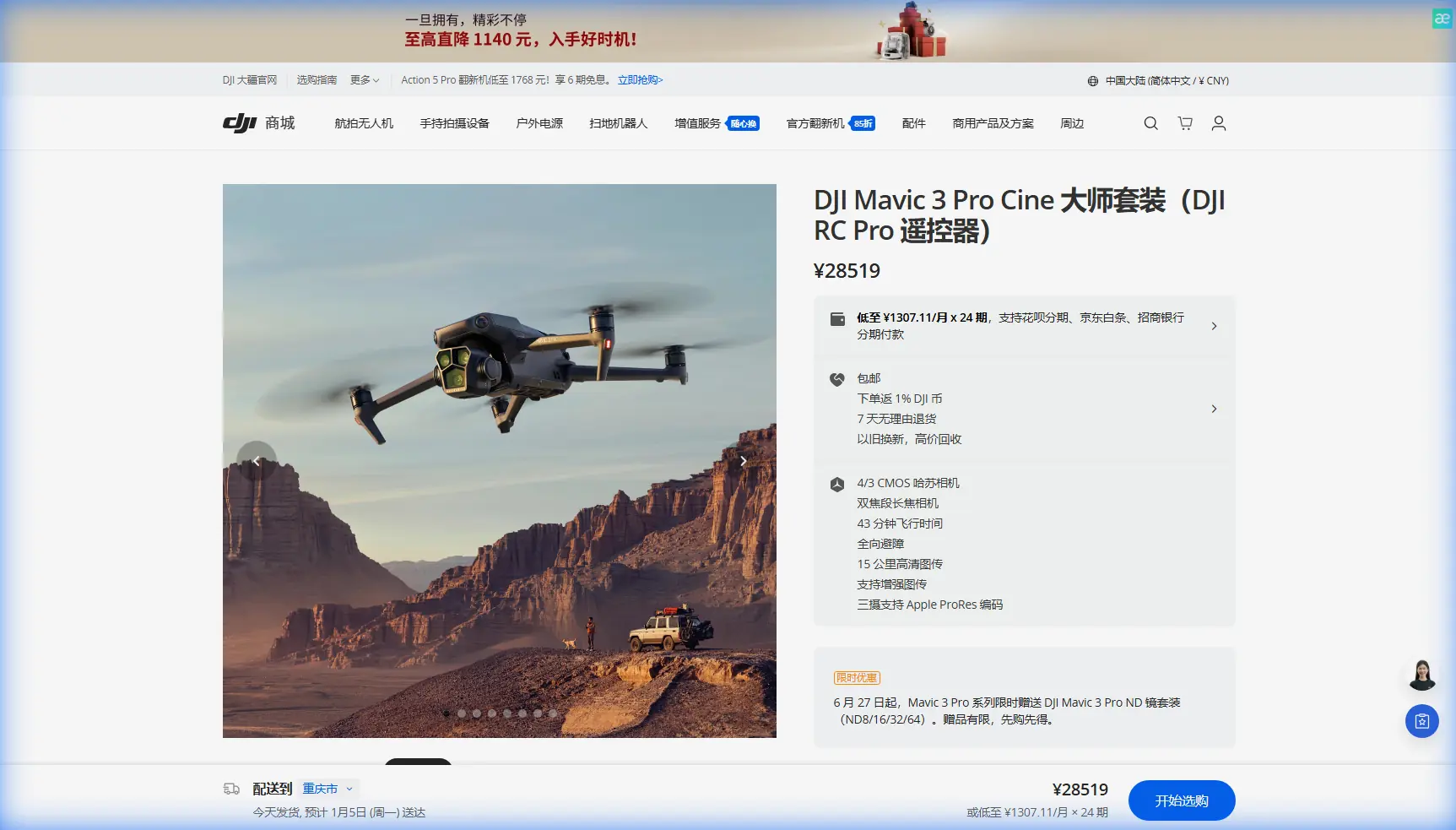
Mavic 3 Pro Mountain Power Line Scouting Guide
META: Master mountain power line inspections with the Mavic 3 Pro. Learn optimal altitudes, camera settings, and obstacle avoidance techniques for safer, faster scouting.
TL;DR
- Optimal scouting altitude: Maintain 50-80 meters AGL for mountain power line inspections to balance detail capture with terrain clearance
- The Mavic 3 Pro's tri-camera system eliminates lens swaps during single-flight inspections
- APAS 5.0 obstacle avoidance provides critical safety margins in unpredictable mountain terrain
- D-Log color profile preserves shadow detail on cables against bright sky backgrounds
The Mountain Power Line Challenge
Power line inspections in mountainous terrain present unique hazards that ground crews face daily. Steep grades, limited access roads, and unpredictable weather windows create inspection backlogs that compromise grid reliability. The Mavic 3 Pro addresses these operational bottlenecks with a sensor suite specifically suited for infrastructure assessment in challenging environments.
This guide covers flight planning, camera configuration, and safety protocols developed through extensive mountain corridor scouting. You'll learn the altitude strategies, obstacle avoidance settings, and post-processing workflows that transform raw footage into actionable maintenance data.
Why the Mavic 3 Pro Excels at Infrastructure Scouting
Tri-Camera Versatility
The Mavic 3 Pro carries three distinct imaging sensors that serve different inspection phases:
- 24mm Hasselblad main camera (4/3 CMOS, 20MP): Wide contextual shots showing tower positioning relative to terrain
- 70mm medium telephoto (1/1.3-inch, 48MP): Insulator and hardware detail without approaching danger zones
- 166mm telephoto (1/2-inch, 12MP): Close inspection of connection points, corrosion, and vegetation encroachment
This configuration eliminates the mission interruptions required when swapping lenses on single-camera platforms. During a typical 3.2-kilometer mountain span, the tri-camera system captures comprehensive documentation in a single battery cycle.
Flight Endurance for Extended Corridors
Mountain power line routes rarely follow convenient paths. The Mavic 3 Pro's 43-minute maximum flight time provides meaningful operational flexibility when scouting remote sections.
Real-world mountain conditions reduce this figure. Expect 28-35 minutes of productive flight time when accounting for:
- Headwind compensation at ridge crossings
- Altitude holds for detailed inspection passes
- Return-to-home reserves (mandatory 25% battery minimum)
Expert Insight: Plan inspection segments around natural terrain breaks—saddles, tower locations, or access points. This approach ensures safe landing options if battery reserves deplete faster than anticipated due to unexpected wind conditions.
Optimal Flight Altitude Strategy
Altitude selection in mountain terrain requires balancing three competing factors: image resolution, obstacle clearance, and regulatory compliance.
The 50-80 Meter Sweet Spot
Through extensive corridor mapping, 50-80 meters above ground level (AGL) emerges as the optimal inspection altitude for most mountain power line scenarios.
At 50 meters AGL:
- Ground sampling distance of approximately 1.3cm/pixel with the main camera
- Individual conductor strands visible in good lighting
- Sufficient clearance above most vegetation canopy
At 80 meters AGL:
- Wider field of view captures full tower structures
- Reduced collision risk near steep terrain features
- Better GPS signal stability away from canyon walls
Terrain-Following Considerations
Mountain slopes create significant AGL variations across short horizontal distances. A constant altitude above sea level (ASL) approach that works on flat terrain becomes dangerous when slopes exceed 15 degrees.
The Mavic 3 Pro's downward vision sensors provide terrain awareness, but manual altitude adjustments remain necessary when:
- Crossing ridge lines where ground elevation changes rapidly
- Approaching towers on steep hillsides
- Navigating through saddles between peaks
Pro Tip: Pre-flight the route using satellite imagery to identify elevation change points. Mark these as waypoints requiring manual altitude adjustment rather than relying solely on automated terrain following.
Obstacle Avoidance Configuration
APAS 5.0 Settings for Infrastructure Work
The Advanced Pilot Assistance System provides omnidirectional obstacle detection, but default settings require adjustment for power line proximity work.
Recommended APAS configuration:
| Setting | Default | Infrastructure Scouting |
|---|---|---|
| Obstacle Avoidance | Bypass | Brake |
| Horizontal Detection Range | 40m | Maximum |
| Downward Detection | On | On |
| Upward Detection | On | On |
| Braking Distance | Auto | Maximum |
The Brake setting stops forward motion when obstacles appear rather than attempting autonomous navigation around them. Near power infrastructure, unpredictable bypass maneuvers create unacceptable collision risks with cables the sensors may not detect.
Cable Detection Limitations
Thin conductors present detection challenges for all current obstacle avoidance systems. The Mavic 3 Pro's sensors reliably detect:
- Tower structures and cross-arms
- Large vegetation masses
- Terrain features
Sensors struggle with:
- Individual conductor cables (especially against sky backgrounds)
- Guy wires under 12mm diameter
- Fiber optic ground wires
This limitation demands constant visual contact with the aircraft during power line operations. Never rely on obstacle avoidance as primary collision prevention near energized infrastructure.
Camera Settings for Inspection Documentation
D-Log for Maximum Flexibility
Mountain power line inspections frequently involve extreme contrast situations—dark cables against bright sky, shadowed tower bases against sunlit conductors.
D-Log color profile captures approximately 12.8 stops of dynamic range, preserving detail in both highlights and shadows that standard color profiles clip.
Recommended D-Log settings:
- ISO: 100-400 (minimize noise in shadow recovery)
- Shutter speed: 1/focal length x 2 minimum (motion blur prevention)
- Aperture: f/4-f/5.6 (sharpness sweet spot)
- White balance: Manual, 5600K (consistency across flight)
Video vs. Photo Documentation
| Documentation Type | Best For | Mavic 3 Pro Setting |
|---|---|---|
| Video (5.1K/50fps) | Continuous corridor overview | Main camera, D-Log |
| Photo (20MP RAW) | Detailed component inspection | Main camera, burst mode |
| Telephoto video (4K) | Hardware close-ups | 70mm lens, normal color |
| Hyperlapse | Progress documentation | 2-second intervals |
The Hyperlapse function creates compelling before/after documentation for maintenance planning presentations. A 2-second interval setting during slow inspection passes produces smooth time-compressed footage showing entire corridor conditions.
Subject Tracking for Moving Inspections
ActiveTrack 5.0 Applications
While power lines remain stationary, ActiveTrack serves valuable functions during infrastructure scouting:
- Vehicle tracking: Follow ground crew vehicles along access roads while maintaining tower visibility
- Personnel tracking: Document ground-based inspection activities from aerial perspective
- Spotlight mode: Keep camera centered on specific tower while repositioning aircraft
ActiveTrack's Spotlight mode proves particularly useful when circling towers for 360-degree documentation. Lock focus on the tower center, then fly a manual orbit while the gimbal maintains consistent framing.
QuickShots for Standardized Documentation
QuickShots automated flight patterns create consistent, repeatable documentation across multiple inspection sites:
- Circle: Automated tower orbits at consistent radius
- Helix: Ascending spiral revealing tower-to-terrain relationships
- Dronie: Pull-back establishing shots showing corridor context
Standardized footage simplifies comparison between inspection dates and across different maintenance crews.
Common Mistakes to Avoid
Flying too close to conductors: Maintain minimum 10-meter horizontal clearance from energized lines. Electromagnetic interference can affect compass calibration at closer distances.
Ignoring wind forecasts: Mountain terrain accelerates and redirects wind unpredictably. Check forecasts for both valley floor and ridge-top conditions before launch.
Single battery mission planning: Always carry minimum three batteries for mountain operations. Cold temperatures, wind compensation, and unexpected re-flights deplete reserves rapidly.
Neglecting pre-flight compass calibration: Metal content in mountain rock formations affects magnetic readings. Calibrate at each new launch site, away from vehicles and equipment.
Overlooking airspace restrictions: Many power line corridors cross restricted airspace near airports, military installations, or national parks. Verify authorizations before every flight.
Relying solely on obstacle avoidance: As noted above, thin cables evade sensor detection. Maintain visual line of sight and manual collision avoidance awareness throughout operations.
Frequently Asked Questions
What weather conditions ground Mavic 3 Pro power line inspections?
Sustained winds exceeding 10.7 m/s (24 mph) compromise stable hovering for detailed inspection. Rain, snow, or fog below 1-kilometer visibility create both flight hazards and unusable footage. Temperature extremes below -10°C significantly reduce battery performance and may trigger automatic landing sequences.
How do I handle GPS signal loss in deep mountain canyons?
The Mavic 3 Pro switches to ATTI mode when GPS signals degrade below usable thresholds. Practice ATTI flying in open areas before attempting canyon operations. Consider postponing flights in locations where canyon walls block satellite visibility from multiple directions simultaneously.
Can the Mavic 3 Pro detect power line electromagnetic fields?
The aircraft's compass and IMU may experience interference within approximately 5 meters of high-voltage conductors. This interference manifests as erratic heading readings or uncommanded yaw movements. Maintain recommended clearance distances and monitor telemetry for anomalies indicating electromagnetic effects.
Elevate Your Infrastructure Inspection Capability
Mountain power line scouting demands equipment that matches the environment's challenges. The Mavic 3 Pro's combination of extended flight time, tri-camera flexibility, and robust obstacle awareness creates a capable platform for infrastructure professionals facing difficult terrain.
The techniques outlined here—optimal altitude selection, proper APAS configuration, and D-Log capture settings—transform raw capability into operational results. Consistent application of these methods produces inspection documentation that supports maintenance planning, regulatory compliance, and grid reliability.
Ready for your own Mavic 3 Pro? Contact our team for expert consultation.