
M3P Forest Scouting: Master Complex Terrain Tips
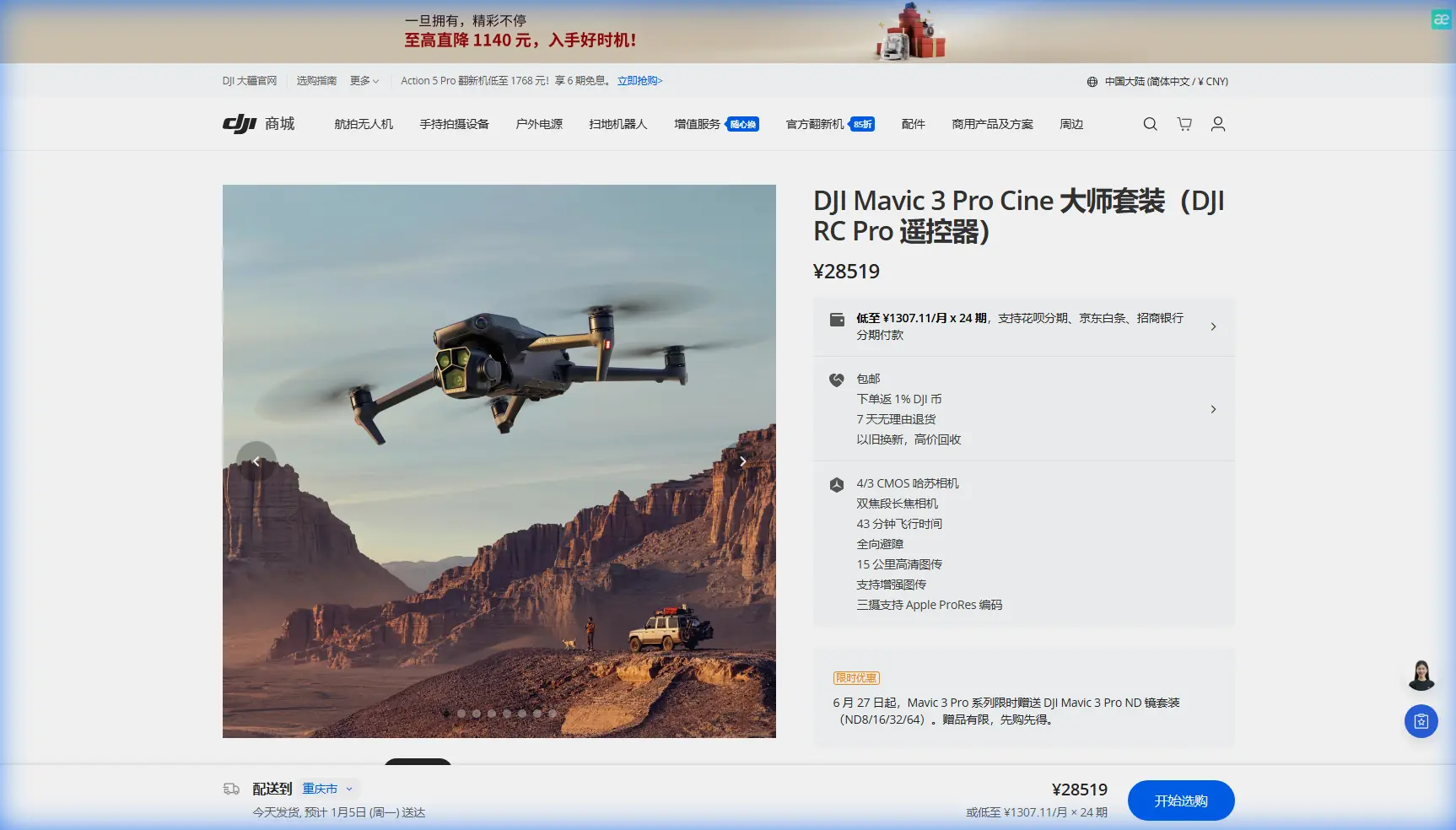
M3P Forest Scouting: Master Complex Terrain Tips
META: Learn expert Mavic 3 Pro forest scouting techniques for complex terrain. Discover antenna positioning, obstacle avoidance settings, and pro tips for reliable flights.
TL;DR
- Antenna positioning at 45-degree angles maintains signal strength through dense canopy and terrain obstacles
- APAS 5.0 obstacle avoidance requires specific calibration for forest environments with thin branches
- D-Log color profile captures 12.8 stops of dynamic range essential for high-contrast forest lighting
- ActiveTrack 5.0 struggles with wildlife in dense foliage—manual tracking often proves more reliable
Forest scouting with drones presents unique challenges that flat-terrain flying never reveals. The Mavic 3 Pro's triple-camera system and advanced sensors make it capable of navigating complex woodland environments, but only when you understand how to configure it properly. This guide breaks down the exact settings, positioning techniques, and workflow strategies that separate successful forest scouts from those returning with corrupted footage and crashed aircraft.
Why Forest Environments Demand Different Drone Tactics
Standard drone operation assumes open skies and clear sightlines. Forests violate every assumption your Mavic 3 Pro was optimized for in default mode.
Canopy interference blocks GPS signals unpredictably. You might have 18 satellites locked in a clearing, then drop to 6 satellites when flying beneath tree cover. This inconsistency triggers positioning errors that compound quickly.
Multipath signal reflection occurs when your controller's radio waves bounce off tree trunks and rock faces. The drone receives the same signal multiple times with slight delays, confusing its positioning systems.
Lighting extremes shift within seconds. A sun-dappled clearing might measure EV 15, while the shaded understory reads EV 6—a 9-stop difference that overwhelms automatic exposure systems.
Expert Insight: Before any forest mission, fly a 50-meter vertical test climb in your launch clearing. Monitor satellite count and signal strength at 10-meter intervals. This creates a mental map of your signal environment and identifies the altitude threshold where reliable communication begins.
Antenna Positioning: The Foundation of Forest Range
Your DJI RC Pro controller contains directional antennas that most pilots never optimize. In open environments, this oversight costs range. In forests, it costs aircraft.
The 45-Degree Rule
Position both controller antennas at 45-degree angles relative to the ground, forming a V-shape. This orientation creates overlapping coverage patterns that maintain connection when your drone moves laterally through the forest.
Never point antennas directly at the drone. The antenna tips represent signal dead zones. Pointing them at your aircraft actually minimizes reception.
Body Positioning Strategy
Your body absorbs 2.4GHz and 5.8GHz signals effectively. Always position yourself so your torso faces away from the drone's general direction. This sounds counterintuitive—you want to watch your aircraft—but peripheral monitoring with occasional direct glances outperforms constant visual contact with degraded signal.
Optimal stance sequence:
- Launch with drone in front of you
- Rotate 90 degrees as drone moves into forest
- Keep controller screen as primary reference
- Use head turns for visual confirmation, not sustained watching
Frequency Selection for Canopy Penetration
The Mavic 3 Pro supports both 2.4GHz and 5.8GHz transmission. Forest environments demand specific choices.
2.4GHz penetrates foliage better but suffers more interference from common devices. Use this frequency when flying beneath canopy or through dense vegetation.
5.8GHz offers faster data rates but attenuates quickly through organic material. Reserve this for flights above treeline or in sparse woodland.
| Frequency | Canopy Penetration | Interference Risk | Recommended Use |
|---|---|---|---|
| 2.4GHz | Excellent | Moderate | Below canopy, dense forest |
| 5.8GHz | Poor | Low | Above treeline, clearings |
| Auto | Variable | Variable | Not recommended for forest |
Obstacle Avoidance Configuration for Woodland Flying
The Mavic 3 Pro's APAS 5.0 system uses omnidirectional sensors to detect and avoid obstacles. Forest environments expose its limitations while demanding its protection.
Sensor Limitations in Organic Environments
Vision sensors struggle with thin branches under 10mm diameter. The system reliably detects tree trunks but may miss the smaller branches that actually damage propellers.
Infrared sensors perform inconsistently on bark surfaces. Dark, textured bark absorbs IR light rather than reflecting it, creating detection gaps at close range.
Recommended APAS Settings
Bypass mode works poorly in forests. The drone attempts to navigate around obstacles but often commits to paths that lead deeper into hazardous areas.
Brake mode provides the safest forest configuration. The aircraft stops when detecting obstacles, giving you time to assess and manually navigate.
Configure these settings before launch:
- Obstacle Avoidance: On
- Obstacle Avoidance Behavior: Brake
- Horizontal Obstacle Avoidance: On
- Downward Obstacle Avoidance: On
- Return-to-Home Obstacle Check: On
Pro Tip: Set your maximum flight speed to 8 m/s in forested areas. This gives APAS sensors adequate reaction time and prevents momentum from carrying the aircraft into obstacles after brake engagement.
Subject Tracking and ActiveTrack in Forest Conditions
ActiveTrack 5.0 represents significant advancement over previous generations, but forest scouting reveals its boundaries quickly.
When ActiveTrack Works
The system performs reliably when tracking:
- Large animals (deer, elk, bears) in semi-open terrain
- Vehicles on forest roads
- People wearing contrasting colors against foliage
When ActiveTrack Fails
Expect tracking loss when:
- Subjects move behind tree trunks (even briefly)
- Lighting shifts dramatically during tracking
- Multiple similar subjects enter frame
- Subjects match forest coloration closely
Manual tracking often outperforms automated systems in complex forest environments. Practice smooth stick movements and use the Mavic 3 Pro's 70mm equivalent telephoto lens to maintain safe distance while capturing detailed footage.
QuickShots and Hyperlapse: Forest-Specific Execution
Automated flight modes require careful planning in woodland environments.
QuickShots Worth Attempting
Dronie works in clearings with minimum 30-meter radius of open space. The backward-ascending flight path needs obstacle-free airspace.
Circle functions around isolated trees or rock formations but fails when other obstacles exist within the orbit path.
Helix demands the most open space—avoid in any area with overhead canopy.
Hyperlapse Forest Strategy
Hyperlapse creates stunning forest content when executed properly.
Waypoint Hyperlapse offers the most control. Pre-program your path during initial site survey, marking safe waypoints with minimum 5-meter obstacle clearance in all directions.
Settings for forest Hyperlapse:
- Interval: 3 seconds (allows exposure adjustment between frames)
- Duration: minimum 20 minutes for usable output
- Speed: 0.5 m/s maximum
- Altitude: constant (avoid terrain-following in forests)
D-Log Configuration for Forest Lighting
The Mavic 3 Pro's Hasselblad camera captures 12.8 stops of dynamic range in D-Log—essential for forest work where lighting varies dramatically within single frames.
D-Log Settings for Canopy Environments
- Color Mode: D-Log
- ISO: 100-400 (avoid higher values that increase noise in shadows)
- Shutter Speed: Double your frame rate (1/50 for 24fps, 1/60 for 30fps)
- White Balance: Manual, 5600K for mixed sun/shade
ND Filter Selection
Forest lighting demands ND filters to maintain proper shutter speeds.
| Condition | Recommended ND | Notes |
|---|---|---|
| Deep shade | None or ND4 | Preserve shadow detail |
| Dappled light | ND8 | Balance highlights/shadows |
| Clearing, overcast | ND16 | Standard outdoor filming |
| Clearing, direct sun | ND32 or ND64 | Prevent highlight clipping |
Common Mistakes to Avoid
Launching from confined spaces creates immediate risk. Your launch point needs minimum 3-meter radius clearance and direct sky visibility for GPS lock.
Trusting return-to-home in forests often ends badly. RTH flies at preset altitude, which may be below canopy level. Always maintain manual control capability and visual line of sight.
Ignoring wind at altitude causes crashes when descending. Ground-level calm means nothing—check wind speeds at your planned flight altitude before committing to complex maneuvers.
Over-relying on obstacle avoidance leads to complacency. Sensors miss thin branches, spider webs (which can foul motors), and rapidly-appearing obstacles like birds.
Flying with low battery in remote locations creates recovery nightmares. Maintain 40% battery minimum when operating far from accessible terrain.
Frequently Asked Questions
What's the minimum clearing size for safe Mavic 3 Pro forest operations?
Plan for 5-meter radius minimum around your launch point, with direct vertical sky access for GPS acquisition. Larger clearings of 10+ meters provide safer margins for landing, especially when wind or battery pressure affects your return timing.
How do I recover signal after losing connection in forest terrain?
Immediately move to higher ground or a clearing while maintaining your last known drone direction. Raise your controller overhead with antennas in the 45-degree V-position. If connection doesn't restore within 30 seconds, the drone's failsafe should activate—ensure RTH altitude exceeds the tallest trees in your operating area.
Can the Mavic 3 Pro's telephoto lens replace getting closer in forest environments?
The 70mm equivalent telephoto provides 3x optical zoom that genuinely reduces risk in forest scouting. You sacrifice some resolution compared to the main camera's full sensor, but the safety margin often justifies this trade-off. Use telephoto for wildlife observation and detail shots while keeping the aircraft in safer, more open airspace.
Forest scouting with the Mavic 3 Pro rewards preparation and punishes assumptions. The techniques outlined here—proper antenna positioning, conservative obstacle avoidance settings, and realistic expectations for automated features—transform a challenging environment into a manageable one.
Ready for your own Mavic 3 Pro? Contact our team for expert consultation.