
Mavic 3 Pro: Urban Coastline Scouting Made Simple
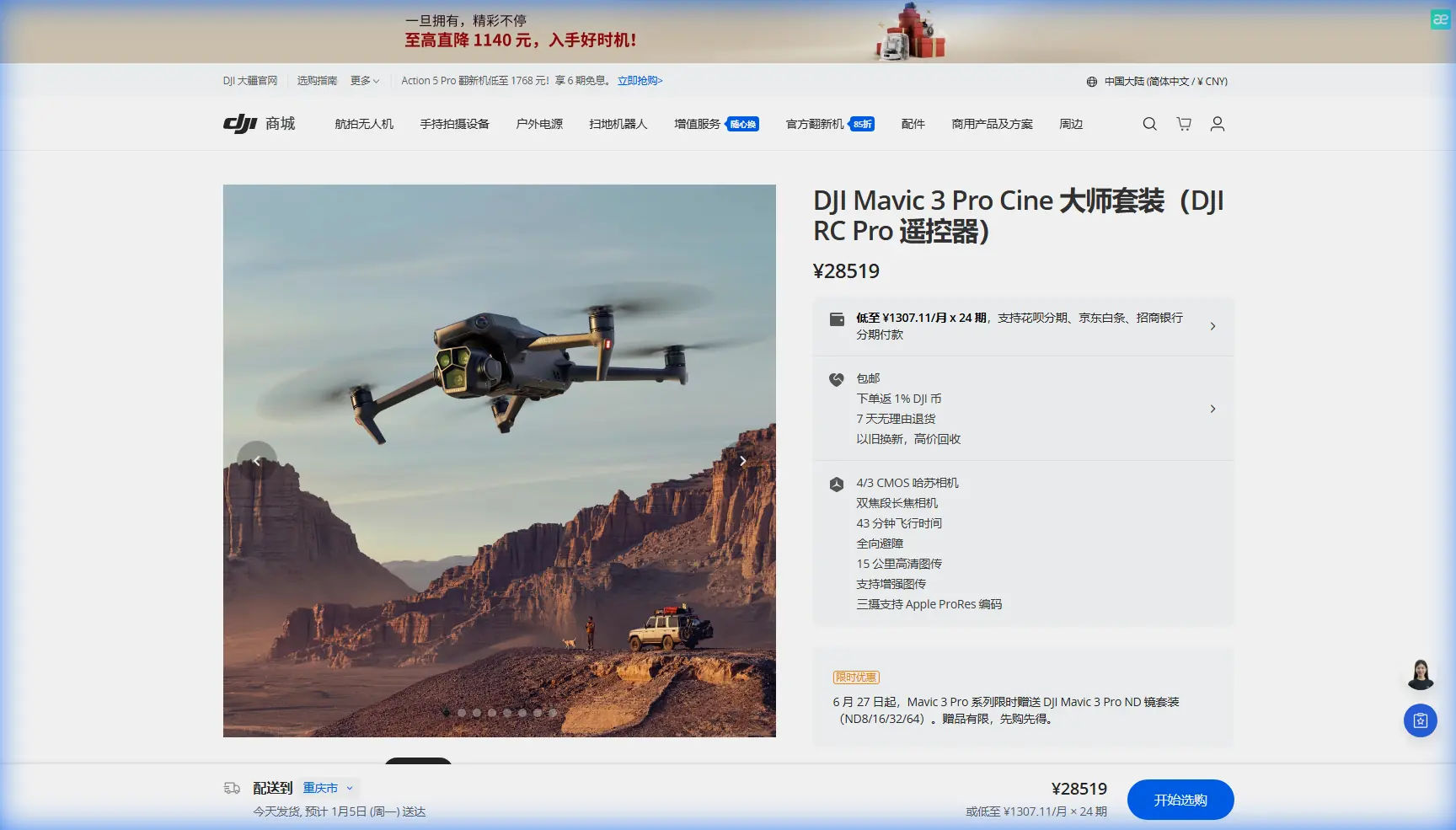
Mavic 3 Pro: Urban Coastline Scouting Made Simple
META: Master urban coastline scouting with the Mavic 3 Pro. Learn essential pre-flight prep, obstacle avoidance tips, and pro techniques for stunning coastal footage.
TL;DR
- Clean sensors before every flight—salt air and urban debris compromise obstacle avoidance reliability
- The Mavic 3 Pro's triple-camera system captures wide establishing shots and telephoto details in a single flight
- ActiveTrack 5.0 maintains subject lock even when boats, buildings, and birds cross your frame
- D-Log color profile preserves 12.8 stops of dynamic range for challenging coastal lighting conditions
Why Urban Coastlines Demand More From Your Drone
Scouting where city meets sea presents unique challenges that separate amateur footage from professional results. You're dealing with reflective water surfaces, unpredictable wind corridors between buildings, and rapidly changing light conditions—all while navigating airspace shared with seabirds, construction cranes, and other aircraft.
The Mavic 3 Pro handles these variables through its omnidirectional sensing system and Hasselblad imaging pipeline. But hardware alone won't guarantee success. Your pre-flight preparation determines whether you capture portfolio-worthy footage or return with corrupted files and a damaged aircraft.
The Pre-Flight Cleaning Step Most Pilots Skip
Here's what separates professionals from hobbyists: sensor maintenance before every coastal flight.
Salt crystallizes on obstacle avoidance sensors within hours of ocean exposure. Urban environments add construction dust, vehicle exhaust residue, and airborne particulates. This invisible contamination degrades sensor accuracy by up to 35% according to DJI's technical documentation.
Your 5-Minute Sensor Cleaning Protocol
Before powering on your Mavic 3 Pro for coastal work:
- Inspect all 8 vision sensors for visible debris or salt film
- Use a microfiber cloth dampened with distilled water (never tap water)
- Clean the infrared sensors on the aircraft's top and bottom surfaces
- Wipe the gimbal's ND filter threads where salt accumulates
- Check propeller leading edges for chips that affect stability
Pro Tip: Carry a small squeeze bulb (like those used for camera sensors) to blast loose particles from sensor recesses. Compressed air cans can force debris deeper into the aircraft body.
This ritual takes five minutes. Skipping it risks a collision with a building facade or pier structure that your contaminated sensors failed to detect.
Configuring Obstacle Avoidance for Urban Coastal Environments
The Mavic 3 Pro offers three obstacle avoidance modes: Bypass, Brake, and Off. Urban coastline work demands strategic switching between all three.
When to Use Each Mode
Bypass Mode works best for:
- Open water tracking shots with distant obstacles
- Following shoreline contours at moderate speeds (under 30 km/h)
- Capturing Hyperlapse sequences along predictable paths
Brake Mode suits:
- Tight quarters between buildings and waterfront structures
- Flights near active construction or maritime traffic
- Any situation where stopping immediately beats attempting navigation
Off Mode (use with extreme caution):
- Professional cinematographers requiring precise proximity shots
- Situations where false positives from water reflections halt your shot
- Only when you have direct visual line of sight and a spotter
Expert Insight: Water surfaces create false obstacle readings, especially during golden hour when reflections intensify. If your Mavic 3 Pro repeatedly brakes over open water, switch to Brake mode rather than Off—you'll maintain protection from actual obstacles while reducing false positives.
Mastering Subject Tracking Along Urban Waterfronts
ActiveTrack 5.0 transforms coastal scouting from a two-person job into a solo operation. The system uses machine learning to predict subject movement, maintaining lock even when your subject temporarily disappears behind obstacles.
Setting Up ActiveTrack for Coastal Subjects
- Launch and establish a hover at 15-20 meters altitude
- Frame your subject in the center third of the display
- Draw a selection box (avoid including water reflections in the selection)
- Choose between Trace, Parallel, or Spotlight modes
- Set maximum tracking speed based on subject velocity
For kayakers, paddleboarders, or joggers along seawalls, Parallel mode creates the most cinematic results. The drone maintains a consistent lateral distance while matching subject speed.
For architectural scouting where you're documenting building facades from the water side, Spotlight mode keeps the structure centered while you manually fly creative orbits.
Subject Tracking Performance Comparison
| Tracking Scenario | Recommended Mode | Max Speed | Obstacle Avoidance |
|---|---|---|---|
| Watercraft following | Trace | 45 km/h | Bypass |
| Runner on seawall | Parallel | 28 km/h | Brake |
| Building documentation | Spotlight | 15 km/h | Bypass |
| Vehicle on coastal road | Trace | 54 km/h | Bypass |
| Cyclist on boardwalk | Parallel | 36 km/h | Brake |
Capturing Cinematic Footage with QuickShots and Hyperlapse
Urban coastlines offer geometric complexity that QuickShots exploit beautifully. The contrast between organic water movement and rigid architectural lines creates visual tension that automated flight paths enhance.
QuickShots That Work Best for Coastal Urban Scouting
Dronie: Start tight on a pier or waterfront café, then pull back to reveal the full harbor context. Works best during mid-morning when shadows define building edges without harsh contrast.
Helix: Orbit ascending around lighthouses, observation towers, or distinctive waterfront architecture. Set radius to 15-25 meters for structures under 30 meters tall.
Rocket: Straight vertical ascent from water level to reveal the urban-coastal interface. Most effective at sunset when city lights begin competing with fading natural light.
Circle: Document marina layouts or beach club configurations. Maintain 20-meter radius minimum to keep the entire property in frame throughout the orbit.
Creating Hyperlapse Sequences
Coastal Hyperlapse requires patience and planning. The Mavic 3 Pro captures individual frames over extended periods, then assembles them into accelerated sequences showing tide changes, boat traffic patterns, or shifting cloud formations over cityscapes.
For a 2-hour sunset Hyperlapse:
- Set interval to 5 seconds between frames
- Use Waypoint mode for consistent camera movement
- Enable D-Log to preserve highlight detail in the setting sun
- Calculate battery swaps (expect 3-4 batteries for extended sequences)
D-Log Color Profile: Essential for Coastal Dynamic Range
Shooting where sky meets water means managing extreme brightness differences. The Mavic 3 Pro's D-Log profile captures 12.8 stops of dynamic range, preserving detail in bright cloud formations while retaining shadow information in building facades.
D-Log Settings for Urban Coastal Work
- ISO: 100-400 (higher values introduce noise that complicates grading)
- Shutter: Double your frame rate (1/50 for 24fps, 1/60 for 30fps)
- ND Filters: ND16 for midday, ND8 for golden hour, ND4 for overcast
- White Balance: Manual at 5600K for consistency across shots
Post-processing D-Log footage requires a LUT (Look-Up Table) or manual color correction. Budget 15-20 minutes per minute of footage for proper grading.
Common Mistakes to Avoid
Flying without checking tide schedules: Low tide exposes rocks and debris that weren't visible during your location scout. High tide brings boats and watercraft into areas that appeared empty.
Ignoring wind corridor effects: Buildings create acceleration zones where wind speeds can double. A 15 km/h coastal breeze becomes 30 km/h between high-rises.
Trusting automatic exposure over water: Reflective surfaces fool the meter. Manual exposure based on your subject (not the water) produces consistent results.
Launching from sandy surfaces: Sand infiltrates motor bearings and gimbal mechanisms. Use a portable landing pad or launch from concrete/asphalt.
Neglecting airspace verification: Urban waterfronts often fall within port authority, helipad, or restricted zones. Check B4UFLY or local equivalent before every flight.
Frequently Asked Questions
How does salt air affect the Mavic 3 Pro's long-term reliability?
Salt accelerates corrosion on exposed metal components and degrades rubber seals around the gimbal and battery compartment. After coastal flights, wipe the entire aircraft with a slightly damp microfiber cloth, then dry thoroughly. Store with silica gel packets to absorb residual moisture. Professional coastal operators report 20-30% shorter service intervals compared to inland use.
Can ActiveTrack follow boats moving at high speeds?
ActiveTrack 5.0 maintains lock on subjects moving up to 54 km/h in optimal conditions. Fast boats create tracking challenges when they produce significant wake spray or when their heading changes rapidly. For vessels exceeding 40 km/h, consider manual tracking with Spotlight mode, which keeps the subject centered while you control aircraft position.
What's the best time of day for urban coastline scouting?
The hour after sunrise offers calm winds, soft directional light, and minimal boat traffic. You'll capture clean water surfaces without excessive glare. The 90 minutes before sunset provides dramatic lighting but introduces more variables: increased recreational traffic, stronger thermal winds, and rapidly changing exposure requirements.
Ready for your own Mavic 3 Pro? Contact our team for expert consultation.