
Mavic 3 Pro: Master Coastline Scouting in Complex Terrain
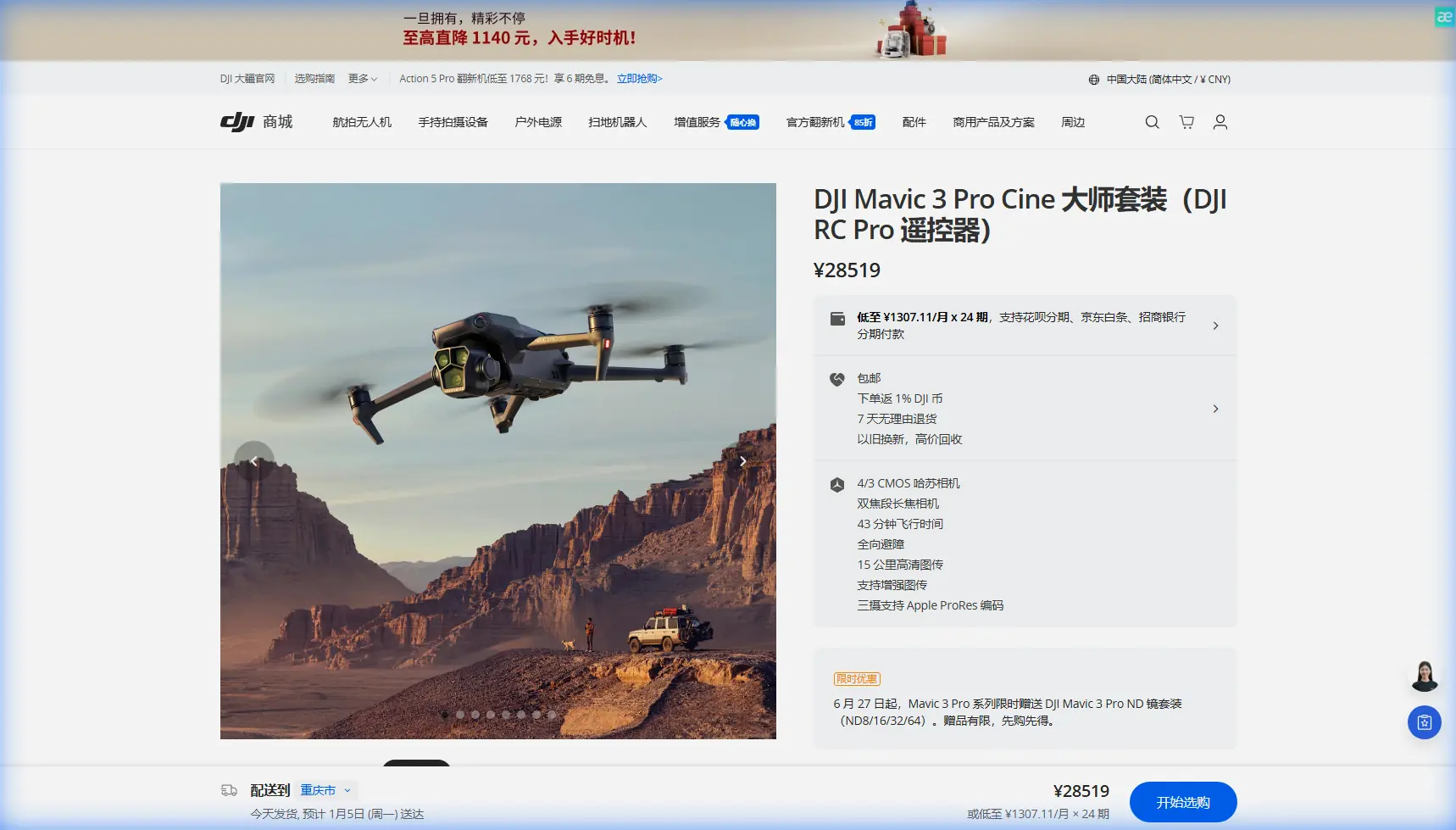
Mavic 3 Pro: Master Coastline Scouting in Complex Terrain
META: Learn how the Mavic 3 Pro transforms coastal scouting with triple-camera precision, obstacle avoidance, and pro techniques for challenging terrain missions.
TL;DR
- Triple-camera system captures wide establishing shots and telephoto detail in a single flight
- Omnidirectional obstacle avoidance protects your investment when navigating sea cliffs and rock formations
- 46-minute flight time enables comprehensive coastline surveys without constant battery swaps
- D-Log color profile preserves maximum dynamic range for dramatic coastal lighting conditions
Why Coastal Scouting Demands Professional-Grade Equipment
Coastline photography presents unique challenges that separate professional equipment from consumer drones. Salt spray, unpredictable wind gusts, and rapidly changing light conditions require a platform built for reliability.
The Mavic 3 Pro addresses these demands with a Hasselblad triple-camera system that eliminates the need for multiple flights. You capture wide-angle context at 24mm equivalent, mid-range compositions at 70mm, and detailed telephoto shots at 166mm—all without landing.
This capability transforms location scouting from a full-day endeavor into a focused 2-3 hour session with comprehensive coverage.
Understanding the Triple-Camera Advantage for Terrain Analysis
Primary Camera: The Hasselblad 4/3 CMOS Sensor
The main camera features a 20MP 4/3 CMOS sensor with an adjustable aperture range of f/2.8 to f/11. This larger sensor captures 12.8 stops of dynamic range, critical when shooting into coastal sunrises or capturing shadow detail in cliff faces.
For scouting purposes, this camera excels at:
- Establishing shots showing overall terrain layout
- Capturing the relationship between water, land, and access points
- Recording video in 5.1K at 50fps for detailed motion analysis
- Shooting 12-bit RAW files for maximum post-processing flexibility
Medium Tele Camera: The Detail Bridge
The 70mm equivalent lens with its 1/1.3-inch sensor bridges the gap between context and detail. When scouting coastlines, this focal length proves invaluable for:
- Identifying potential camera positions on cliff edges
- Assessing rock stability and surface texture
- Documenting tide pool locations and access routes
- Capturing wildlife activity without disturbing subjects
Expert Insight: I keep the medium tele as my default shooting mode during initial scouting passes. It provides enough context to understand the scene while revealing details invisible in wide shots. Switch to the primary camera only for final establishing compositions.
Telephoto Camera: Remote Inspection Capability
The 166mm equivalent telephoto with 1/2-inch sensor enables inspection-level detail from safe distances. Coastal applications include:
- Checking cliff face stability before committing to a location
- Identifying nesting birds that might restrict access
- Reading distant signage or markers
- Documenting erosion patterns for return visit planning
Mastering Obstacle Avoidance in Complex Coastal Environments
The Mavic 3 Pro features omnidirectional obstacle sensing using multiple vision sensors and a wide-angle camera system. This protection becomes essential when navigating sea stacks, arches, and cliff overhangs.
Sensor Configuration and Limitations
The obstacle avoidance system detects objects from 0.5m to 200m in optimal conditions. Coastal environments introduce specific challenges:
| Condition | Detection Reliability | Recommended Action |
|---|---|---|
| Clear daylight | 98%+ reliable | Standard flight operations |
| Fog or mist | 60-70% reliable | Reduce speed, increase altitude |
| Direct sun glare | 75-85% reliable | Position sun behind drone |
| Dark cliff faces | 85-90% reliable | Use auxiliary lighting awareness |
| Thin branches/wires | Variable | Manual override, visual confirmation |
Configuring Avoidance Settings for Terrain Work
Navigate to Safety Settings and adjust these parameters for coastal scouting:
- Set Obstacle Avoidance Behavior to "Bypass" rather than "Brake"
- Adjust Braking Distance to maximum for high-wind conditions
- Enable APAS 5.0 for intelligent path planning around obstacles
- Configure Return-to-Home Altitude above the highest terrain feature plus 50m buffer
Pro Tip: Before each coastal flight, perform a slow 360-degree rotation at your launch altitude. This calibrates the vision system to current lighting conditions and identifies any sensor obstructions from salt residue.
Subject Tracking and ActiveTrack for Dynamic Coastal Content
ActiveTrack 5.0 transforms the Mavic 3 Pro into a capable B-roll machine during scouting missions. While your primary goal is location assessment, capturing tracking shots of yourself navigating terrain creates valuable content.
ActiveTrack Modes Explained
Trace Mode follows behind or in front of your subject, maintaining consistent framing as you walk coastline paths. The drone automatically adjusts altitude to maintain composition.
Parallel Mode keeps the drone at a fixed lateral distance, ideal for capturing your movement along cliff edges without positioning the aircraft over water.
Spotlight Mode locks focus on your subject while you manually control drone position. This mode offers maximum creative control for complex terrain navigation.
Practical Tracking Applications
During a recent Big Sur scouting mission, I used ActiveTrack to document access routes while keeping both hands free for scrambling over rocks. The resulting footage served dual purposes:
- Location documentation showing actual terrain difficulty
- Behind-the-scenes content for client presentations
- Safety reference for future crew briefings
QuickShots and Hyperlapse: Automated Cinematic Capture
QuickShots for Rapid Coverage
QuickShots automate complex camera movements, freeing you to focus on location assessment. The most useful modes for coastal work include:
- Dronie: Reveals location context by pulling back and up
- Circle: Documents 360-degree views of potential shooting positions
- Helix: Combines circular motion with altitude gain for dramatic reveals
- Asteroid: Creates attention-grabbing social content from any location
Each QuickShot completes in 10-30 seconds, allowing rapid documentation of multiple positions during a single battery.
Hyperlapse for Environmental Storytelling
Coastal environments feature constant motion—waves, clouds, wildlife, and changing light. Hyperlapse captures these elements in compressed time, revealing patterns invisible in real-time observation.
Configure Hyperlapse settings for coastal work:
- Free Mode: Manual flight path for maximum control
- Course Lock: Maintains heading while you adjust position
- Waypoint: Repeatable paths for comparing conditions across visits
- Circle: Automated rotation around points of interest
Set interval timing between 2-5 seconds for wave patterns and 10-15 seconds for cloud movement.
D-Log Color Profile: Preserving Coastal Dynamic Range
Coastal lighting presents extreme contrast challenges. Bright sky, dark cliffs, and reflective water surfaces can exceed 15 stops of dynamic range—beyond any camera's native capability.
D-Log M color profile captures a flatter image with maximum highlight and shadow information. This approach preserves:
- Cloud detail against bright skies
- Shadow information in cliff faces
- Water surface texture and color variation
- Subtle color gradations in golden hour light
D-Log Workflow Essentials
Shooting D-Log requires commitment to post-processing. The flat, desaturated footage looks unusable straight from camera but contains hidden information.
Apply these workflow steps:
- Import footage into color-grading software
- Apply DJI's official D-Log to Rec.709 LUT as starting point
- Adjust exposure to taste
- Fine-tune highlight and shadow recovery
- Add creative color grading as final step
For scouting purposes, D-Log footage reveals location potential that standard color profiles might obscure.
Battery Management: Field-Tested Strategies
The Lesson That Changed My Approach
During a winter scouting trip to the Oregon coast, I learned battery management the hard way. Cold temperatures and strong winds drained my first battery in 23 minutes instead of the expected 40+. I nearly lost the drone to a low-battery forced landing on an inaccessible rock shelf.
Now I follow strict protocols:
- Pre-warm batteries in jacket pockets before flight
- Calculate 60% of rated time as actual working duration in challenging conditions
- Set RTH battery level to 30% minimum for coastal work
- Carry minimum 3 batteries for any serious scouting session
Temperature and Wind Compensation
| Condition | Expected Flight Time Reduction | Mitigation Strategy |
|---|---|---|
| Below 10°C | 15-25% | Pre-warm, limit hover time |
| Winds 15-25 km/h | 10-20% | Plan efficient flight paths |
| Winds 25-35 km/h | 25-35% | Shorten missions, increase RTH buffer |
| Combined cold + wind | 30-45% | Conservative planning essential |
Common Mistakes to Avoid
Launching without wind assessment: Coastal winds accelerate through gaps and around headlands. Check conditions at altitude before committing to complex terrain.
Ignoring salt exposure: Salt spray corrodes electronics rapidly. Wipe down your drone with a damp cloth after every coastal session, paying attention to sensor surfaces and gimbal mechanisms.
Trusting obstacle avoidance completely: Thin wires, fishing lines, and wet vegetation can evade detection. Maintain visual contact and manual override readiness.
Forgetting compass calibration: Coastal areas often contain magnetic anomalies from mineral deposits. Calibrate before each session when prompted, and consider manual calibration if behavior seems erratic.
Overlooking airspace restrictions: Many coastal areas fall within national park boundaries, wildlife refuges, or military zones. Verify authorization requirements before every flight.
Frequently Asked Questions
Can the Mavic 3 Pro handle salt air environments?
The Mavic 3 Pro lacks official IP rating for water or salt resistance. Coastal operation is possible with proper precautions: avoid flying through spray, maintain altitude during wave action, and perform thorough cleaning after each session. Consider a lens cleaning kit and microfiber cloths as essential coastal accessories.
What's the maximum wind speed for safe coastal operation?
DJI rates the Mavic 3 Pro for winds up to 12 m/s (43 km/h). For coastal work with complex terrain and turbulence, I recommend limiting operations to 8 m/s (29 km/h) measured at altitude. Use apps like UAV Forecast to check conditions at your planned flight levels.
How do I protect footage if the drone goes down over water?
The Mavic 3 Pro stores footage on internal 8GB storage and your inserted microSD card. Neither survives saltwater immersion. For critical scouting missions, enable DJI Fly's cache recording on your mobile device as a low-resolution backup. Consider flight insurance that covers equipment loss for professional coastal work.
Coastal scouting with the Mavic 3 Pro transforms location assessment from guesswork into precision planning. The triple-camera system, robust obstacle avoidance, and professional color science deliver results that justify the investment for serious photographers.
Ready for your own Mavic 3 Pro? Contact our team for expert consultation.