
Coastal Power Line Monitoring with Mavic 3 Pro
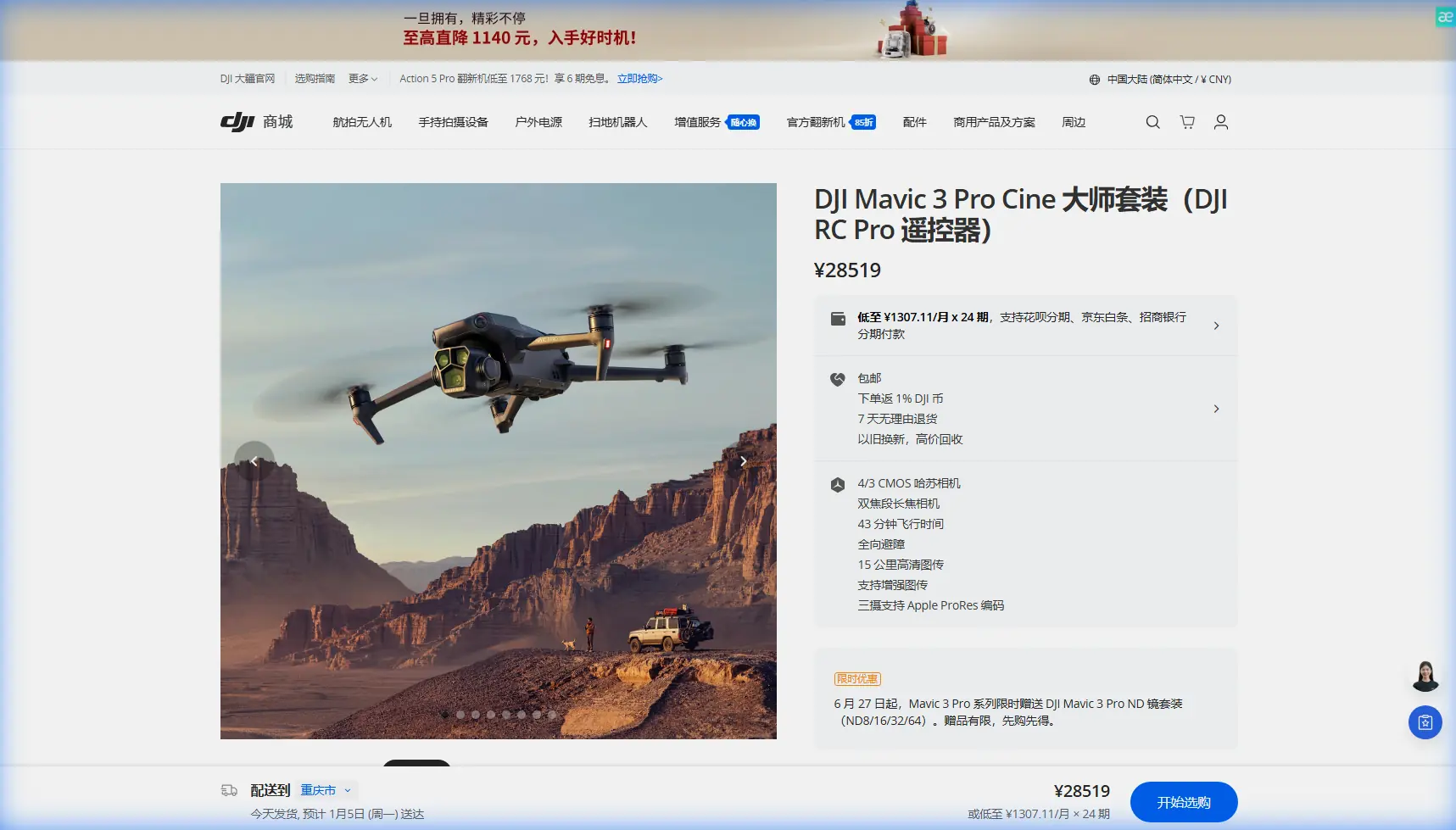
Coastal Power Line Monitoring with Mavic 3 Pro
META: Master coastal power line inspections using the Mavic 3 Pro. Expert techniques for obstacle avoidance, flight planning, and capturing critical infrastructure data safely.
TL;DR
- Triple-camera system captures wide-angle context and 166mm telephoto detail in a single flight pass
- Obstacle avoidance sensors on all sides prevent collisions with towers, cables, and coastal vegetation
- 46-minute flight time covers 8-12 miles of power line corridor per battery
- D-Log color profile preserves shadow detail for identifying corrosion and heat damage in post-processing
Power line inspections along coastal corridors present unique challenges that ground crews simply cannot address efficiently. The Mavic 3 Pro transforms what once required bucket trucks, helicopter rentals, and multi-day scheduling into streamlined aerial surveys completed in hours.
I learned this firsthand during a storm damage assessment last winter. Three days of driving between access points, climbing muddy embankments, and squinting through binoculars at insulators yielded incomplete data. One flight with the Mavic 3 Pro captured every connection point, splice, and potential fault across the same 14-mile stretch in a single morning.
This guide breaks down exactly how to configure, fly, and process Mavic 3 Pro footage for professional-grade power line monitoring in challenging coastal environments.
Understanding the Mavic 3 Pro Advantage for Infrastructure Inspection
The Mavic 3 Pro stands apart from consumer drones through its Hasselblad triple-camera array. For power line work, this translates to three distinct inspection capabilities in one aircraft.
The 24mm wide camera with its 4/3 CMOS sensor captures environmental context—showing how vegetation encroaches on right-of-ways, identifying access road conditions, and documenting pole placement relative to terrain features.
The 70mm medium telephoto serves as your primary inspection lens. At 3x optical zoom, you maintain safe standoff distances from energized conductors while capturing insulator condition, hardware integrity, and conductor sag measurements.
The 166mm telephoto delivers 7x optical magnification for detailed examination of specific components. Cracked insulators, bird strike damage, and corrosion patterns become visible from 50+ meters away—well outside the electromagnetic interference zone of high-voltage lines.
Expert Insight: Always capture reference shots with the wide camera before zooming in. Utility clients need to locate specific issues within the broader corridor context. A close-up of a damaged insulator means nothing without knowing which pole it's on.
Pre-Flight Configuration for Coastal Power Line Surveys
Coastal environments demand specific settings adjustments before launch. Salt air, wind patterns, and reflective water surfaces all affect flight performance and image quality.
Camera Settings for Infrastructure Detail
Configure your camera before leaving the ground:
- ISO: Lock at 100-200 for daylight inspections to minimize noise in shadow areas
- Shutter Speed: Minimum 1/500 to freeze conductor movement in wind
- Aperture: f/4-f/5.6 balances depth of field with diffraction limits
- Color Profile: D-Log for maximum dynamic range recovery in post
- Format: RAW + H.265 captures both stills and video simultaneously
The D-Log profile appears flat and desaturated in-camera but preserves critical detail in both bright sky backgrounds and shadowed hardware. Standard color profiles clip highlights around reflective insulators and crush shadows where corrosion hides.
Flight Parameter Optimization
Adjust these settings in DJI Fly before each coastal mission:
- Return-to-Home Altitude: Set 20 meters above the tallest structure in your survey area
- Max Altitude: Configure based on local regulations and line voltage class
- Obstacle Avoidance: Enable APAS 5.0 in Bypass mode for automatic routing around unexpected obstacles
- Wind Warning: Lower threshold to 8 m/s for coastal gusts
The obstacle avoidance system uses omnidirectional sensors covering all six directions. During power line work, this prevents collisions with guy wires, cross-arms, and the conductors themselves—hazards that appear as thin lines against complex backgrounds.
Pro Tip: Coastal winds often shift direction rapidly as thermal patterns change throughout the day. Schedule critical inspection flights for early morning when wind speeds typically remain below 5 m/s and lighting angle reveals surface texture on hardware.
Flight Techniques for Comprehensive Coverage
Systematic flight patterns ensure complete documentation while minimizing battery consumption and pilot workload.
The Three-Pass Method
I developed this approach after missing critical damage during early inspection flights:
Pass One: Corridor Overview Fly the centerline of the right-of-way at 40-50 meters AGL using the wide camera. Capture continuous video at 4K/30fps or interval stills every 2 seconds. This documents vegetation encroachment, access conditions, and overall line geometry.
Pass Two: Structure Inspection Orbit each pole or tower at 15-20 meters distance using the 70mm lens. ActiveTrack can lock onto structure tops while you control altitude, but manual flight often proves more efficient for experienced pilots. Capture 8-12 images per structure covering all hardware attachment points.
Pass Three: Anomaly Documentation Return to any issues identified in passes one and two. Use the 166mm telephoto for detailed documentation. The 28x hybrid zoom can reveal hairline cracks in porcelain insulators from safe distances.
Leveraging Subject Tracking for Conductor Runs
The ActiveTrack system, while designed for moving subjects, adapts well to following linear infrastructure. Lock onto a conductor at span midpoint, then fly parallel while the gimbal maintains framing.
This technique captures conductor sag profiles, splice locations, and damper positions across entire spans without constant manual gimbal adjustment. The 3-axis stabilization keeps footage smooth even in moderate coastal winds.
Technical Comparison: Mavic 3 Pro vs. Alternative Platforms
| Feature | Mavic 3 Pro | Enterprise Alternatives | Consumer Drones |
|---|---|---|---|
| Flight Time | 46 minutes | 30-40 minutes | 25-35 minutes |
| Telephoto Reach | 166mm (7x optical) | Varies widely | None or 2x digital |
| Obstacle Sensing | Omnidirectional | Omnidirectional | Front/rear only |
| Sensor Size | 4/3" Hasselblad | 1" typical | 1/2" typical |
| Wind Resistance | 12 m/s | 12-15 m/s | 8-10 m/s |
| Weight | 958g | 800-1200g | 250-500g |
| Hyperlapse | Yes | Limited | Basic |
| D-Log Support | Yes | Varies | No |
The Mavic 3 Pro occupies a unique position—professional imaging capability without enterprise-level complexity or cost. For utility contractors and independent inspectors, this balance proves ideal.
Post-Processing Workflow for Inspection Deliverables
Raw footage requires systematic processing to generate actionable inspection reports.
Organizing Flight Data
Structure your file system before importing:
- Project folder: Client name and date
- Subfolders: Wide/Medium/Telephoto separated
- Naming convention: Pole number or GPS coordinates
The Mavic 3 Pro embeds GPS coordinates in EXIF data for every image. Mapping software like DroneDeploy or Pix4D can automatically place images on corridor maps, but manual organization speeds review.
Color Grading D-Log Footage
D-Log requires conversion to standard color space:
- Apply manufacturer LUT as starting point
- Adjust exposure to reveal shadow detail
- Increase contrast selectively in midtones
- Boost saturation 10-15% for natural appearance
- Apply sharpening at 50-70% for hardware detail
The flat D-Log profile reveals corrosion patterns, heat discoloration, and surface contamination that standard profiles obscure through automatic contrast enhancement.
Generating QuickShots for Client Presentations
The QuickShots automated flight modes create polished presentation footage with minimal effort. The Orbit mode circles structures while maintaining framing—perfect for showing clients the complete condition of critical poles.
Hyperlapse condenses entire corridor surveys into compelling overview videos. A 15-minute flight becomes a 30-second time-lapse showing line routing, terrain challenges, and access considerations.
Common Mistakes to Avoid
Flying too close to energized conductors: Electromagnetic interference affects compass calibration and GPS accuracy. Maintain minimum 10-meter horizontal distance from high-voltage lines, more for extra-high-voltage transmission.
Ignoring marine layer conditions: Coastal fog and mist appear suddenly. The Mavic 3 Pro lacks IP rating for moisture protection. Monitor weather radar and have abort procedures ready.
Relying solely on automated modes: ActiveTrack and QuickShots work well but cannot replace pilot judgment around complex infrastructure. Maintain manual override readiness throughout flights.
Skipping pre-flight sensor calibration: Salt air deposits on obstacle avoidance sensors degrade performance. Clean all sensor windows before each flight day and recalibrate IMU monthly.
Underestimating wind effects on telephoto shots: The 166mm lens magnifies camera shake from wind buffeting. Use faster shutter speeds and capture burst sequences rather than single frames.
Frequently Asked Questions
Can the Mavic 3 Pro detect thermal anomalies in power line components?
The Mavic 3 Pro cameras capture visible light only—thermal detection requires dedicated infrared sensors found in enterprise models like the Mavic 3 Thermal. However, visible inspection often reveals thermal damage through discoloration, melting, or carbon deposits. Many inspectors pair Mavic 3 Pro visual surveys with periodic thermal flights using specialized equipment.
How does obstacle avoidance perform around thin cables and guy wires?
The APAS 5.0 system detects cables as thin as 8mm diameter under good lighting conditions. Performance decreases against sky backgrounds and in low light. For power line work, treat obstacle avoidance as a backup safety system rather than primary collision prevention. Maintain visual line of sight and manual control authority at all times.
What regulations apply to drone inspection of utility infrastructure?
Requirements vary by jurisdiction. In the United States, commercial operations require Part 107 certification. Flights near airports need LAANC authorization. Some utilities require additional insurance coverage and safety certifications. Contact the asset owner before conducting any inspection flights—most utilities have established drone programs with specific contractor requirements.
Coastal power line monitoring demands equipment that balances imaging capability, flight performance, and operational flexibility. The Mavic 3 Pro delivers professional results without the complexity of enterprise platforms, making it the practical choice for infrastructure inspection professionals.
Ready for your own Mavic 3 Pro? Contact our team for expert consultation.