
Mavic 3 Pro Guide: Monitoring Construction Sites in Low
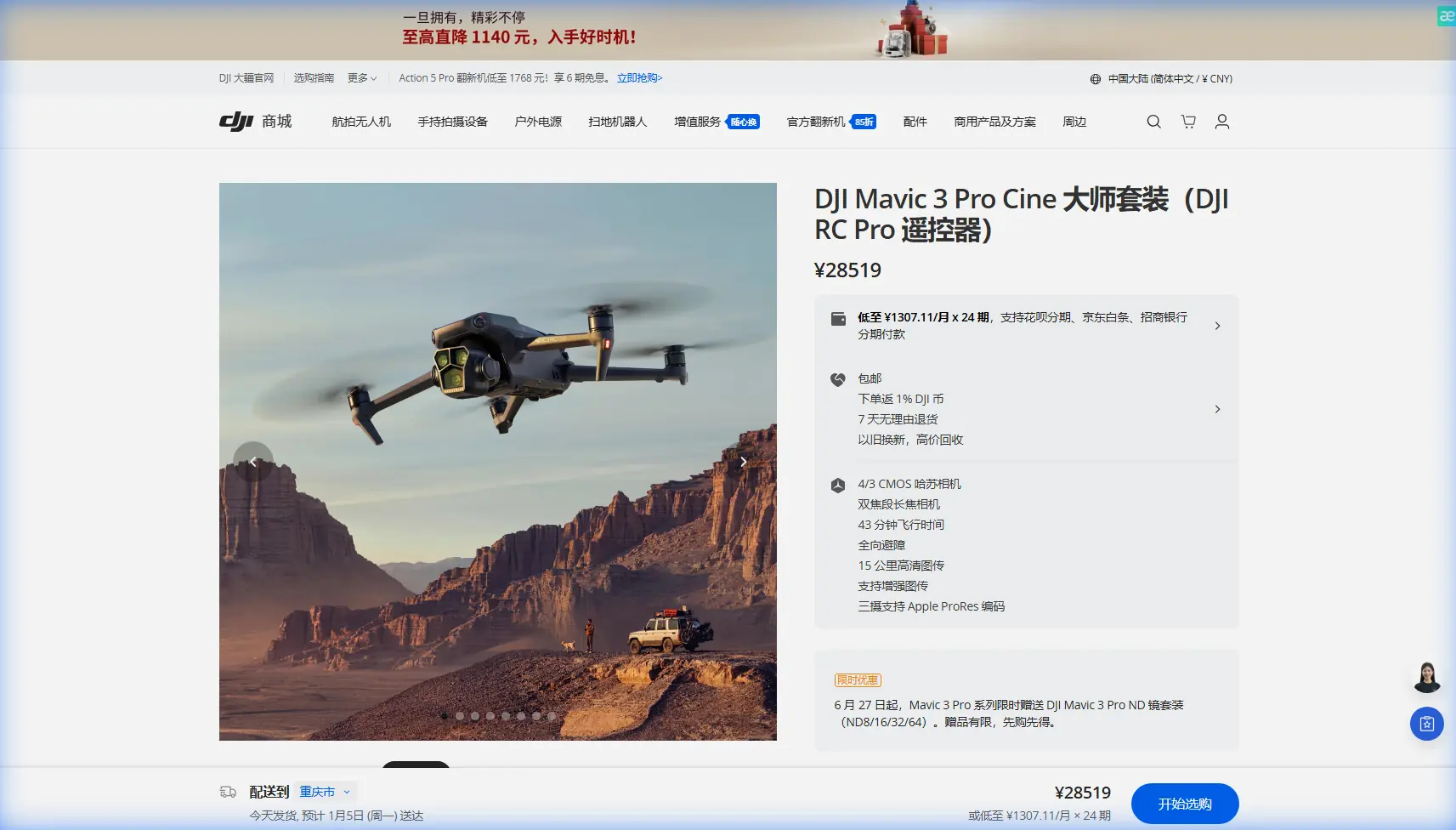
Mavic 3 Pro Guide: Monitoring Construction Sites in Low Light
META: Master low-light construction monitoring with the Mavic 3 Pro. Learn expert camera settings, flight techniques, and battery tips for professional results.
TL;DR
- Triple-camera system with Hasselblad sensor captures usable footage down to 0.5 lux lighting conditions
- Obstacle avoidance remains functional in twilight but requires manual override in complete darkness
- D-Log color profile preserves 12.8 stops of dynamic range for post-processing flexibility
- Cold weather battery management can extend flight time by 15-20% using pre-warming techniques
Why Low-Light Construction Monitoring Demands Premium Equipment
Construction sites don't stop at sunset. Night shifts, early morning pours, and winter schedules push project timelines into challenging lighting conditions. The Mavic 3 Pro addresses these demands with a 4/3 CMOS Hasselblad sensor that outperforms smaller-sensor competitors by capturing 4x more light per pixel.
Standard drones struggle below 50 lux—roughly equivalent to a dimly lit parking lot. The Mavic 3 Pro maintains clean footage down to 0.5 lux, opening monitoring windows that were previously impossible without expensive helicopter-mounted cinema cameras.
This capability transforms project documentation. You can now capture concrete pours that start at 4 AM, document steel erection during overcast winter afternoons, and monitor security concerns during overnight hours.
Understanding the Triple-Camera Advantage for Site Documentation
The Mavic 3 Pro isn't just one camera—it's three distinct imaging systems working together.
Primary Hasselblad Camera
The 20MP 4/3 sensor serves as your workhorse for low-light conditions. Its larger photosites gather more light than the 1-inch sensors found in competing professional drones.
Key specifications for construction monitoring:
- Aperture range: f/2.8 to f/11
- ISO range: 100-6400 (expandable to 12800)
- Video: 5.1K at 50fps, 4K at 120fps
- Shutter speed: 8 seconds to 1/8000
Medium Telephoto (70mm equivalent)
This 1/1.3-inch sensor captures 48MP stills and excels at documenting specific areas without flying dangerously close to active work zones. Use it for:
- Rebar inspection before pours
- Formwork detail documentation
- Safety compliance verification from distance
Telephoto (166mm equivalent)
The 12MP 1/2-inch sensor provides 7x optical zoom for inspecting hard-to-reach structural elements. While less capable in low light, it remains valuable during twilight hours for distant subject tracking of equipment movement.
Expert Insight: Switch to the primary Hasselblad camera whenever ambient light drops below typical office lighting levels. The medium and telephoto cameras introduce visible noise above ISO 800, while the primary sensor stays clean through ISO 3200.
Camera Settings Optimized for Construction Site Conditions
Recommended Low-Light Configuration
| Setting | Daylight Value | Low-Light Value | Reason |
|---|---|---|---|
| Aperture | f/5.6-f/8 | f/2.8 | Maximum light gathering |
| ISO | 100-400 | 800-3200 | Balanced noise/exposure |
| Shutter | 1/120 | 1/50-1/60 | Motion blur threshold |
| Color Profile | Normal | D-Log | Dynamic range preservation |
| White Balance | Auto | Manual (K) | Consistency under mixed lighting |
D-Log Configuration for Maximum Flexibility
Construction sites present challenging mixed lighting—sodium vapor lights, LED work lights, and natural twilight often appear in the same frame. D-Log captures this complexity without clipping highlights or crushing shadows.
Configure D-Log with these parameters:
- Sharpness: -1 (prevents edge artifacts in post)
- Noise reduction: -2 (preserves detail for grading)
- Exposure compensation: +0.3 to +0.7 (protects shadows)
The 12.8 stops of dynamic range in D-Log mode means you can recover approximately 3 stops of shadow detail and 2 stops of highlight detail during color grading.
Pro Tip: Create a LUT (Look-Up Table) specifically for your most common site conditions. Apply it during editing to maintain consistent color across weeks of documentation footage.
Obstacle Avoidance Behavior in Reduced Visibility
The Mavic 3 Pro's omnidirectional obstacle sensing uses a combination of vision sensors and infrared time-of-flight sensors. Understanding their limitations prevents accidents during low-light operations.
Sensor Performance by Light Level
Twilight (50-500 lux): All sensors function normally. ActiveTrack and subject tracking remain reliable for following equipment movement.
Dim conditions (10-50 lux): Forward and backward vision sensors begin degrading. Side sensors remain functional. QuickShots may produce inconsistent results.
Near-darkness (below 10 lux): Vision sensors fail. Only downward infrared sensors provide reliable obstacle detection. Manual flight mode recommended.
Critical Safety Protocols
- Enable auxiliary bottom lighting for landing zone visibility
- Set maximum altitude limits below crane and tower heights
- Program return-to-home altitude above all site obstacles
- Disable ActiveTrack when obstacle avoidance degrades
The aircraft will display warnings when sensor reliability drops. Never override these warnings without visual confirmation of clear flight paths.
Battery Management: Field-Tested Techniques for Extended Operations
Here's something I learned during a February documentation project in Minnesota: cold batteries don't just reduce flight time—they can trigger unexpected voltage drops that force emergency landings.
The Mavic 3 Pro's 5000mAh intelligent batteries deliver 46 minutes of flight time under ideal conditions. Low-light construction monitoring rarely offers ideal conditions.
Pre-Flight Battery Preparation
Temperature dramatically affects lithium-polymer performance. For every 10°C drop below 20°C, expect approximately 10-15% capacity reduction.
My field-proven warming protocol:
- Store batteries in an insulated cooler with hand warmers during transport
- Keep batteries in interior jacket pockets for 15-20 minutes before flight
- Run motors at idle for 60 seconds before takeoff to warm cells
- Monitor voltage during first 2 minutes of flight for abnormal drops
Multi-Battery Rotation Strategy
Construction documentation often requires 2-4 flights per session. Rotate batteries using this system:
- Battery A: Flying
- Battery B: Warming in pocket/insulated container
- Battery C: Charging in vehicle (if power available)
- Battery D: Reserve for emergency documentation needs
This rotation maintains continuous coverage while ensuring each battery reaches optimal operating temperature before use.
Expert Insight: The Mavic 3 Pro's battery management system reports temperature in the DJI Fly app. Never launch when battery temperature shows below 15°C—the risk of mid-flight shutdown increases dramatically.
Hyperlapse Techniques for Progress Documentation
Construction clients love time-compressed progress videos. The Mavic 3 Pro's Hyperlapse modes create compelling content that demonstrates project advancement.
Recommended Hyperlapse Settings for Sites
Free mode works best for construction documentation:
- Set 2-3 second intervals between frames
- Capture 200-400 photos per sequence
- Maintain consistent altitude throughout
- Avoid flights during active crane operations
The resulting footage compresses hours of work into seconds, clearly showing:
- Foundation progress
- Structural steel erection
- Facade installation sequences
- Site logistics and equipment movement
For low-light Hyperlapse, increase interval to 4-5 seconds to allow longer exposures without motion blur.
Common Mistakes to Avoid
Ignoring white balance shifts: Mixed artificial lighting creates color casts that vary across the frame. Lock white balance manually rather than allowing auto-adjustment between shots.
Flying too high for useful documentation: The temptation to capture entire sites from maximum altitude produces footage lacking actionable detail. Maintain 30-50 meter altitude for balance between coverage and clarity.
Neglecting ND filters in twilight: The transition period between day and night often requires ND8 or ND16 filters to maintain proper shutter speeds for cinematic motion blur.
Overlooking geofence restrictions: Many construction sites near airports or restricted zones require authorization. Check airspace restrictions before every flight—temporary restrictions change frequently.
Draining batteries completely: Landing with less than 20% battery stresses cells and reduces long-term capacity. Plan flights to return with 25-30% remaining.
Frequently Asked Questions
Can the Mavic 3 Pro fly in complete darkness?
The aircraft can physically fly in darkness, but obstacle avoidance becomes unreliable below 10 lux. Vision positioning systems fail, requiring GPS-only navigation. This increases collision risk significantly. For true night operations, maintain higher altitudes and use manual flight modes with extreme caution.
What's the minimum light level for usable construction footage?
The Hasselblad sensor produces professional-quality footage down to approximately 5-10 lux when using f/2.8 aperture and ISO 1600-3200. Below this threshold, noise becomes problematic even with aggressive post-processing. For reference, a well-lit parking lot measures approximately 50 lux, while a full moon provides roughly 0.25 lux.
How does subject tracking perform during low-light site monitoring?
ActiveTrack and subject tracking rely on visual contrast to identify and follow targets. Performance degrades significantly below 25-30 lux as the system struggles to distinguish subjects from backgrounds. For reliable equipment tracking during twilight operations, select high-contrast subjects and avoid tracking through shadowed areas.
Ready for your own Mavic 3 Pro? Contact our team for expert consultation.