
Mavic 3 Pro: Mapping Wildlife in Complex Terrain
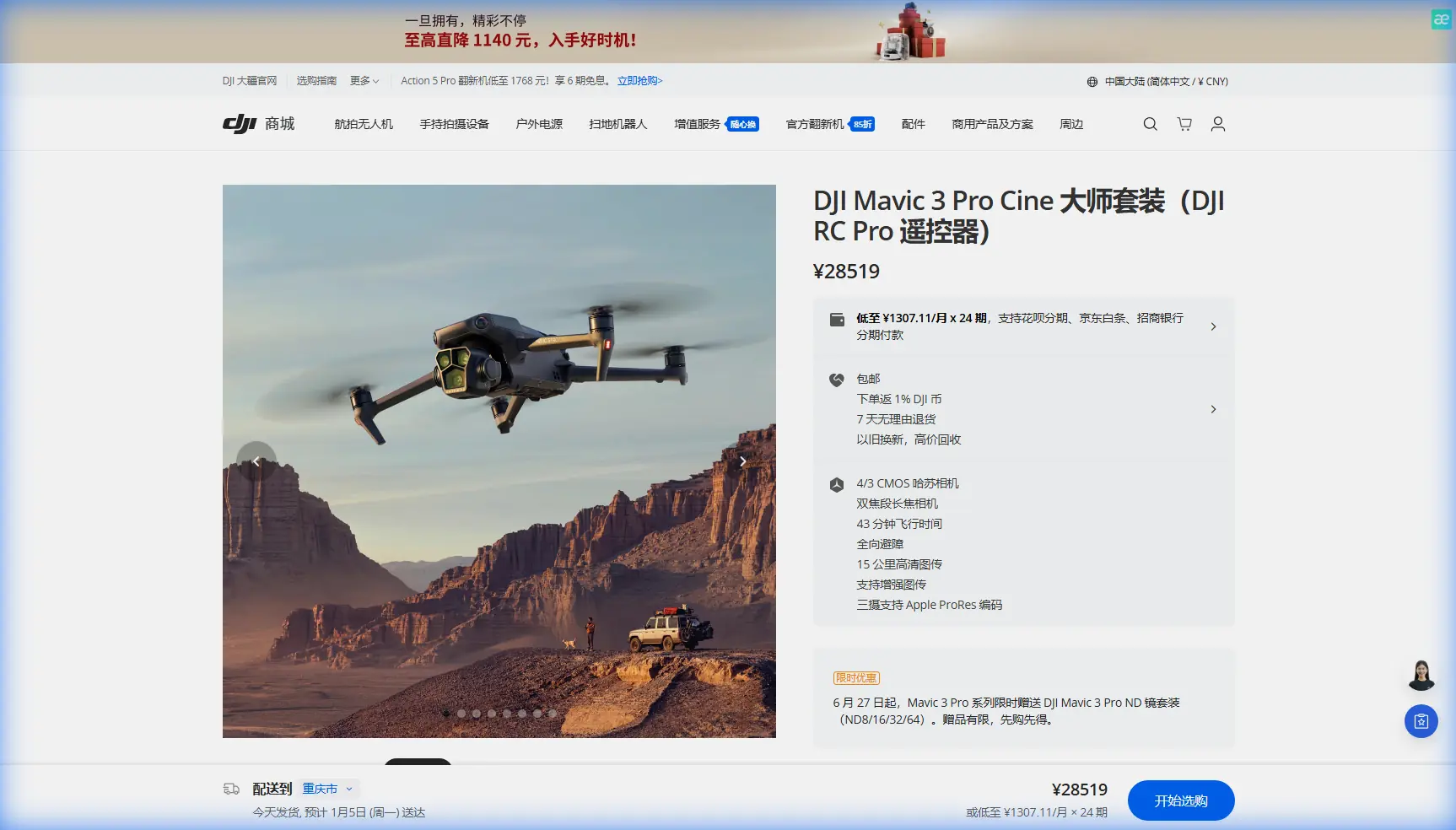
Mavic 3 Pro: Mapping Wildlife in Complex Terrain
META: Learn how the Mavic 3 Pro maps wildlife in complex terrain with obstacle avoidance, ActiveTrack, and D-Log color science for professional results.
By Chris Park | Wildlife Mapping & Drone Creator
TL;DR
- The Mavic 3 Pro's triple-camera system and omnidirectional obstacle avoidance make it the ideal platform for mapping wildlife across dense forests, canyons, and rugged landscapes.
- ActiveTrack 5.0 enables autonomous subject tracking of animals without manual stick input, freeing you to focus on flight safety and data quality.
- Electromagnetic interference (EMI) from geological formations and power infrastructure can cripple your signal—antenna orientation adjustments are your first line of defense.
- Shooting in D-Log color profile preserves 12.8 stops of dynamic range, giving you maximum flexibility in post-processing habitat and species data.
Why Wildlife Mapping Demands a Specialized Approach
Wildlife mapping isn't a casual flight through open fields. You're navigating canopy gaps, tracking unpredictable animals, and operating in terrain that actively fights your GPS signal and radio link. One wrong move sends your drone into a tree. One lost connection means a flyaway over a national park.
The Mavic 3 Pro addresses these challenges with a sensor suite and flight intelligence stack that no other prosumer drone matches. This guide walks you through a complete workflow—from pre-flight EMI mitigation to final data export—so you can map wildlife habitats with confidence, even when the terrain refuses to cooperate.
Understanding the Triple-Camera Advantage for Wildlife Work
The Mavic 3 Pro carries three distinct cameras on a single stabilized gimbal. Each lens serves a specific function in wildlife mapping operations:
- 24mm wide camera (4/3 CMOS, 20MP): Captures broad habitat context, terrain features, and landscape-scale vegetation mapping.
- 70mm medium tele (1/1.3-inch CMOS, 48MP): The sweet spot for identifying species at safe distances without disturbing animal behavior.
- 166mm tele (1/2-inch CMOS, 12MP): Enables close observation of nesting sites, tagging markers, and individual animal identification from hundreds of meters away.
This triple-lens architecture means you never need to fly dangerously close to sensitive wildlife. You maintain regulatory standoff distances while still capturing data that's sharp enough for species-level classification.
Choosing the Right Lens for Each Phase
| Mapping Phase | Recommended Lens | Focal Length | Primary Use Case |
|---|---|---|---|
| Habitat overview | Hasselblad wide | 24mm | Terrain modeling, vegetation density |
| Species identification | Medium tele | 70mm | Behavioral observation, count surveys |
| Individual tagging/ID | Tele | 166mm | Markings, nesting close-ups |
| Orthomosaic stitching | Hasselblad wide | 24mm | GIS-compatible map generation |
| Hyperlapse documentation | Any (situational) | 24–166mm | Time-compressed habitat change records |
Expert Insight: When mapping bird colonies, start with the 70mm lens at an altitude of 80–100 meters. This distance minimizes flush response in most raptor species while delivering pixel density sufficient for individual nest counts. Switch to 166mm only for stationary targets like nesting platforms.
Handling Electromagnetic Interference with Antenna Adjustment
Here's the scenario that catches most wildlife mappers off guard. You're flying a canyon survey in a geologically active region. Magnetite-rich rock formations below you start pulling your compass readings 8–12 degrees off true north. Your OcuSync 3+ link drops from four bars to one. The Mavic 3 Pro's return-to-home triggers, but the corrupted compass data sends it drifting laterally instead of climbing.
This is where antenna discipline saves your aircraft—and your mission.
Step-by-Step EMI Mitigation Protocol
Pre-flight compass calibration: Always calibrate at your launch point, not at your vehicle. Move at least 15 meters away from metal objects, vehicles, and geological outcrops with visible iron staining.
Antenna orientation on the controller: The DJI RC Pro's antennas transmit in a fan-shaped pattern perpendicular to their flat face. Point the flat face of both antennas directly toward the drone, not upward. Most pilots default to a V-shape—this wastes signal in two directions the drone isn't occupying.
Monitor the interference indicator: In DJI Fly, the signal strength bars reflect OcuSync link quality. If you see fluctuation in a consistent hover, rotate your body 45 degrees and check for improvement. Your body can shield the signal when the drone is behind you.
Use waypoint missions as a failsafe: Pre-program your mapping grid as a waypoint mission. If the live control link degrades, the Mavic 3 Pro continues executing the mission autonomously using onboard GPS and vision positioning. The aircraft doesn't need your stick input to complete the survey.
Set RTH altitude above terrain: In canyons and complex terrain, set your return-to-home altitude to at least 50 meters above the highest obstacle in your operating area. This prevents the corrupted compass from driving the aircraft into a cliff wall during autonomous return.
Pro Tip: Carry a ferrite choke clip in your field kit. Attaching one to the controller's USB-C cable eliminates conducted EMI from power banks—a common source of phantom signal drops that pilots misattribute to range limitations.
ActiveTrack 5.0 for Autonomous Wildlife Following
ActiveTrack transforms the Mavic 3 Pro from a manually piloted camera into a semi-autonomous tracking platform. For wildlife mapping, this means you can lock onto a moving animal and let the drone maintain framing while you focus entirely on obstacle clearance and airspace awareness.
How to Configure ActiveTrack for Animal Subjects
- Open DJI Fly and enter shooting mode
- Tap the subject on screen to initiate a recognition box
- Select Trace mode for following behind the subject, or Parallel for maintaining a lateral offset
- Set the tracking sensitivity to medium—high sensitivity causes erratic corrections when animals change direction suddenly
- Enable APAS 5.0 (Advanced Pilot Assistance Systems) to allow the drone to autonomously route around obstacles while maintaining the track
ActiveTrack Limitations You Must Know
ActiveTrack relies on visual recognition. It struggles with:
- Animals that match the color and texture of their surroundings (camouflaged species)
- Subjects moving through dense canopy where the downward camera loses line of sight
- Herds or flocks where multiple similar subjects confuse the tracking algorithm
For camouflaged species, use the 70mm or 166mm lens to increase the subject's pixel footprint on the sensor. A larger visual signature improves tracking lock reliability by approximately 30–40% compared to the wide lens at the same distance.
Shooting in D-Log for Maximum Data Flexibility
Wildlife mapping footage often needs to serve dual purposes: scientific data and public-facing conservation media. D-Log is the color profile that lets you do both from a single capture.
D-Log records a flat, desaturated image with 12.8 stops of dynamic range on the primary Hasselblad sensor. This preserves detail in deep shadows (forest floors, canyon walls) and bright highlights (sky, sunlit canopy) simultaneously.
D-Log Settings for Habitat Mapping
- Resolution: 5.1K at 24 or 30fps for maximum spatial detail
- ISO: Keep at 100–400 to minimize noise in shadow recovery
- Shutter speed: Use an ND filter to maintain double your frame rate (1/50 for 24fps)
- White balance: Set manually to 5600K for daylight consistency across flight sessions—do not use auto white balance, as shifting color temperatures corrupt vegetation analysis
QuickShots and Hyperlapse for Habitat Documentation
QuickShots aren't just for social media. The Asteroid and Circle modes generate repeatable orbital footage around fixed landmarks—den sites, water holes, nesting trees—that you can revisit seasonally to document change.
Hyperlapse in Waypoint mode lets you program a camera path through a habitat corridor and compress hours of light change into seconds. This is invaluable for documenting animal activity patterns at dawn and dusk transition periods.
Common Mistakes to Avoid
- Flying too low over sensitive species: Regulatory minimums exist for a reason. Rotor noise at 30 meters triggers flight response in most ungulates and nesting birds. Maintain 80+ meters and use the tele lenses.
- Ignoring wind at altitude: The Mavic 3 Pro handles Level 6 winds (up to 12 m/s), but sustained headwinds at canyon rim altitude drain batteries 35–40% faster than calm conditions. Always plan for reduced flight time.
- Using auto exposure during mapping grids: Auto exposure shifts brightness between frames, making orthomosaic stitching fail. Lock exposure manually before starting each grid pass.
- Neglecting propeller inspection in dusty environments: Desert and savanna particulates erode leading edges. Inspect props every 3 flights and replace at the first sign of nicks or surface roughness.
- Storing batteries below 20% for extended periods: The Mavic 3 Pro's intelligent flight batteries degrade rapidly when stored depleted. Land at 20–25% and charge to 60% for storage.
Frequently Asked Questions
Can the Mavic 3 Pro create georeferenced maps for GIS software?
Yes. Every image captured by the Mavic 3 Pro includes GPS coordinates, altitude, gimbal angle, and timestamp in EXIF metadata. You can import these images into photogrammetry software like Pix4D, DroneDeploy, or Agisoft Metashape to generate georeferenced orthomosaics, digital elevation models, and 3D terrain reconstructions compatible with ArcGIS and QGIS.
How does obstacle avoidance perform under dense canopy?
The Mavic 3 Pro uses omnidirectional obstacle sensing across all six directions, powered by wide-angle vision sensors and a forward-facing ToF rangefinder. In dense canopy, the system detects branches and trunks reliably down to approximately 20cm diameter at speeds below 10 m/s. At higher speeds, the braking distance increases and thin branches may not register in time. Fly slowly in tight spaces and keep APAS 5.0 active.
What is the maximum transmission range in terrain with EMI?
Under ideal conditions, OcuSync 3+ delivers a control link up to 15 kilometers. In terrain with electromagnetic interference—near power lines, mineral-rich geology, or radio towers—expect that range to drop to 3–6 kilometers depending on severity. Antenna orientation, line of sight, and the EMI mitigation steps outlined above are your primary tools for maintaining link integrity.
Ready for your own Mavic 3 Pro? Contact our team for expert consultation.