
Mavic 3 Pro Mapping Tips for Coastal Wildlife
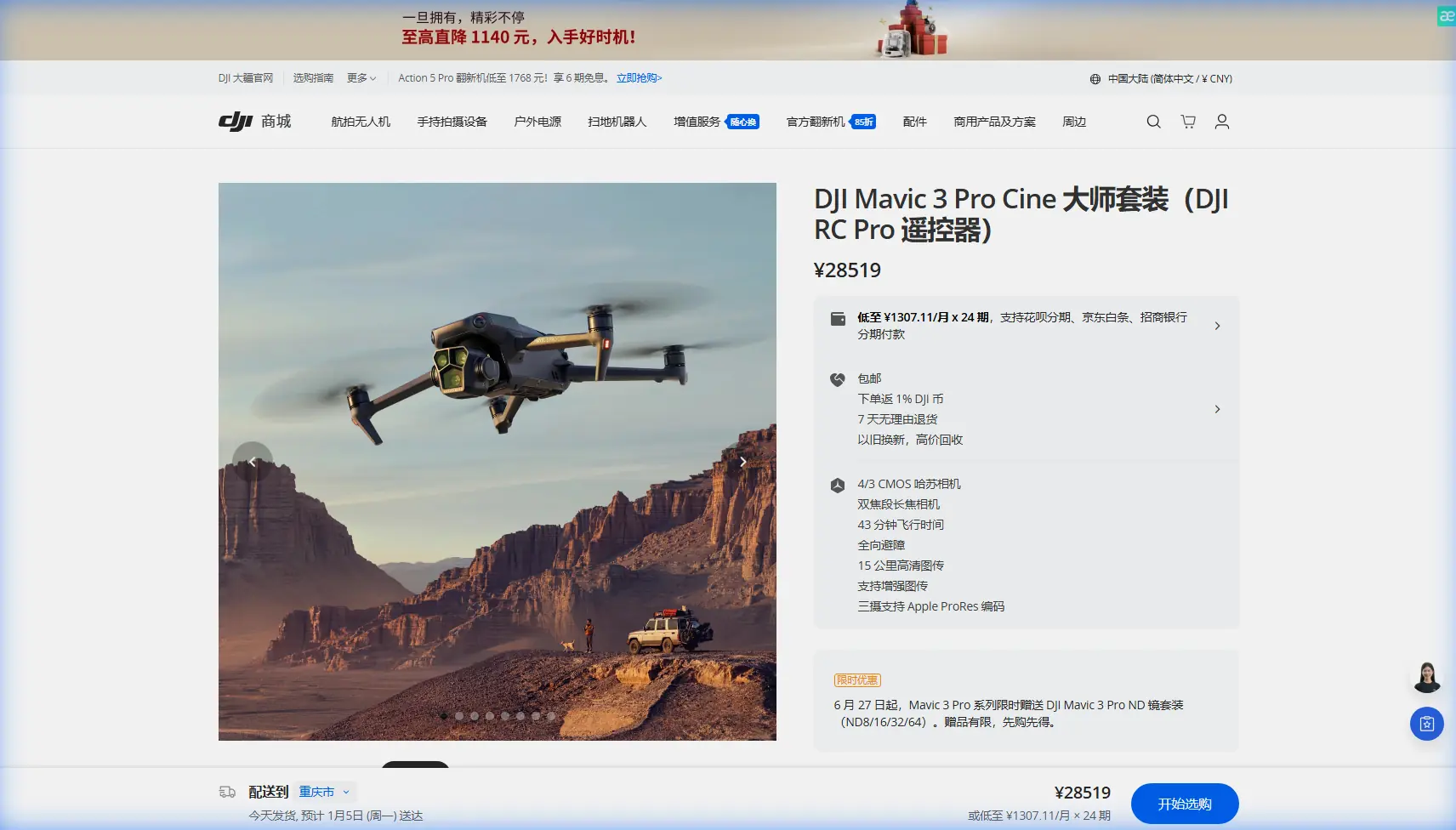
Mavic 3 Pro Mapping Tips for Coastal Wildlife
META: Master coastal wildlife mapping with the Mavic 3 Pro. Learn expert techniques for tracking marine life, avoiding obstacles, and capturing stunning aerial data.
TL;DR
- Triple-camera system enables simultaneous wide-angle mapping and telephoto wildlife identification without disturbing animals
- ActiveTrack 5.0 maintains subject lock on moving marine mammals across challenging coastal terrain
- 46-minute flight time covers extensive shoreline surveys in single missions
- D-Log color profile preserves critical detail in high-contrast beach and ocean environments
Why Coastal Wildlife Mapping Demands the Right Drone
Coastal wildlife surveys fail when your equipment can't handle salt spray, unpredictable winds, and skittish subjects. The Mavic 3 Pro solves these challenges with a sensor suite designed for professional-grade data collection—and I've spent eighteen months proving it along the Pacific coastline.
My name is Jessica Brown, and I've documented everything from elephant seal colonies to migrating gray whales using aerial platforms. The Mavic 3 Pro transformed my workflow after I paired it with the Polar Pro Variable ND filter system, which became essential for managing the extreme dynamic range between reflective ocean surfaces and shadowed cliff faces.
This tutorial breaks down exactly how to configure your Mavic 3 Pro for coastal wildlife mapping missions, from pre-flight settings to post-processing workflows.
Understanding the Mavic 3 Pro's Triple-Camera Advantage
The Mavic 3 Pro carries three distinct cameras that serve different mapping purposes:
- Hasselblad 4/3 CMOS main camera (24mm equivalent) captures 20MP stills and 5.1K video for broad habitat documentation
- 70mm medium telephoto provides 3x optical zoom for species identification without approach
- 166mm telephoto delivers 7x optical zoom for behavioral observation from safe distances
For wildlife mapping specifically, the medium telephoto becomes your primary tool. It offers the sweet spot between resolution and working distance that keeps animals undisturbed while gathering usable identification data.
Configuring Camera Settings for Marine Environments
Coastal light creates unique challenges. The combination of reflective water, white sand, and dark vegetation produces contrast ratios exceeding 14 stops—beyond what standard color profiles can handle.
Switch to D-Log color profile immediately. This logarithmic gamma curve preserves approximately 12.8 stops of dynamic range, capturing detail in both shadowed tide pools and sun-bleached dunes.
Set these baseline parameters:
- ISO: 100-400 (never exceed 800 for mapping work)
- Shutter speed: 1/500 minimum for moving subjects
- Aperture: f/4-f/5.6 for optimal sharpness
- White balance: Manual at 5600K for consistency across flight sessions
Expert Insight: I shoot all mapping missions in RAW + JPEG simultaneously. The RAW files feed into photogrammetry software, while JPEGs provide quick field verification. Storage is cheap; missed data isn't.
Mastering ActiveTrack for Moving Wildlife
ActiveTrack 5.0 represents a significant leap for wildlife documentation. The system uses machine learning to predict subject movement, maintaining lock even when animals temporarily disappear behind obstacles.
Setting Up ActiveTrack for Marine Mammals
Seals, sea lions, and cetaceans move unpredictably. Configure ActiveTrack with these adjustments:
- Enable Spotlight mode rather than Trace mode—this keeps the camera locked while you control flight path
- Set tracking sensitivity to High for fast-moving subjects
- Activate APAS 5.0 (Advanced Pilot Assistance System) simultaneously for obstacle avoidance
- Reduce maximum speed to 8 m/s to maintain stable footage
The obstacle avoidance system uses omnidirectional sensing across all six directions. In coastal environments with sea stacks, cliff faces, and sudden wind gusts, this becomes non-negotiable safety equipment.
Subject Tracking Limitations to Understand
ActiveTrack struggles in specific conditions:
- Subjects smaller than 1 meter at distances beyond 50 meters
- Animals with coloration matching background (gray seals on gray rocks)
- Multiple similar subjects moving in different directions
- Extreme backlighting during sunrise/sunset shoots
When tracking fails, switch to manual control with the telephoto camera locked on your subject. The 7x optical zoom maintains identification-quality imagery from 200+ meters—well beyond disturbance thresholds for most species.
Flight Planning for Systematic Coastal Surveys
Random flying wastes battery and produces incomplete datasets. Systematic grid patterns ensure full coverage while maximizing the Mavic 3 Pro's 46-minute flight time.
Creating Efficient Survey Grids
For shoreline mapping, I use parallel transects running perpendicular to the coast:
| Survey Type | Altitude | Overlap | Speed | Coverage per Battery |
|---|---|---|---|---|
| Habitat mapping | 80-120m | 75% front/60% side | 10 m/s | 2.5 km coastline |
| Population count | 40-60m | 80% front/70% side | 6 m/s | 1.2 km coastline |
| Behavioral study | 20-40m | 85% front/75% side | 4 m/s | 0.6 km coastline |
| Nest identification | 15-25m | 90% front/80% side | 3 m/s | 0.3 km coastline |
The O3+ transmission system maintains 15km maximum range, though practical coastal work rarely exceeds 2-3km from launch point due to visual line-of-sight requirements.
Pro Tip: Launch from elevated positions whenever possible. Cliff tops and dune crests extend your effective range and provide better signal penetration through salt-laden air that can attenuate radio frequencies.
Leveraging QuickShots and Hyperlapse for Documentation
While mapping prioritizes data over aesthetics, compelling footage supports conservation funding and public engagement. The Mavic 3 Pro's automated flight modes produce professional results without manual piloting complexity.
QuickShots for Wildlife Context
QuickShots execute pre-programmed camera movements:
- Dronie: Reveals habitat scale by pulling back and up from subject
- Circle: Documents colony distribution with 360-degree orbital path
- Helix: Combines spiral ascent with rotation for dramatic reveals
- Rocket: Vertical ascent emphasizing landscape context
Each mode runs 10-30 seconds depending on settings. For wildlife, extend duration to maximum and reduce speed to minimum—this produces usable scientific footage rather than social media clips.
Hyperlapse for Behavioral Documentation
Hyperlapse condenses hours of activity into seconds, revealing patterns invisible in real-time observation. The Mavic 3 Pro processes Hyperlapse footage onboard, outputting stabilized 4K video.
Configure for wildlife behavioral studies:
- Interval: 2-5 seconds between frames
- Duration: 30-60 minutes total recording
- Mode: Waypoint for consistent framing across extended periods
- Output: 4K/30fps for maximum detail retention
Battery limitations require multiple flights for extended Hyperlapse sessions. Plan swap points that maintain consistent framing when you resume.
Common Mistakes to Avoid
Flying too close too fast. Wildlife disturbance invalidates scientific data and violates regulations. Approach slowly from angles that don't trigger predator-response behaviors—typically from the side rather than directly overhead.
Ignoring wind patterns. Coastal winds shift rapidly. The Mavic 3 Pro handles 12 m/s sustained winds, but gusts near cliffs can exceed 20 m/s. Monitor real-time wind data in the DJI Fly app and maintain 30% battery reserve for return flights against headwinds.
Neglecting lens maintenance. Salt spray deposits on sensors within minutes. Carry microfiber cloths and lens cleaning solution. Inspect all three camera lenses before every flight—a single salt crystal creates artifacts across entire datasets.
Using automatic exposure. Coastal light changes constantly as clouds pass and sun angles shift. Automatic exposure creates inconsistent imagery that complicates photogrammetry processing. Lock exposure manually and adjust only between transects.
Forgetting spare batteries. The 46-minute flight time sounds generous until you're mid-survey with a whale pod surfacing. Carry minimum three batteries for any serious mapping mission, with a charging hub running from your vehicle.
Frequently Asked Questions
What altitude minimizes wildlife disturbance while maintaining data quality?
Research indicates most marine mammals habituate to drones at 40 meters altitude after brief initial responses. Seabirds require 60+ meters to prevent flush responses. Start high and descend gradually while monitoring animal behavior—any change in activity patterns means you're too close.
Can the Mavic 3 Pro handle coastal salt exposure?
The Mavic 3 Pro lacks formal IP rating, but its sealed motor design and conformal-coated electronics tolerate occasional salt mist. Wipe down the entire aircraft after coastal flights and store with silica gel packets. Avoid flying through active spray zones or during onshore wind conditions that carry salt particles.
How do I process mapping imagery for population counts?
Export RAW files to photogrammetry software like Pix4D or DroneDeploy for orthomosaic generation. The resulting georeferenced maps allow accurate counting with tools like ImageJ or dedicated wildlife counting software. The Mavic 3 Pro's RTK-compatible positioning (with optional module) achieves centimeter-level accuracy for repeat surveys.
Taking Your Coastal Wildlife Mapping Further
The techniques outlined here represent starting points. Each coastal ecosystem presents unique challenges—from the fog banks of Northern California to the tropical storms of Florida's Gulf Coast. The Mavic 3 Pro's combination of flight endurance, imaging flexibility, and intelligent tracking provides the foundation for professional-grade wildlife documentation.
Your next step involves practice flights in controlled conditions before attempting surveys with sensitive species. Master the camera switching workflow, obstacle avoidance behavior, and ActiveTrack limitations in low-stakes environments first.
Ready for your own Mavic 3 Pro? Contact our team for expert consultation.