
Wildlife Mapping in Mountains with Mavic 3 Pro
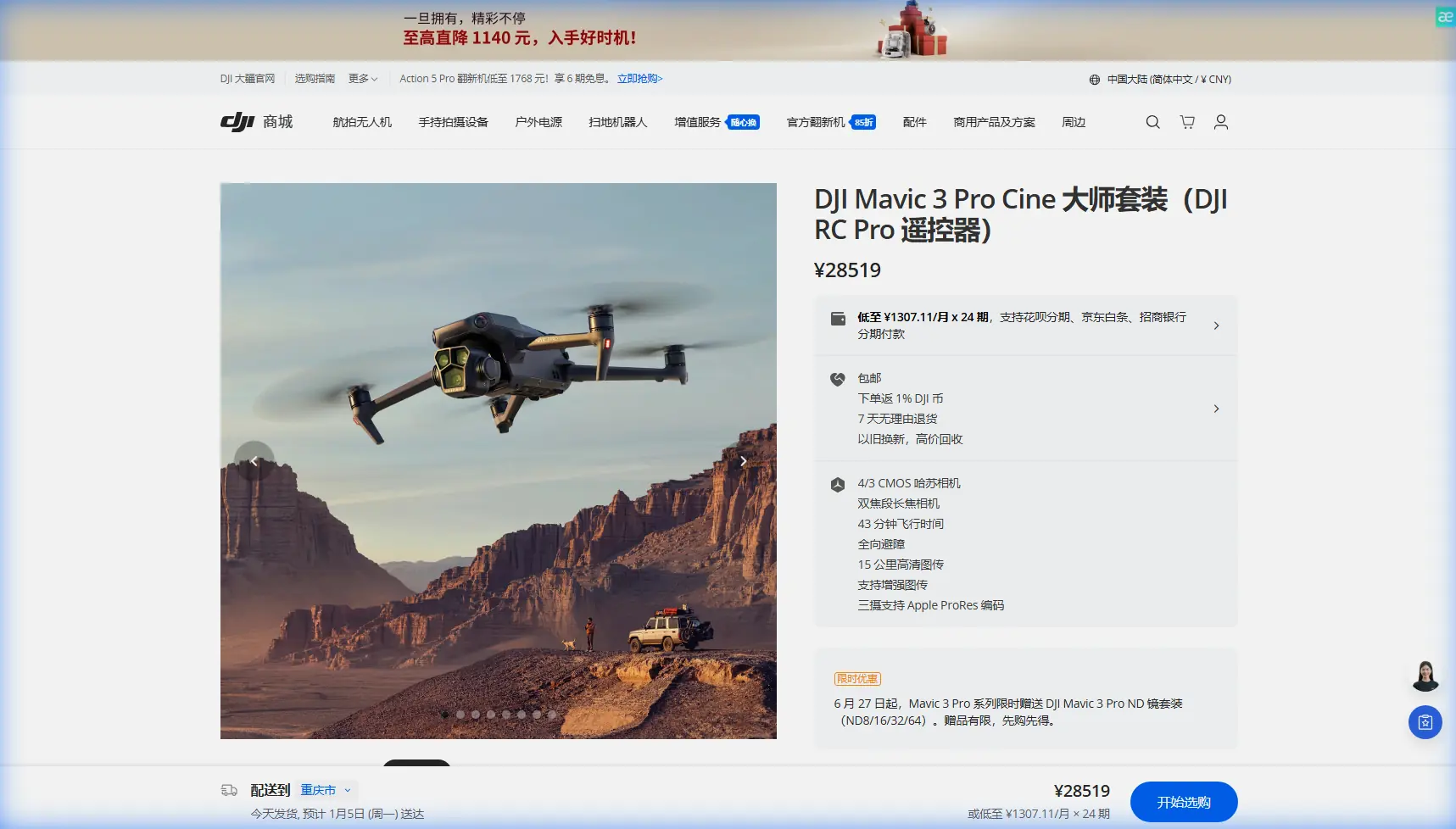
Wildlife Mapping in Mountains with Mavic 3 Pro
META: Master mountain wildlife mapping with the Mavic 3 Pro. Learn expert techniques for tracking animals, optimizing range, and capturing professional survey data.
TL;DR
- Antenna positioning at 45-degree angles maximizes signal penetration through mountain terrain and tree canopy
- The Hasselblad triple-camera system enables identification of wildlife from 3km away without disturbing animals
- ActiveTrack 5.0 combined with obstacle avoidance creates autonomous wildlife following capabilities
- D-Log color profile preserves 12.8 stops of dynamic range for accurate species identification in post-processing
Why Mountain Wildlife Mapping Demands the Right Drone
Tracking wildlife across rugged mountain terrain presents unique challenges that ground-based surveys simply cannot solve. The Mavic 3 Pro transforms how researchers, conservationists, and wildlife photographers document animal populations in remote alpine environments.
Traditional wildlife surveys require weeks of hiking, expensive helicopter rentals, or stationary camera traps with limited coverage. A single Mavic 3 Pro flight covers square kilometers of terrain in minutes while capturing 5.1K video and 20MP stills that reveal individual animal markings.
This guide walks you through the complete workflow for mountain wildlife mapping—from pre-flight antenna optimization to post-processing techniques that maximize data quality.
Essential Pre-Flight Setup for Mountain Operations
Antenna Positioning for Maximum Range
Your controller's antenna orientation directly impacts signal strength in mountainous terrain. Most pilots make the critical error of pointing antennas directly at the drone.
Optimal antenna positioning:
- Angle both antennas at 45 degrees from vertical
- Keep the flat face of each antenna oriented toward your aircraft
- Maintain antennas perpendicular to each other for signal diversity
- Reposition yourself to maintain line-of-sight as the drone moves behind ridgelines
Expert Insight: Mountain valleys create natural signal corridors. Position yourself at valley openings rather than on ridgetops. The terrain will channel your signal toward the drone, often extending usable range by 30-40% compared to exposed summit positions.
Battery and Flight Planning Considerations
Cold mountain air significantly impacts battery performance. The Mavic 3 Pro's intelligent batteries lose approximately 10-15% capacity at freezing temperatures.
Pre-flight battery protocol:
- Store batteries inside your jacket until launch
- Pre-warm batteries to at least 20°C before flight
- Plan routes assuming 25% reduced flight time in cold conditions
- Keep spare batteries rotating between warm storage and active use
Configuring Camera Settings for Wildlife Detection
Leveraging the Triple-Camera System
The Mavic 3 Pro's three-camera array provides unprecedented flexibility for wildlife work. Each lens serves a distinct purpose in your mapping workflow.
| Camera | Focal Length | Best Use Case | Wildlife Application |
|---|---|---|---|
| Hasselblad Wide | 24mm equivalent | Habitat mapping | Landscape context, herd distribution |
| Hasselblad Medium Tele | 70mm equivalent | Individual tracking | Species identification, behavior documentation |
| Tele Camera | 166mm equivalent | Distant observation | Non-invasive monitoring, nest surveys |
The 166mm telephoto lens proves invaluable for sensitive species. You can identify individual animals from distances that prevent any behavioral disturbance—critical for accurate population counts.
D-Log Configuration for Maximum Data Retention
Wildlife mapping requires footage that supports scientific analysis. The D-Log color profile captures the widest possible dynamic range, preserving details in shadowed forest floors and bright alpine snowfields simultaneously.
Recommended D-Log settings:
- Color Profile: D-Log
- ISO: 100-400 (avoid higher values to minimize noise)
- Shutter Speed: 1/50 for 25fps, 1/60 for 30fps
- White Balance: Manual (set to ambient conditions)
This flat color profile looks washed out on your screen but contains 12.8 stops of dynamic range—enough latitude to recover animal details hiding in deep shadows during post-processing.
Mastering ActiveTrack for Wildlife Following
Subject Tracking Fundamentals
ActiveTrack 5.0 uses machine learning to lock onto moving subjects and maintain framing automatically. For wildlife applications, this technology enables hands-free documentation of animal movement patterns.
Initiating wildlife tracking:
- Identify your target animal on the controller screen
- Draw a selection box around the subject
- Select Trace mode for following behind the animal
- Set following distance to minimum 50 meters to avoid disturbance
- Enable obstacle avoidance on all axes
The system tracks subjects even when they temporarily disappear behind trees or terrain features. The drone predicts movement trajectories and reacquires targets within seconds.
Pro Tip: Large mammals like elk or deer trigger ActiveTrack more reliably than smaller animals. For tracking smaller wildlife, zoom in with the telephoto lens first—the larger on-screen subject size improves tracking lock consistency.
Combining Tracking with Obstacle Avoidance
Mountain terrain presents constant collision risks. The Mavic 3 Pro's omnidirectional obstacle sensing creates a protective bubble around the aircraft while tracking wildlife.
Obstacle avoidance configuration:
- Enable APAS 5.0 (Advanced Pilot Assistance System)
- Set avoidance behavior to Bypass rather than Brake
- Adjust sensitivity to High in forested areas
- Monitor the obstacle proximity display during autonomous tracking
The bypass setting allows the drone to navigate around trees and rock formations while maintaining subject tracking—essential for following animals through complex terrain.
Hyperlapse Techniques for Behavioral Documentation
Capturing Extended Activity Patterns
Wildlife behavior unfolds over hours. Hyperlapse mode compresses time, revealing patterns invisible to real-time observation. The Mavic 3 Pro supports four Hyperlapse modes suitable for different documentation needs.
Hyperlapse mode selection:
- Free: Manual control for custom camera movements
- Circle: Orbits a fixed point—ideal for den or nest monitoring
- Course Lock: Maintains heading while flying—captures migration routes
- Waypoint: Pre-programmed paths for repeatable surveys
For wildlife mapping, Waypoint Hyperlapse delivers the most scientific value. You can repeat identical flight paths across days or seasons, creating directly comparable datasets.
QuickShots for Rapid Documentation
When you encounter unexpected wildlife, QuickShots provide instant professional-quality footage without complex manual flying.
Most useful QuickShots for wildlife:
- Spotlight: Circles subject while keeping it centered
- Asteroid: Creates dramatic reveal shots for documentary footage
- Boomerang: Flies out and returns—useful for quick population scans
These automated sequences free your attention for observation and note-taking while the drone handles cinematography.
Common Mistakes to Avoid
Flying too close to wildlife: Maintain minimum 50-meter distances from all animals. Closer approaches cause stress responses that invalidate behavioral data and may violate wildlife protection regulations.
Ignoring wind patterns: Mountain thermals create unpredictable wind conditions. The Mavic 3 Pro handles 12 m/s winds, but turbulence near ridgelines can exceed this. Monitor wind warnings constantly.
Neglecting backup power: Remote mountain locations offer no charging options. Carry minimum three fully charged batteries for any serious mapping mission.
Using automatic white balance: AWB shifts between frames make footage unusable for scientific color analysis. Lock white balance manually before each flight.
Forgetting to log flight data: Enable flight logging and export GPS tracks after each mission. This metadata proves essential for correlating wildlife sightings with specific locations.
Launching from unstable surfaces: Mountain terrain rarely offers flat launch pads. Carry a portable landing pad and clear debris before every takeoff.
Post-Processing Workflow for Wildlife Data
Organizing and Tagging Footage
Effective wildlife mapping generates hundreds of gigabytes of footage. Establish a consistent file organization system before your first flight.
Recommended folder structure:
- Project Name > Date > Flight Number > Camera (Wide/Tele)
- Include flight logs in each dated folder
- Create a separate "Selects" folder for confirmed wildlife sightings
Tag all wildlife observations with GPS coordinates, timestamp, species identification, and behavioral notes. This metadata transforms raw footage into searchable scientific databases.
Color Grading D-Log Footage
D-Log footage requires color correction before analysis. Apply a base correction that restores natural contrast without crushing shadow detail where animals may hide.
The goal is accurate color representation for species identification—not cinematic aesthetics. Resist the temptation to add heavy contrast or saturation that obscures subtle markings.
Frequently Asked Questions
How close can I fly to wildlife without causing disturbance?
Research indicates most large mammals tolerate drones at 50+ meters horizontal distance and 30+ meters altitude. However, sensitivity varies dramatically by species, individual, and season. Breeding animals and mothers with young require doubled minimum distances. Always prioritize animal welfare over footage quality.
What flight altitude works best for wildlife mapping?
Optimal altitude balances coverage area against identification capability. For population surveys, 80-120 meters AGL provides good coverage while the telephoto lens still resolves individual animals. For behavioral documentation, drop to 40-60 meters but increase horizontal distance to maintain the same visual footprint.
Can the Mavic 3 Pro operate in rain or snow?
The Mavic 3 Pro lacks official weather sealing. Light mist or snow flurries pose minimal risk, but avoid flying in active precipitation. Moisture damages gimbal motors and can short-circuit electronics. Mountain weather changes rapidly—always have an emergency landing plan when conditions deteriorate.
Building Your Wildlife Mapping Capability
Mountain wildlife mapping with the Mavic 3 Pro opens research possibilities that were financially impossible just years ago. The combination of extended range, intelligent tracking, and professional imaging quality democratizes aerial wildlife survey work.
Start with familiar terrain and common species. Master antenna positioning and ActiveTrack behavior before attempting surveys of sensitive or endangered wildlife. Each flight builds skills that translate directly to more challenging projects.
The techniques covered here—from D-Log configuration to Hyperlapse documentation—form a foundation you will refine through hundreds of flight hours. Wildlife mapping rewards patience and systematic methodology over aggressive flying.
Ready for your own Mavic 3 Pro? Contact our team for expert consultation.