
Mavic 3 Pro Vineyard Mapping: Complete Tutorial Guide
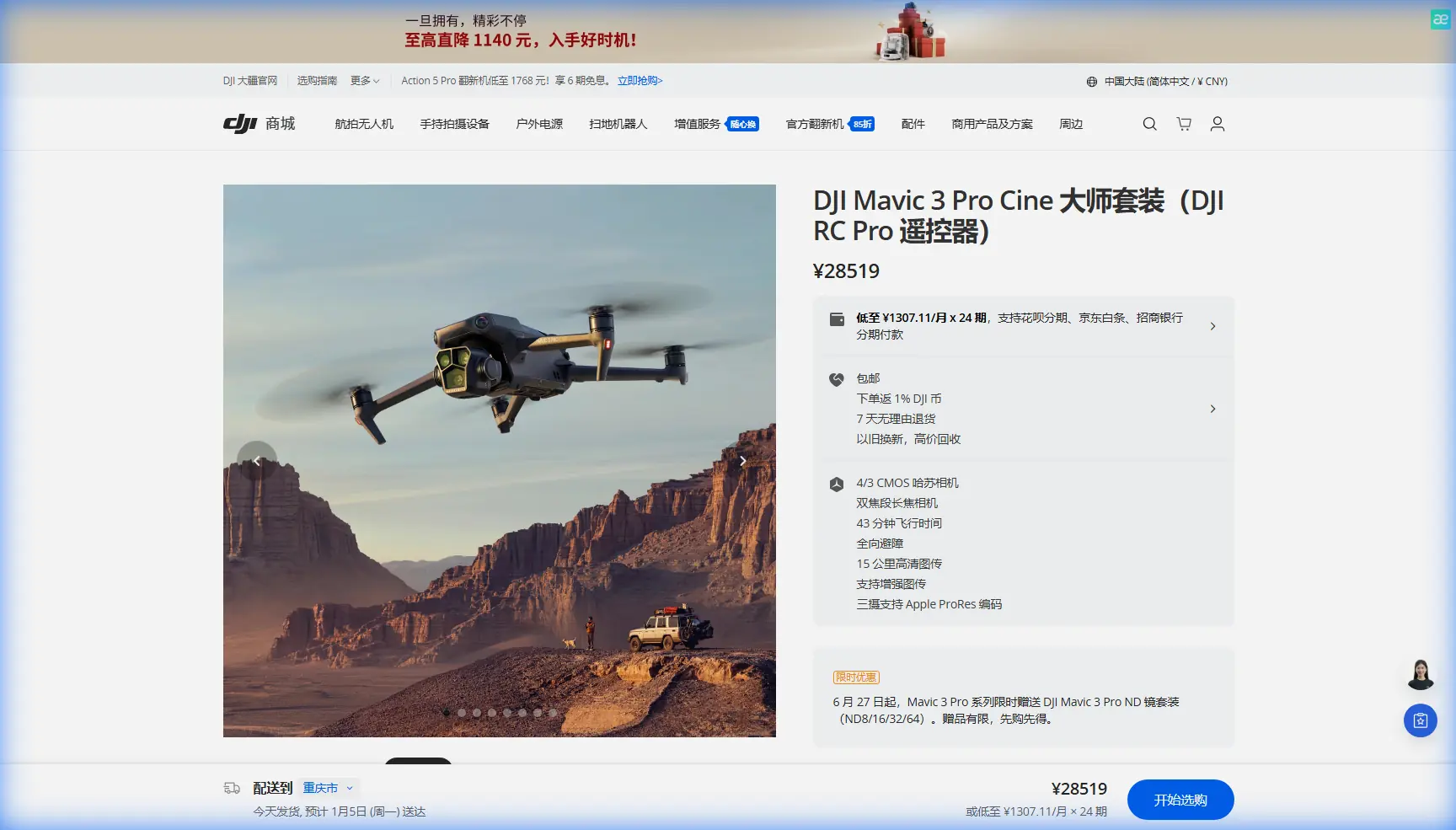
Mavic 3 Pro Vineyard Mapping: Complete Tutorial Guide
META: Master vineyard mapping with Mavic 3 Pro. Learn essential pre-flight cleaning, flight patterns, and D-Log settings for dusty agricultural environments.
TL;DR
- Pre-flight sensor cleaning is critical—dust accumulation disables obstacle avoidance and ActiveTrack in vineyard environments
- D-Log color profile captures 12.8 stops of dynamic range, essential for mapping sun-drenched vine rows
- Optimal flight altitude of 30-50 meters balances resolution with coverage efficiency
- Hyperlapse waypoint missions create compelling vineyard documentation while gathering mapping data
Why Vineyard Mapping Demands Special Preparation
Dusty agricultural environments destroy expensive drone equipment faster than any other filming scenario. The Mavic 3 Pro's omnidirectional obstacle avoidance system relies on 8 vision sensors that become completely useless when coated with vineyard particulates.
Before every vineyard mapping session, I spend exactly 7 minutes on a cleaning protocol that has saved my equipment countless times. This tutorial walks you through my complete workflow—from pre-flight preparation to post-processing your mapping data.
Pre-Flight Cleaning Protocol for Safety Features
The Sensor Cleaning Sequence
Your Mavic 3 Pro's obstacle avoidance system cannot protect you from collisions if the sensors can't see. Vineyard dust contains fine silica particles that create a film over optical surfaces within minutes of exposure.
Essential cleaning supplies:
- Microfiber lens cloths (dedicated set for sensors only)
- Rocket air blower (never compressed air cans)
- Sensor cleaning swabs with 99% isopropyl alcohol
- Soft-bristle brush for gimbal housing
Cleaning order matters:
- Forward vision sensors (most critical for ActiveTrack)
- Downward vision sensors (essential for positioning)
- Backward and lateral sensors
- Main camera lens (clean last to avoid recontamination)
Expert Insight: I learned this the hard way during a Napa Valley shoot. Dusty forward sensors caused my Mavic 3 Pro to lose subject tracking on a vineyard owner walking between rows. The drone stopped mid-flight, hovering uncertainly while I scrambled for manual control. Seven minutes of cleaning prevents hours of frustration.
Gimbal and Motor Inspection
Vineyard dust infiltrates mechanical components aggressively. Before each flight:
- Rotate the gimbal manually through its full range of motion
- Listen for grinding sounds indicating particulate intrusion
- Check motor bells for visible dust accumulation
- Verify propeller attachment points are debris-free
Configuring Obstacle Avoidance for Row Crops
The Mavic 3 Pro offers three obstacle avoidance modes. Vineyard mapping requires specific configuration to balance safety with operational flexibility.
Obstacle Avoidance Mode Comparison
| Mode | Behavior | Best Use Case | Vineyard Suitability |
|---|---|---|---|
| Bypass | Navigates around obstacles automatically | Open terrain mapping | Poor—may exit planned flight path |
| Brake | Stops when obstacles detected | Close-proximity inspection | Good for end-of-row turnarounds |
| Off | No obstacle response | Expert manual flight | Required for between-row flights |
For comprehensive vineyard mapping, I use a hybrid approach:
- Bypass mode for high-altitude overview passes (50+ meters)
- Brake mode for medium-altitude detail passes (30-50 meters)
- Obstacle avoidance off only for experienced pilots flying between rows
Subject Tracking Configuration
ActiveTrack 5.0 on the Mavic 3 Pro can follow vehicles, people, or equipment through vineyards—but only with properly cleaned sensors and correct settings.
Optimal ActiveTrack settings for vineyards:
- Tracking mode: Parallel (maintains consistent distance from subject)
- Obstacle avoidance: Brake (prevents collisions with trellis systems)
- Maximum speed: 8 m/s (allows reaction time in confined spaces)
- Tracking sensitivity: Medium (reduces false tracking on vine rows)
Flight Planning for Comprehensive Coverage
Mapping Flight Patterns
Vineyard mapping requires systematic coverage patterns. The Mavic 3 Pro's 46-minute maximum flight time allows substantial area coverage per battery.
Recommended flight parameters:
- Altitude: 40 meters for general mapping
- Speed: 5-7 m/s for sharp imagery
- Overlap: 75% frontal, 65% lateral
- Gimbal angle: -90° (nadir) for orthomosaic creation
Coverage estimates per battery:
- At 30 meters: approximately 15 hectares
- At 40 meters: approximately 25 hectares
- At 50 meters: approximately 35 hectares
QuickShots for Vineyard Documentation
Beyond technical mapping, vineyards benefit from cinematic documentation. The Mavic 3 Pro's QuickShots modes create professional footage automatically.
Most effective QuickShots for vineyards:
- Dronie: Rising backward reveal of entire vineyard blocks
- Circle: Orbiting specific features (buildings, unique vine formations)
- Helix: Ascending spiral for dramatic perspective shifts
Pro Tip: Run QuickShots during the golden hour (first/last hour of sunlight) when long shadows emphasize row patterns. The Mavic 3 Pro's Hasselblad color science handles warm light beautifully, reducing post-processing time significantly.
Camera Settings for Dusty Conditions
D-Log Configuration
The Mavic 3 Pro's D-Log M color profile captures maximum dynamic range—critical when mapping vineyards with extreme contrast between sunlit canopy and shadowed ground.
Optimal D-Log settings:
- Resolution: 5.1K at 50fps (allows speed adjustment in post)
- Color profile: D-Log M
- ISO: 100-400 (never exceed 800 in daylight)
- Shutter speed: Double your frame rate (1/100 for 50fps)
- White balance: Manual, 5600K for consistent color
Dealing with Airborne Dust
Vineyard operations—tractors, harvest equipment, wind—create airborne particulates that affect image quality.
Dust mitigation strategies:
- Schedule flights during low-wind periods (early morning ideal)
- Avoid flying immediately after vehicle passes
- Use ND filters to allow wider apertures (shallower depth of field blurs distant dust)
- Position yourself upwind from dusty operations
Creating Hyperlapse Vineyard Maps
Hyperlapse mode transforms mapping missions into compelling visual content. The Mavic 3 Pro captures waypoint-based hyperlapses that document vineyard changes over time.
Hyperlapse Configuration
| Parameter | Mapping Hyperlapse | Creative Hyperlapse |
|---|---|---|
| Interval | 2 seconds | 3-5 seconds |
| Duration | 15-30 minutes | 5-10 minutes |
| Path type | Waypoint | Circle or Free |
| Output | Individual frames | Rendered video |
Seasonal hyperlapse strategy:
Capture identical waypoint missions monthly throughout the growing season. The resulting compilation shows:
- Bud break progression
- Canopy development
- Véraison color changes
- Harvest timing optimization
Common Mistakes to Avoid
Flying immediately after arrival: Vineyard roads create dust clouds that take 10-15 minutes to settle. Patience prevents sensor contamination.
Ignoring wind patterns: Vineyards create micro-climates. Wind accelerates through row corridors, causing unexpected drift. Always test hover stability before committing to automated missions.
Overlooking battery temperature: Dusty environments often mean hot environments. The Mavic 3 Pro throttles performance when batteries exceed 40°C. Store batteries in cooled vehicles between flights.
Skipping sensor calibration: Dusty conditions accelerate IMU and compass drift. Calibrate both before every vineyard session, not just when the app prompts.
Using automatic exposure: Vineyard contrast exceeds automatic metering capabilities. Manual exposure prevents blown highlights on white grape varieties and crushed shadows under canopy.
Neglecting propeller inspection: Dust accumulation on propeller leading edges reduces efficiency and increases noise. Clean propellers between every flight, not just between sessions.
Frequently Asked Questions
How often should I clean obstacle avoidance sensors during vineyard operations?
Clean all 8 vision sensors before every flight and inspect them after landing. In actively dusty conditions (harvest operations, tractor activity), perform a quick wipe with a microfiber cloth every 2-3 flights. A single dust particle in the wrong position can cause the entire obstacle avoidance system to report false positives, interrupting automated mapping missions.
Can ActiveTrack follow vehicles between vineyard rows reliably?
ActiveTrack 5.0 can follow vehicles between rows, but success depends on several factors. The tracked vehicle must maintain consistent speed below 8 m/s. Row spacing must exceed 3 meters for safe obstacle avoidance operation. Most critically, forward and lateral vision sensors must be completely clean. I recommend Brake mode rather than Bypass to prevent the drone from attempting risky maneuvers around trellis systems.
What's the best time of day for vineyard mapping flights?
The optimal window is 2-3 hours after sunrise or 2-3 hours before sunset. Early morning provides settled dust, calm winds, and soft directional light that emphasizes topography. Midday creates harsh shadows and heat shimmer that degrades image quality. Late afternoon offers similar benefits to morning but often includes increased wind. For thermal mapping applications, midday flights capture maximum canopy stress indicators.
Bringing Your Vineyard Mapping to the Next Level
Mastering vineyard mapping with the Mavic 3 Pro requires equal attention to equipment maintenance and flight technique. The pre-flight cleaning protocol I've outlined takes 7 minutes but prevents equipment damage and ensures your obstacle avoidance and subject tracking features perform reliably.
Start with high-altitude overview flights to understand your vineyard's layout, then progressively decrease altitude for detailed mapping passes. Document your settings and flight paths so you can replicate successful missions throughout the growing season.
Ready for your own Mavic 3 Pro? Contact our team for expert consultation.