
Mavic 3 Pro Guide: Urban Power Line Mapping Mastery
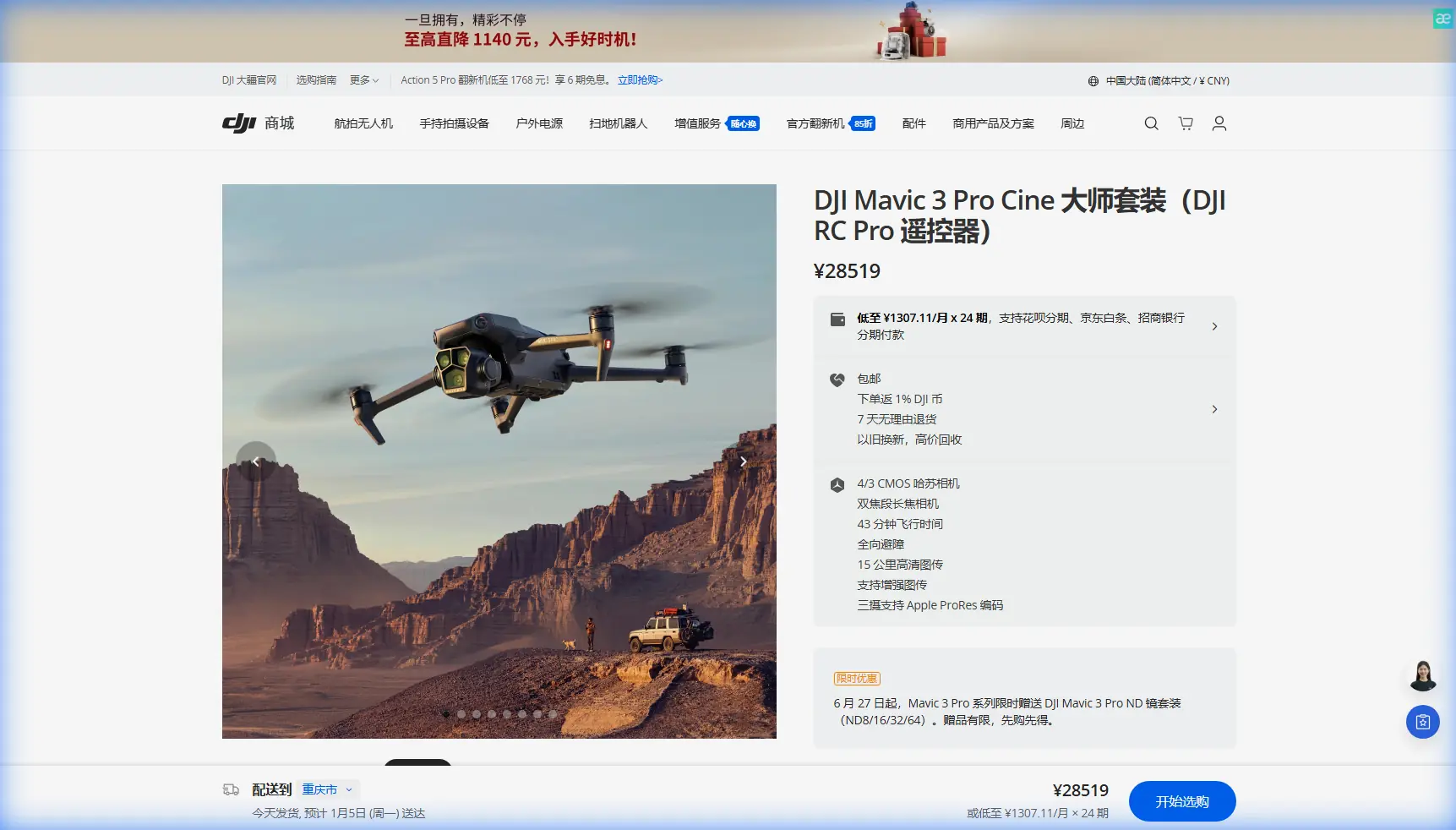
Mavic 3 Pro Guide: Urban Power Line Mapping Mastery
META: Master urban power line mapping with the Mavic 3 Pro. Learn expert techniques for obstacle navigation, flight planning, and professional-grade inspection workflows.
TL;DR
- Triple-camera system enables simultaneous wide-angle context shots and telephoto detail capture for comprehensive power line documentation
- Omnidirectional obstacle sensing with APAS 5.0 navigates complex urban environments including trees, buildings, and crossing cables
- 46-minute flight time covers extensive grid sections without battery swaps, maximizing inspection efficiency
- D-Log color profile preserves maximum dynamic range for detecting subtle corrosion and wear patterns in post-processing
Why Urban Power Line Mapping Demands Professional-Grade Equipment
Power line inspections in urban environments present unique challenges that consumer drones simply cannot handle. The Mavic 3 Pro addresses these demands with a sensor suite and flight characteristics specifically suited for infrastructure documentation.
Urban grids weave through neighborhoods, commercial districts, and industrial zones. Each environment introduces variables: reflective surfaces, electromagnetic interference, and unpredictable obstacles. Your mapping platform must handle all of these while capturing inspection-quality imagery.
The Mavic 3 Pro's Hasselblad L2D-20c camera with its 4/3 CMOS sensor captures the detail necessary for identifying hairline fractures, insulator damage, and vegetation encroachment. This isn't about pretty aerial photos—it's about actionable infrastructure data.
Expert Insight: When mapping power lines, I always capture in both RAW and JPEG simultaneously. The RAW files go to engineering teams for detailed analysis, while JPEGs serve immediate field reporting needs.
Essential Pre-Flight Planning for Urban Grid Mapping
Airspace and Regulatory Considerations
Before launching in urban environments, verify your operational authority. Most urban power line corridors fall within controlled airspace or require specific waivers.
Key pre-flight checklist items:
- Confirm LAANC authorization or Part 107 waiver status
- Document utility company permission and coordination contacts
- Identify hospitals, helipads, and airports within 5 nautical miles
- Check NOTAMs for temporary flight restrictions
- Verify local ordinances regarding drone operations
Weather Window Optimization
Urban environments create microclimates that affect flight stability. The Mavic 3 Pro handles winds up to 12 m/s, but power line mapping demands steadier conditions for sharp imagery.
Optimal conditions include:
- Wind speeds below 8 m/s for telephoto work
- Overcast skies reducing harsh shadows on conductors
- Morning flights before thermal updrafts develop
- Humidity below 80% to prevent lens condensation
Flight Path Design
Plan your routes to minimize battery consumption while maximizing coverage. The Mavic 3 Pro's O3+ transmission maintains reliable control up to 15 km, but urban interference typically limits practical range to 2-3 km.
Structure your flight paths in segments:
- Primary runs parallel to transmission lines at 15-20 meters lateral offset
- Detail passes for identified anomalies using the 166mm equivalent telephoto
- Context captures showing line relationships to surrounding structures
Camera Configuration for Infrastructure Documentation
Triple-Camera Workflow
The Mavic 3 Pro's three-camera system transforms single flights into comprehensive documentation packages.
| Camera | Focal Length | Primary Use | Resolution |
|---|---|---|---|
| Hasselblad Main | 24mm equivalent | Wide context, corridor overview | 20MP / 5.1K video |
| Medium Tele | 70mm equivalent | Component isolation, insulator detail | 48MP |
| Telephoto | 166mm equivalent | Close inspection, damage assessment | 12MP |
Switch between cameras mid-flight to capture different perspectives without repositioning. This capability alone can reduce flight time by 30-40% compared to single-camera platforms.
D-Log Configuration for Maximum Detail
Infrastructure inspection demands maximum dynamic range. The Mavic 3 Pro's D-Log M profile captures 12.8 stops of dynamic range, preserving detail in both shadowed undersides of conductors and bright sky backgrounds.
Configure your camera settings:
- ISO 100-400 for daylight operations
- Shutter speed 1/500 minimum to freeze conductor sway
- Aperture f/4-f/5.6 for optimal sharpness across the frame
- White balance manual at 5600K for consistent color
Pro Tip: Create a custom camera preset specifically for power line work. Save your D-Log settings, exposure parameters, and grid overlay preferences. One-tap access during flights eliminates configuration errors.
Navigating Complex Urban Obstacles
APAS 5.0 in Practice
The Mavic 3 Pro's Advanced Pilot Assistance System uses omnidirectional sensing to detect and avoid obstacles in all directions. During a recent mapping session in a residential corridor, the system demonstrated its value in an unexpected way.
A red-tailed hawk emerged from a tree canopy directly in my planned flight path. The Mavic 3 Pro's forward sensors detected the bird at approximately 25 meters and initiated a smooth lateral deviation. The drone maintained its heading while creating clearance, then resumed the original path once the hawk passed.
This autonomous response prevented what could have been a collision, equipment loss, and potential harm to wildlife. The system processes obstacle data at 30 frames per second, enabling reactions faster than manual pilot input.
Manual Override Techniques
While APAS 5.0 handles most situations, certain urban scenarios require pilot intervention:
- Narrow gaps between structures where the drone could fit but sensors trigger avoidance
- Reflective surfaces that may confuse depth perception
- Moving obstacles like construction equipment or vehicles
Disable APAS temporarily using the dedicated toggle when precision positioning near structures is required. Re-enable immediately after completing the maneuver.
Capturing Comprehensive Inspection Data
Subject Tracking for Moving Components
Power lines aren't static. Conductors sway, transformers hum, and insulators shift under load. The Mavic 3 Pro's ActiveTrack 5.0 locks onto specific components and maintains framing as you orbit for multi-angle documentation.
Use ActiveTrack for:
- Circling transformer stations while keeping equipment centered
- Following conductor runs through complex junction points
- Documenting vegetation clearance from multiple perspectives
Hyperlapse for Temporal Documentation
Create time-compressed documentation of entire corridor sections using the built-in Hyperlapse mode. The Waypoint hyperlapse option flies predetermined paths while capturing interval images, producing smooth video showing infrastructure context.
This technique proves valuable for:
- Stakeholder presentations requiring visual corridor overviews
- Before/after documentation of maintenance work
- Seasonal vegetation growth monitoring
QuickShots for Standardized Captures
Establish consistent documentation protocols using QuickShots presets. The Circle and Helix modes create repeatable capture patterns around poles and junction points.
Standardization matters for:
- Comparing conditions across inspection dates
- Training new pilots on capture requirements
- Meeting utility company documentation specifications
Post-Processing Workflow for Inspection Deliverables
Organizing Capture Data
Each flight generates substantial data. Establish folder structures before fieldwork:
Project_Name/
├── Flight_01_Date/
│   ├── RAW/
│   ├── JPEG/
│   ├── Video/
│   └── Flight_Logs/
├── Flight_02_Date/
└── Deliverables/
Color Grading D-Log Footage
D-Log files appear flat and desaturated directly from the camera. Apply a base correction LUT, then fine-tune for infrastructure visibility:
- Increase contrast to emphasize conductor definition
- Boost clarity for surface texture visibility
- Reduce saturation slightly for professional documentation aesthetic
- Apply sharpening at 60-70% for print deliverables
Common Mistakes to Avoid
Flying too close to energized lines: Maintain minimum 10-meter clearance from high-voltage conductors. Electromagnetic fields can interfere with compass calibration and control signals.
Ignoring battery temperature: Urban heat islands and direct sun exposure can push battery temperatures beyond optimal range. Monitor the DJI Fly app's thermal warnings and land if temperatures exceed 40°C.
Neglecting redundant documentation: Capture more than you think necessary. Storage is cheap; return flights are expensive. Shoot each component from at least three angles.
Skipping compass calibration: Urban environments contain significant magnetic interference. Calibrate before each flight session, not just each day.
Overlooking transmission line sag: Conductors hang lower mid-span than at poles. Plan altitude based on lowest point, not attachment height.
Frequently Asked Questions
What altitude should I fly for power line mapping?
Maintain 15-30 meters above the highest conductor for overview passes. For detail inspection, position at conductor height with 15-20 meters lateral offset. Never fly directly above energized high-voltage lines due to electromagnetic interference risks.
How many batteries do I need for a typical urban corridor inspection?
Plan for one battery per 2-3 kilometers of corridor, assuming detail captures at anomaly points. The Mavic 3 Pro's 46-minute maximum flight time translates to approximately 35 minutes of practical mapping time with safety margins.
Can the Mavic 3 Pro detect power line locations automatically?
The obstacle avoidance system detects power lines as obstacles but doesn't specifically identify them as infrastructure. Use the telephoto camera's zoom to visually confirm line positions before approaching. Third-party mapping software can process captured imagery to generate line location data.
Urban power line mapping with the Mavic 3 Pro combines professional imaging capability with the obstacle awareness necessary for complex environments. The triple-camera system, extended flight time, and robust sensing suite make it the platform of choice for infrastructure documentation professionals.
Ready for your own Mavic 3 Pro? Contact our team for expert consultation.