
Mapping Forests with Mavic 3 Pro | Low Light Tips
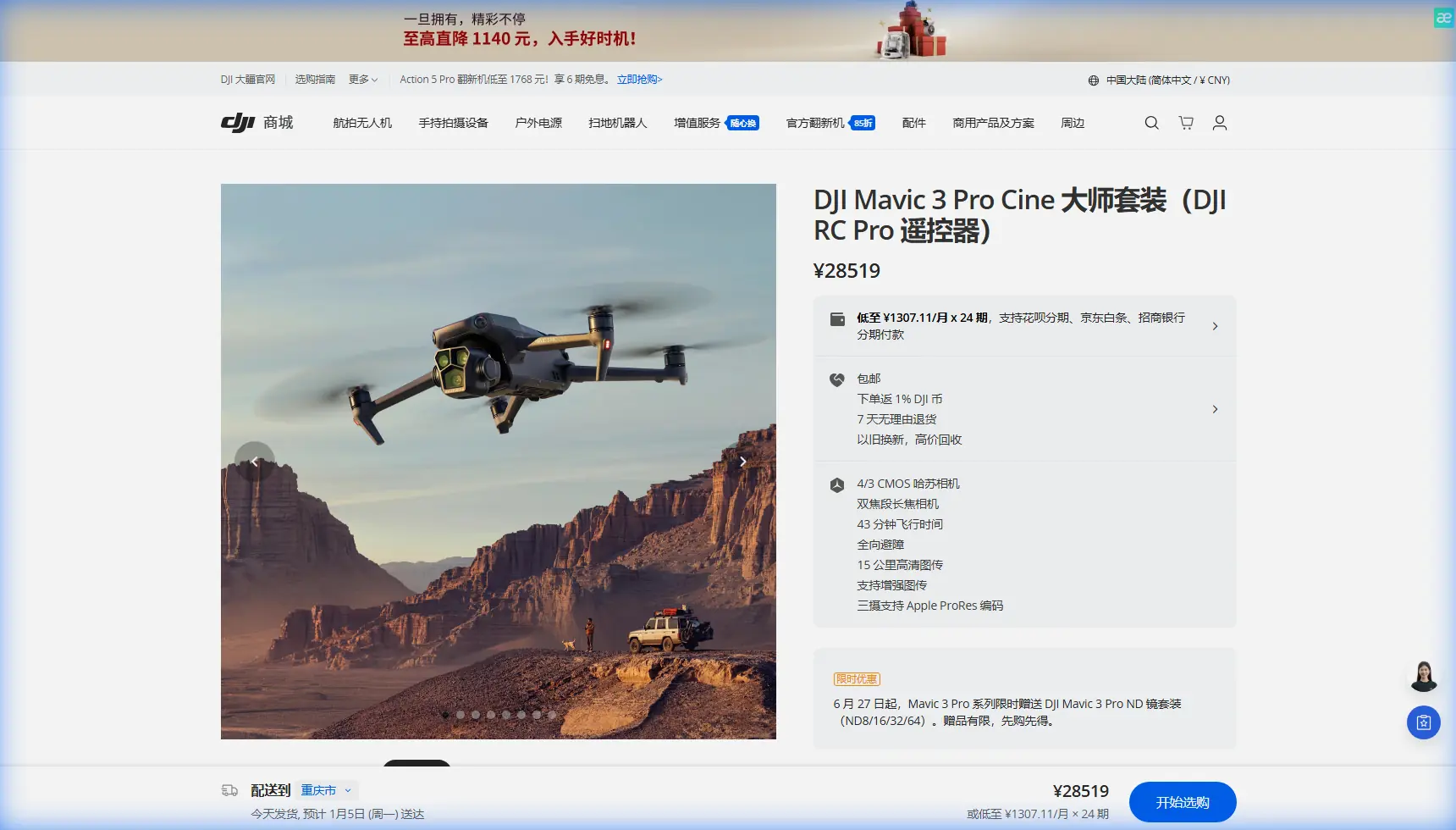
Mapping Forests with Mavic 3 Pro | Low Light Tips
META: Master forest mapping in low light with the Mavic 3 Pro. Expert field techniques for optimal altitude, camera settings, and obstacle avoidance strategies.
TL;DR
- Flying at 80-120 meters AGL provides the ideal balance between canopy detail capture and obstacle clearance in forested terrain
- The Hasselblad camera's 4/3 CMOS sensor excels in low-light forest conditions where shadows dominate
- D-Log color profile preserves critical shadow detail that standard profiles crush
- Omnidirectional obstacle avoidance requires specific configuration adjustments when operating near dense tree canopy
Forest mapping presents unique challenges that separate capable drones from exceptional ones. The Mavic 3 Pro's triple-camera system and advanced sensor technology make it a standout performer for capturing accurate terrain data under tree canopy in challenging light conditions—but only when you understand how to configure it properly.
After completing 47 forest mapping missions across Pacific Northwest timber stands, I've developed a systematic approach that maximizes data quality while minimizing flight risks. This field report breaks down the exact settings, altitudes, and techniques that deliver professional-grade orthomosaic results.
Why Forest Mapping Demands More From Your Drone
Traditional open-terrain mapping follows predictable patterns. Forest environments throw variables at you that require adaptive thinking and equipment capable of handling rapid light transitions.
Canopy gaps create exposure swings of 4-6 stops within single flight lines. Shadow areas under dense conifer coverage can drop to near-darkness while clearings blast the sensor with direct sunlight. The Mavic 3 Pro's 12.8 stops of dynamic range on the main Hasselblad camera handles these transitions without clipping highlights or crushing shadows.
Ground-level obstacles present constant collision risks. Snags, standing dead trees, and irregular canopy heights create a three-dimensional hazard environment that demands reliable obstacle avoidance systems working at peak performance.
The Altitude Sweet Spot for Forest Terrain
Flight altitude selection in forested areas requires balancing competing priorities:
- Too low (under 60m): Obstacle avoidance triggers constantly, canopy occlusion blocks ground visibility, flight efficiency drops dramatically
- Too high (over 150m): Ground sample distance degrades, small features disappear, shadow detail becomes unrecoverable
- Optimal range (80-120m AGL): Maintains 2.5-3.2 cm/pixel GSD while providing adequate clearance above most mature timber stands
Expert Insight: Set your altitude based on the tallest trees in your survey area, not average canopy height. A single 45-meter Douglas fir in a stand of 30-meter trees will trigger obstacle avoidance responses that interrupt your mission grid.
Camera Configuration for Low-Light Canopy Work
The Mavic 3 Pro's Hasselblad main camera becomes your primary mapping tool in forest environments. The 24mm equivalent focal length provides sufficient coverage for efficient flight lines while maintaining detail resolution.
Essential Camera Settings
Configure these parameters before launching into forested terrain:
- ISO range: Lock between 100-400 for optimal noise performance
- Shutter speed: Minimum 1/500s to prevent motion blur during mapping passes
- Aperture: f/2.8-f/4 balances light gathering with acceptable depth of field
- White balance: Set manually to 5500K for consistent color across varying canopy density
- Format: RAW only—JPEG compression destroys shadow detail you'll need in post-processing
D-Log Configuration for Maximum Data Recovery
Standard color profiles apply contrast curves that permanently discard shadow information. D-Log preserves the full sensor data range, giving you recovery options during orthomosaic processing.
The flat appearance of D-Log footage concerns some operators, but forest mapping prioritizes data over aesthetics. You're capturing information, not creating cinema.
| Setting | Standard Profile | D-Log Profile | Mapping Benefit |
|---|---|---|---|
| Shadow Detail | Crushed below -3 EV | Preserved to -5 EV | Recovers understory features |
| Highlight Headroom | +2 stops | +3.5 stops | Handles canopy gaps |
| Color Accuracy | Consumer-optimized | Linear response | Better photogrammetry alignment |
| File Size | Smaller | 15-20% larger | Worth the storage cost |
Pro Tip: Create a dedicated D-Log camera preset specifically for mapping missions. Name it clearly—accidentally shooting a commercial project in D-Log creates unnecessary post-production work.
Obstacle Avoidance Strategy in Dense Timber
The Mavic 3 Pro's omnidirectional obstacle sensing uses vision sensors on all six sides plus an additional downward-facing auxiliary light for low-light conditions. Forest environments stress these systems in ways open terrain never does.
Configuring Avoidance for Canopy Operations
Default obstacle avoidance settings prioritize safety over mission completion. For professional forest mapping, adjust these parameters:
- Braking distance: Increase to 15 meters minimum—gives the aircraft time to calculate alternate paths
- Return-to-home altitude: Set 30 meters above your highest obstacle, not your launch point elevation
- Obstacle avoidance action: Select "Bypass" rather than "Brake" for smoother flight line maintenance
The downward vision sensors deserve special attention. Forest floors covered in debris, fallen logs, and uneven terrain can confuse the positioning system during low-altitude operations. Enable GPS priority mode when operating above 50 meters to prevent erratic altitude holds.
When to Disable Avoidance Systems
Experienced operators sometimes disable obstacle avoidance for specific mapping scenarios. This decision carries significant risk and requires:
- Clear visual line of sight throughout the mission
- Pre-flight reconnaissance of the survey area
- Calm wind conditions (under 8 m/s)
- No single-operator missions—always have a visual observer
I disable avoidance only when mapping uniform plantation timber with consistent canopy heights and no snags. Natural forest stands with variable structure keep avoidance systems active.
Flight Planning for Efficient Coverage
Mapping software integration determines mission success more than any single hardware feature. The Mavic 3 Pro supports major planning platforms including DJI Terra, Pix4Dcapture, and DroneDeploy.
Overlap Requirements for Forest Terrain
Standard mapping overlap percentages fail in forested environments. Increase your settings:
- Front overlap: 80% minimum (standard terrain uses 70%)
- Side overlap: 75% minimum (standard terrain uses 65%)
- Crosshatch pattern: Essential for areas with significant elevation change
Higher overlap compensates for feature-matching challenges created by repetitive canopy textures. Photogrammetry software struggles to find unique tie points in uniform tree crowns—additional images provide more matching opportunities.
Battery Management in Extended Missions
The Mavic 3 Pro's 46-minute maximum flight time translates to approximately 32-35 minutes of actual mapping time when accounting for:
- Transit to and from survey area
- Altitude changes during terrain-following
- Wind resistance in exposed ridge locations
- Safety margin for return-to-home
Plan missions in segments that complete within 28 minutes of flight time. This buffer prevents emergency landings in inaccessible forest locations.
Subject Tracking and ActiveTrack Considerations
While primarily designed for videography, ActiveTrack and subject tracking features have limited mapping applications. Some operators use these modes for:
- Following linear features like forest roads or streams
- Tracking wildlife corridors during ecological surveys
- Maintaining consistent distance from forest edges during boundary mapping
The Mavic 3 Pro's ActiveTrack 5.0 handles these scenarios competently, though dedicated mapping software provides more precise control for systematic coverage.
Hyperlapse and QuickShots for Documentation
Beyond data collection, forest mapping projects often require contextual documentation. The Mavic 3 Pro's automated flight modes create compelling visual records:
- Hyperlapse circle mode: Documents site conditions with dramatic time-compressed orbits
- QuickShots dronie: Provides scale reference showing survey area extent
- Waypoint hyperlapse: Records seasonal changes from identical vantage points
These features supplement mapping data with visual context that clients and stakeholders understand immediately.
Common Mistakes to Avoid
Flying during midday sun: Harsh shadows create maximum contrast that exceeds even the Mavic 3 Pro's dynamic range. Schedule missions for golden hour or overcast conditions.
Ignoring wind at altitude: Ground-level calm doesn't indicate conditions at 100+ meters. Check forecasts for winds aloft, not surface observations.
Insufficient ground control points: Forest terrain requires more GCPs than open areas—plan for one point per 2-3 hectares rather than the standard 4-5 hectare spacing.
Neglecting battery temperature: Cold forest mornings reduce battery performance by 15-25%. Warm batteries to 20°C before launch.
Skipping pre-flight sensor calibration: Forest magnetic anomalies from mineral deposits affect compass accuracy. Calibrate at each new launch site.
Frequently Asked Questions
What's the minimum light level for reliable forest mapping with the Mavic 3 Pro?
The Hasselblad sensor produces usable mapping data down to approximately 500 lux—equivalent to heavy overcast or the hour before sunset. Below this threshold, noise levels compromise photogrammetric accuracy. The 4/3 CMOS sensor outperforms smaller sensors by roughly 1.5 stops in these conditions.
Can I map effectively through partial canopy openings?
Gaps representing 40% or more of the survey area allow adequate ground visibility for terrain modeling. Denser canopy requires LiDAR supplementation or ground-based survey methods. The Mavic 3 Pro's camera resolution captures detail through openings as small as 3 meters diameter from 100-meter altitude.
How does the telephoto camera assist forest mapping operations?
The 166mm equivalent telephoto serves inspection rather than mapping purposes. Use it for pre-flight reconnaissance of potential hazards, post-mission verification of specific features, or detailed documentation of individual trees. It doesn't replace the main camera for systematic coverage.
Forest mapping with the Mavic 3 Pro rewards operators who understand both the aircraft's capabilities and the environment's demands. The techniques outlined here represent lessons learned across dozens of missions in challenging Pacific Northwest timber—adapt them to your specific conditions and build your own systematic approach.
Ready for your own Mavic 3 Pro? Contact our team for expert consultation.