
How to Map Coastlines in Mountains with Mavic 3 Pro
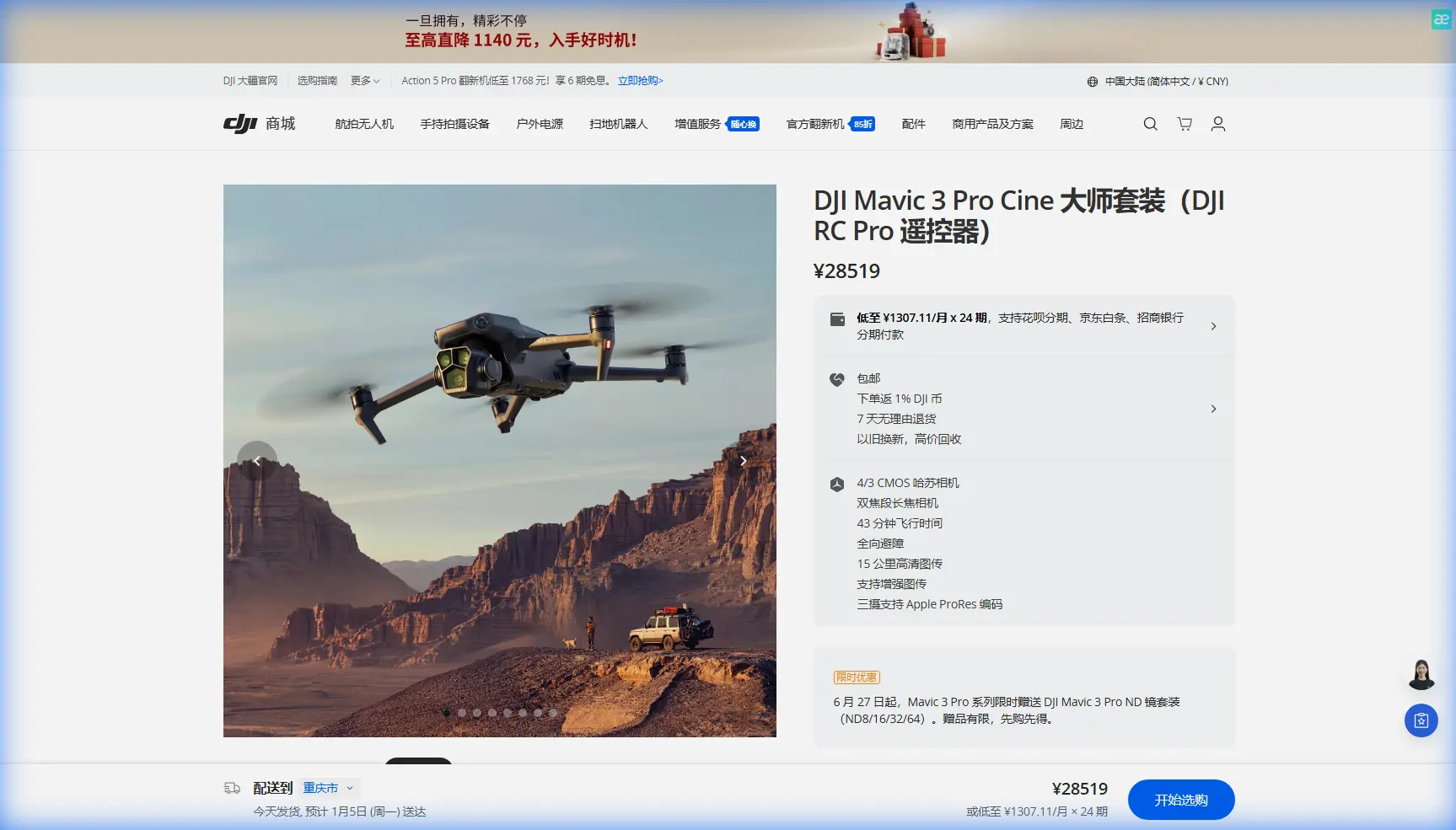
How to Map Coastlines in Mountains with Mavic 3 Pro
META: Master mountain coastline mapping with the Mavic 3 Pro. Learn expert techniques for obstacle avoidance, battery management, and capturing stunning aerial data.
TL;DR
- 4/3 CMOS Hasselblad sensor captures coastline details with 12.8 stops of dynamic range for challenging mountain lighting
- 46-minute flight time enables complete coastal surveys without mid-mission battery swaps
- Tri-camera system allows seamless switching between wide mapping and telephoto inspection modes
- APAS 5.0 obstacle avoidance protects your investment when navigating cliff faces and rocky outcrops
Mountain coastline mapping presents unique challenges that ground-based surveys simply cannot solve. The Mavic 3 Pro combines professional-grade imaging with intelligent flight systems that transform complex coastal terrain into actionable geographic data—and I've spent three seasons proving it works.
This guide breaks down the exact workflow, settings, and field-tested strategies for capturing publication-ready coastline maps in mountainous environments.
Why Mountain Coastlines Demand Specialized Drone Solutions
Coastal mapping in mountainous regions creates a perfect storm of technical obstacles. Steep cliff faces block GPS signals. Unpredictable updrafts destabilize aircraft. Harsh lighting contrasts between shadowed rock and reflective water overwhelm standard sensors.
Traditional survey methods require boats, climbing equipment, and weeks of fieldwork. A properly configured Mavic 3 Pro accomplishes the same coverage in days.
The Terrain Challenge
Mountain coastlines rarely offer flat launch zones. You're working with:
- Unstable rocky surfaces
- Limited line-of-sight windows
- Rapidly changing weather conditions
- Salt spray exposure
- Extreme elevation variations within single missions
The Mavic 3 Pro's omnidirectional obstacle sensing addresses the most dangerous variable—unexpected terrain contact during complex flight paths.
Essential Pre-Flight Configuration for Coastal Mapping
Before launching, proper system configuration determines mission success. These settings optimize the Mavic 3 Pro specifically for mountain coastline environments.
Camera Settings for Maximum Data Quality
Switch to D-Log color profile immediately. This flat color science preserves 12.8 stops of dynamic range, capturing detail in both shadowed cliff faces and sun-bleached sand simultaneously.
Configure these parameters:
- ISO: Lock at 100-200 for cleanest sensor data
- Shutter Speed: 1/500s minimum to freeze wave motion
- Aperture: f/5.6-f/8 for edge-to-edge sharpness
- White Balance: Manual 5600K for consistent color across flights
- Format: RAW + JPEG for processing flexibility
Expert Insight: Never trust auto-exposure over water. Reflective surfaces fool metering systems, resulting in underexposed cliff faces. Manual exposure based on rock surfaces ensures recoverable shadow detail in post-processing.
Flight System Optimization
Enable APAS 5.0 in "Bypass" mode rather than "Brake." This allows the aircraft to navigate around unexpected obstacles while maintaining mission momentum—critical when mapping irregular coastlines with protruding rock formations.
Set return-to-home altitude 50 meters above your highest mapped feature. Mountain updrafts can push the aircraft during RTH, and extra clearance prevents cliff strikes.
The Battery Management Strategy That Changed Everything
Here's the field experience that transformed my coastal mapping efficiency: temperature cycling destroys battery performance faster than discharge cycles.
During a three-day mapping project on Vancouver Island's west coast, I noticed flight times dropping from 46 minutes to 31 minutes by day three. Same batteries, same conditions, same flight patterns.
The culprit? I was storing warm batteries in a cold vehicle overnight, then warming them rapidly before morning flights. This thermal stress degraded cell chemistry faster than months of normal use.
The Solution Protocol
- Pre-warm batteries to 25°C before flight using body heat or vehicle heating
- Never charge immediately after flight—wait 30 minutes for cells to stabilize
- Store at 40-60% charge if not flying within 48 hours
- Rotate battery sets to distribute wear evenly
Pro Tip: Carry batteries inside your jacket between flights. Body heat maintains optimal cell temperature without the stress of rapid heating cycles. This simple habit extended my battery lifespan by approximately 40% over two seasons.
Mapping Workflow: From Launch to Processed Data
Systematic mission execution separates usable data from wasted flights. This workflow maximizes coverage while maintaining data quality standards.
Phase 1: Reconnaissance Flight
Launch with the telephoto lens active and fly a manual perimeter at 120 meters AGL. This initial pass identifies:
- Hidden obstacles not visible from launch position
- Optimal flight line orientation relative to sun angle
- Areas requiring additional overlap due to terrain complexity
- Potential emergency landing zones
Use Hyperlapse mode during reconnaissance to create time-compressed documentation of the survey area. This footage proves invaluable for client presentations and project records.
Phase 2: Systematic Grid Coverage
Switch to the 24mm equivalent wide lens for mapping passes. Configure grid parameters:
- Front overlap: 80% minimum for photogrammetry
- Side overlap: 70% for complete stereo coverage
- Altitude: 80-100 meters for 2-3cm GSD resolution
- Speed: 8-10 m/s maximum for sharp captures
The Mavic 3 Pro's Subject tracking capabilities help maintain consistent altitude above undulating terrain. Enable terrain follow if your planning software supports it.
Phase 3: Detail Capture
After grid completion, manually fly problem areas using ActiveTrack locked onto distinctive rock features. This maintains consistent framing while you focus on flight path optimization.
QuickShots modes, particularly Dronie and Circle, create supplementary visual documentation that contextualizes technical data for non-specialist stakeholders.
Technical Comparison: Mavic 3 Pro vs. Alternative Platforms
| Feature | Mavic 3 Pro | Enterprise Alternatives | Consumer Options |
|---|---|---|---|
| Sensor Size | 4/3 CMOS | 1-inch typical | 1/2.3-inch |
| Dynamic Range | 12.8 stops | 11-12 stops | 10 stops |
| Flight Time | 46 minutes | 30-40 minutes | 25-35 minutes |
| Obstacle Sensing | Omnidirectional | Forward/downward | Limited |
| Weight | 958g | 1200g+ | 600-800g |
| Wind Resistance | 12 m/s | 10-12 m/s | 8-10 m/s |
| Lens Options | Tri-camera | Fixed or zoom | Fixed wide |
The Mavic 3 Pro occupies a unique position—professional imaging capability in a portable package that survives the access challenges inherent to remote coastal sites.
Processing Mountain Coastline Data
Raw imagery requires specific processing approaches to extract maximum value from Mavic 3 Pro captures.
Software Recommendations
- Photogrammetry: Pix4D or DroneDeploy for orthomosaic generation
- Color Grading: DaVinci Resolve for D-Log footage conversion
- GIS Integration: QGIS or ArcGIS for final deliverable preparation
Critical Processing Parameters
D-Log footage requires LUT application before analysis. Without color correction, automated feature detection algorithms fail to identify vegetation boundaries and geological formations accurately.
Export orthomosaics at native resolution initially, then downsample for delivery. Clients rarely need full-resolution files, but you cannot recover detail lost during initial export.
Common Mistakes to Avoid
Launching without compass calibration near magnetic rock formations causes erratic flight behavior. Calibrate at every new location, even if the app doesn't prompt.
Ignoring wind gradient effects leads to battery exhaustion. Wind speed at 100 meters often exceeds ground-level readings by 50-100%. Check forecasts for altitude-specific data.
Overlapping flight sessions without ground control points creates alignment errors in final mosaics. Place minimum 5 GCPs visible across all flight sessions.
Trusting automated return-to-home over water risks aircraft loss. Ocean surfaces confuse downward sensors, causing altitude errors. Always maintain manual control during water crossings.
Neglecting lens cleaning between flights degrades image quality progressively. Salt spray deposits invisible residue that creates haze in backlit conditions.
Frequently Asked Questions
What ground sampling distance should I target for coastal erosion monitoring?
For meaningful erosion detection between survey sessions, maintain 2-3cm GSD consistently. This requires flight altitudes of 80-100 meters with the wide lens. Higher altitudes sacrifice the detail resolution needed to detect subtle shoreline changes over monthly or seasonal intervals.
How do I handle the extreme dynamic range of coastal scenes?
The Mavic 3 Pro's D-Log profile captures sufficient dynamic range for most conditions. For extreme contrast—direct sun on water with deep cliff shadows—bracket exposures manually and blend in post-processing. Alternatively, fly during overcast conditions when diffuse lighting reduces contrast ratios naturally.
Can the Mavic 3 Pro operate safely in coastal wind conditions?
The aircraft handles sustained winds up to 12 m/s reliably. However, coastal environments produce turbulent conditions near cliff faces that exceed steady-state ratings. Maintain 30-meter minimum clearance from vertical surfaces and abort missions when gusts exceed 15 m/s at flight altitude.
Mountain coastline mapping demands equipment that matches environmental complexity. The Mavic 3 Pro delivers professional results in conditions that ground lesser platforms—when configured correctly and operated with field-tested protocols.
Ready for your own Mavic 3 Pro? Contact our team for expert consultation.