
M3P Vineyard Inspection Tips for Urban Growers
M3P Vineyard Inspection Tips for Urban Growers
META: Master urban vineyard inspections with Mavic 3 Pro. Learn pro techniques for obstacle avoidance, crop analysis, and efficient flight paths in tight spaces.
TL;DR
- Hasselblad triple-camera system captures vine health data impossible to see from ground level
- Omnidirectional obstacle avoidance prevents costly crashes near buildings, power lines, and trellises
- D-Log color profile preserves maximum detail for post-processing disease detection
- Third-party ND filter sets transform harsh midday light into usable inspection footage
Why Urban Vineyards Demand Specialized Drone Inspection
Urban vineyards present challenges that rural operations never face. You're navigating between apartment buildings, dodging power lines, and working within strict airspace regulations—all while trying to capture actionable crop data.
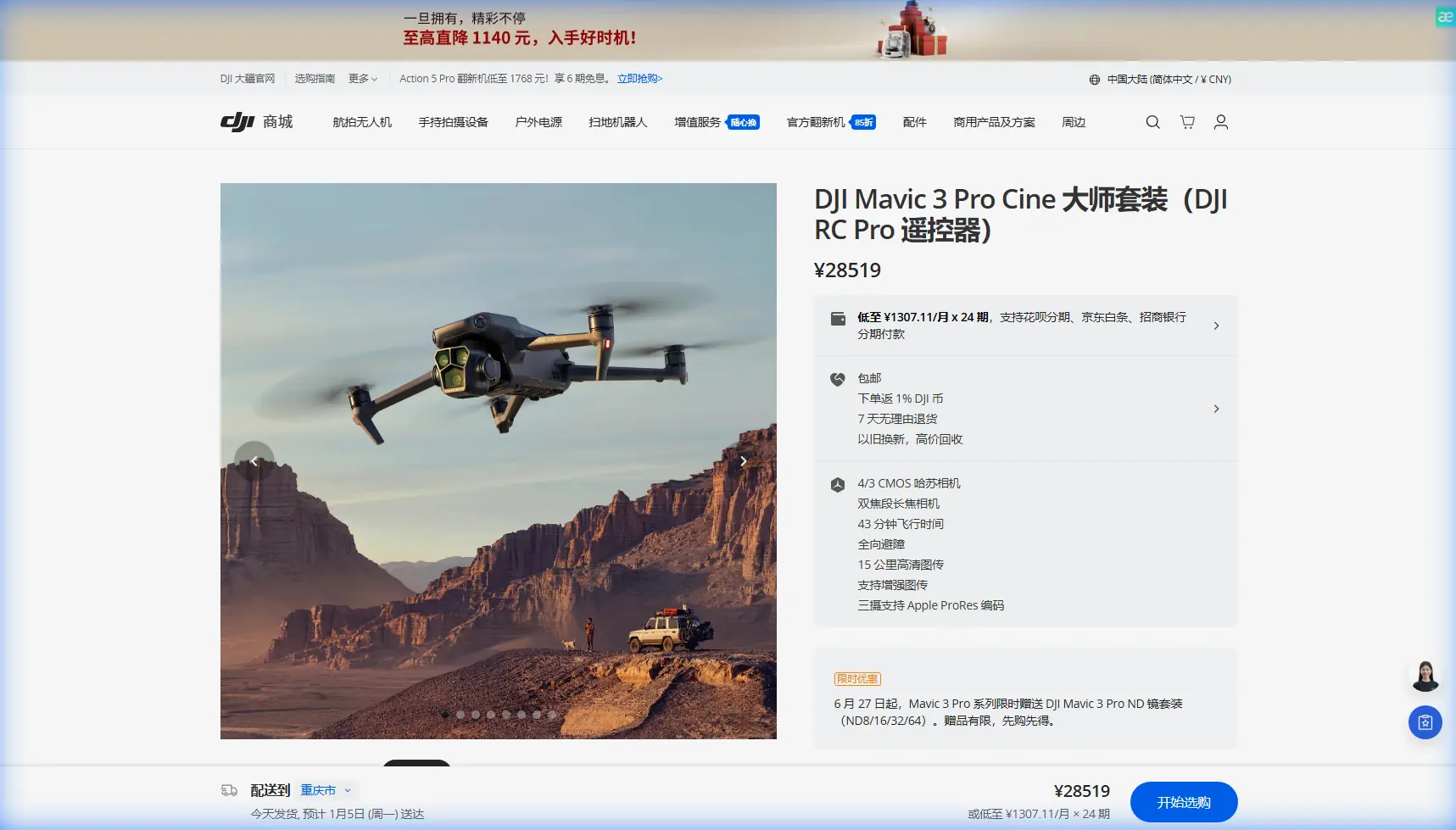
The Mavic 3 Pro handles these constraints better than any prosumer drone currently available. Its tri-camera Hasselblad system delivers the resolution needed for disease detection, while APAS 5.0 obstacle sensing keeps your investment safe in cluttered environments.
I've spent three seasons refining my urban vineyard inspection workflow. Here's everything I've learned about maximizing this drone's capabilities in challenging metropolitan growing spaces.
Essential Pre-Flight Setup for Vineyard Missions
Firmware and App Configuration
Before your first vineyard flight, update to the latest firmware version. DJI regularly improves obstacle avoidance algorithms—critical when flying near trellises and support structures.
Configure these settings in DJI Fly:
- Return-to-Home altitude: Set 15 meters above your highest obstacle
- Max altitude: Check local regulations; urban areas often restrict to 120 meters AGL
- Obstacle avoidance: Enable "Bypass" mode rather than "Brake" for smoother inspection paths
- Video cache: Enable local caching to your phone as backup
The PolarPro Variable ND Filter Advantage
Standard Mavic 3 Pro footage suffers in bright vineyard conditions. Shutter speeds climb too high, creating jittery video that's difficult to analyze frame-by-frame.
I mount the PolarPro 2-5 Stop Variable ND filter before every daytime mission. This third-party accessory transformed my inspection quality overnight.
The variable design means one filter handles sunrise through harsh midday sun. You'll maintain the 180-degree shutter rule (double your frame rate) regardless of lighting conditions. For vine health analysis, smooth footage isn't just aesthetic—it's functional.
Pro Tip: Calibrate your gimbal after mounting any filter. The slight weight change affects stabilization, and a 30-second calibration prevents subtle drift during long inspection runs.
Camera Settings for Actionable Vineyard Data
Why D-Log Changes Everything
The Mavic 3 Pro's D-Log M color profile captures 12.8 stops of dynamic range. For vineyard inspection, this matters more than resolution.
Healthy vines and stressed vines often differ by subtle color variations invisible in standard video profiles. D-Log preserves these differences in the shadows and highlights, letting you recover detail during post-processing.
Configure your camera:
- Resolution: 5.1K at 24fps for maximum detail
- Color profile: D-Log M
- ISO: Keep at 100-400 to minimize noise
- White balance: Manual, matched to conditions (don't let it shift mid-flight)
Lens Selection Strategy
The Mavic 3 Pro's triple-camera system offers 24mm, 70mm, and 166mm equivalent focal lengths. Each serves distinct inspection purposes.
| Focal Length | Best Use Case | Typical Altitude |
|---|---|---|
| 24mm (Wide) | Full vineyard overview, row counting, irrigation assessment | 50-80 meters |
| 70mm (Medium) | Individual vine inspection, canopy density analysis | 20-40 meters |
| 166mm (Tele) | Disease spot identification, pest damage documentation | 15-30 meters |
Start every inspection with wide shots for context, then switch to telephoto for problem areas identified in your overview pass.
Flight Patterns That Maximize Coverage
The Grid Pattern for Systematic Coverage
Urban vineyards rarely offer the luxury of simple rectangular plots. Buildings cast shadows, property lines create odd angles, and neighboring structures limit approach vectors.
Plan your grid pattern using these principles:
- Overlap: Maintain 70% front overlap and 60% side overlap for stitching
- Altitude consistency: Fluctuating height creates inconsistent ground sampling distance
- Sun position: Fly with the sun behind you to minimize shadows in your footage
- Wind awareness: Start downwind so you have power reserves returning home
Leveraging Hyperlapse for Time-Compressed Analysis
The Mavic 3 Pro's Hyperlapse mode isn't just for cinematic content. I use it for rapid seasonal comparison documentation.
Set a waypoint Hyperlapse along your primary inspection route. Execute the same path monthly throughout growing season. The resulting time-compressed footage reveals growth patterns, irrigation effectiveness, and stress development impossible to notice in real-time observation.
Expert Insight: Save your Hyperlapse waypoints as a mission template. Consistent flight paths across multiple sessions create directly comparable datasets—essential for identifying year-over-year vineyard health trends.
Obstacle Avoidance in Complex Urban Environments
Understanding APAS 5.0 Limitations
The Mavic 3 Pro's omnidirectional obstacle sensing uses eight sensors covering all directions. In urban vineyards, you'll encounter every type of obstacle these sensors must handle.
Know the system's blind spots:
- Thin wires: Power lines under 10mm diameter may not register
- Transparent surfaces: Glass buildings can confuse sensors
- Fast-moving objects: Birds and debris won't trigger avoidance in time
- Low-light conditions: Sensor effectiveness drops significantly at dusk
Manual Override Situations
Sometimes obstacle avoidance works against you. When flying between tight trellis rows, the system may refuse to proceed even when clearance exists.
For these situations:
- Reduce speed to 3 m/s maximum
- Switch to Tripod mode for precise control
- Consider brief obstacle avoidance disable (only if you have clear visual line of sight)
- Use the 70mm camera to inspect tight spaces without physical approach
Subject Tracking for Dynamic Inspection
ActiveTrack 5.0 Applications
While ActiveTrack was designed for following moving subjects, it serves unexpected vineyard purposes.
Lock tracking onto your ground vehicle as you drive inspection routes. The drone maintains consistent framing while you focus on ground-level observations. Your footage captures aerial perspective synchronized with your physical inspection path.
This technique works brilliantly for client presentations. Show stakeholders exactly what you observed from the ground while simultaneously displaying the aerial view.
QuickShots for Standardized Documentation
QuickShots automate complex camera movements with single-button simplicity. For vineyard documentation, Dronie and Circle modes create consistent establishing shots.
Execute the same QuickShot at the same location each inspection cycle. You'll build a visual timeline showing vineyard development that impresses clients and informs management decisions.
Technical Comparison: Mavic 3 Pro vs. Alternatives
| Feature | Mavic 3 Pro | Mavic 3 Classic | Air 3 |
|---|---|---|---|
| Camera System | Triple (24/70/166mm) | Single (24mm) | Dual (24/70mm) |
| Sensor Size | 4/3" Hasselblad | 4/3" Hasselblad | 1/1.3" |
| Obstacle Sensing | Omnidirectional | Omnidirectional | Omnidirectional |
| Max Flight Time | 43 minutes | 46 minutes | 46 minutes |
| Video Resolution | 5.1K/50fps | 5.1K/50fps | 4K/100fps |
| D-Log Support | Yes | Yes | Yes |
| Best For | Detailed inspection | Budget inspection | Action/speed |
The Mavic 3 Pro's 166mm telephoto justifies its position for serious vineyard work. Identifying early-stage disease requires magnification that shorter focal lengths simply cannot provide.
Common Mistakes to Avoid
Flying during peak heat hours: Thermal currents between 11am-3pm create turbulence that affects footage stability and stresses your drone's motors. Schedule inspections for early morning or late afternoon.
Ignoring battery temperature: Urban environments with concrete and buildings retain heat. Batteries above 40°C reduce flight time and risk automatic landing. Keep spares in a cooled bag.
Neglecting ND filter adjustment: Conditions change throughout your flight. What worked at takeoff may overexpose footage thirty minutes later. Check exposure regularly and adjust your variable ND.
Skipping compass calibration in new locations: Urban areas contain magnetic interference from underground utilities and building structures. Calibrate at each new vineyard site, not just when the app demands it.
Over-relying on automated modes: ActiveTrack and QuickShots are tools, not replacements for piloting skill. Maintain manual control proficiency for situations where automation fails.
Frequently Asked Questions
How close can I safely fly to vine canopy for disease detection?
Maintain minimum 3 meters above canopy height. The Mavic 3 Pro's 166mm telephoto provides sufficient magnification from this safe distance. Flying closer risks prop wash disturbing leaves and potential collision with unexpected vertical growth.
What's the ideal time of day for vineyard thermal analysis?
Early morning, within two hours of sunrise, provides optimal thermal contrast. Stressed vines retain overnight heat differently than healthy plants. The Mavic 3 Pro doesn't include thermal imaging, but visible-spectrum footage during this window reveals moisture stress patterns through color variation.
How do I handle inspection data for multiple vineyard clients?
Create separate SD card folders using date and client naming conventions. Enable video cache to your mobile device as immediate backup. Transfer to cloud storage within 24 hours, maintaining the original D-Log files—never delete raw footage until you've confirmed successful processing.
Start Capturing Professional Vineyard Data
Urban vineyard inspection demands equipment that handles complexity without compromising data quality. The Mavic 3 Pro delivers professional-grade imaging in a platform portable enough for daily use.
Master the techniques outlined here, invest in quality ND filtration, and you'll capture vineyard health data that transforms growing decisions.
Ready for your own Mavic 3 Pro? Contact our team for expert consultation.