
Mavic 3 Pro Coastal Venue Inspection Guide
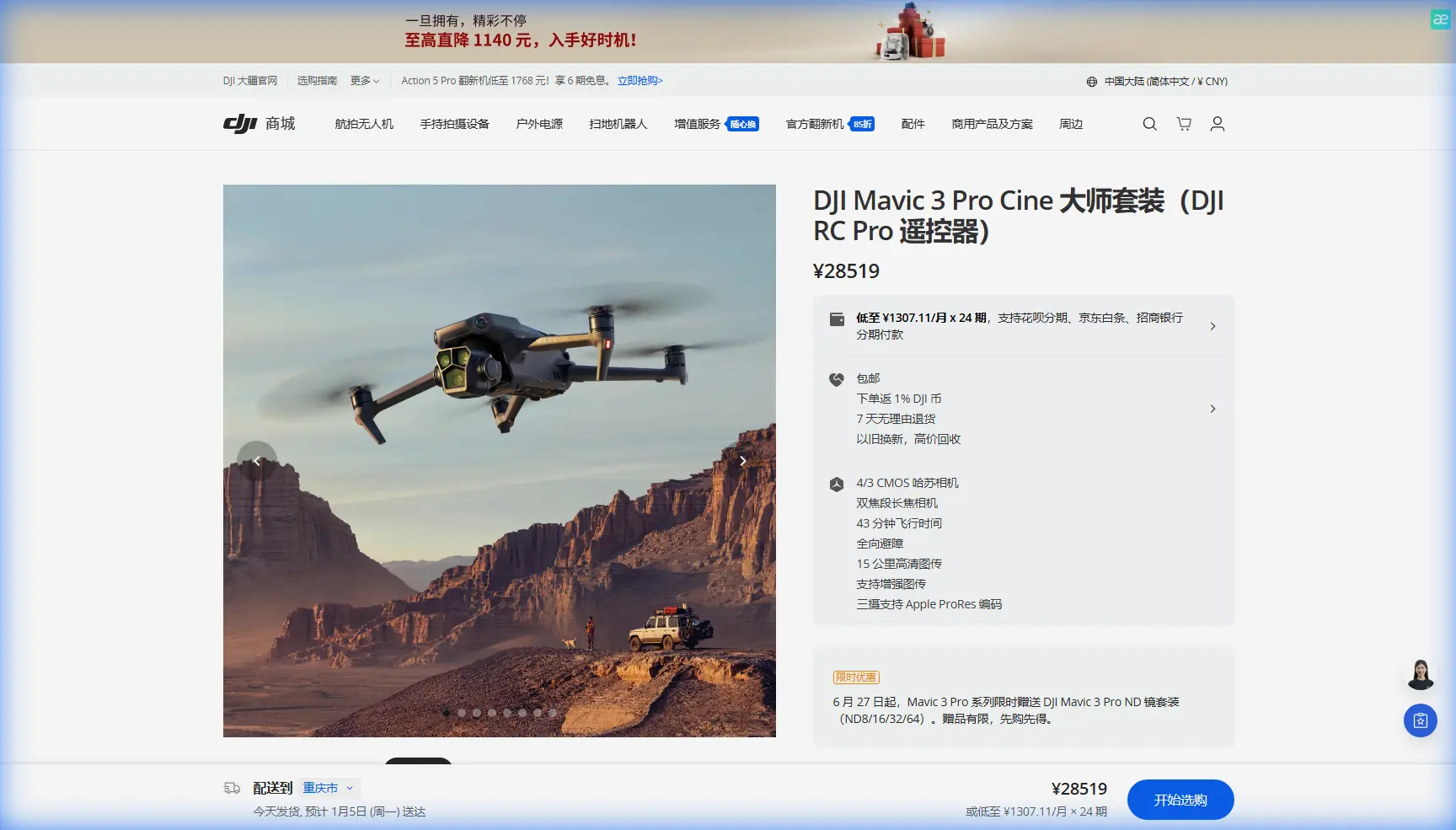
Mavic 3 Pro Coastal Venue Inspection Guide
META: Master coastal venue inspections with the Mavic 3 Pro. Expert tips on obstacle avoidance, battery management, and camera settings for professional results.
TL;DR
- Triple-camera system enables wide establishing shots and detailed close-ups without landing to swap lenses
- APAS 5.0 obstacle avoidance proves essential when navigating complex coastal structures with unpredictable wind gusts
- 46-minute flight time allows complete venue coverage in 2-3 batteries for most medium-sized properties
- D-Log color profile captures the full dynamic range of bright coastal skies against shadowed architectural details
Why Coastal Venues Demand Specialized Inspection Techniques
Salt air corrodes. Wind shifts without warning. Reflective surfaces confuse sensors. Coastal venue inspections present challenges that inland properties simply don't match.
The Mavic 3 Pro addresses these specific pain points through its omnidirectional obstacle sensing, extended flight endurance, and professional-grade imaging system. Whether you're documenting a beachfront wedding venue, assessing storm damage at a seaside resort, or creating marketing content for a coastal event space, this drone delivers consistent results in demanding conditions.
I've spent three years inspecting coastal properties from Maine to Florida. This guide distills that field experience into actionable techniques you can apply immediately.
Essential Pre-Flight Preparation for Coastal Environments
Checking Weather Windows
Coastal weather changes rapidly. Morning inspections typically offer calmer conditions before thermal activity increases.
Monitor these factors before every flight:
- Wind speed: The Mavic 3 Pro handles Level 6 winds (up to 12 m/s), but gusts near structures create turbulence
- Humidity levels: Keep flights under 95% relative humidity to protect sensors
- Salt spray conditions: Avoid flying immediately after high surf or during onshore winds
- Sun angle: Early morning or late afternoon reduces harsh shadows on building facades
Battery Management in Marine Environments
Expert Insight: Cold ocean breezes drain batteries faster than temperature readings suggest. I learned this the hard way during a December inspection in Cape Cod when my "fully charged" battery dropped from 78% to 23% in eight minutes. Now I keep spare batteries in an insulated bag against my body until needed—maintaining them at 25-30°C extends effective flight time by 15-20% in cool coastal conditions.
Pre-warm batteries before flight using the DJI Fly app's self-heating function. This feature activates automatically below 15°C but can be triggered manually for optimal performance.
Camera Configuration for Coastal Venue Documentation
Leveraging the Triple-Camera System
The Mavic 3 Pro's three-camera setup transforms coastal inspections:
| Camera | Focal Length | Best Use Case | Coastal Application |
|---|---|---|---|
| Hasselblad Main | 24mm equivalent | Establishing shots | Full venue overviews, landscape context |
| Medium Tele | 70mm equivalent | Architectural details | Window conditions, roofing materials |
| Tele | 166mm equivalent | Close inspection | Corrosion spots, structural damage |
Switch between cameras mid-flight using the dedicated toggle. This eliminates the need to land, swap lenses, and recalibrate—saving 20-30 minutes per inspection.
D-Log Settings for High-Contrast Coastal Scenes
Bright sand, reflective water, and shadowed building interiors create extreme dynamic range challenges. D-Log captures 12.8 stops of dynamic range, preserving detail in both highlights and shadows.
Configure these settings for optimal results:
- Color Mode: D-Log
- ISO: 100-400 for daylight conditions
- Shutter Speed: Follow the 180-degree rule (double your frame rate)
- White Balance: Manual at 5600K for consistent color across clips
- Resolution: 5.1K for maximum flexibility in post-production
Pro Tip: When shooting D-Log footage of white coastal structures, expose 0.5 to 1 stop below the histogram peak. This protects highlight detail in bright surfaces while shadows remain recoverable in editing software.
Obstacle Avoidance Strategies for Complex Structures
Understanding APAS 5.0 Behavior
The Advanced Pilot Assistance System uses omnidirectional sensors to detect and avoid obstacles. In coastal venue inspections, you'll encounter scenarios that challenge these systems:
- Glass facades may not register properly on sensors
- Thin cables and wires fall below detection thresholds
- Moving objects like flags and banners trigger unexpected avoidance maneuvers
Set APAS to Bypass mode for general inspection work. This allows the drone to navigate around obstacles while maintaining your intended flight path. Switch to Brake mode when working near reflective surfaces where sensor reliability decreases.
Manual Override Techniques
Disable obstacle avoidance only when you have clear visual contact and specific inspection requirements demand close proximity to structures. The Mavic 3 Pro allows sensor-by-sensor deactivation—disable only the direction you need while maintaining protection elsewhere.
Automated Flight Modes for Efficient Coverage
Hyperlapse for Marketing Content
Coastal venues benefit enormously from Hyperlapse footage showing changing light conditions. The Mavic 3 Pro offers four Hyperlapse modes:
- Free: Manual control during time-lapse capture
- Circle: Orbits a selected point of interest
- Course Lock: Maintains heading while you control position
- Waypoint: Follows predetermined path with adjustable speed
For venue marketing, Circle mode around the main building during golden hour creates compelling content. Set intervals at 2 seconds with 5-second video output for smooth results.
Subject Tracking for Dynamic Inspections
ActiveTrack 5.0 locks onto moving subjects with impressive accuracy. Use this feature when:
- Following a client walking through the property
- Tracking vehicles along access roads
- Documenting foot traffic patterns for event planning
The system maintains tracking even when subjects temporarily disappear behind obstacles—a significant improvement over previous generations.
QuickShots for Consistent B-Roll
QuickShots automate complex camera movements:
- Dronie: Flies backward and upward while keeping subject centered
- Rocket: Ascends directly while camera tilts down
- Circle: Orbits subject at consistent distance
- Helix: Combines ascending spiral with subject tracking
- Boomerang: Flies oval path around subject
- Asteroid: Creates spherical panorama effect
Each mode produces 10-15 second clips ideal for social media or presentation transitions.
Common Mistakes to Avoid
Flying too high for meaningful inspection data. Altitude provides context but sacrifices detail. Maintain 15-30 meters for structural assessment, ascending only for establishing shots.
Ignoring wind direction relative to structures. Buildings create wind shadows and acceleration zones. Approach from the windward side to maintain control authority.
Overlooking lens contamination. Salt spray accumulates on camera lenses within minutes. Carry microfiber cloths and inspect glass between flights.
Rushing battery swaps. Hot batteries from recent flights perform poorly when immediately recharged. Allow 15-20 minutes of cooling before charging.
Neglecting backup documentation. Capture still images alongside video. The 20MP Hasselblad sensor produces files suitable for detailed reports when video proves insufficient.
Forgetting to calibrate compass near metal structures. Coastal venues often contain significant metal in railings, roofing, and infrastructure. Calibrate 50 meters away from structures before approaching.
Frequently Asked Questions
How does salt air affect the Mavic 3 Pro's longevity?
Salt accelerates corrosion on exposed metal components and can damage motor bearings over time. After coastal flights, wipe down the entire aircraft with a slightly damp cloth, paying attention to motor housings and gimbal mechanisms. Store in a climate-controlled environment with silica gel packets to absorb residual moisture. Professional coastal operators typically service their drones every 100-150 flight hours rather than the standard 200-hour interval.
What's the minimum safe distance from water during coastal inspections?
Maintain at least 3 meters vertical clearance above water surfaces. Downward sensors can misread reflective water, causing altitude instability. Over breaking waves, increase this margin to 10 meters minimum. The Mavic 3 Pro lacks waterproofing—any water contact voids warranty coverage and likely causes immediate failure.
Can the Mavic 3 Pro capture accurate measurements for venue planning?
While not a surveying instrument, the Mavic 3 Pro produces imagery suitable for photogrammetry software. Fly grid patterns at consistent altitude with 70-80% image overlap. Third-party applications like Pix4D or DroneDeploy process these images into dimensional models accurate to within 2-3 centimeters under optimal conditions. For legal or construction documentation, supplement drone data with ground-based measurements.
The Mavic 3 Pro transforms coastal venue inspections from challenging endeavors into systematic, repeatable processes. Its combination of extended flight time, intelligent obstacle avoidance, and professional imaging capabilities addresses the specific demands these environments present.
Ready for your own Mavic 3 Pro? Contact our team for expert consultation.