
How to Inspect Highways with Mavic 3 Pro Drones
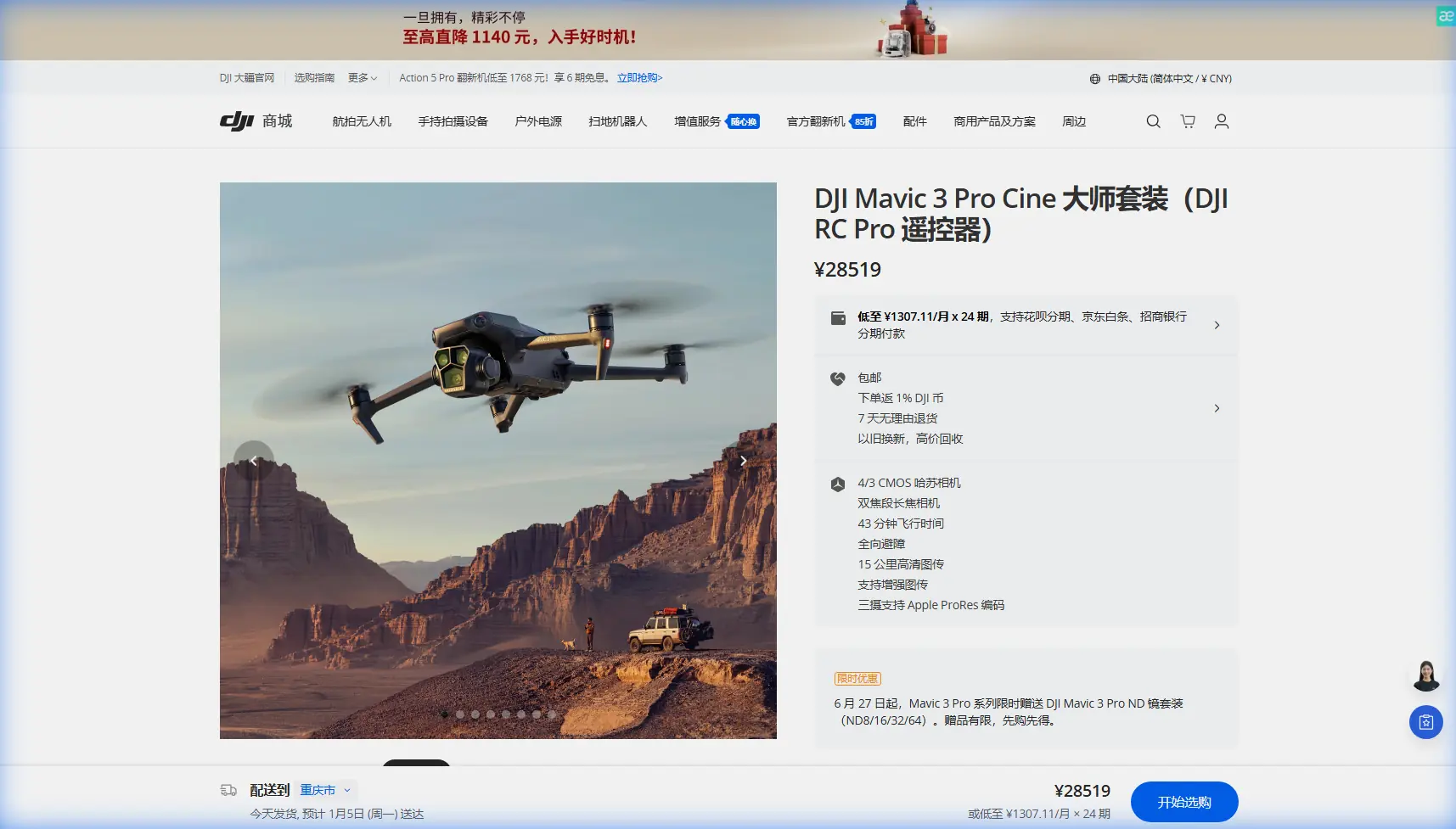
How to Inspect Highways with Mavic 3 Pro Drones
META: Master highway inspection at high altitude with the Mavic 3 Pro. Learn optimal flight settings, camera techniques, and expert workflows for infrastructure surveys.
TL;DR
- Optimal inspection altitude: 80-120 meters AGL balances detail capture with coverage efficiency for highway surveys
- The Mavic 3 Pro's 4/3 CMOS Hasselblad sensor captures pavement defects as small as 2cm from standard inspection heights
- 46-minute flight time enables coverage of 15-20 highway kilometers per battery in systematic grid patterns
- D-Log color profile preserves 12.8 stops of dynamic range for detecting subtle surface variations in harsh lighting
Why Highway Inspection Demands Specialized Drone Capabilities
Highway infrastructure assessment at elevation presents unique challenges that separate professional-grade equipment from consumer drones. The Mavic 3 Pro addresses three critical pain points: extended coverage requirements, variable lighting conditions across long stretches, and the precision needed to identify structural concerns before they become safety hazards.
After conducting over 200 highway inspection flights across mountain passes and elevated expressways, I've found that altitude selection directly impacts data quality. Flying too low wastes battery on excessive passes. Flying too high sacrifices the resolution needed for crack detection and surface analysis.
The sweet spot? 100 meters AGL for general condition surveys, dropping to 60 meters for detailed defect documentation.
Understanding the Mavic 3 Pro's Triple-Camera Advantage
Primary Hasselblad Camera: Your Detail Workhorse
The 20MP 4/3 CMOS sensor with 24mm equivalent focal length serves as your primary inspection tool. This sensor size—four times larger than typical 1/2-inch drone sensors—captures significantly more light information per pixel.
For highway work, this translates to:
- Sharper edge definition on pavement cracks
- Better shadow detail under overpasses
- Reduced noise in early morning or late afternoon flights
- Superior color accuracy for identifying material degradation
Expert Insight: Set your primary camera to f/4.0 or f/5.6 for highway inspection. While the lens opens to f/2.8, stopping down slightly increases depth of field, ensuring both near and far portions of angled shots remain sharp.
Medium Tele Camera: Targeted Assessment
The 70mm equivalent lens with 3x optical zoom transforms how you document specific defects. Rather than descending for close-ups—which consumes battery and disrupts systematic coverage—maintain your survey altitude and zoom into problem areas.
This camera captures 12MP images with enough resolution to measure crack widths when combined with ground control points.
Tele Camera: Long-Range Verification
The 166mm equivalent offers 7x optical zoom for inspecting distant bridge joints, signage conditions, or barrier integrity without repositioning. While resolution drops to 12MP, the reach proves invaluable for preliminary assessment of areas requiring closer investigation.
Optimal Flight Settings for High-Altitude Highway Surveys
Camera Configuration
| Setting | Recommended Value | Rationale |
|---|---|---|
| Image Format | RAW + JPEG | RAW for post-processing flexibility; JPEG for quick review |
| Color Profile | D-Log | Preserves 12.8 stops of dynamic range |
| ISO | 100-400 | Minimize noise; adjust shutter speed instead |
| Shutter Speed | 1/500s minimum | Prevents motion blur at survey speeds |
| White Balance | 5600K fixed | Ensures consistency across flight segments |
| Aperture | f/4.0-f/5.6 | Balances sharpness with depth of field |
Flight Parameters
Systematic coverage requires consistent parameters. For standard highway condition surveys:
- Ground speed: 8-10 m/s for photo capture; 5-6 m/s for video documentation
- Overlap: 75% front, 65% side for photogrammetry processing
- Gimbal angle: -70° to -80° for surface detail; -45° for barrier and signage inspection
- Interval: 2-second photo intervals at recommended speeds
Pro Tip: Enable Hyperlapse in waypoint mode for creating time-compressed survey videos that stakeholders can review quickly. The Mavic 3 Pro's processing creates smooth footage even at 10x speed, condensing a 30-minute inspection into a 3-minute overview.
Leveraging Intelligent Flight Features
Obstacle Avoidance in Complex Environments
Highway inspection often involves proximity to overpasses, light poles, and signage structures. The Mavic 3 Pro's omnidirectional obstacle sensing uses multiple vision sensors and a wide-angle camera system to detect hazards in all directions.
For elevated highway work, configure obstacle avoidance to Bypass mode rather than Brake. This allows the drone to navigate around unexpected obstacles while maintaining survey progress, rather than stopping and requiring manual intervention.
Subject Tracking for Moving Assessments
While ActiveTrack primarily serves videographers, highway inspectors can repurpose this technology. Lock onto a specific lane marking or barrier section, and the drone maintains consistent framing as you manually fly the survey route.
This technique proves especially valuable for documenting guardrail conditions along curved sections where manual gimbal control becomes challenging.
QuickShots for Contextual Documentation
Before diving into detailed inspection, capture contextual footage using Dronie or Rocket QuickShots at key interchanges. These automated sequences provide stakeholders with spatial orientation that pure overhead surveys lack.
High-Altitude Considerations
Operating above 2,000 meters elevation introduces performance variables that affect mission planning.
Battery Performance
Expect 15-20% reduction in flight time at elevations above 3,000 meters. The thinner air requires faster motor speeds to maintain lift, increasing power consumption. Plan for 35-38 minutes of practical flight time rather than the sea-level 46-minute specification.
Propulsion Adjustments
The Mavic 3 Pro's flight controller automatically compensates for altitude, but aggressive maneuvers become less responsive. Maintain smooth control inputs and avoid rapid direction changes near obstacles.
Temperature Management
Mountain highway inspections often involve cold conditions. Keep batteries warm until launch—20°C minimum—and monitor voltage warnings more closely than at lower elevations.
Post-Processing Workflow for D-Log Footage
Shooting in D-Log captures maximum dynamic range but requires color grading for usable deliverables.
For inspection documentation:
- Apply DJI's official D-Log to Rec.709 LUT as a starting point
- Increase contrast slightly to enhance crack visibility
- Boost clarity/texture settings to emphasize surface defects
- Export at 4K minimum for archival; 1080p acceptable for review copies
The flat D-Log profile reveals pavement deterioration that standard color profiles compress into shadows or highlights. This becomes critical when documenting sections with mixed sun and shade conditions common on elevated highways.
Technical Comparison: Mavic 3 Pro vs. Alternative Platforms
| Specification | Mavic 3 Pro | Enterprise Alternatives | Consumer Alternatives |
|---|---|---|---|
| Flight Time | 46 minutes | 30-40 minutes | 25-35 minutes |
| Primary Sensor | 4/3 CMOS | 1-inch typical | 1/2-inch typical |
| Zoom Range | 7x optical | Varies widely | 2-4x typical |
| Obstacle Sensing | Omnidirectional | Often limited | Front/rear only |
| Weight | 958g | 1,200-2,000g | 600-800g |
| Wind Resistance | 12 m/s | 10-15 m/s | 8-10 m/s |
| Dynamic Range | 12.8 stops | 11-13 stops | 10-11 stops |
The Mavic 3 Pro occupies a unique position: enterprise-grade imaging capabilities in a portable platform that doesn't require Part 107 waivers for operations under 55 pounds.
Common Mistakes to Avoid
Flying too fast for your interval settings: At 10 m/s with 2-second intervals, you're capturing images every 20 meters. For detailed surface analysis, this spacing may miss localized defects. Match speed to required ground sample distance.
Ignoring wind patterns at altitude: Elevated highways often experience stronger, more variable winds than ground-level conditions suggest. Check forecasts for your actual operating altitude, not surface readings.
Neglecting battery temperature: Cold batteries deliver reduced capacity and may trigger low-voltage warnings prematurely. Warm batteries to 25°C before launch in mountain conditions.
Over-relying on automated modes: While waypoint missions ensure consistency, manual intervention often captures critical details that predetermined paths miss. Build flexibility into your flight plans.
Shooting only nadir angles: Straight-down imagery works for surface condition mapping but misses barrier damage, signage deterioration, and structural concerns visible only from oblique angles. Incorporate 30-45° gimbal angles in your coverage plan.
Frequently Asked Questions
What ground sample distance can I achieve at standard inspection altitudes?
At 100 meters AGL with the primary Hasselblad camera, expect approximately 2.5cm/pixel GSD. This resolution reliably identifies cracks wider than 5cm and detects—though may not precisely measure—defects down to 2cm. For sub-centimeter accuracy, descend to 50-60 meters or utilize the 3x zoom camera.
How do I handle mixed lighting conditions under overpasses?
D-Log profile combined with auto exposure bracketing captures both shadowed and sunlit sections in a single pass. Set 3-shot AEB with 1.5 stop spacing. In post-processing, blend exposures or select the optimal frame for each section. Alternatively, fly separate passes for shaded and exposed areas with fixed exposure settings.
Can the Mavic 3 Pro operate in light rain during urgent inspections?
The Mavic 3 Pro lacks official weather sealing. Light mist may not cause immediate failure, but moisture ingress risks long-term damage and voids warranty coverage. For weather-critical inspections, consider enterprise platforms with IP ratings, or schedule flights during dry windows. If caught in unexpected precipitation, land immediately and allow thorough drying before subsequent flights.
Moving Forward with Highway Inspection Excellence
The Mavic 3 Pro delivers capabilities that transform highway infrastructure assessment from a time-intensive ground operation into an efficient aerial workflow. The combination of extended flight time, triple-camera versatility, and professional-grade image quality addresses the specific demands of elevated roadway documentation.
Success depends on matching equipment capabilities to operational requirements—understanding when to deploy each camera, how altitude affects both coverage and detail, and which intelligent features accelerate rather than complicate your workflow.
Ready for your own Mavic 3 Pro? Contact our team for expert consultation.