
Expert Urban Forest Inspections with Mavic 3 Pro
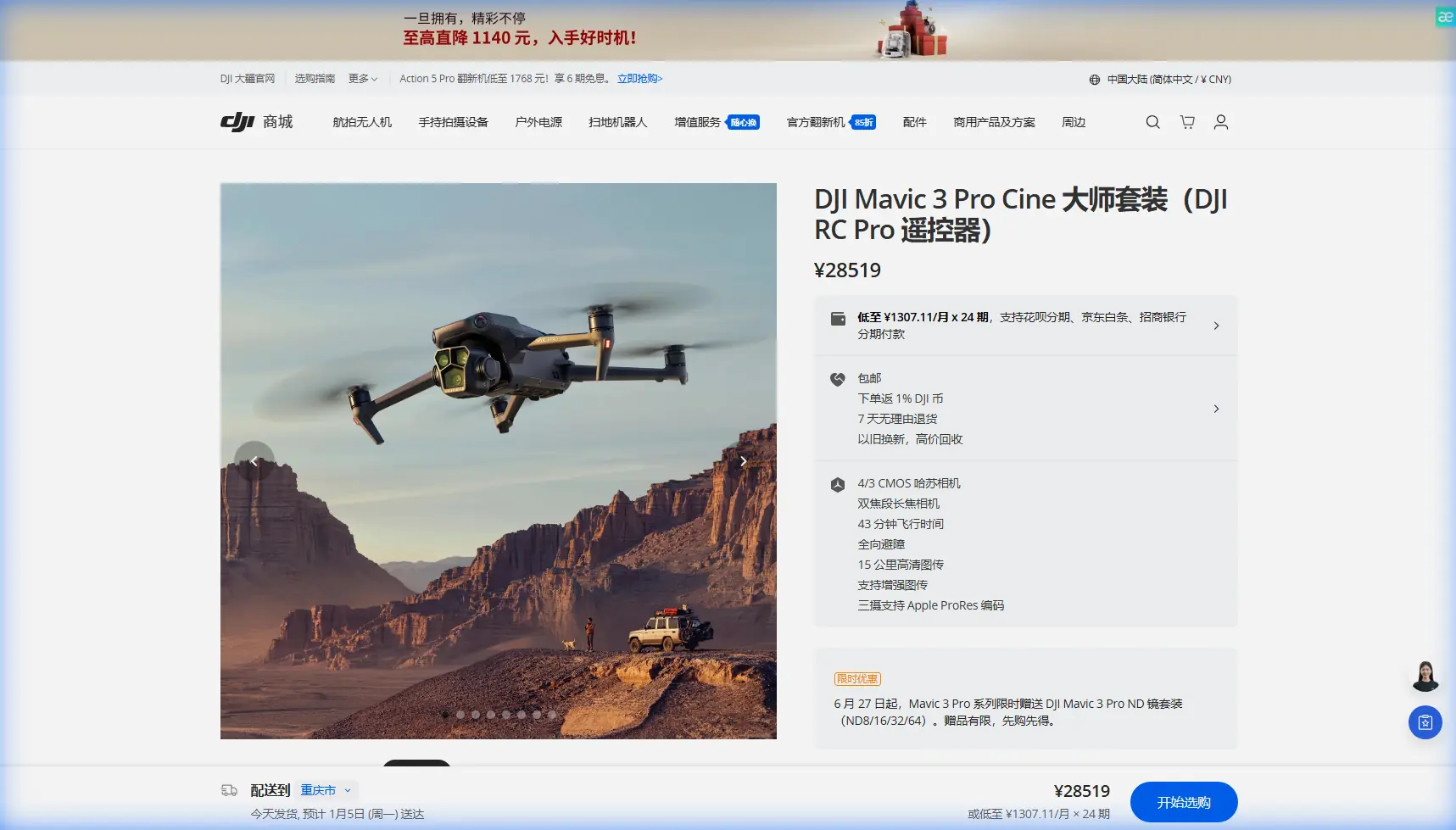
Expert Urban Forest Inspections with Mavic 3 Pro
META: Master urban forest inspections using the Mavic 3 Pro's triple-camera system. Learn expert techniques for obstacle avoidance, D-Log capture, and optimal antenna positioning.
TL;DR
- Triple-camera Hasselblad system enables detailed canopy analysis from 166mm equivalent telephoto to wide environmental shots
- Omnidirectional obstacle avoidance prevents collisions in dense urban tree environments where GPS signals weaken
- D-Log color profile captures 12.8 stops of dynamic range for accurate foliage health assessment
- Proper antenna positioning extends reliable range to 15km in challenging urban RF environments
Urban forest inspection presents unique challenges that traditional survey methods simply cannot address efficiently. The Mavic 3 Pro transforms how photographers and environmental professionals document tree health, canopy coverage, and vegetation changes in metropolitan areas—delivering inspection data that once required bucket trucks, climbing crews, or helicopter surveys.
This technical review breaks down exactly how to leverage the Mavic 3 Pro's advanced features for professional urban forestry work, from optimal camera settings to antenna positioning strategies that maintain solid connections in RF-noisy city environments.
Why Urban Forest Inspection Demands Professional Drone Technology
Cities contain millions of trees requiring regular health assessments. Traditional ground-based inspection misses 60-70% of canopy issues including dead branches, pest infestations, and structural weaknesses that pose public safety risks.
The Mavic 3 Pro addresses these inspection gaps through:
- 4/3 CMOS Hasselblad main camera with 20MP resolution for detailed bark and leaf analysis
- Medium telephoto camera at 70mm equivalent for mid-range branch inspection
- 166mm equivalent telephoto for examining high canopy areas without dangerous proximity flying
- 43-minute maximum flight time covering large park sections in single missions
Urban environments introduce complications absent from rural forestry work. Buildings create wind tunnels, metal structures generate magnetic interference, and dense RF signals from cellular towers compete with your control link.
Mastering Obstacle Avoidance in Dense Canopy Environments
The Mavic 3 Pro's omnidirectional obstacle sensing system uses eight vision sensors plus two wide-angle sensors to create a protective bubble around the aircraft. This system becomes critical when navigating between tree crowns where GPS accuracy degrades.
Configuring Obstacle Avoidance for Forest Work
Access the sensing settings through DJI Fly and configure:
- Horizontal Obstacle Avoidance Distance: Set to 8-12 meters for initial flights, reducing to 3-5 meters as you gain confidence in specific locations
- Downward Obstacle Avoidance: Enable for low-altitude passes examining trunk bases
- APAS 5.0 Mode: Select "Bypass" rather than "Brake" to maintain smooth flight paths during video documentation
Expert Insight: Disable obstacle avoidance only when shooting through gaps in canopy where sensors might misread branches as collision threats. Always maintain visual line of sight and be prepared for manual intervention when operating in this mode.
The sensing system struggles with thin branches under 2cm diameter. Never rely solely on automated avoidance when flying near fine twigs or dead branches that may not register on sensors.
Subject Tracking and ActiveTrack for Dynamic Inspections
ActiveTrack 5.0 transforms how you document individual trees or follow linear features like urban greenways. The system uses machine learning to maintain focus on selected subjects even as they move through frame or become partially obscured.
Practical ActiveTrack Applications
Individual Tree Documentation:
- Position the drone 30-50 meters from target tree
- Draw a box around the trunk base in the DJI Fly interface
- Select "Spotlight" mode to keep the tree centered while you manually fly orbital patterns
- The gimbal automatically compensates for your flight path, maintaining consistent framing
Linear Feature Following: For documenting tree-lined streets or park pathways:
- Use "Trace" mode with the path as your subject
- Set flight altitude 15-20 meters above canopy height
- ActiveTrack maintains consistent offset distance while you control speed
The system performs best with high-contrast subjects against backgrounds. Green trees against green grass challenge the algorithm—consider shooting during golden hour when shadows create natural contrast.
QuickShots and Hyperlapse for Efficient Documentation
QuickShots automate complex camera movements that would otherwise require extensive practice or gimbal operator coordination.
Recommended QuickShots for Forest Inspection
| QuickShot Mode | Best Application | Duration Setting |
|---|---|---|
| Dronie | Single tree isolation shots | 8-10 seconds |
| Circle | 360-degree canopy assessment | 15-20 seconds |
| Helix | Ascending spiral for height documentation | 12-15 seconds |
| Rocket | Vertical reveal of tree height | 6-8 seconds |
| Boomerang | Before/after comparison angles | 10-12 seconds |
Hyperlapse mode captures time-compressed footage showing shadow movement across canopy—useful for identifying areas receiving insufficient sunlight or documenting seasonal changes across multiple visits.
Configure Hyperlapse with:
- Interval: 2 seconds for smooth motion
- Duration: 10-15 seconds final video length
- Mode: Circle or Waypoint for consistent framing
D-Log Color Profile for Accurate Foliage Analysis
The Mavic 3 Pro's D-Log color profile captures 12.8 stops of dynamic range, preserving detail in both shadowed understory and bright canopy tops that would otherwise clip in standard color modes.
D-Log Configuration for Forest Work
Enable D-Log through:
- Camera settings → Color → D-Log
- Set ISO to 100-400 for cleanest files
- Expose 1-1.5 stops over what your meter suggests to protect shadow detail
- Record in 5.1K or 4K at minimum 10-bit color depth
Pro Tip: Create a custom LUT (Look-Up Table) calibrated to your local tree species. Healthy oak foliage reflects differently than healthy maple—a species-specific LUT helps identify stressed trees faster during post-processing review.
D-Log files require color grading before delivery. Budget 15-20 minutes of post-processing time per hour of captured footage for professional results.
Antenna Positioning for Maximum Urban Range
Urban environments present significant RF challenges. Buildings reflect signals creating multipath interference, cellular towers broadcast competing frequencies, and metal structures attenuate your control link.
Optimal Antenna Positioning Strategy
The DJI RC Pro controller's antennas should always point perpendicular to the aircraft—never directly at it. The antennas broadcast in a donut-shaped pattern with weak spots at the tips.
Positioning protocol:
- Hold controller with antennas tilted 45-60 degrees back from vertical
- Keep antenna faces oriented toward the drone's general direction
- Adjust angle as the aircraft moves to maintain perpendicular orientation
- Avoid gripping the antenna bases, which blocks signal transmission
For extended range operations:
- Position yourself on elevated ground when possible
- Keep the controller above waist height
- Maintain clear line of sight—each building between you and the drone reduces signal strength by 40-60%
- Monitor signal strength indicators and retreat before reaching warning thresholds
In heavily congested RF environments, switch to manual channel selection in the transmission settings. Scan for the clearest channel before flight rather than relying on automatic selection.
Technical Specifications Comparison
| Feature | Mavic 3 Pro | Previous Generation | Inspection Benefit |
|---|---|---|---|
| Camera System | Triple-lens Hasselblad | Single wide-angle | Multi-distance inspection without repositioning |
| Max Flight Time | 43 minutes | 31 minutes | Complete larger survey areas per battery |
| Obstacle Sensing | Omnidirectional | Forward/backward only | Safer canopy navigation |
| Video Resolution | 5.1K/50fps | 4K/30fps | Higher detail for defect identification |
| Dynamic Range | 12.8 stops (D-Log) | 11 stops | Better shadow/highlight recovery |
| Transmission Range | 15km | 10km | Reliable urban operation despite interference |
| Wind Resistance | 12 m/s | 10 m/s | Stable operation in urban wind tunnels |
Common Mistakes to Avoid
Flying too close to canopy: Maintain minimum 5-meter clearance from branch tips. Wind gusts can push branches into your flight path faster than obstacle avoidance can react.
Ignoring magnetic interference: Urban areas contain underground utilities and metal structures that skew compass readings. Always calibrate compass at your specific launch location, not at home before departure.
Overrelying on automated modes: QuickShots and ActiveTrack don't understand forestry inspection goals. They'll create cinematic footage that may miss the specific angles you need for professional assessment.
Neglecting battery temperature: Cold morning inspections reduce battery capacity by 20-30%. Keep batteries warm in vehicle until launch and plan shorter missions in temperatures below 15°C.
Shooting only in good weather: Overcast conditions actually improve forest inspection by eliminating harsh shadows that hide defects. Light rain on leaves can reveal drainage patterns indicating branch structure.
Frequently Asked Questions
What altitude works best for urban forest canopy inspection?
Fly 20-30 meters above the tallest trees for overview documentation, then descend to canopy height for detailed inspection passes. The telephoto camera allows detailed examination from safe distances—use 166mm equivalent for close inspection without proximity risks.
How do I maintain GPS lock when flying below dense tree cover?
The Mavic 3 Pro switches to vision positioning when GPS signals weaken. Ensure adequate lighting for the downward sensors and avoid flying over water or uniform surfaces that confuse visual positioning. Consider flying during midday when light penetration through canopy is strongest.
Can the Mavic 3 Pro detect tree diseases from aerial footage?
The camera captures visual symptoms including discoloration, unusual leaf patterns, and structural abnormalities. Combine aerial footage with NDVI analysis using third-party software to identify stressed vegetation before visible symptoms appear. D-Log footage preserves the color accuracy needed for reliable health assessment.
Urban forest inspection demands equipment that handles complex environments while delivering professional-quality documentation. The Mavic 3 Pro's combination of triple-camera versatility, robust obstacle avoidance, and extended flight time makes it the current standard for metropolitan forestry professionals.
Ready for your own Mavic 3 Pro? Contact our team for expert consultation.