
Inspecting Mountain Coastlines with Mavic 3 Pro | Guide
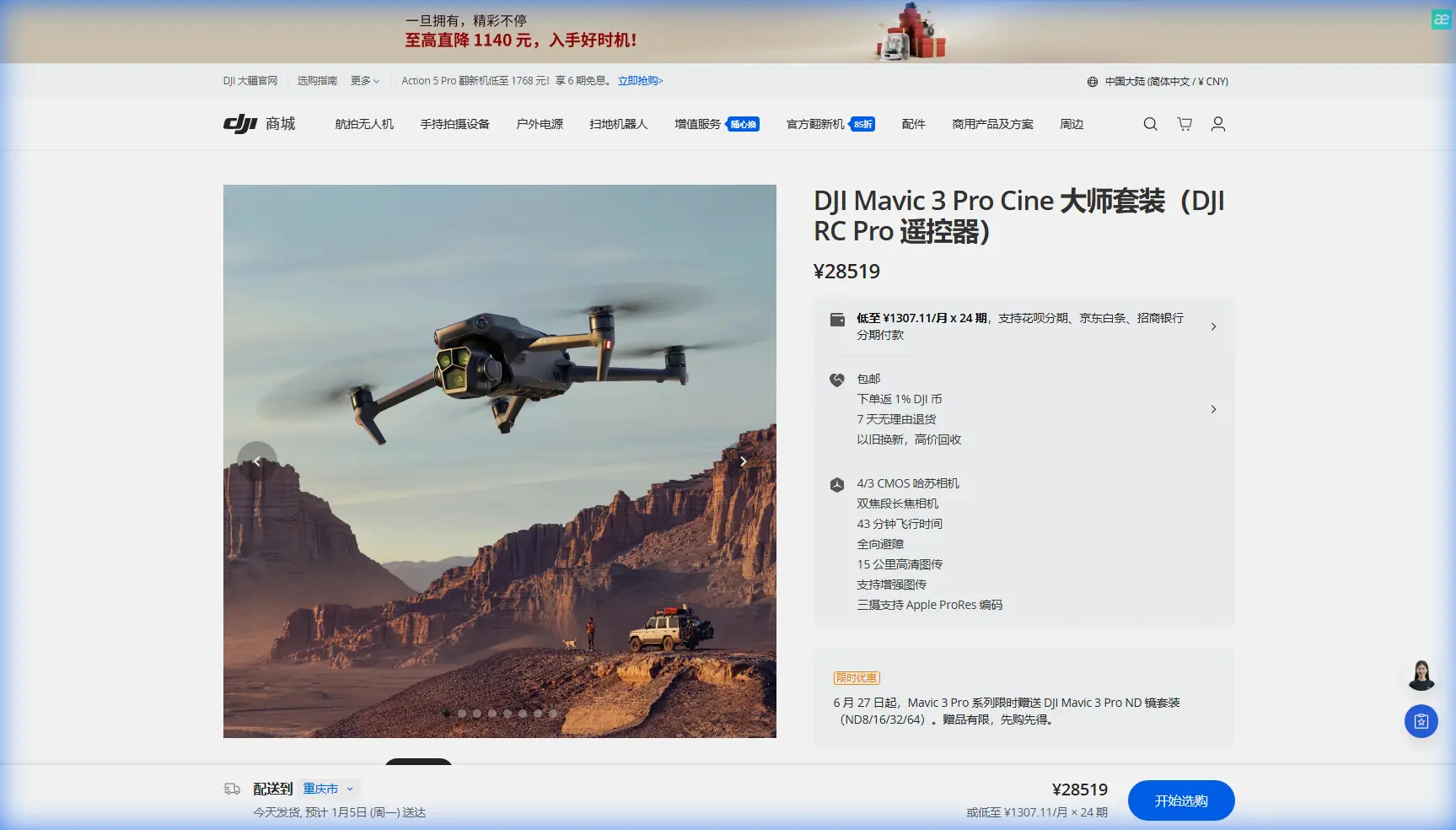
Inspecting Mountain Coastlines with Mavic 3 Pro | Guide
META: Learn how to inspect rugged mountain coastlines with the Mavic 3 Pro. Expert tutorial covering obstacle avoidance, D-Log, ActiveTrack, and pro tips.
TL;DR
- Triple-camera system lets you switch between wide, medium, and telephoto views mid-flight—critical for scanning cliff faces and shoreline erosion from safe distances.
- Omnidirectional obstacle avoidance is non-negotiable when flying near jagged rock formations and unpredictable coastal updrafts.
- D-Log color profile preserves highlight and shadow detail in high-contrast coastal environments where bright ocean meets dark volcanic rock.
- This tutorial walks you through a complete coastline inspection workflow, from pre-flight planning to post-processing deliverables.
Why Mountain Coastlines Are the Hardest Inspection Environment
Coastline inspections where mountains meet the sea present a unique cocktail of dangers that will punish sloppy planning. I learned this firsthand two years ago when I lost a mid-range drone to a rogue wind shear off the cliffs of Big Sur. The aircraft slammed into basalt before I could react, and with it went four hours of inspection data.
That experience changed my entire approach. When I switched to the Mavic 3 Pro, the difference was immediate and measurable. The omnidirectional obstacle avoidance sensors detected the cliff wall from 200 meters in every direction, automatically adjusting my flight path in real time. What used to feel like a high-stakes gamble became a controlled, repeatable process.
This tutorial breaks down exactly how I now plan, execute, and deliver mountain coastline inspections using the Mavic 3 Pro—so you can skip the expensive lessons I had to learn the hard way.
Understanding the Mavic 3 Pro's Triple-Camera Advantage
The Mavic 3 Pro carries three distinct cameras, and each one serves a specific role during coastline work:
- 24mm wide-angle (4/3 CMOS, 20MP): Captures sweeping overview shots of entire cliff sections and beach formations.
- 70mm medium telephoto (1/1.3" CMOS, 48MP): The workhorse for mid-range inspection of erosion patterns, vegetation encroachment, and structural features.
- 166mm telephoto (1/2" CMOS, 12MP): Allows detailed close-ups of rock fractures, nesting sites, or infrastructure damage without flying dangerously close.
When to Use Each Lens
During a typical inspection run, I switch lenses in a predictable sequence:
- First pass (24mm): Fly the full coastline segment at 80-100 meters altitude to capture context and identify areas of interest.
- Second pass (70mm): Drop to 40-60 meters and focus on flagged sections. This focal length isolates erosion patterns without the barrel distortion of the wide lens.
- Third pass (166mm): Hover at a safe distance—usually 30+ meters from cliff faces—and zoom into cracks, seepage points, or wildlife concerns.
Pro Tip: Always complete your wide-angle pass first. It creates a visual index of the entire site, which makes reviewing your telephoto footage dramatically faster in post-production. I label each pass with the lens used in my file naming convention:
SITE_DATE_24mm_001.
Pre-Flight Planning for Coastal Mountain Terrain
Skipping pre-flight planning on a coastline mission is how drones end up at the bottom of the ocean. Here's my exact checklist:
Weather and Wind Assessment
- Check wind speeds at both ground level and flight altitude. Mountain coastlines generate thermal updrafts that can exceed 30 km/h even on calm days.
- Monitor tide tables. Rising tides change the inspection baseline and can eliminate landing zones on rocky beaches.
- Overcast skies are actually preferable—they reduce harsh shadows on cliff faces that hide erosion details.
Flight Path Design
- Use DJI Pilot or a third-party tool to plot waypoint missions along the coastline.
- Set your return-to-home altitude at least 20 meters above the highest terrain feature in your flight zone.
- Program Hyperlapse routes for time-based documentation of tidal patterns or wave impact zones.
Regulatory Compliance
- Verify airspace restrictions, especially near military installations common along strategic coastlines.
- Obtain permits for flights over protected marine habitats.
- Log your planned flight path and share it with any on-site team members.
Executing the Inspection Flight
Leveraging Obstacle Avoidance in Tight Quarters
The Mavic 3 Pro's APAS 5.0 system uses sensors on all six sides of the aircraft. In mountain coastline environments, I keep obstacle avoidance set to "Bypass" mode rather than "Brake." Here's why:
- Bypass mode allows the drone to autonomously reroute around detected obstacles while maintaining forward progress along your inspection path.
- Brake mode simply stops the aircraft, which in gusty coastal conditions can leave it hovering in a turbulence zone.
The system detects obstacles at distances up to 200 meters in good visibility, giving you ample reaction time even at higher flight speeds.
Using ActiveTrack for Shoreline Following
ActiveTrack 5.0 is surprisingly useful for inspection work, not just cinematic content. Lock onto a visible shoreline feature—a distinctive rock formation or the waterline itself—and the drone will maintain consistent framing as it follows the contour.
This produces uniform documentation footage where the subject stays centered, making before-and-after comparisons between inspection dates far more accurate.
QuickShots for Standardized Documentation
While QuickShots are typically associated with social media content, two modes are genuinely useful for inspections:
- Orbit: Circle a specific cliff section or sea stack at a fixed radius to capture 360-degree documentation.
- Dronie: Pull away from a point of interest to establish spatial context between a detail and the broader coastline.
I include at least one Orbit capture per critical feature in every inspection report. Clients consistently rate these as the most useful visual assets.
Camera Settings for Coastal Conditions
Why D-Log Is Essential
Mountain coastlines present extreme dynamic range challenges. Bright ocean reflections sit next to deep shadow in sea caves and cliff overhangs. Shooting in D-Log captures approximately 12.8 stops of dynamic range, preserving detail in both extremes.
If you shoot in standard color profiles, you will clip highlights on water surfaces and crush shadows on rock faces. This isn't a stylistic preference—it's a data integrity issue for inspection work.
Recommended Settings
| Parameter | Wide (24mm) | Medium (70mm) | Tele (166mm) |
|---|---|---|---|
| Resolution | 5.1K/50fps | 4K/60fps | 4K/30fps |
| Color Profile | D-Log | D-Log | Normal |
| ISO | 100-400 | 100-400 | 100-800 |
| Shutter Speed | 1/100 - 1/500 | 1/120 - 1/500 | 1/60 - 1/250 |
| White Balance | 6000K (manual) | 6000K (manual) | 6000K (manual) |
| File Format | RAW + JPEG | RAW + JPEG | JPEG |
Expert Insight: I set white balance manually to 6000K for all coastal work. Auto white balance shifts between frames as the drone moves between open sky and cliff shadow, creating inconsistent footage that's nightmare material in post-processing. Manual WB keeps your color baseline locked.
Technical Comparison: Mavic 3 Pro vs. Alternatives for Coastal Inspection
| Feature | Mavic 3 Pro | Mavic 3 Classic | Air 3 |
|---|---|---|---|
| Camera System | Triple lens | Single Hasselblad | Dual lens |
| Max Flight Time | 43 minutes | 46 minutes | 46 minutes |
| Obstacle Sensing | Omnidirectional | Omnidirectional | Omnidirectional |
| Max Transmission Range | 15 km | 15 km | 20 km |
| Telephoto Reach | 166mm (7x) | None | 70mm (3x) |
| Sensor Size (Main) | 4/3" CMOS | 4/3" CMOS | 1/1.3" CMOS |
| D-Log Support | Yes | Yes | D-Log M |
| Subject Tracking | ActiveTrack 5.0 | ActiveTrack 5.0 | ActiveTrack 5.0 |
| Weight | 958g | 895g | 720g |
The 166mm telephoto is the deciding factor for inspection work. Without it, you're forced to fly closer to cliff faces, increasing risk and reducing your margin for error in turbulent conditions.
Post-Processing Workflow
After landing, I follow a strict processing pipeline:
- Ingest and back up all files to two separate drives before leaving the site.
- Apply a base D-Log correction LUT in DaVinci Resolve to normalize footage.
- Color grade for clarity, not aesthetics—boost midtone contrast to reveal surface texture on rock faces.
- Export inspection stills from video at key timestamps, tagged with GPS coordinates pulled from flight logs.
- Compile a site report with annotated screenshots, comparison overlays from previous inspections, and a Hyperlapse sequence showing tidal dynamics.
Common Mistakes to Avoid
- Flying too close to cliff faces on the first pass. Start wide, identify hazards, then close the distance on subsequent runs. The obstacle avoidance sensors are excellent, but sea spray and fog can reduce their effectiveness.
- Ignoring battery temperature. Cold coastal winds drain batteries faster. I've seen 15-20% capacity loss in temperatures below 10°C. Always warm batteries before flight and monitor voltage in the DJI app.
- Using auto exposure over water. Sunlight reflecting off waves will trick the meter into underexposing cliff faces. Lock exposure manually on the rock surface, not the water.
- Neglecting ND filters. To maintain cinematic shutter speeds in bright coastal light, carry ND8, ND16, and ND32 filters. Without them, D-Log footage will be overexposed or your shutter speed will climb too high, producing jittery video.
- Skipping the compass calibration. Large mineral deposits in coastal rock formations can cause compass interference. Calibrate at the launch site before every session, no exceptions.
Frequently Asked Questions
Can the Mavic 3 Pro handle strong coastal winds?
The Mavic 3 Pro is rated for wind resistance up to Level 6 (39-49 km/h). In my experience, it handles sustained 35 km/h gusts reliably along mountain coastlines. Beyond that, I ground the aircraft. The obstacle avoidance system helps compensate for wind-induced drift near terrain, but pilot judgment remains the ultimate safety layer.
How many batteries do I need for a full coastline inspection?
For a 1-2 km coastline segment with three-pass coverage (wide, medium, telephoto), plan on 3-4 fully charged batteries. Each battery delivers roughly 35-38 minutes of real-world flight time in coastal conditions—less than the rated 43 minutes due to wind resistance and active maneuvering.
Is the Mavic 3 Pro suitable for professional inspection reports?
Absolutely. The 20MP Hasselblad main camera with RAW capture and the 48MP medium telephoto produce images with sufficient resolution for professional-grade erosion analysis, structural assessment, and environmental monitoring reports. I've delivered inspection data to geological survey teams, coastal engineering firms, and conservation agencies—all using this single platform.
Ready for your own Mavic 3 Pro? Contact our team for expert consultation.