
Mavic 3 Pro Wildlife Filming: Low Light Mastery Guide
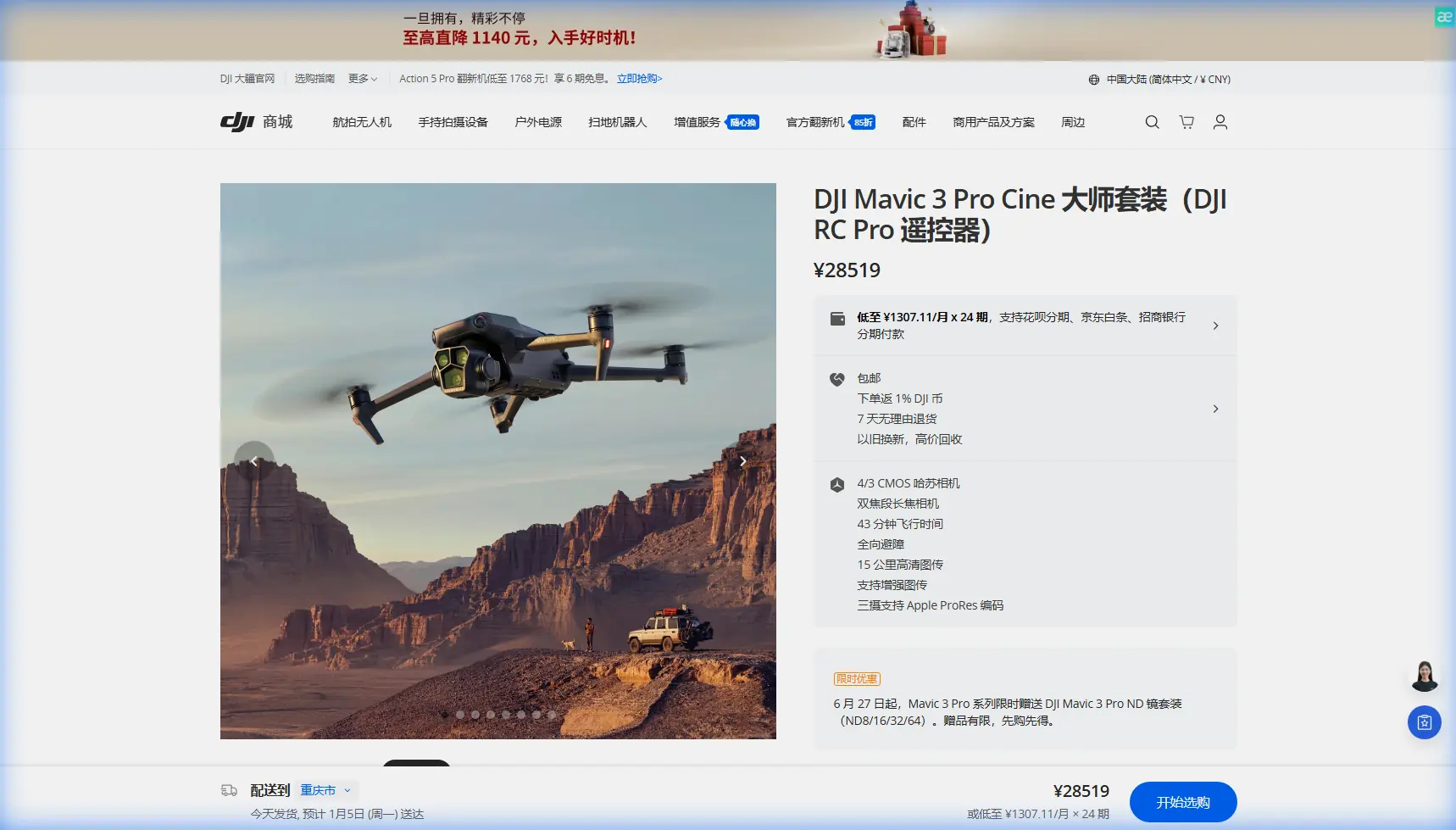
Mavic 3 Pro Wildlife Filming: Low Light Mastery Guide
META: Master low-light wildlife filming with the Mavic 3 Pro. Learn expert camera settings, subject tracking techniques, and antenna positioning for stunning footage.
TL;DR
- Triple-camera system with Hasselblad sensor captures wildlife in challenging light down to ISO 12800
- Proper antenna positioning increases signal range by up to 30% in forested environments
- D-Log color profile preserves 12.8 stops of dynamic range for post-production flexibility
- ActiveTrack 5.0 maintains subject lock on moving animals even through partial obstructions
Why the Mavic 3 Pro Excels in Low-Light Wildlife Scenarios
Capturing wildlife at dawn or dusk separates amateur footage from professional-grade content. The Mavic 3 Pro's 4/3 CMOS Hasselblad sensor absorbs significantly more light than smaller sensors, producing cleaner images when other drones struggle with noise.
Wildlife filmmakers face a unique challenge: animals are most active during golden hour and twilight. The Mavic 3 Pro addresses this directly with a native ISO range extending to 12800 on the main camera, paired with an aperture of f/2.8 to f/11.
This combination means you're not forced to choose between motion blur from slow shutter speeds or grainy footage from pushed ISO values.
Essential Camera Settings for Low-Light Wildlife
Configuring Your Hasselblad Main Camera
Start with the 70mm equivalent telephoto lens for distant subjects, then switch to the main 24mm wide-angle for environmental context shots. The telephoto maintains a f/2.8 aperture, crucial for light gathering.
Set your camera to manual mode with these baseline parameters:
- Shutter speed: Double your frame rate (1/50 for 24fps, 1/60 for 30fps)
- ISO: Begin at 400, increase only as needed
- Aperture: Wide open at f/2.8 for maximum light intake
- White balance: Manual at 5600K for golden hour consistency
Unlocking D-Log's Full Potential
D-Log color profile captures the widest dynamic range the Mavic 3 Pro offers. When filming a deer emerging from shadowed forest into a sunlit clearing, D-Log preserves detail in both extremes.
Expert Insight: D-Log footage appears flat and desaturated straight from the drone. This is intentional—you're capturing maximum color data for grading. Apply a LUT in post-production to restore natural contrast while maintaining shadow and highlight detail.
Enable 10-bit color depth in your recording settings. This provides 1.07 billion colors compared to 16.7 million in 8-bit, eliminating banding in gradient skies and smooth animal fur.
Antenna Positioning for Maximum Range in Wildlife Environments
Signal strength determines whether you capture the shot or lose connection at the critical moment. The Mavic 3 Pro's O3+ transmission system delivers 15km maximum range, but forests, hills, and atmospheric conditions reduce this significantly.
Optimal Controller Orientation
The RC Pro controller's antennas emit signal in a fan pattern perpendicular to their flat faces. Point the flat antenna surfaces directly toward your drone, not the edges.
When filming wildlife in valleys or behind tree lines:
- Elevate your position whenever possible—even standing on a vehicle adds crucial line-of-sight
- Angle antennas at 45 degrees when the drone operates both horizontally distant and vertically elevated
- Avoid holding the controller flat—this directs signal strength toward the ground
Pro Tip: In dense forest environments, position yourself at clearing edges rather than under canopy. Tree moisture absorbs radio frequencies, reducing effective range by 40-60% compared to open terrain.
Signal Interference Mitigation
Wildlife locations often lack cell towers but may have other interference sources:
- Power lines create electromagnetic fields affecting signal quality
- Other photographers' drones on shared frequencies
- Weather radar installations near wildlife preserves
Switch between 2.4GHz and 5.8GHz frequencies based on conditions. The 5.8GHz band offers faster data transfer but shorter range; 2.4GHz penetrates obstacles more effectively.
Subject Tracking Techniques for Unpredictable Animals
ActiveTrack 5.0 Configuration
The Mavic 3 Pro's subject tracking represents a significant advancement over previous generations. ActiveTrack 5.0 uses machine learning algorithms to predict animal movement patterns.
To engage tracking:
- Frame your subject and tap to select on the controller screen
- Choose Trace mode for following behind moving animals
- Select Parallel mode for side-angle pursuit shots
- Enable Spotlight for stationary hovering while the gimbal tracks
Wildlife tracking demands specific adjustments:
- Increase tracking sensitivity for fast-moving birds
- Reduce sensitivity for grazing animals to avoid jerky corrections
- Set obstacle avoidance to Bypass rather than Brake for continuous pursuit
Obstacle Avoidance in Natural Environments
The Mavic 3 Pro features omnidirectional obstacle sensing with a detection range up to 200 meters forward. In wildlife filming, this system prevents collisions with trees, cliffs, and structures while maintaining focus on your subject.
Configure obstacle avoidance based on environment density:
| Environment Type | Avoidance Mode | Brake Distance | Recommended Speed |
|---|---|---|---|
| Open grassland | Standard | 10m | 15 m/s |
| Scattered trees | Bypass | 15m | 10 m/s |
| Dense forest edge | Navi | 20m | 6 m/s |
| Near water/cliffs | Brake | 25m | 4 m/s |
Creative Techniques: QuickShots and Hyperlapse
QuickShots for Dynamic Wildlife B-Roll
QuickShots automate complex camera movements, freeing you to monitor animal behavior. The Dronie and Circle modes work exceptionally well for establishing shots showing animals in their habitat.
For low-light effectiveness:
- Execute QuickShots during the brightest portion of your shooting window
- Reduce QuickShots speed to 50% for smoother motion and better light gathering
- Avoid Helix mode in forests—the ascending spiral risks canopy collision
Hyperlapse for Environmental Context
Hyperlapse compresses time, showing cloud movement, shifting shadows, and subtle environmental changes around wildlife areas. The Mavic 3 Pro processes Hyperlapse internally, outputting stabilized 5.1K video.
Set waypoints around watering holes or feeding areas before animals arrive. The drone captures the environment transforming as wildlife enters the scene—a compelling narrative technique.
Common Mistakes to Avoid
Flying too close to subjects: Wildlife stress responses ruin natural behavior footage. Maintain minimum 50-meter distance and use the telephoto lens to compress that distance visually.
Ignoring wind patterns: Animals detect drone sound carried downwind. Approach from downwind positions, keeping motor noise behind you relative to subjects.
Neglecting battery temperature: Low-light filming often means cold conditions. Batteries lose 20-30% capacity in cold weather. Warm batteries inside your jacket before flight.
Over-relying on auto exposure: The camera's metering system averages the entire frame. A bright sky behind a shadowed animal causes severe underexposure. Use spot metering or manual exposure.
Forgetting ND filters: Even in low light, ND filters maintain proper shutter speed for cinematic motion blur. A variable ND 2-5 stop filter covers most dawn and dusk scenarios.
Frequently Asked Questions
What frame rate should I use for wildlife in low light?
Shoot at 24fps or 25fps for cinematic results. Higher frame rates like 60fps require faster shutter speeds, reducing light intake per frame. If you need slow-motion for fast animal movement, accept higher ISO noise as a tradeoff or wait for brighter conditions.
How do I prevent the drone from startling animals?
Ascend to altitude before approaching horizontally. Animals perceive overhead objects as less threatening than approaching ground-level movement. Maintain consistent motor speed—sudden acceleration changes create alarming sound variations.
Can the Mavic 3 Pro film in complete darkness?
No consumer drone films effectively in true darkness. The Mavic 3 Pro requires ambient light—even dim twilight—to produce usable footage. For nocturnal wildlife, consider thermal imaging attachments or ground-based camera traps instead.
Start Capturing Professional Wildlife Footage
The Mavic 3 Pro transforms challenging low-light wildlife scenarios into opportunities for stunning content. Master these techniques, respect your subjects, and the footage will reflect both technical excellence and ethical filmmaking practice.
Ready for your own Mavic 3 Pro? Contact our team for expert consultation.