
Filming Wildlife with Mavic 3 Pro | Expert Tips
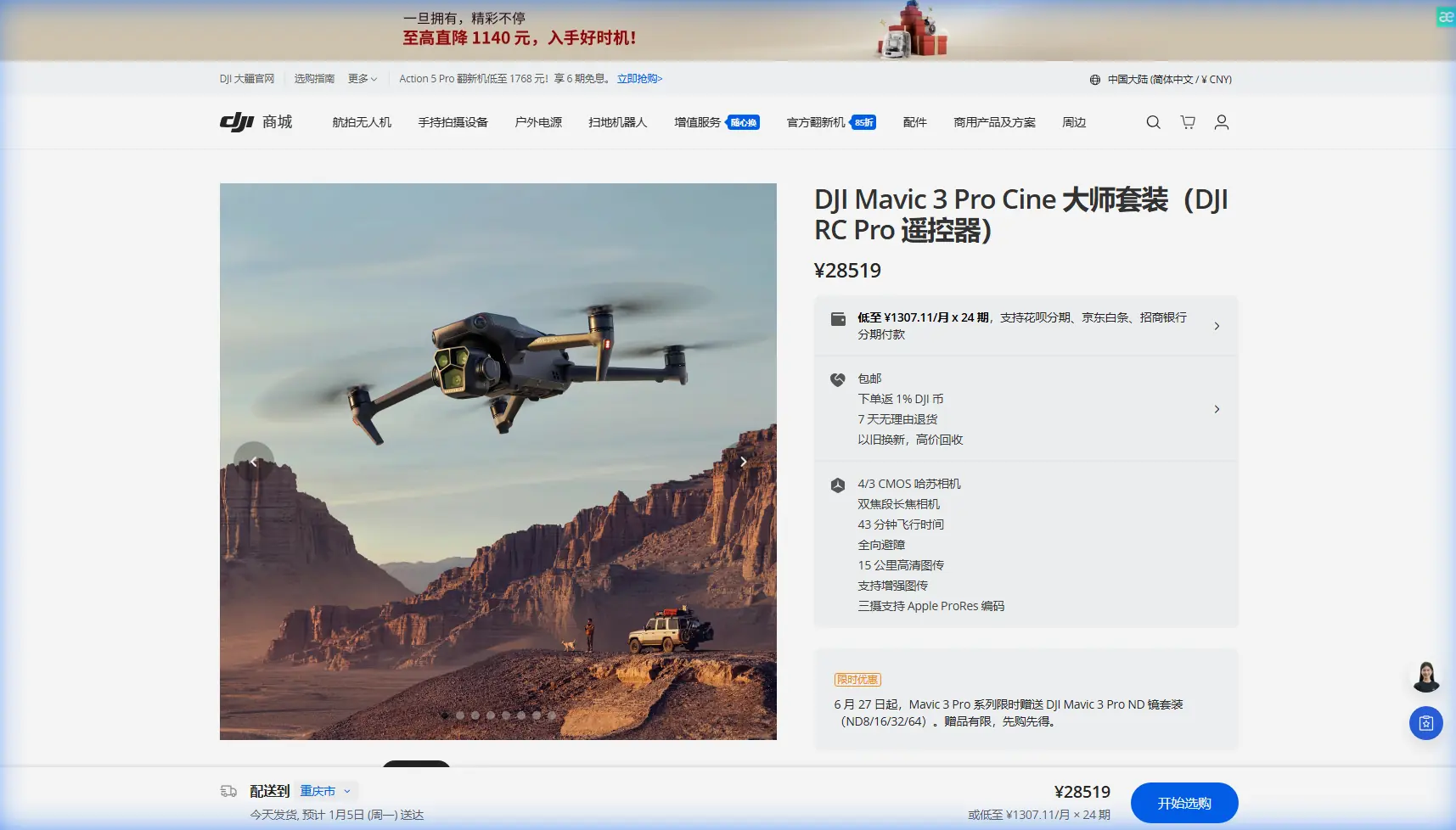
Filming Wildlife with Mavic 3 Pro | Expert Tips
META: Master wildlife filming with the Mavic 3 Pro. Learn antenna positioning, subject tracking, and obstacle avoidance techniques for stunning footage in complex terrain.
TL;DR
- Antenna positioning at 45-degree angles maximizes signal strength in valleys and forested areas
- ActiveTrack 5.0 maintains lock on moving animals even through partial obstructions
- Hasselblad triple-camera system captures wildlife from 166mm equivalent without disturbing subjects
- Omnidirectional obstacle sensing prevents crashes when tracking unpredictable animal movements
Wildlife cinematography presents unique challenges that separate amateur footage from professional-grade content. The Mavic 3 Pro addresses these challenges with a sensor suite and tracking capabilities specifically suited for capturing animals in their natural habitats—here's how to maximize every feature for your next wildlife project.
Understanding the Wildlife Filming Challenge
Capturing compelling wildlife footage requires solving three simultaneous problems: maintaining safe distance from subjects, navigating unpredictable terrain, and achieving cinematic quality under variable conditions.
Traditional approaches forced filmmakers to choose between proximity and safety. Get too close, and you disturb natural behavior. Stay too far, and your footage lacks impact.
The Mavic 3 Pro's triple-camera Hasselblad system eliminates this compromise entirely.
The Distance Equation
Wildlife biologists recommend minimum approach distances ranging from 50 meters for small mammals to 200+ meters for large predators. These distances historically meant grainy, unusable footage.
The Mavic 3 Pro's telephoto capabilities change this calculation:
- Wide camera: 24mm equivalent, 4/3 CMOS sensor
- Medium tele: 70mm equivalent, 1/1.3-inch sensor
- Telephoto: 166mm equivalent, 1/2-inch sensor
At 200 meters, the 166mm telephoto delivers frame-filling shots of subjects as small as foxes or herons.
Antenna Positioning for Maximum Range in Complex Terrain
Signal reliability determines whether you capture the shot or lose your aircraft. In valleys, forests, and mountainous terrain, proper antenna positioning becomes critical.
Expert Insight: The Mavic 3 Pro's RC Pro controller antennas transmit in a flat, fan-shaped pattern perpendicular to the antenna surface. Pointing antennas directly at your drone actually minimizes signal strength—the weakest transmission occurs directly off the antenna tips.
Optimal Positioning Techniques
For valley operations:
- Angle both antennas at 45 degrees outward
- Keep the flat antenna faces oriented toward your aircraft
- Maintain line-of-sight whenever possible
For forest canopy work:
- Position yourself at the highest accessible point
- Angle antennas slightly upward to account for drone elevation
- Avoid standing directly under dense tree cover
For mountain terrain:
- Use relay positioning by moving to intermediate locations
- Keep antennas perpendicular to the flight path, not parallel
- Monitor signal strength indicators continuously
The Mavic 3 Pro maintains O3+ transmission up to 15 kilometers in ideal conditions. In complex terrain, expect 3-5 kilometers of reliable range with proper technique.
Mastering Subject Tracking for Wildlife
Unpredictable animal movement makes manual tracking nearly impossible at telephoto focal lengths. ActiveTrack 5.0 solves this through machine learning algorithms trained on thousands of animal movement patterns.
ActiveTrack 5.0 Configuration
Before engaging tracking:
- Set obstacle avoidance to "Bypass" rather than "Brake"
- Enable APAS 5.0 for intelligent path planning
- Configure tracking sensitivity based on subject speed
| Subject Type | Recommended Sensitivity | Obstacle Mode | Notes |
|---|---|---|---|
| Grazing herbivores | Low | Bypass | Slow, predictable movement |
| Birds in flight | High | Bypass | Rapid direction changes |
| Predators hunting | Medium-High | Bypass | Burst speed capability |
| Marine mammals | Medium | Brake | Water surface considerations |
Maintaining Lock Through Obstructions
Wildlife rarely cooperates with clear sightlines. The Mavic 3 Pro's tracking algorithm maintains subject identification through partial obstructions lasting up to 3 seconds.
Pro Tip: When filming in forests, pre-plan your tracking corridor. Identify sections where canopy gaps align, and initiate tracking sequences to pass through these windows. The drone's obstacle avoidance handles minor obstructions, but dense canopy requires human planning.
Leveraging QuickShots for Cinematic Sequences
QuickShots automate complex camera movements that would require extensive practice to execute manually. For wildlife applications, three modes prove particularly valuable.
Spotlight Mode
Keeps the camera locked on your subject while you control aircraft position manually. This hybrid approach works exceptionally well for:
- Circling animal groups without disturbing them
- Maintaining framing during unpredictable movement
- Creating parallax reveals around stationary subjects
Point of Interest
Automated orbital shots around a fixed GPS coordinate. Ideal for:
- Nesting sites
- Watering holes
- Den entrances
Set your radius to minimum 30 meters for wildlife to avoid disturbance.
Dronie
The classic pull-away reveal shot. Configure slow speed settings for wildlife to create gentle, non-threatening movement patterns.
Hyperlapse Techniques for Environmental Context
Wildlife stories require environmental context. Hyperlapse sequences establish habitat, weather patterns, and the passage of time in ways that static shots cannot achieve.
Recommended Hyperlapse Settings
For dawn/dusk transitions:
- Mode: Free
- Interval: 3 seconds
- Duration: 45-60 minutes of real time
- Result: 15-20 seconds of footage
For weather movement:
- Mode: Circle
- Interval: 2 seconds
- Radius: 50-100 meters
- Result: Dramatic cloud movement with habitat context
For migration patterns:
- Mode: Waypoint
- Interval: 5 seconds
- Path: Following migration corridor
- Result: Compressed journey visualization
D-Log Color Science for Wildlife Grading
The Mavic 3 Pro's D-Log M profile captures 12.8 stops of dynamic range, preserving detail in both shadowed forest floors and bright sky backgrounds.
When to Use D-Log
Enable D-Log for:
- High contrast scenes (animals in dappled sunlight)
- Golden hour filming (extreme dynamic range)
- Professional post-production workflows
Avoid D-Log for:
- Quick social media content
- Low-light situations where noise becomes problematic
- Situations requiring immediate footage review
Basic D-Log Grading Workflow
- Apply base contrast curve to restore standard range
- Adjust white balance for natural fur and feather tones
- Add subtle saturation to vegetation
- Apply targeted adjustments to subject areas
Common Mistakes to Avoid
Flying too aggressively near subjects Rapid movements trigger flight responses in most wildlife. Approach slowly, hover at distance, then begin filming. The telephoto lens eliminates the need for close proximity.
Ignoring wind patterns Animals detect drone noise more easily when wind carries sound toward them. Position yourself downwind from subjects whenever possible.
Neglecting battery management Cold temperatures reduce battery performance by 20-30%. In mountain or early morning filming, warm batteries against your body before flight and plan for shorter flight times.
Over-relying on automatic modes ActiveTrack and QuickShots work brilliantly, but they cannot anticipate animal behavior. Maintain manual override readiness at all times.
Forgetting audio considerations While the Mavic 3 Pro captures no usable audio, drone noise affects animal behavior. Plan your approach to minimize acoustic disturbance during critical behavioral moments.
Frequently Asked Questions
How close can I safely fly to wildlife without causing disturbance?
Minimum distances vary by species and local regulations. As a general guideline, maintain 50 meters for small mammals, 100 meters for large herbivores, and 200+ meters for predators or nesting birds. The Mavic 3 Pro's telephoto lens makes these distances cinematically viable.
Does obstacle avoidance work reliably in forest environments?
The omnidirectional sensing system detects obstacles effectively in most forest conditions. Thin branches under 5mm diameter may not register reliably. Set obstacle avoidance to "Bypass" mode and maintain visual line of sight when operating near dense vegetation.
What's the best time of day for wildlife filming with the Mavic 3 Pro?
The two hours after sunrise and two hours before sunset offer optimal conditions. Animals are most active during these periods, and the low-angle light creates dimensional, cinematic imagery. The Hasselblad sensor handles these challenging lighting conditions exceptionally well.
Wildlife cinematography rewards patience, preparation, and the right equipment. The Mavic 3 Pro provides the technical foundation—your creative vision and field craft complete the equation.
Ready for your own Mavic 3 Pro? Contact our team for expert consultation.