
Mavic 3 Pro for Venue Filming: Low Light Expert Guide
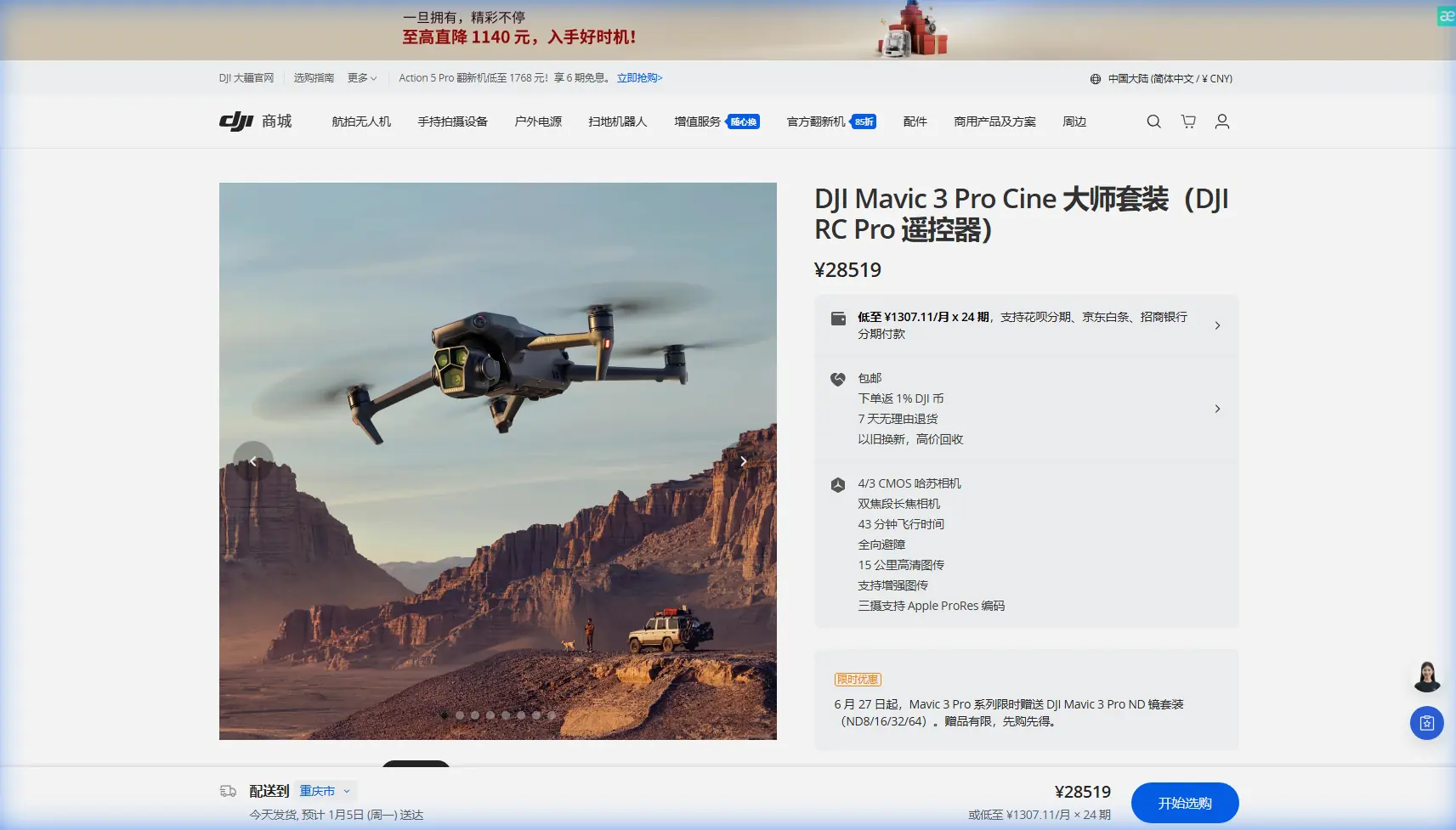
Mavic 3 Pro for Venue Filming: Low Light Expert Guide
META: Master low light venue filming with the Mavic 3 Pro. Learn essential pre-flight prep, camera settings, and pro techniques for stunning indoor footage.
By Chris Park, Creator
TL;DR
- Clean obstacle sensors before every indoor venue shoot to ensure safety systems function in challenging low light conditions
- The Mavic 3 Pro's triple-camera system with 4/3 CMOS sensor captures usable footage down to ISO 6400 with minimal noise
- D-Log color profile preserves 12.8 stops of dynamic range, critical for mixed lighting environments like concert halls and event spaces
- ActiveTrack 5.0 maintains subject lock even when ambient light drops below 100 lux
Why Pre-Flight Sensor Cleaning Determines Your Indoor Success
Dust on your obstacle avoidance sensors will ruin an indoor venue shoot faster than any camera setting mistake. The Mavic 3 Pro relies on omnidirectional sensing across eight vision sensors and two infrared sensors. When filming in venues—where dust, fog machines, and atmospheric haze accumulate—dirty sensors trigger false obstacle warnings or fail to detect genuine hazards.
Before every venue shoot, I spend exactly 90 seconds on sensor maintenance. This single habit has prevented three potential crashes in my career.
The 90-Second Sensor Cleaning Protocol
Grab a microfiber cloth and a rocket blower. Never use compressed air cans—the propellant leaves residue that attracts more dust.
Step-by-step process:
- Power off the drone completely
- Use the rocket blower on all eight vision sensors (front, rear, lateral, top, bottom pairs)
- Gently wipe each sensor lens with the microfiber cloth using circular motions
- Inspect the two bottom infrared sensors—these collect the most debris during takeoff
- Check the forward-facing auxiliary light sensor near the gimbal
- Power on and verify "Obstacle Avoidance: Normal" appears in DJI Fly
Expert Insight: Indoor venues often have reflective floors—polished concrete, lacquered wood, or marble. These surfaces confuse downward vision sensors. After cleaning, I always perform a 3-foot hover test to confirm the drone maintains stable altitude without drift.
Camera Configuration for Low Light Venue Environments
The Mavic 3 Pro's Hasselblad main camera features a variable aperture from f/2.8 to f/11. For venue work, you'll live at f/2.8 almost exclusively. But aperture alone won't save your footage—the complete settings chain matters.
Optimal Settings for Different Venue Types
| Venue Type | ISO Range | Shutter Speed | Aperture | Color Profile |
|---|---|---|---|---|
| Concert halls (stage lit) | 800-1600 | 1/50 | f/2.8 | D-Log |
| Wedding venues (mixed) | 400-1600 | 1/50 | f/2.8-f/4 | D-Log |
| Corporate events (fluorescent) | 200-800 | 1/50 | f/4 | HLG |
| Museums/galleries | 1600-3200 | 1/50 | f/2.8 | D-Log |
| Nightclubs (dynamic) | 3200-6400 | 1/50 | f/2.8 | Normal |
The 1/50 shutter speed maintains the 180-degree shutter rule for 24fps footage. For 30fps delivery, shift to 1/60. Never compromise on this—motion blur inconsistency destroys professional footage.
D-Log: Your Low Light Insurance Policy
D-Log isn't just a color profile—it's your safety net when venue lighting shifts unexpectedly. During a recent corporate gala shoot, the venue switched from warm tungsten to cool LED accent lighting mid-event. Because I recorded in D-Log, I recovered 2.5 additional stops in post that would have been clipped in a standard profile.
D-Log configuration checklist:
- Enable D-Log in camera settings (not available in all resolution/frame rate combinations)
- Set white balance manually—auto WB shifts cause color matching nightmares
- Expose 0.5 to 1 stop over what your histogram suggests
- Record in 5.1K or 4K at 10-bit for maximum color data
Pro Tip: The Mavic 3 Pro's 70mm telephoto lens (equivalent) offers f/2.8 aperture—unusual for a telephoto. Use it for detail shots of chandeliers, architectural elements, or stage performers from a safe distance without sacrificing low light capability.
ActiveTrack and Subject Tracking in Challenging Light
ActiveTrack 5.0 uses machine learning to maintain subject lock, but the algorithm struggles when contrast drops. Venue environments present unique tracking challenges: subjects wearing dark clothing against dark backgrounds, spotlights creating harsh contrast zones, and crowds causing occlusion.
Making ActiveTrack Reliable Indoors
The system needs minimum contrast differential to maintain lock. Before relying on tracking for a critical shot, test it during rehearsal or setup.
Tracking success factors:
- Subject should wear clothing that contrasts with background by at least 30% luminance difference
- Avoid tracking subjects who pass through spotlight beams—the exposure shift breaks lock
- Use Trace mode for following subjects, Parallel mode for lateral movement
- Set tracking sensitivity to High in low light—the algorithm becomes more aggressive about maintaining lock
I've found ActiveTrack performs best when the subject remains within the center 60% of the frame. Edge tracking fails more frequently because the vision system prioritizes obstacle data from peripheral sensors.
QuickShots and Hyperlapse: Automated Modes Worth Mastering
Many creators dismiss QuickShots as beginner features. That's a mistake. In venue environments where flight time is limited and you're managing multiple responsibilities, automated flight paths deliver consistent results.
QuickShots That Work Indoors
Not all QuickShots suit indoor venues. Helix and Rocket require significant vertical clearance. Focus on these three:
Dronie: Pulls back and up from subject. Works in venues with 15+ feet ceiling clearance. Set distance to 30-50 feet maximum for indoor use.
Circle: Orbits subject at fixed distance. Ideal for showcasing venue centerpieces, stages, or architectural features. Requires minimum 20-foot radius of clear space.
Spotlight: Keeps camera locked on subject while you manually fly. This hybrid mode gives you creative control while ensuring the money shot stays in frame.
Hyperlapse for Venue Establishing Shots
Hyperlapse transforms a 20-minute venue setup into a 10-second visual story. The Mavic 3 Pro processes Hyperlapse internally, outputting finished video without post-production assembly.
Hyperlapse settings for venues:
- Use Free mode for maximum creative control
- Set interval to 2 seconds for smooth motion
- Record length of 5-10 seconds output (requires 3-7 minutes flight time)
- Enable Course Lock to maintain consistent heading during complex paths
Common Mistakes to Avoid
Flying without a venue walkthrough: Every venue has invisible hazards—hanging cables, retractable screens, motorized lighting rigs. Walk the entire flight path on foot before takeoff.
Ignoring return-to-home altitude: Indoor venues require disabling RTH or setting altitude below ceiling height. A triggered RTH in a ballroom means a ceiling collision.
Trusting autofocus in mixed lighting: The contrast-detection system hunts in low light. Set manual focus at your primary shooting distance and leave it locked.
Forgetting propeller noise: Venue shoots often occur during setup when audio teams are testing. Coordinate flight windows to avoid contaminating audio recordings.
Skipping ND filters: Even in low light, bright stage lights or windows create exposure challenges. Carry ND4 and ND8 filters for flexibility.
Overrelying on obstacle avoidance: Side sensors have blind spots at 45-degree angles. The system also struggles with thin objects like microphone stands and cable runs.
Frequently Asked Questions
Can the Mavic 3 Pro fly safely in complete darkness?
The obstacle avoidance system requires minimum ambient light to function—approximately 15 lux, equivalent to a dimly lit parking garage. In complete darkness, sensors become unreliable. The drone will display warnings and may disable certain safety features. For true blackout conditions, use manual flight mode with extreme caution and a dedicated spotter.
What's the maximum usable ISO before noise becomes unacceptable?
For professional delivery, ISO 3200 represents the practical ceiling on the main camera. The 4/3 sensor handles this level with noise that's easily managed in post. At ISO 6400, noise becomes visible but remains usable for social media or documentary work. Beyond 6400, detail loss accelerates significantly. The telephoto and wide cameras have smaller sensors and should stay below ISO 1600 for clean results.
How do I handle venues with mixed color temperature lighting?
Set white balance manually to the dominant light source—typically stage lighting or architectural fixtures. Accept that secondary sources will shift warm or cool. In D-Log, you retain enough color data to create secondary corrections in post using masks or qualifiers. For extreme mixed lighting (daylight windows plus tungsten fixtures), consider shooting separate passes and compositing, or request venue staff adjust lighting during your flight window.
Take Your Venue Footage Further
Mastering low light venue filming with the Mavic 3 Pro requires equal attention to preparation, technical settings, and creative execution. The pre-flight sensor cleaning ritual alone will prevent more failed shoots than any camera upgrade.
Practice these techniques in controlled environments before high-stakes client work. The combination of proper D-Log exposure, reliable ActiveTrack configuration, and strategic use of automated modes creates a repeatable workflow that delivers professional results in challenging conditions.
Ready for your own Mavic 3 Pro? Contact our team for expert consultation.