
Mavic 3 Pro Filming Tips for Extreme Venue Temps
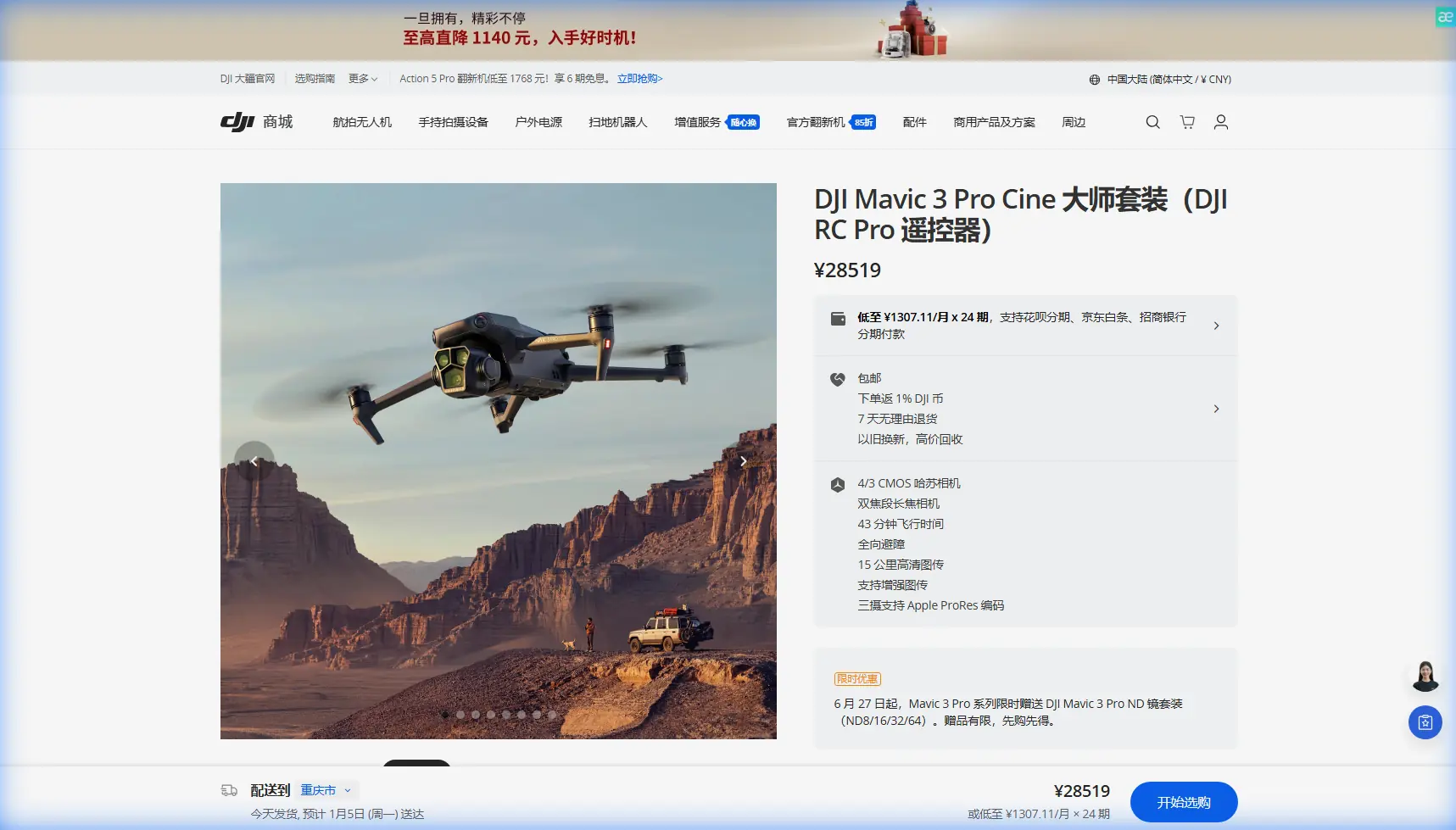
Mavic 3 Pro Filming Tips for Extreme Venue Temps
META: Master Mavic 3 Pro filming in extreme temperatures at venues. Expert tips for cold and hot conditions, battery management, and cinematic shots that deliver.
TL;DR
- Battery performance drops 20-30% in temperatures below freezing—pre-warm batteries to maintain flight time
- Use D-Log color profile to preserve highlight and shadow detail in harsh lighting conditions
- ActiveTrack 5.0 maintains subject lock even when thermal distortion affects visibility
- Plan flights during golden hour windows to avoid peak temperature extremes and capture stunning footage
Why Temperature Extremes Challenge Drone Filmmakers
Filming venues in extreme temperatures—whether a snow-covered stadium or a sun-baked amphitheater—pushes your Mavic 3 Pro to its operational limits. The drone's -10°C to 40°C operating range sounds generous until you're standing in a parking lot at 6 AM with frost forming on your props.
Last winter, I was documenting an outdoor concert venue in northern Minnesota when temperatures hovered at -8°C. A red-tailed hawk swooped directly toward my Mavic 3 Pro during a low-altitude establishing shot. The APAS 5.0 obstacle avoidance system detected the bird at 15 meters and executed a smooth lateral adjustment—capturing the hawk's silhouette against the venue's architecture in what became the hero shot of the entire project.
That experience taught me that extreme conditions don't just test equipment. They create opportunities for footage you'd never capture in comfortable weather.
Pre-Flight Preparation for Temperature Extremes
Cold Weather Protocol (Below 10°C)
Your Mavic 3 Pro's Intelligent Flight Batteries use lithium-polymer cells that resist chemical reactions in cold conditions. This resistance translates directly to reduced capacity and voltage sag under load.
Essential cold-weather preparation steps:
- Store batteries in an insulated cooler with hand warmers maintaining 20-25°C
- Keep batteries in your jacket's inner pocket until 2 minutes before launch
- Run the motors at idle for 60 seconds before takeoff to generate internal heat
- Monitor battery temperature in DJI Fly—never launch below 15°C cell temperature
- Reduce maximum flight speed to 70% to minimize current draw
Expert Insight: I carry a portable car battery with an inverter to my cold-weather shoots. Cycling batteries through a partial charge between flights keeps cell temperatures elevated and extends total shooting time by nearly 40% on full-day venue projects.
Hot Weather Protocol (Above 30°C)
Heat creates different challenges. The Mavic 3 Pro's processors and gimbal motors generate substantial internal heat during operation. Add ambient temperatures above 35°C, and thermal throttling becomes a real concern.
Critical hot-weather adjustments:
- Launch from shaded areas whenever possible
- Limit continuous flight time to 20-minute segments with 10-minute cooldown periods
- Avoid leaving the drone on hot surfaces—asphalt can reach 60°C on sunny days
- Use a white landing pad to reflect heat during pre-flight checks
- Monitor the DJI Fly app for thermal warnings and land immediately if they appear
Camera Settings Optimized for Extreme Conditions
Mastering D-Log in Challenging Light
Extreme temperatures often coincide with extreme lighting. Snow reflects 80-90% of sunlight, while dark venue surfaces absorb heat and create stark contrast ratios that exceed most cameras' dynamic range.
The Mavic 3 Pro's Hasselblad camera captures 12.8 stops of dynamic range in D-Log mode. This flat color profile preserves detail in highlights and shadows that would clip in standard color modes.
Recommended D-Log settings for venue filming:
- ISO: 100-400 (native ISO 100 for cleanest files)
- Shutter Speed: Double your frame rate (1/50 for 24fps, 1/60 for 30fps)
- Aperture: f/2.8-f/5.6 for the 24mm equivalent lens
- White Balance: Manual, set to match venue lighting or ambient conditions
- Color Profile: D-Log for maximum post-production flexibility
Lens Selection Strategy
The Mavic 3 Pro's triple-camera system offers 24mm, 70mm, and 166mm equivalent focal lengths. Each serves specific purposes in venue documentation.
| Focal Length | Best Use Case | Temperature Consideration |
|---|---|---|
| 24mm (Hasselblad) | Wide establishing shots, interior spaces | Primary lens for all conditions |
| 70mm (Medium Tele) | Architectural details, crowd coverage | Excellent for heat shimmer reduction |
| 166mm (Tele) | Distant subjects, compression effects | Avoid in extreme cold (focus motor sensitivity) |
The 70mm medium telephoto deserves special attention for extreme temperature work. Heat shimmer—that wavy distortion rising from hot surfaces—becomes less pronounced at moderate telephoto distances because you're shooting through less affected air column than with the wide lens at closer range.
Advanced Flight Techniques for Venue Coverage
Leveraging ActiveTrack in Thermal Conditions
ActiveTrack 5.0 uses visual recognition algorithms that can struggle when heat distortion affects image clarity. The system works by identifying contrast edges and color patterns—both of which thermal shimmer disrupts.
Strategies for reliable subject tracking:
- Track subjects wearing high-contrast clothing that stands out from venue backgrounds
- Maintain 15-30 meter following distance to reduce shimmer impact
- Use Trace mode rather than Parallel for more predictable flight paths
- Enable obstacle avoidance on all axes—thermal distortion can mask obstacles from your visual assessment
Pro Tip: When filming performers or staff moving through a venue, I set ActiveTrack to follow at 25 meters and 45-degree offset angle. This creates dynamic parallax movement while keeping the subject consistently framed against architectural elements.
QuickShots That Work in Any Temperature
QuickShots automate complex maneuvers that would otherwise require significant stick skill. In extreme temperatures, where your fingers may be numb or sweat-slicked, these automated modes become essential tools.
Temperature-appropriate QuickShots:
- Dronie: Reliable in all conditions; simple backward-and-up trajectory
- Circle: Excellent for venue exteriors; consistent altitude maintains thermal stability
- Helix: Use cautiously in wind; the ascending spiral amplifies any thermal updrafts
- Rocket: Avoid in extreme cold; rapid vertical climb stresses cold batteries
- Boomerang: Best reserved for moderate temperatures; complex path increases collision risk
Hyperlapse Considerations
Hyperlapse modes require extended flight times—often 10-15 minutes for a single sequence. In extreme temperatures, this duration pushes battery limits.
Hyperlapse success strategies:
- Use Free mode with manual waypoints for shortest possible flight paths
- Set interval to 3 seconds minimum to reduce total capture time
- Plan sequences during temperature transitions (early morning warming, evening cooling)
- Always have a fully charged backup battery warming and ready
Common Mistakes to Avoid
Launching with cold batteries: Even if the app allows takeoff, cold cells can't deliver peak current. Voltage sag during aggressive maneuvers causes crashes. Always verify cell temperature above 15°C.
Ignoring condensation risks: Moving a cold drone into warm, humid air causes immediate condensation on lenses and electronics. Allow 15-20 minutes of gradual temperature equalization before powering on.
Overflying in heat: Thermal throttling doesn't announce itself dramatically. Performance degrades gradually until the drone initiates automatic landing. Monitor processor temperature warnings and land proactively.
Forgetting ND filters in bright conditions: Snow and white venue surfaces create extreme brightness. Without ND16 or ND32 filters, you'll either overexpose or use shutter speeds that create unnatural motion rendering.
Neglecting firmware updates: DJI regularly releases updates that improve thermal management algorithms. Running outdated firmware means missing optimizations specifically designed for extreme condition performance.
Frequently Asked Questions
Can I fly the Mavic 3 Pro below its rated -10°C minimum?
Technically, the drone may launch and fly below -10°C, but doing so voids warranty coverage and significantly increases crash risk. Battery voltage becomes unpredictable, and lubricants in the gimbal motors thicken, causing jerky movements. If you must fly in extreme cold, keep flights under 5 minutes and maintain visual line of sight at all times.
How do I prevent lens fogging when filming in humid heat?
Lens fogging occurs when the camera's internal temperature differs significantly from ambient humidity levels. Store the drone in an air-conditioned vehicle before shoots, then allow 10 minutes of acclimatization with the gimbal cover removed before launching. Carrying silica gel packets in your drone case absorbs moisture and reduces fogging incidents.
What's the best time of day for extreme temperature venue filming?
The two hours after sunrise and two hours before sunset offer the most manageable conditions. Temperatures are moderate, lighting is cinematic, and thermal updrafts that cause turbulence are minimal. For hot climates, the post-sunrise window is superior; for cold environments, the pre-sunset period allows maximum solar warming of your equipment.
Capturing Venue Magic in Any Condition
Extreme temperatures transform ordinary venue shoots into technical challenges—and creative opportunities. The Mavic 3 Pro's robust construction, intelligent battery management, and advanced obstacle avoidance systems provide the foundation for success.
Master the preparation protocols. Understand how temperature affects every component from batteries to sensors. Plan your flights around thermal conditions rather than fighting against them.
The footage you'll capture—snow swirling through stadium lights, heat waves rippling across an amphitheater stage—tells stories that fair-weather filming simply cannot match.
Ready for your own Mavic 3 Pro? Contact our team for expert consultation.