
M3P Filming Tips for Solar Farms in Dusty Conditions
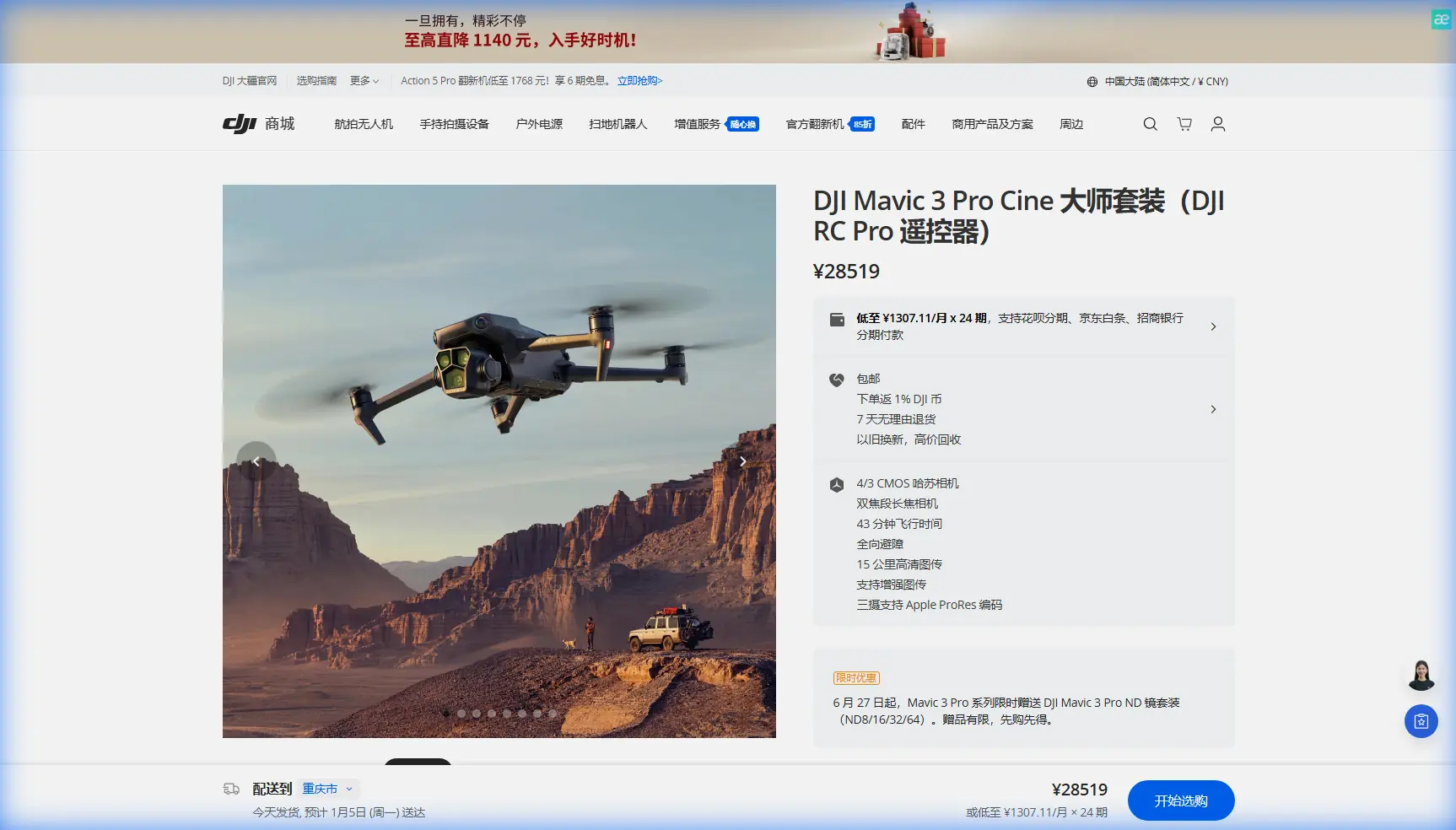
M3P Filming Tips for Solar Farms in Dusty Conditions
META: Master Mavic 3 Pro filming at solar farms with expert tips on dust protection, antenna positioning, and D-Log settings for stunning industrial footage.
TL;DR
- Position antennas perpendicular to your drone for maximum signal strength across expansive solar arrays
- Enable obstacle avoidance sensors but adjust sensitivity to prevent false triggers from panel reflections
- Shoot in D-Log color profile to capture maximum dynamic range in high-contrast solar environments
- Clean sensors every 2-3 flights when operating in dusty conditions to maintain image quality
Field Report: Three Weeks Filming Arizona Solar Installations
Dust destroys drone footage faster than any other environmental factor. After spending 21 consecutive days filming solar farm installations across Arizona's Sonoran Desert, I've developed a systematic approach to capturing broadcast-quality footage with the Mavic 3 Pro while protecting both the aircraft and final image quality.
This field report covers everything from pre-flight dust mitigation to post-production workflows specifically optimized for solar farm documentation. Whether you're shooting for utility companies, insurance assessments, or marketing content, these techniques will dramatically improve your results.
Understanding the Solar Farm Filming Challenge
Solar installations present a unique combination of obstacles that challenge even experienced drone operators. The reflective panel surfaces create unpredictable lighting conditions, while the repetitive geometric patterns can confuse automated tracking systems.
The Mavic 3 Pro's Hasselblad triple-camera system handles these challenges better than previous generations, but only when configured correctly. The 4/3 CMOS sensor on the main camera captures 12.8 stops of dynamic range, essential for balancing bright panel reflections against shadowed infrastructure.
Environmental Factors at Solar Sites
During my Arizona assignment, I documented conditions that most operators never anticipate:
- Ground temperatures exceeding 140°F radiating heat distortion
- Fine silica dust particles measuring under 10 microns
- Electromagnetic interference from inverter stations
- Thermal updrafts creating unpredictable wind patterns
- Wildlife activity including nesting birds on panel structures
Each factor requires specific adjustments to standard operating procedures.
Antenna Positioning for Maximum Range
Expert Insight: The single most overlooked factor in solar farm operations is antenna orientation. I've recovered failing video links simply by adjusting controller position—no equipment changes required.
The Mavic 3 Pro's transmission system relies on O3+ technology delivering 15km maximum range under ideal conditions. Solar farms rarely offer ideal conditions. Metal racking systems, inverter housings, and transmission infrastructure all create signal reflection and absorption zones.
Optimal Controller Positioning
For maximum signal strength across solar arrays:
Horizontal Orientation: Hold the controller with antennas pointing straight up, perpendicular to the ground. This creates a 360-degree horizontal radiation pattern that maintains consistent signal regardless of drone position.
Elevation Advantage: Position yourself on the highest available ground—truck beds, equipment trailers, or designated observation platforms. Every 3 feet of elevation gained translates to approximately 8% improvement in signal consistency over flat terrain.
Body Position: Keep the controller in front of your torso, not beside your hip. Your body absorbs 2.4GHz signals significantly, creating a shadow zone behind you.
Interference Mitigation
Solar installations generate substantial electromagnetic noise. Inverter stations converting DC to AC power emit interference across multiple frequency bands.
Maintain minimum distances from interference sources:
| Equipment Type | Minimum Distance | Signal Impact |
|---|---|---|
| String Inverters | 50 feet | Moderate |
| Central Inverters | 150 feet | Severe |
| Transformer Stations | 200 feet | Critical |
| Transmission Lines | 100 feet horizontal | Variable |
I lost video feed twice during my first week until establishing these buffer zones. The Mavic 3 Pro's dual-band transmission helps, but physical distance remains your best defense.
Obstacle Avoidance Configuration for Panel Arrays
The Mavic 3 Pro features omnidirectional obstacle sensing using multiple vision sensors and a wide-angle camera system. Solar farms test these systems in ways that suburban environments never do.
The Reflection Problem
Highly reflective solar panels create phantom obstacles. The vision sensors interpret reflected sky images as solid objects, triggering unnecessary avoidance maneuvers or complete flight stops.
Recommended Settings for Solar Operations:
- Set obstacle avoidance to "Brake" mode rather than "Bypass"
- Adjust obstacle detection distance to minimum setting when flying parallel to panel rows
- Disable downward sensors when flying at altitudes above 30 feet
- Enable APAS 5.0 only for complex infrastructure shots, not panel surveys
Pro Tip: When filming low passes over panel rows, switch to Cine mode which automatically reduces maximum speed and provides smoother obstacle response. The 9 m/s maximum speed in Cine mode gives sensors adequate reaction time without sacrificing footage quality.
Subject Tracking Limitations
ActiveTrack performs inconsistently at solar sites. The repetitive panel geometry confuses the tracking algorithm, causing the system to lose lock or track the wrong element.
For tracking shots of maintenance vehicles or personnel:
- Use Spotlight mode rather than full ActiveTrack
- Maintain subjects against contrasting backgrounds when possible
- Avoid tracking paths that cross multiple panel rows
- Pre-program waypoint missions for repeatable tracking shots
Camera Settings for Dusty Conditions
Dust affects more than mechanical components. Airborne particles scatter light, reduce contrast, and create visible artifacts in footage.
D-Log Configuration
The Mavic 3 Pro's D-Log M color profile captures the widest dynamic range, essential for solar farm work. Configure these settings before each flight:
- ISO: Lock at 100 for daylight operations
- Shutter Speed: Double your frame rate (1/60 for 30fps, 1/120 for 60fps)
- White Balance: Manual setting at 5600K for consistent color
- Sharpness: Reduce to -1 to minimize dust artifact enhancement
- Color Profile: D-Log M with Normal color space
ND Filter Selection
Bright panel reflections demand neutral density filtration. My standard kit for solar work includes:
| Time of Day | Recommended ND | Typical Shutter |
|---|---|---|
| Golden Hour | ND8 | 1/60 |
| Morning (7-9 AM) | ND16 | 1/60 |
| Midday | ND64 | 1/60 |
| Overcast | ND8 or None | 1/60 |
The variable ND filters marketed for drones introduce optical degradation that the Hasselblad sensor will reveal. Invest in quality fixed ND filters and change them between flights.
Hyperlapse and QuickShots Applications
Automated flight modes create compelling content for solar farm marketing and documentation, but require careful planning in these environments.
Hyperlapse Techniques
The Mavic 3 Pro's Hyperlapse mode captures time-lapse footage while moving, creating dynamic sequences impossible with static cameras.
Circle Hyperlapse around inverter stations showcases infrastructure scale. Set radius to minimum 100 feet to avoid electromagnetic interference zones.
Waypoint Hyperlapse along panel rows documents installation progress. Program 5-7 waypoints for smooth motion across standard array sections.
Free Hyperlapse requires manual control throughout capture—avoid this mode in dusty conditions where extended hover time increases particle exposure.
QuickShots Considerations
QuickShots automated sequences work well for specific solar applications:
- Dronie: Effective for establishing shots showing array scale
- Rocket: Reveals installation layout from directly overhead
- Circle: Useful for individual equipment documentation
- Helix: Often triggers obstacle avoidance on panel edges—use cautiously
Dust Protection Protocols
Protecting the Mavic 3 Pro from dust damage requires consistent protocols before, during, and after each flight.
Pre-Flight Preparation
- Inspect all sensor lenses with LED flashlight at oblique angle
- Clean gimbal camera lens with microfiber cloth and lens solution
- Verify cooling vents are clear of debris
- Check propeller attachment points for accumulated grit
- Confirm battery contacts are clean and dry
During Operations
- Launch and land from elevated platforms or landing pads
- Avoid hovering below 15 feet where rotor wash lifts ground dust
- Limit flight time to 20 minutes in heavy dust conditions
- Return immediately if dust storm approaches
Post-Flight Maintenance
- Allow motors to cool before cleaning
- Use compressed air (under 30 PSI) on motor housings
- Clean all sensors with appropriate tools
- Store in sealed cases with silica gel packets
Common Mistakes to Avoid
Flying during peak dust hours: Wind patterns at solar sites typically peak between 11 AM and 3 PM. Schedule critical shots for early morning or late afternoon when dust suspension is minimal.
Ignoring gimbal calibration: Dust accumulation affects gimbal balance. Calibrate before each filming day, not just when problems appear.
Overlooking lens contamination: A single dust particle on the lens creates artifacts across every frame. Check lenses between every battery swap.
Trusting automated exposure: The Mavic 3 Pro's auto-exposure struggles with panel reflections. Lock exposure manually after establishing your shot.
Neglecting backup footage: Memory card corruption increases in high-heat environments. Enable simultaneous recording to internal storage and SD card.
Frequently Asked Questions
How often should I clean the Mavic 3 Pro's sensors when filming at dusty solar sites?
Clean all optical sensors every 2-3 flights minimum when operating in dusty conditions. The obstacle avoidance sensors accumulate dust faster than the main camera lens due to their positioning. Use a rocket blower first to remove loose particles, then follow with lens-safe cleaning solution and microfiber cloths. Never use compressed air directly on the gimbal camera—the pressure can damage internal components.
Can I use ActiveTrack to follow maintenance vehicles across solar panel arrays?
ActiveTrack struggles with solar farm environments due to the repetitive geometric patterns confusing the visual recognition system. Instead, use Spotlight mode which maintains camera orientation on your subject while you manually control flight path. For repeatable tracking shots, program waypoint missions that follow vehicle routes. This approach provides consistent results regardless of visual complexity.
What's the best altitude for documenting solar panel condition without triggering obstacle avoidance?
Maintain 40-60 feet altitude for panel condition surveys. This height provides sufficient resolution to identify damage, soiling, or hot spots while keeping the aircraft above the zone where panel reflections trigger false obstacle readings. For detailed inspection of specific panels, descend to 15-20 feet but switch obstacle avoidance to "Off" and fly manually with visual observers maintaining line of sight.
Ready for your own Mavic 3 Pro? Contact our team for expert consultation.