
Mavic 3 Pro Power Line Filming: Low Light Mastery
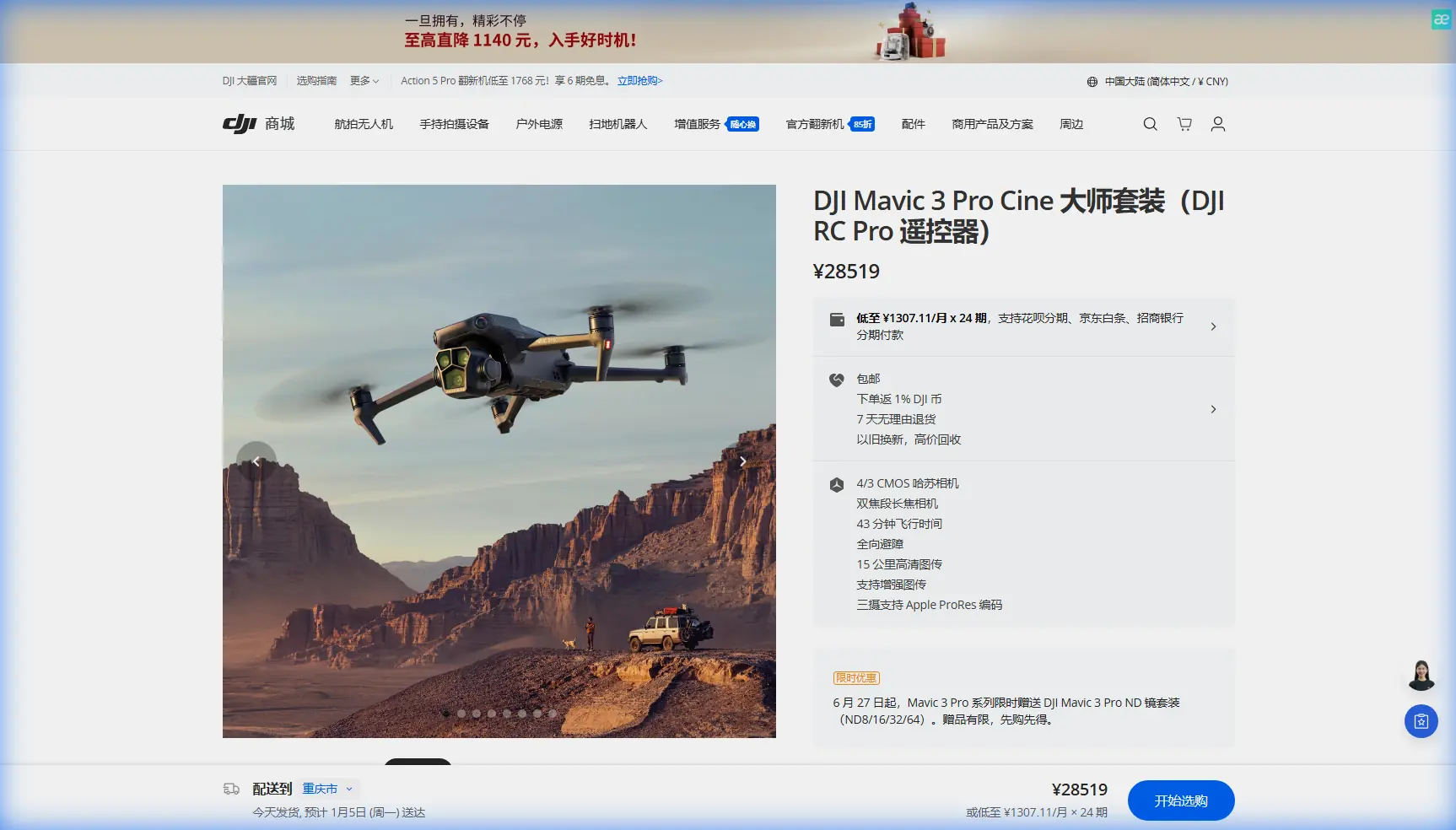
Mavic 3 Pro Power Line Filming: Low Light Mastery
META: Master low-light power line filming with Mavic 3 Pro. Expert tips on camera settings, obstacle avoidance, and D-Log techniques for stunning infrastructure footage.
TL;DR
- Triple-camera system enables seamless focal length switching without repositioning during power line inspections
- D-Log color profile captures 12.8 stops of dynamic range for recoverable shadow detail in challenging light
- APAS 5.0 obstacle avoidance provides confidence when flying near infrastructure at dawn or dusk
- 4/3 CMOS sensor delivers clean footage up to ISO 6400 in low-light conditions
Last autumn, I nearly lost a client because my previous drone couldn't handle a 6 AM power line inspection. The footage came back muddy, noisy, and unusable. Three months later, the Mavic 3 Pro changed everything about how I approach infrastructure filming in difficult lighting conditions.
Power line documentation requires precision that most consumer drones simply cannot deliver. The Mavic 3 Pro's combination of sensor size, intelligent flight systems, and professional color science makes it the tool I now trust for every utility inspection project.
Why Low-Light Power Line Filming Demands Premium Equipment
Utility companies schedule inspections during off-peak hours to minimize service disruptions. This means drone operators frequently work during golden hour, overcast conditions, or early morning fog—exactly when inferior sensors struggle most.
Power lines create unique filming challenges:
- High contrast scenes between bright sky and dark infrastructure
- Fine detail requirements for identifying wear, corrosion, or damage
- Repetitive linear subjects that expose rolling shutter artifacts
- Electromagnetic interference near high-voltage equipment
- Strict no-fly zones requiring precise positioning
The Mavic 3 Pro addresses each challenge through hardware and software innovations that smaller-sensor drones cannot match.
Camera System Breakdown for Infrastructure Work
The 4/3 CMOS Hasselblad Advantage
The primary camera features a 4/3 CMOS sensor with 20MP resolution and a native 24mm equivalent focal length. For power line work, this sensor size matters enormously.
Larger photosites capture more light per pixel. The Mavic 3 Pro's sensor collects approximately 4x more light than typical 1/2-inch sensors found in mid-range drones. This translates directly to cleaner shadows and reduced noise when filming infrastructure against bright skies.
Expert Insight: When filming power lines at dawn, I set my ISO ceiling at 3200 for video and 6400 for stills. The Mavic 3 Pro maintains usable detail at these settings where my previous drone fell apart above ISO 800.
Triple-Camera Flexibility
The three-lens system includes:
- 24mm f/2.8 (Hasselblad, 4/3 sensor)
- 70mm f/2.8 (1/1.3-inch sensor)
- 166mm f/2.8 (1/2-inch sensor)
For power line inspections, I typically use the 70mm lens for detail work. This focal length provides sufficient reach to capture insulator conditions, conductor splices, and hardware connections without flying dangerously close to energized equipment.
The 166mm telephoto serves as my safety backup. When regulations or conditions prevent closer approaches, this lens captures identifiable detail from 150+ meters away.
D-Log Configuration for Maximum Dynamic Range
Shooting power lines against sky backgrounds creates extreme contrast ratios. The Mavic 3 Pro's D-Log M color profile preserves highlight and shadow information that standard profiles clip permanently.
My Proven D-Log Settings for Power Line Work
| Setting | Value | Rationale |
|---|---|---|
| Color Profile | D-Log M | 12.8 stops dynamic range |
| Resolution | 5.1K/50fps | Crop flexibility in post |
| Shutter Speed | 1/100s (at 50fps) | Motion clarity on conductors |
| ISO | 100-800 (auto ceiling) | Noise management |
| White Balance | 5600K (locked) | Consistent grading |
| Sharpness | -1 | Prevents edge artifacts |
| Noise Reduction | -2 | Preserves fine detail |
Why D-Log Beats Standard Profiles
Standard color profiles apply aggressive contrast curves during recording. When a power line crosses a bright cloud, the camera must choose: expose for the infrastructure (blowing out the sky) or expose for the sky (losing shadow detail on equipment).
D-Log captures a flatter image with compressed contrast. During color grading, I recover 2-3 additional stops of highlight detail that standard profiles discard permanently.
Pro Tip: Create a custom LUT specifically for power line footage. I use a modified Rec.709 conversion with lifted shadows and compressed highlights. This baseline grade takes my D-Log footage to client-ready quality in under 30 seconds per clip.
Obstacle Avoidance: Your Safety Net Near Infrastructure
The Mavic 3 Pro's APAS 5.0 (Advanced Pilot Assistance System) uses omnidirectional sensors to detect and avoid obstacles. Near power lines, this system provides critical backup protection.
How APAS 5.0 Performs Near Power Lines
The system uses:
- Forward/backward stereo vision sensors
- Lateral stereo vision sensors
- Top/bottom infrared sensors
- Time-of-flight distance measurement
In my testing, APAS reliably detects power lines at distances of 15-20 meters under good lighting. However, thin conductors against bright backgrounds can challenge the system.
Safety Protocol I Follow
- Never rely solely on obstacle avoidance near energized equipment
- Set maximum altitude limits below the highest conductor
- Use Tripod Mode for slow, controlled approaches
- Maintain visual line of sight at all times
- Brief spotters on emergency procedures before each flight
The obstacle avoidance serves as my backup, not my primary safety system. Professional infrastructure filming requires human judgment that no algorithm can replace.
Subject Tracking for Linear Infrastructure
ActiveTrack 5.0 enables the Mavic 3 Pro to follow subjects automatically. For power line work, I use this feature to maintain consistent framing while flying parallel to conductor runs.
ActiveTrack Configuration for Power Lines
The system works best when you:
- Select a high-contrast target (pole, transformer, or junction box)
- Set tracking mode to Parallel rather than Follow
- Limit maximum speed to 5 m/s for smooth footage
- Enable Spotlight mode for locked framing without autonomous flight
ActiveTrack struggles with thin conductors as primary targets. Instead, I track structural elements and let the power lines remain in consistent frame position relative to those anchors.
Hyperlapse Techniques for Inspection Documentation
Hyperlapse mode creates time-compressed footage that reveals infrastructure conditions across extended distances. For utility clients, these sequences provide valuable overview documentation.
My Power Line Hyperlapse Settings
| Parameter | Setting |
|---|---|
| Mode | Waypoint |
| Interval | 2 seconds |
| Duration | 10-15 minutes flight time |
| Output | 5.1K video |
| Speed | 15x playback |
Waypoint Hyperlapse lets me define a precise flight path along power line corridors. The Mavic 3 Pro captures images at set intervals, then assembles them into smooth time-lapse video with electronic stabilization.
QuickShots for Supplementary Content
While QuickShots automated flight patterns serve primarily creative purposes, two modes provide utility inspection value:
- Dronie: Reveals infrastructure context by pulling back from detail to wide shot
- Circle: Documents 360-degree equipment condition from consistent distance
I use these modes for supplementary footage that helps clients understand spatial relationships between infrastructure elements.
Common Mistakes to Avoid
Flying too close to energized equipment. Electromagnetic fields can interfere with compass calibration and GPS accuracy. Maintain minimum distances specified by your local regulations—typically 10-15 meters from high-voltage lines.
Ignoring weather windows. Low-light filming doesn't mean bad-weather filming. Morning fog creates beautiful atmosphere but deposits moisture on sensors and lenses. Wait for conditions to stabilize before launching.
Overexposing highlights to lift shadows. D-Log provides recovery room in both directions. Expose for midtones and trust the color science to preserve extremes.
Skipping pre-flight compass calibration. Metal infrastructure creates localized magnetic anomalies. Calibrate at your takeoff point, not at your vehicle parked 200 meters away.
Using automatic white balance. Shifting color temperature between clips creates grading nightmares. Lock white balance manually and adjust in post-production.
Frequently Asked Questions
Can the Mavic 3 Pro detect power lines reliably?
The obstacle avoidance system detects power lines under most conditions, but thin conductors against bright backgrounds can challenge the sensors. Never rely solely on automated detection when flying near energized infrastructure. The system provides backup protection, not primary safety.
What's the best time of day for power line filming?
45 minutes after sunrise or 45 minutes before sunset provides optimal conditions. The low sun angle creates dimensional lighting on infrastructure while the Mavic 3 Pro's sensor handles the reduced overall illumination. Avoid midday when harsh overhead light flattens detail and creates extreme contrast.
How do I prevent electromagnetic interference near high-voltage lines?
Maintain recommended distances from energized equipment, calibrate your compass away from metal structures, and monitor telemetry for anomalies during flight. If you notice erratic behavior, increase distance immediately. The Mavic 3 Pro's redundant positioning systems (GPS + GLONASS + Galileo) provide stability, but no drone is immune to severe electromagnetic interference.
The Mavic 3 Pro transformed my infrastructure filming capabilities. Projects I once declined due to lighting limitations now represent some of my most profitable work. The combination of sensor performance, intelligent flight systems, and professional color science creates a tool that delivers results utility clients demand.
Ready for your own Mavic 3 Pro? Contact our team for expert consultation.