
Mavic 3 Pro for Highway Filming at Altitude
Mavic 3 Pro for Highway Filming at Altitude
META: Learn how to film stunning highway footage at high altitude with the DJI Mavic 3 Pro. Expert tips on camera settings, obstacle avoidance, and D-Log workflows.
TL;DR
- The Mavic 3 Pro's tri-camera system gives you three focal lengths to capture sweeping highway panoramas and tight detail shots without landing to swap lenses.
- High-altitude filming above 3,000 meters demands specific propeller, battery, and camera adjustments—skip them and your footage will suffer.
- D-Log color profile preserves highlight and shadow detail in harsh mountain light, giving you up to 12.8 stops of dynamic range in post.
- Obstacle avoidance and ActiveTrack 5.0 let you execute complex tracking shots along winding mountain roads while the drone handles collision prevention autonomously.
By Chris Park, Creator
Why the Mavic 3 Pro Dominates Highway Aerial Cinematography
Highway cinematography at altitude is brutally unforgiving. Thin air reduces lift, harsh sunlight crushes dynamic range, and unpredictable wildlife can appear out of nowhere. This guide walks you through every setting, technique, and hard-won lesson I've learned filming mountain highways with the DJI Mavic 3 Pro—so you get cinematic results on your first flight, not your tenth.
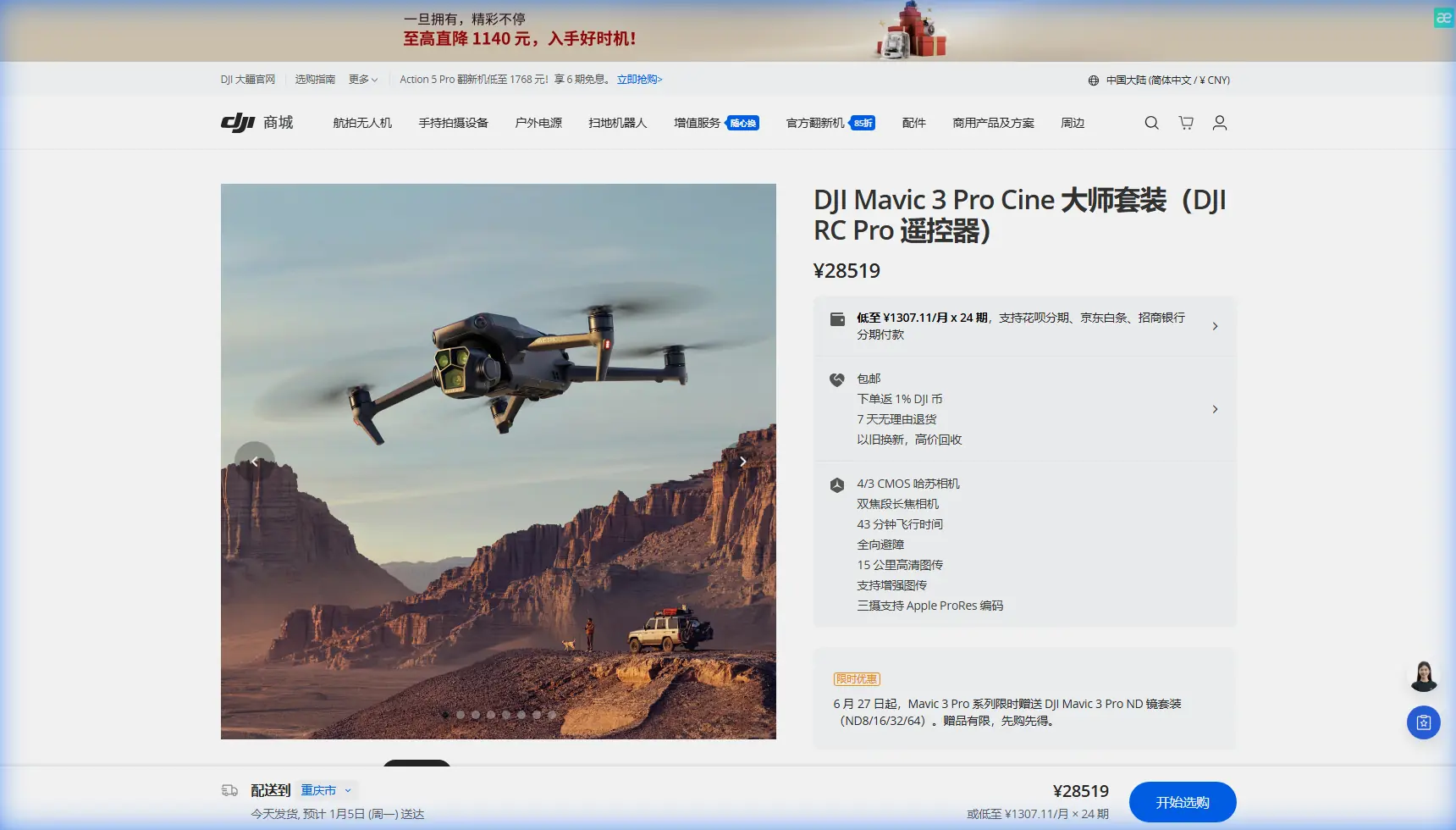
The Mavic 3 Pro stands apart because of its Hasselblad tri-camera system: a 24mm wide-angle (4/3 CMOS), a 70mm medium telephoto, and a 166mm telephoto. That means you switch from an establishing shot of a six-lane highway cutting through a valley to a tight close-up of a single vehicle threading a switchback—all mid-flight, without ever landing.
Understanding High-Altitude Flight Challenges
Thinner Air, Less Lift
At elevations above 3,000 meters (roughly 10,000 feet), air density drops by approximately 25-30% compared to sea level. The Mavic 3 Pro's motors must spin faster to generate the same lift, which has cascading effects:
- Battery drain accelerates — expect 15-20% less flight time than the rated 43 minutes
- Maximum payload capacity decreases — avoid attaching heavy third-party accessories
- Wind sensitivity increases — the drone's effective wind resistance drops below its rated 12 m/s
- Motor heat builds faster — allow 60-second cool-downs between aggressive maneuvers
- GPS signal can fluctuate near steep terrain walls, so always calibrate your IMU and compass before launch
Temperature Swings and Battery Management
Mountain highways often sit at altitudes where temperatures swing from 35°C in direct sun to below 10°C in shadow. The Mavic 3 Pro's Intelligent Flight Battery performs optimally between 15°C and 40°C. Below that range, internal resistance rises and voltage sags.
Pro Tip: Before flying in cold, high-altitude conditions, keep your batteries in an insulated bag with hand warmers. Pre-warm them to at least 20°C before inserting them into the drone. This alone can recover 8-12% of your total flight time.
Step-by-Step: Filming a Mountain Highway Sequence
Step 1 — Scout and Plan Your Shots
Use Google Earth Studio or DJI FlightHub 2 to pre-visualize your flight path. Identify:
- Key visual anchors (bridges, tunnels, switchbacks, overlooks)
- Sun position at your planned flight time (golden hour is ideal but not mandatory with D-Log)
- Restricted airspace zones — many mountain highways run near national parks or military installations
- Emergency landing zones in case of signal loss
Step 2 — Configure Camera Settings for Altitude Light
High-altitude sunlight is intense and contrasty. Here's my standard configuration:
- Color profile: D-Log (not D-Log M — full D-Log gives you the widest latitude for grading)
- Resolution: 5.1K/50fps on the main Hasselblad camera for smooth slow-motion and maximum detail
- ISO: Lock at 100 (native) to minimize noise
- Shutter speed: Use an ND64 or ND128 filter to maintain the 180-degree shutter rule (1/100s at 50fps)
- White balance: Manual, set to 5600K for daylight consistency across clips
Step 3 — Execute the Approach Shot Using ActiveTrack 5.0
ActiveTrack 5.0 on the Mavic 3 Pro uses the drone's omnidirectional obstacle sensing to follow a moving subject—like a vehicle on a highway—while dynamically avoiding obstacles. The system processes data from all six directions simultaneously using vision sensors and a wide-angle forward camera dedicated to obstacle detection.
Here's how I set it up:
- Tap the target vehicle on the DJI RC Pro screen
- Select Trace mode (drone follows behind the subject) or Parallel mode (drone tracks alongside)
- Set your follow distance to 30-50 meters for a cinematic compression effect using the 70mm lens
- Enable APAS 5.0 (Advanced Pilot Assistance System) so the drone autonomously routes around obstacles like signage poles, overpass structures, or rock faces
The Eagle Encounter That Proved the Sensors Work
During a shoot on a highway winding through the Colorado Rockies at 3,400 meters, a golden eagle dove toward the Mavic 3 Pro from the upper right—likely investigating what it perceived as a rival. The forward and upward obstacle avoidance sensors detected the bird at approximately 12 meters and executed an immediate lateral drift to the left, pausing ActiveTrack momentarily. The entire evasion took less than 1.5 seconds. No stick input from me. The footage shows a brief wobble, then a seamless return to the tracking path.
That moment reinforced something critical: omnidirectional obstacle avoidance isn't a convenience feature at altitude—it's a safety system for your aircraft and for wildlife. Without it, I'd have risked a collision that could have injured the bird and destroyed the drone.
Expert Insight: When flying in areas with known raptor activity, reduce your maximum speed to 8-10 m/s. This gives the obstacle avoidance system more reaction time and reduces the chance that birds of prey perceive your drone as a fast-moving threat. Slower speeds also produce smoother footage.
Step 4 — Capture Hyperlapse Along the Highway
The Mavic 3 Pro's built-in Hyperlapse mode is exceptional for showing traffic flow on mountain highways. Four sub-modes are available:
- Free — full manual control of flight path during the time-lapse
- Circle — orbits a set point (great for interchange ramps)
- Course Lock — flies in a fixed direction regardless of where the camera points
- Waypoint — follows a pre-programmed GPS path (my preferred mode for repeatable results)
Set your Hyperlapse interval to 2 seconds with a total capture time of 15-20 minutes for a final clip of approximately 8-10 seconds at 30fps. Shoot in JPEG+RAW so you have flexibility in post for exposure adjustments.
Step 5 — Add Cinematic Polish with QuickShots
QuickShots automate complex maneuvers that would take a skilled pilot dozens of takes to nail manually. For highway work, these are most effective:
- Helix — spirals upward around a focal point like a rest area or toll plaza, revealing the highway stretching into the distance
- Rocket — ascends straight up while the camera tilts down, perfect for revealing the scale of a mountain pass
- Dronie — pulls back and up simultaneously, ideal for a closing shot that shows a vehicle disappearing down the highway
Technical Comparison: Mavic 3 Pro vs. Competing Platforms for Highway Aerial Work
| Feature | Mavic 3 Pro | Air 3 | Mavic 3 Classic |
|---|---|---|---|
| Camera System | Tri-lens (24/70/166mm) | Dual-lens (24/70mm) | Single (24mm Hasselblad) |
| Max Video Resolution | 5.1K/50fps | 4K/100fps | 5.1K/50fps |
| Dynamic Range (D-Log) | 12.8 stops | 12 stops | 12.8 stops |
| Obstacle Avoidance | Omnidirectional (all 6 sides) | Omnidirectional | Omnidirectional |
| ActiveTrack Version | 5.0 | 5.0 | Not available |
| Max Flight Time | 43 min (sea level) | 46 min | 46 min |
| Max Transmission Range | 15 km (O3+) | 20 km (O3+) | 15 km (O3+) |
| Telephoto Capability | 166mm (7x optical) | 70mm (3x optical) | None |
| Hyperlapse Support | Yes (4 modes) | Yes (4 modes) | Yes (4 modes) |
| Weight | 958 g | 720 g | 895 g |
The key differentiator is the 166mm telephoto lens. No other drone in this weight class gives you 7x optical zoom, which lets you capture tight detail shots of highway infrastructure—guardrails, lane markings, bridge joints—from a safe distance that doesn't require flying directly over traffic.
D-Log Post-Production Workflow
D-Log footage looks flat and desaturated straight out of the camera. That's by design—it preserves information in highlights and shadows that a standard color profile would clip. Here's my grading workflow:
- Import into DaVinci Resolve (free version works fine)
- Apply a DJI D-Log to Rec.709 LUT as a starting point
- Adjust lift, gamma, and gain to set your contrast curve
- Use the qualifier tool to isolate sky highlights and pull them back if clipped
- Add a subtle color contrast between warm asphalt tones and cool mountain shadows
- Export in H.265 at a minimum of 100 Mbps to preserve detail
Common Mistakes to Avoid
- Flying without ND filters at altitude — the intense UV and visible light at 3,000m+ will force your shutter speed far too high, creating jittery, uncinematic motion. Always carry an ND filter set (ND8 through ND128).
- Ignoring wind gusts near canyon walls — mountain highways often run through valleys that funnel wind. Check live wind data on the DJI Fly app and maintain a 40% battery reserve when flying in gusty conditions.
- Using the telephoto lens in high winds — the 166mm focal length amplifies every vibration and gust. Switch to the 24mm or 70mm lens when winds exceed 6 m/s for stable footage.
- Forgetting to set a Return-to-Home altitude — if your highway runs along a ridge, the default RTH altitude might send the drone straight into a cliff face. Manually set RTH to at least 50 meters above the highest obstacle in your flight zone.
- Skipping pre-flight sensor calibration — at unfamiliar altitudes and magnetic environments, compass and IMU drift is common. Calibrate both before every session, not just the first flight of the day.
Frequently Asked Questions
Can the Mavic 3 Pro legally fly over active highways?
Regulations vary by country and jurisdiction. In the United States, Part 107 allows flight over moving vehicles under certain conditions, but you may not operate over people inside those vehicles without a waiver unless the vehicles are enclosed and provide protection. Always check your local aviation authority's rules and obtain any necessary permits before filming.
What is the maximum altitude the Mavic 3 Pro can fly at effectively?
DJI rates the Mavic 3 Pro's maximum service ceiling at 6,000 meters above sea level. However, performance degrades progressively above 3,000 meters. At 5,000 meters, expect roughly 30-35% less flight time and noticeably sluggish yaw response. For highway filming, I recommend staying below 4,500 meters for reliable, repeatable results.
Should I use Subject Tracking or manual stick control for highway follow shots?
Use ActiveTrack 5.0 with Subject Tracking for smooth, consistent follow shots—especially on winding roads where manual control would require constant yaw and gimbal adjustments. Reserve manual stick control for creative shots where you want deliberate, non-standard framing, such as pulling away from the subject mid-shot or executing a combined tilt-and-pan reveal.
The Mavic 3 Pro isn't just another drone with a good camera. It's a tri-lens aerial cinema system wrapped in omnidirectional safety sensors, built for exactly the kind of demanding, high-altitude work that separates professional footage from hobbyist clips. Master the settings and techniques in this guide, and your highway footage will reflect that difference.
Ready for your own Mavic 3 Pro? Contact our team for expert consultation.