
Mavic 3 Pro Low Light Field Filming Guide
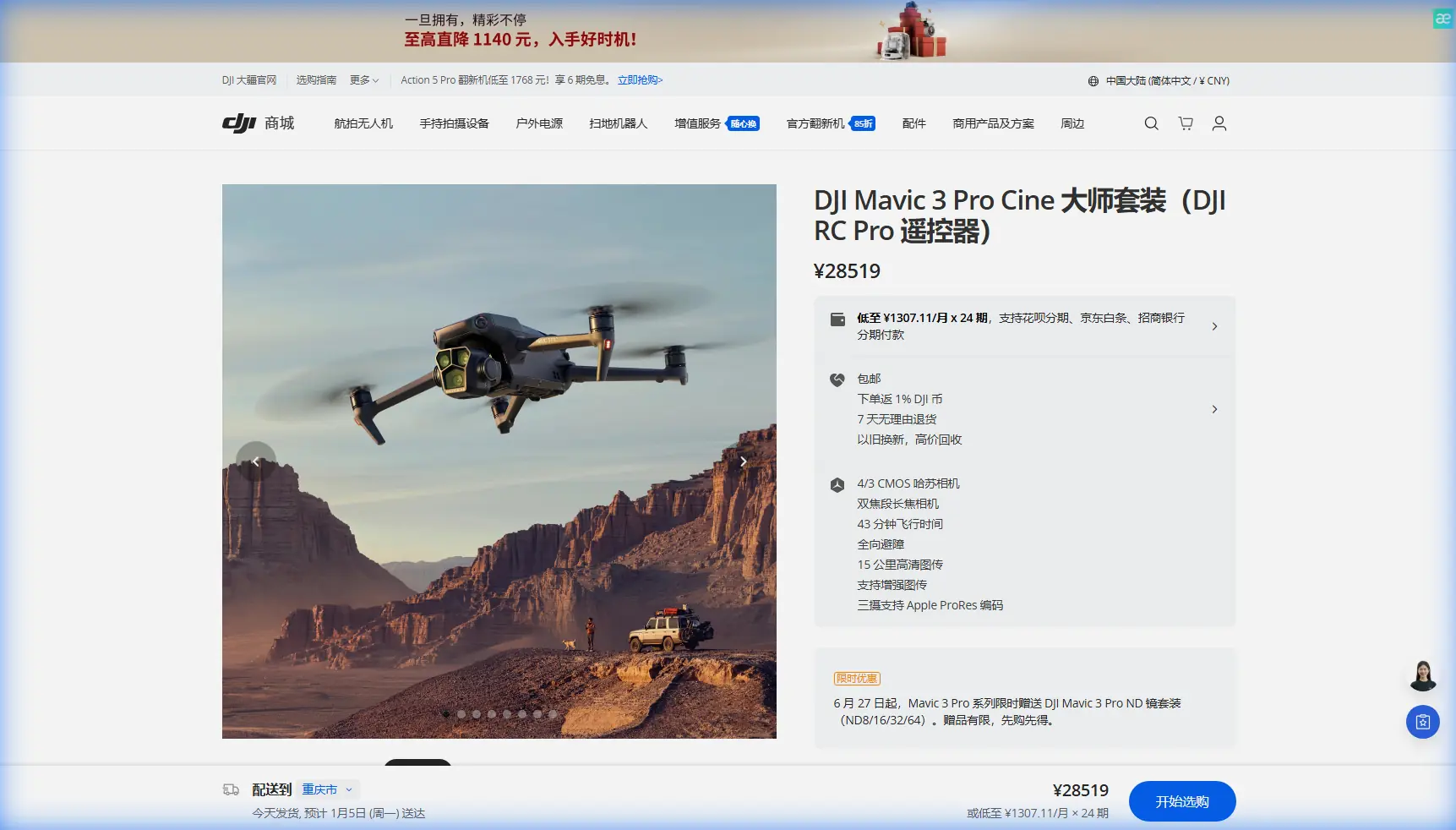
Mavic 3 Pro Low Light Field Filming Guide
META: Master low light field filming with the Mavic 3 Pro. Expert tips on camera settings, battery management, and cinematic techniques for stunning footage.
TL;DR
- Hasselblad's 4/3 CMOS sensor captures exceptional detail in challenging low light conditions across agricultural and open field environments
- Keep batteries at 25-30°C before flight—cold fields drain power 40% faster than expected
- Use D-Log color profile with ISO 400-800 for maximum dynamic range during golden hour and twilight shoots
- Master the 70mm telephoto lens for compressed, cinematic field landscapes without disturbing wildlife
Low light field filming separates amateur drone footage from professional cinematography. The Mavic 3 Pro's triple-camera system handles these demanding conditions better than any consumer drone available—but only when you understand its capabilities and limitations.
I learned this lesson during a wheat field shoot last autumn. My batteries died after just 12 minutes because I'd left them in my cold car trunk. That expensive mistake taught me everything I'm about to share with you.
Understanding the Mavic 3 Pro's Low Light Capabilities
The Mavic 3 Pro houses three distinct cameras, each serving specific purposes during field filming. The primary Hasselblad L2D-20c features a 4/3 CMOS sensor—four times larger than typical drone sensors. This size difference matters enormously when photons become scarce.
Larger sensors collect more light per pixel. During twilight field shoots, this translates to cleaner images with less digital noise. The f/2.8 to f/11 adjustable aperture gives you precise exposure control that fixed-aperture drones simply cannot match.
Sensor Performance Breakdown
The medium telephoto lens (70mm equivalent) uses a 1/1.3-inch sensor, while the telephoto (166mm equivalent) employs a 1/2-inch sensor. Both perform admirably in moderate low light, but the primary camera remains your go-to choice when conditions deteriorate.
Expert Insight: Switch to the primary Hasselblad camera when ambient light drops below 500 lux. The telephoto lenses introduce noticeable noise above ISO 400 in these conditions, while the main sensor stays clean up to ISO 800.
Essential Camera Settings for Field Filming
Getting your settings right before takeoff saves frustration and battery life. Here's my tested configuration for low light field work:
Manual Exposure Settings
- ISO: Start at 100 during golden hour, increase to 400-800 as light fades
- Shutter Speed: Follow the 180-degree rule—double your frame rate (24fps = 1/50s)
- Aperture: Open to f/2.8 for maximum light gathering
- White Balance: Set manually to 5600K for golden hour, 4500K for twilight
Color Profile Selection
D-Log captures 12.8 stops of dynamic range, preserving highlight and shadow detail that standard profiles clip. This matters tremendously when filming fields where bright sky meets dark vegetation.
The tradeoff? D-Log footage looks flat and desaturated straight from the camera. You'll need color grading software to realize its potential. If post-production isn't your strength, HLG (Hybrid Log-Gamma) offers a middle ground with 10+ stops of dynamic range and more pleasing out-of-camera results.
| Setting | Golden Hour | Twilight | Near-Dark |
|---|---|---|---|
| ISO | 100-200 | 400-800 | 800-1600 |
| Aperture | f/4-f/5.6 | f/2.8-f/4 | f/2.8 |
| Shutter | 1/50-1/100 | 1/50 | 1/50 |
| Profile | D-Log | D-Log | HLG |
| ND Filter | ND16-ND64 | ND4-ND8 | None |
Battery Management in Cold Field Conditions
Here's that hard-won lesson I mentioned. Cold temperatures devastate lithium-polymer battery performance. Fields lose heat rapidly after sunset, and ground-level temperatures can drop 5-10°C below what weather apps report.
Pre-Flight Battery Protocol
- Store batteries in an insulated bag with hand warmers
- Check battery temperature in DJI Fly app—wait for 25°C minimum
- Hover at 2 meters for 30 seconds before ascending to warm cells
- Set low battery warning to 30% instead of the default 20%
Flight Time Expectations
The Mavic 3 Pro advertises 43 minutes of flight time under ideal conditions. In cold field environments, expect 25-30 minutes realistically. Plan your shots accordingly—you won't have time for experimentation once airborne.
Pro Tip: Bring three fully charged batteries minimum for any serious low light field shoot. You'll use one for scouting and test shots, one for primary footage, and keep one warm as backup.
Cinematic Techniques for Field Landscapes
Fields offer unique filming opportunities that other environments cannot match. The combination of texture, scale, and unobstructed horizons creates compelling visual stories.
Movement Patterns That Work
Slow reveals work exceptionally well over fields. Start with the camera pointed down at crop texture, then gradually tilt up while moving forward to reveal the horizon. This technique builds anticipation and showcases scale.
Lateral tracking shots along field edges create natural leading lines. The contrast between cultivated land and wild margins adds visual interest. Keep your speed below 5 m/s for smooth, cinematic motion.
Hyperlapse transforms ordinary fields into extraordinary time-based art. The Mavic 3 Pro's Waypoint Hyperlapse mode lets you program complex camera movements that execute automatically. Set intervals of 2-3 seconds for smooth results when clouds or shadows move across the landscape.
Using ActiveTrack in Open Terrain
ActiveTrack performs brilliantly in fields because obstacle avoidance has minimal interference. The system can follow farm vehicles, wildlife, or even your own shadow across the landscape.
Set Trace mode for following subjects from behind, or Parallel mode for side-angle tracking shots. The Spotlight mode keeps subjects centered while you control flight path manually—ideal for complex movements around agricultural equipment.
QuickShots for Efficient Coverage
When time or battery life runs short, QuickShots deliver professional results with minimal input:
- Dronie: Classic pullback reveal, perfect for establishing shots
- Circle: Orbits your subject, showcasing field scale
- Helix: Ascending spiral combines vertical and orbital movement
- Boomerang: Oval flight path creates dynamic perspective shifts
Obstacle Avoidance Considerations
Fields seem obstacle-free until they're not. Power lines, irrigation equipment, lone trees, and fence posts all pose collision risks—especially in low light when visual identification becomes difficult.
The Mavic 3 Pro's omnidirectional obstacle sensing uses multiple vision sensors and a wide-angle camera system. However, thin obstacles like wires remain problematic. The system detects them inconsistently, particularly against complex backgrounds.
Safety Protocols
- Survey your flight area on foot before launching
- Mark power line locations on your mental map
- Maintain minimum 30-meter clearance from any linear obstacles
- Enable APAS 5.0 for automatic obstacle avoidance during complex maneuvers
- Reduce maximum speed to 10 m/s when visibility decreases
Common Mistakes to Avoid
Ignoring wind at altitude: Ground-level calm doesn't indicate conditions at 50-100 meters. Fields often experience significant wind shear. Check the DJI Fly app's wind speed indicator and abort if readings exceed 10 m/s.
Overexposing skies: The dynamic range between bright sky and dark fields challenges any camera. Expose for highlights and recover shadows in post-production. Blown highlights cannot be recovered.
Rushing golden hour: The best light lasts approximately 20-30 minutes. Arrive early, complete test flights, and have your shot list ready. Fumbling with settings while perfect light fades wastes irreplaceable opportunities.
Neglecting ND filters: Without neutral density filters, you'll need fast shutter speeds that create jittery, uncinematic footage. Invest in a quality variable ND filter or a set covering ND4 through ND64.
Flying too high: Altitude provides perspective but sacrifices detail. Fields look most compelling from 15-40 meters, where texture remains visible and scale stays comprehensible.
Frequently Asked Questions
What ISO setting produces the cleanest low light footage on the Mavic 3 Pro?
The Hasselblad sensor maintains excellent quality up to ISO 800. Beyond this, noise becomes noticeable in shadow areas. For critical work, stay at ISO 400 or below and use wider apertures or slower shutter speeds to compensate. The D-Log profile handles noise better than standard profiles during color grading.
How does subject tracking perform in low light field conditions?
ActiveTrack relies on visual contrast to identify and follow subjects. Performance degrades as light diminishes, but remains functional until approximately 30 minutes after sunset. High-contrast subjects—like a red tractor against green crops—track reliably longer than low-contrast subjects. Enable Spotlight mode as a fallback, which requires less processing power and works in darker conditions.
Can I use Hyperlapse effectively during twilight shoots?
Hyperlapse actually benefits from low light conditions because longer exposure times smooth motion naturally. Set your interval to 3-4 seconds and let the camera determine optimal exposure. The Mavic 3 Pro's Waypoint Hyperlapse maintains precise positioning even during extended sequences. Avoid Hyperlapse once light drops below levels requiring ISO 1600—noise accumulation becomes problematic across hundreds of frames.
Field filming with the Mavic 3 Pro rewards preparation and patience. The combination of exceptional sensor performance, intelligent flight modes, and reliable obstacle avoidance makes professional results achievable for dedicated operators willing to master the craft.
Ready for your own Mavic 3 Pro? Contact our team for expert consultation.