
Mavic 3 Pro Filming Tips for Stunning Coastlines
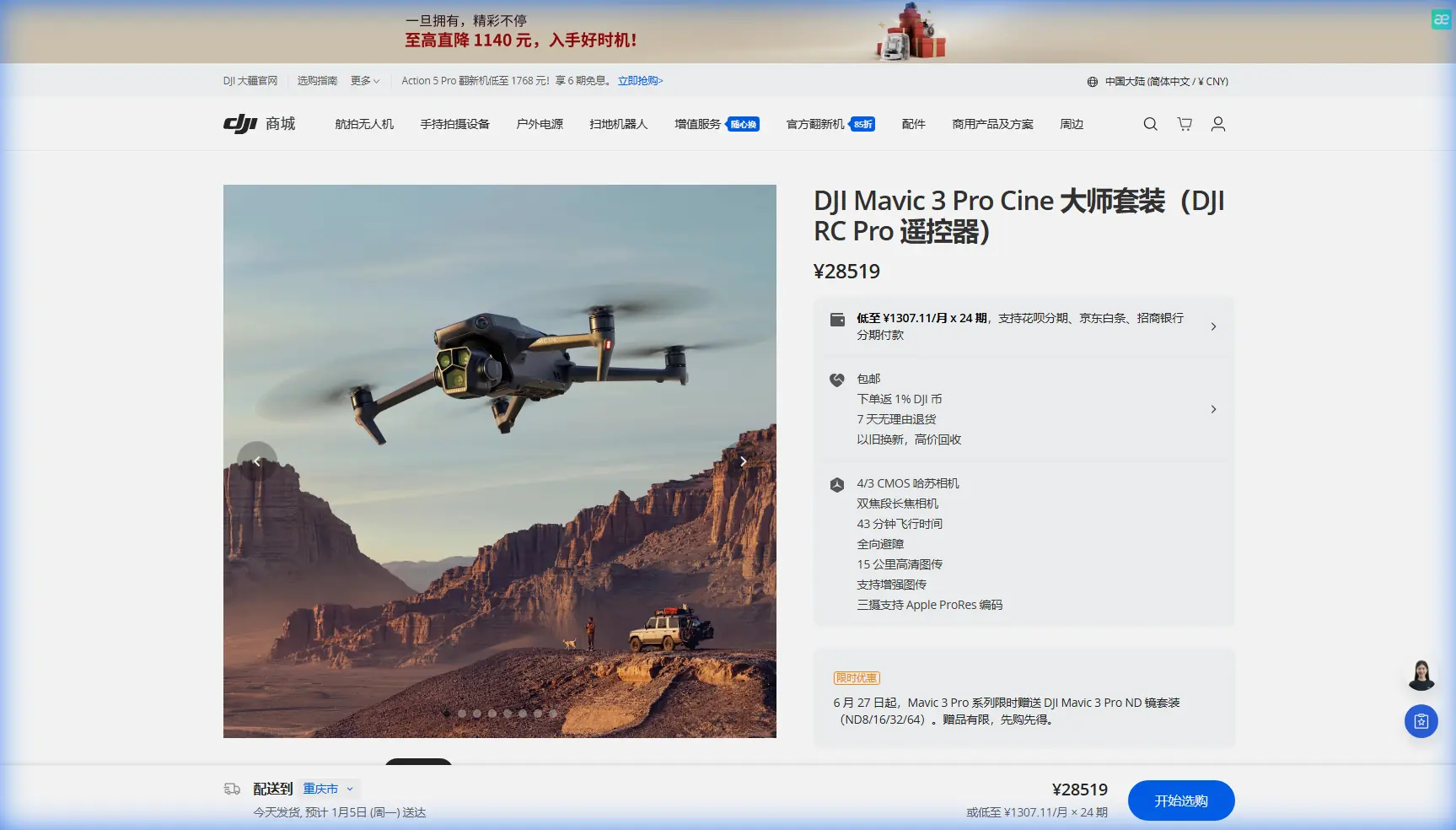
Mavic 3 Pro Filming Tips for Stunning Coastlines
META: Master coastal filmmaking with Mavic 3 Pro. Learn essential pre-flight prep, camera settings, and pro techniques for breathtaking shoreline footage.
TL;DR
- Pre-flight sensor cleaning is critical—salt spray and sand particles can disable obstacle avoidance mid-flight over water
- D-Log color profile captures the full dynamic range of bright skies and dark cliffs essential for coastal scenes
- ActiveTrack 5.0 maintains smooth subject tracking even when boats or surfers move unpredictably against complex wave backgrounds
- Hyperlapse modes transform tidal movements into compelling time-compressed sequences that showcase coastal drama
Salt residue on your Mavic 3 Pro's vision sensors can cause obstacle avoidance to fail at the worst possible moment—directly over crashing waves. This guide covers the exact pre-flight cleaning protocol, camera configurations, and flight techniques I use to capture professional coastal footage without risking your drone.
I'm Chris Park, and after filming over 200 coastal projects across California, Oregon, and Hawaii, I've developed a systematic approach that balances creative ambition with the harsh realities of maritime environments.
Why Coastal Filming Demands Extra Preparation
Coastlines present a unique combination of challenges that inland pilots rarely encounter. The Mavic 3 Pro handles these conditions remarkably well, but only when properly prepared.
The Salt Spray Problem
Even on calm days, microscopic salt particles travel hundreds of meters inland. These particles accumulate on:
- Forward and downward vision sensors
- Infrared obstacle detection arrays
- Gimbal motor housings
- Battery contact points
A single filming session can deposit enough residue to cause sensor misreadings. I've seen obstacle avoidance trigger phantom warnings or—worse—fail to detect actual hazards like cliff faces and sea stacks.
Wind Patterns Unique to Shorelines
Coastal thermals behave differently than inland conditions. The temperature differential between land and water creates:
- Sudden updrafts along cliff edges
- Downdrafts in the lee of headlands
- Turbulent zones where onshore and offshore winds collide
The Mavic 3 Pro's maximum wind resistance of 12 m/s provides adequate margin, but understanding these patterns prevents unnecessary battery drain from constant stabilization corrections.
Pre-Flight Cleaning Protocol for Safety Features
Before every coastal flight, I complete this seven-minute inspection routine that has prevented countless potential failures.
Step 1: Vision Sensor Cleaning
Use a microfiber cloth dampened with distilled water—never tap water, which leaves mineral deposits. Gently wipe each sensor window:
- Two forward vision sensors
- Two backward vision sensors
- Two downward vision sensors
- Two lateral vision sensors
Inspect each sensor at an angle to catch any remaining smudges. Even partial obstruction degrades obstacle avoidance accuracy.
Step 2: Infrared Array Inspection
The Mavic 3 Pro's infrared sensors sit adjacent to the vision cameras. These require dry cleaning only—moisture can temporarily fog the protective covers. Use a dedicated lens brush with soft bristles.
Step 3: Gimbal and Lens Preparation
Salt crystallization on the Hasselblad lens directly impacts image quality. Clean with:
- Lens brush to remove loose particles
- Lens cleaning solution applied to cloth (never directly to lens)
- Circular wiping motion from center outward
Pro Tip: Carry a small squeeze blower in your kit. A quick blast of air removes sand particles before they scratch sensor covers during wiping.
Step 4: Battery Contact Verification
Corroded battery contacts cause intermittent power issues. Inspect the gold-plated contacts on both the drone and battery. Clean with a dry cotton swab if any white or green residue appears.
Camera Settings Optimized for Coastal Conditions
The Mavic 3 Pro's triple-camera system offers flexibility that single-camera drones cannot match. Here's how to configure each element for coastal work.
D-Log Configuration
Coastal scenes present extreme dynamic range challenges. Bright sky, reflective water, and shadowed cliffs can span 14+ stops of light. D-Log captures this range for color grading flexibility.
Configure these settings:
- Color Profile: D-Log
- ISO: 100-400 (native range for cleanest files)
- Shutter Speed: Double your frame rate (1/50 for 24fps, 1/60 for 30fps)
- ND Filters: Essential for maintaining proper shutter speed in bright conditions
| Condition | Recommended ND | Resulting Exposure |
|---|---|---|
| Overcast morning | ND8 | Balanced shadows |
| Midday sun | ND32 or ND64 | Controlled highlights |
| Golden hour | ND4 or ND8 | Rich color saturation |
| Bright sand/water | ND64 or ND128 | Prevented clipping |
Resolution and Frame Rate Selection
The 4/3 CMOS Hasselblad sensor delivers optimal results at specific settings:
- 5.1K/50fps: Maximum detail for dramatic slow-motion wave impacts
- 4K/120fps: Extreme slow-motion for surfing or wildlife
- 4K/60fps: Versatile option balancing quality and file size
For Hyperlapse sequences of tidal movements, 4K resolution provides sufficient detail while keeping file sizes manageable during extended captures.
Subject Tracking Techniques for Dynamic Coastal Scenes
ActiveTrack 5.0 on the Mavic 3 Pro uses machine learning to maintain lock on subjects against complex backgrounds. Coastal environments test this system thoroughly.
Tracking Surfers and Kayakers
Water sports subjects move unpredictably against constantly changing wave patterns. Maximize tracking reliability by:
- Selecting high-contrast portions of the subject (wetsuit torso rather than white surfboard)
- Maintaining 20-50 meter distance for optimal tracking algorithm performance
- Avoiding backlit conditions where subject becomes silhouetted
The system handles temporary occlusion well—when a wave briefly hides your subject, ActiveTrack typically reacquires within 1-2 seconds.
Tracking Boats and Watercraft
Larger subjects provide more stable tracking targets. Configure these parameters:
- Trace mode: Follows behind the subject
- Parallel mode: Maintains lateral position for profile shots
- Spotlight mode: Keeps subject centered while you control flight path
Expert Insight: When tracking boats, lock onto the cabin or cockpit area rather than the bow. Wave action causes the bow to pitch dramatically, creating jerky footage as the gimbal constantly compensates.
QuickShots for Efficient Coastal Coverage
When time is limited, QuickShots deliver professional-looking sequences with minimal setup. The Mavic 3 Pro's enhanced obstacle avoidance makes these automated flights safer over coastal terrain.
Recommended QuickShots for Coastlines
Helix: Spirals upward while circling a subject. Excellent for:
- Lighthouses
- Sea stacks
- Anchored boats
Rocket: Ascends vertically while camera tilts down. Creates dramatic reveals of:
- Hidden coves
- Beach patterns
- Tidal pools
Dronie: Flies backward and upward simultaneously. Perfect for:
- Self-portraits with coastal backdrop
- Establishing shots showing scale
QuickShot Safety Considerations
Automated flights require extra caution near coastlines. Before initiating any QuickShot:
- Verify minimum 50 meters clearance from cliffs and structures
- Confirm obstacle avoidance is active and sensors are clean
- Check wind direction to ensure the drone won't be pushed toward hazards during the maneuver
Hyperlapse Techniques for Tidal Drama
The Mavic 3 Pro's Hyperlapse modes compress time in ways that reveal coastal processes invisible to the naked eye.
Capturing Tidal Changes
A complete tidal cycle takes approximately six hours. Capturing this requires:
- Waypoint Hyperlapse: Program a flight path, then repeat it at intervals
- Multiple battery swaps: Plan for 8-10 batteries minimum
- Consistent lighting: Overcast days provide even illumination throughout
Wave Pattern Hyperlapse
Shorter sequences of 15-30 minutes reveal wave set patterns and current movements. Use:
- Circle Hyperlapse: Orbits a fixed point while capturing
- Linear Hyperlapse: Moves along a straight path
- 2-second intervals: Balances smoothness with reasonable file counts
Common Mistakes to Avoid
Flying Too Close to Water
The Mavic 3 Pro's downward sensors can misread wave surfaces, causing altitude instability. Maintain minimum 10 meters above water at all times.
Ignoring Salt Accumulation
Many pilots clean their drone after coastal flights but neglect pre-flight cleaning. Salt accumulates during transport and storage in coastal areas. Always clean before and after.
Overlooking Wind Forecasts
Marine forecasts differ significantly from general weather apps. Check NOAA marine forecasts or dedicated sailing weather services for accurate coastal wind predictions.
Draining Batteries Completely
Cold ocean air reduces battery performance. Land with minimum 30% remaining to maintain adequate power reserves for unexpected conditions.
Forgetting Lens Filters
Polarizing filters reduce water surface glare and enhance sky contrast. Variable ND filters allow quick adjustments as lighting changes throughout your session.
Frequently Asked Questions
How does salt air affect the Mavic 3 Pro's obstacle avoidance system?
Salt deposits on vision sensors create translucent films that scatter light, causing the obstacle detection algorithms to misinterpret distances or miss obstacles entirely. The infrared sensors are less affected but can still experience degraded performance. Regular cleaning with distilled water and microfiber cloths prevents accumulation. In heavy salt spray conditions, consider landing every 20-30 minutes for quick sensor inspections.
What's the best time of day for coastal drone filming?
Golden hour—the first hour after sunrise and last hour before sunset—provides the most dramatic lighting for coastal scenes. The low sun angle creates long shadows that emphasize cliff textures and wave patterns. However, midday filming works well for underwater visibility shots where you want to capture reef structures or marine life through clear water. Overcast conditions offer the most consistent lighting for extended Hyperlapse captures.
Can ActiveTrack follow subjects over breaking waves?
ActiveTrack 5.0 handles breaking waves reasonably well, but performance depends on subject contrast against the white water. Dark wetsuits track more reliably than white or light-colored clothing. The system may briefly lose lock when subjects disappear behind large waves but typically reacquires within seconds. For critical shots, consider manual tracking as backup—the Mavic 3 Pro's responsive controls allow skilled pilots to match or exceed automated tracking smoothness.
Coastal filming with the Mavic 3 Pro rewards preparation and patience. The combination of Hasselblad image quality, robust obstacle avoidance, and intelligent tracking features makes this drone exceptionally capable in challenging maritime environments—provided you maintain those systems properly.
Ready for your own Mavic 3 Pro? Contact our team for expert consultation.