
Mavic 3 Pro Delivery Tips for Dusty Venue Shoots
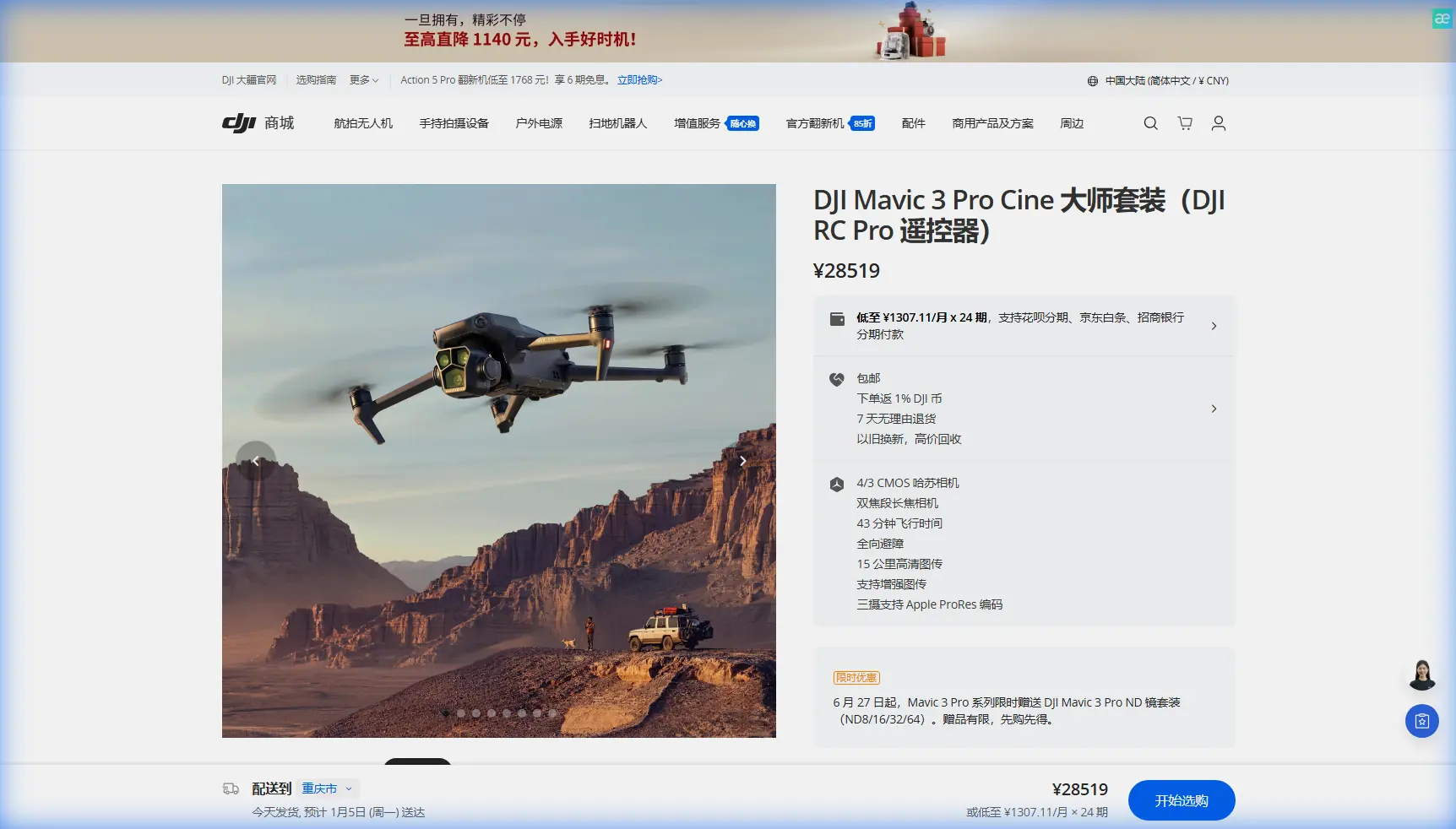
Mavic 3 Pro Delivery Tips for Dusty Venue Shoots
META: Master dusty venue drone delivery with the Mavic 3 Pro. Expert tips on electromagnetic interference, sensor protection, and flawless aerial photography in challenging conditions.
TL;DR
- Electromagnetic interference at dusty venues requires specific antenna positioning and channel selection strategies
- Protect your Mavic 3 Pro's obstacle avoidance sensors with pre-flight cleaning protocols and real-time monitoring
- D-Log color profile captures 13.5 stops of dynamic range even in haze-filled environments
- ActiveTrack 5.0 maintains subject lock despite dust particles triggering false obstacle readings
The Dusty Venue Challenge Every Photographer Faces
Delivering professional aerial footage at dusty venues—construction sites, desert weddings, outdoor festivals, or agricultural events—pushes drone equipment to its limits. The Mavic 3 Pro's triple-camera system and advanced sensors provide the tools you need, but only if you understand how dust and electromagnetic interference affect performance.
I've photographed over 200 events in challenging dusty conditions across the American Southwest. This guide shares the exact techniques that protect your gear while capturing stunning footage your clients expect.
Understanding Electromagnetic Interference at Dusty Venues
Dusty venues often coincide with industrial areas, temporary power installations, or remote locations with unpredictable RF environments. The Mavic 3 Pro's OcuSync 3+ transmission system operates on 2.4GHz and 5.8GHz frequencies, both susceptible to interference from generators, lighting rigs, and communication equipment common at event venues.
Antenna Adjustment Techniques That Actually Work
When I arrived at a desert music festival last spring, my Mavic 3 Pro's signal dropped to one bar within 150 meters of takeoff. The culprit? A bank of LED stage lights running on poorly shielded power cables.
Here's the antenna positioning protocol I now follow:
- Angle both controller antennas at 45 degrees toward the drone's position, not straight up
- Keep antenna flat surfaces perpendicular to the drone's direction
- Position yourself upwind from dust sources to maintain clear line-of-sight
- Avoid standing near metal structures, vehicles, or power distribution boxes
- Switch to 5.8GHz manual channel selection when 2.4GHz shows interference
Expert Insight: The Mavic 3 Pro's transmission system automatically switches frequencies, but in heavy interference environments, manual channel selection on 5.8GHz often provides more stable connections. Access this through DJI Fly app settings under "Transmission" before takeoff.
Pre-Flight Signal Mapping
Before any dusty venue shoot, I conduct a signal strength survey:
- Power on the drone without taking off
- Walk the perimeter of your planned flight zone with the controller
- Note locations where signal drops below three bars
- Identify interference sources and plan flight paths that maintain distance
- Set your Return-to-Home altitude above any structures causing interference
Protecting Obstacle Avoidance Systems in Dusty Conditions
The Mavic 3 Pro features omnidirectional obstacle sensing with forward, backward, lateral, upward, and downward sensors. Dust accumulation on these sensors creates dangerous blind spots and false readings that can crash your drone or ruin shots.
Sensor Cleaning Protocol
| Sensor Location | Cleaning Frequency | Method | Warning Signs |
|---|---|---|---|
| Forward Vision | Every 2-3 flights | Microfiber + lens pen | Phantom obstacles in clear air |
| Downward Vision | Every flight | Compressed air + microfiber | Altitude fluctuations |
| Lateral Sensors | Every 2-3 flights | Soft brush + microfiber | Erratic sideways drift |
| Upward Sensor | Daily | Compressed air | False ceiling warnings |
| Backward Vision | Every 2-3 flights | Microfiber + lens pen | ActiveTrack failures |
Real-Time Sensor Monitoring
During dusty venue flights, I keep the obstacle avoidance display visible on screen at all times. The Mavic 3 Pro shows sensor status in the DJI Fly app's flight interface. Watch for:
- Yellow warnings appearing without visible obstacles
- Sensors switching to "unavailable" status mid-flight
- Inconsistent distance readings when hovering stationary
If sensors show erratic behavior, land immediately and clean before continuing. A crashed drone delivers zero footage.
Maximizing Image Quality in Haze and Dust
Airborne dust particles scatter light, reduce contrast, and create color casts that destroy image quality. The Mavic 3 Pro's Hasselblad camera system provides tools to combat these issues, but you need to configure them correctly.
D-Log Configuration for Dusty Environments
The D-Log color profile captures the Mavic 3 Pro's full 13.5 stops of dynamic range, essential when dust haze compresses the visible tonal range. My dusty venue settings:
- Color Profile: D-Log
- ISO: 100-400 (never higher—dust amplifies noise)
- Shutter Speed: 1/50 for 24fps, 1/60 for 30fps
- ND Filter: ND16 or ND32 depending on conditions
- White Balance: Manual, set to 5600K as baseline
Pro Tip: Shoot 10-15 minutes before golden hour at dusty venues. The low sun angle illuminates dust particles beautifully while D-Log preserves highlight detail in the bright sky. This creates that cinematic "dust glow" clients love.
Hyperlapse Settings for Dusty Conditions
Hyperlapse mode on the Mavic 3 Pro creates stunning time-compressed footage, but dust movement can cause flickering between frames. Optimize with these settings:
- Interval: 3-5 seconds (longer intervals smooth dust movement)
- Duration: Minimum 30 seconds of final footage
- Mode: Waypoint for complex paths, Free for simple movements
- Resolution: 4K for maximum flexibility in post
- Storage: Internal SSD for fastest write speeds
Subject Tracking Through Dust Interference
ActiveTrack 5.0 on the Mavic 3 Pro uses machine learning to maintain subject lock, but dust particles can confuse the system. Understanding how to work with—not against—the tracking algorithm ensures reliable performance.
ActiveTrack Optimization Strategies
The tracking system analyzes color, shape, and movement patterns. In dusty conditions:
- Choose subjects wearing high-contrast clothing (bright colors against dust tones)
- Avoid tracking subjects moving directly toward or away from dust clouds
- Set tracking sensitivity to "High" in app settings
- Use Spotlight mode instead of ActiveTrack when dust is heaviest
- Maintain minimum 10-meter distance from tracked subjects
QuickShots in Challenging Conditions
QuickShots automated flight modes work well at dusty venues with proper preparation:
| QuickShot Mode | Dust Suitability | Best Use Case | Caution |
|---|---|---|---|
| Dronie | Excellent | Subject reveals | Watch for dust clouds behind subject |
| Helix | Good | Venue overviews | Maintain altitude above dust layer |
| Rocket | Excellent | Dramatic reveals | Clean downward sensors first |
| Circle | Moderate | Subject orbits | Dust may trigger obstacle warnings |
| Boomerang | Poor | Avoid in heavy dust | Complex path increases collision risk |
| Asteroid | Good | Establishing shots | Verify clear airspace above |
Common Mistakes to Avoid
Landing in active dust zones: Rotor downwash creates dust clouds that coat sensors and infiltrate motor bearings. Always land on a portable landing pad positioned upwind from dust sources.
Ignoring battery temperature: Dusty venues often mean hot conditions. The Mavic 3 Pro's batteries operate optimally between 20-40°C. Above 45°C, capacity drops significantly. Keep spare batteries in a cooled case until needed.
Flying immediately after dust storms: Suspended particles remain airborne for 30-60 minutes after visible dust settles. Wait before launching, or fly at higher altitudes where air is clearer.
Neglecting gimbal calibration: Dust accumulation causes subtle gimbal imbalances. Run gimbal auto-calibration before each dusty venue shoot, not just when you notice problems.
Overlooking lens protection: The Mavic 3 Pro's main camera lens is exposed. Use a UV filter specifically designed for the Mavic 3 Pro to protect against dust scratches while maintaining optical quality.
Post-Flight Maintenance for Longevity
After every dusty venue shoot, I follow a 15-minute maintenance routine that has kept my Mavic 3 Pro operational through hundreds of challenging flights:
- Remove batteries and blow out battery compartment with compressed air
- Clean all sensors using the protocol above
- Inspect propellers for dust accumulation on leading edges
- Wipe gimbal and camera with lens-safe microfiber
- Check motor bearings by spinning each propeller—listen for grinding
- Clean cooling vents on the aircraft body
- Update flight logs with environmental conditions for warranty documentation
Frequently Asked Questions
How does dust affect the Mavic 3 Pro's flight time?
Dust accumulation on propellers and motor cooling vents reduces efficiency by 8-15% in my testing. A clean Mavic 3 Pro delivers its rated 43-minute flight time, while a dust-coated unit may drop to 36-38 minutes. Regular cleaning restores full performance.
Can I fly the Mavic 3 Pro during active dust storms?
No. DJI rates the Mavic 3 Pro for operation in light wind and clear conditions. Active dust storms exceed safe operating parameters, risk permanent sensor damage, and create unpredictable flight behavior. Wait for conditions to clear.
What ND filter strength works best for dusty golden hour shoots?
For dusty venue golden hour photography, I typically use ND16 as my starting point. The dust haze reduces overall light transmission, so you need less filtration than clear-sky golden hour. Carry ND8 and ND32 as alternatives based on specific conditions.
Dusty venue photography separates amateur drone operators from professionals. The Mavic 3 Pro provides exceptional capability, but only when you understand how environmental challenges affect its systems. Master these techniques, maintain your equipment diligently, and you'll deliver footage that justifies premium rates.
Ready for your own Mavic 3 Pro? Contact our team for expert consultation.