
Mavic 3 Pro Highway Delivery Guide | Expert Tips
Mavic 3 Pro Highway Delivery Guide | Expert Tips
META: Master highway infrastructure delivery with the Mavic 3 Pro. Expert tips for extreme temperature operations, battery management, and professional aerial documentation techniques.
TL;DR
- Tri-camera system enables comprehensive highway documentation from wide-angle overviews to detailed close-ups without repositioning
- Battery performance drops 15-20% in extreme temperatures—pre-conditioning is essential for reliable operations
- ActiveTrack 5.0 maintains consistent vehicle tracking for traffic flow analysis across multi-lane highways
- D-Log color profile preserves 12.8 stops of dynamic range for post-processing flexibility in harsh lighting conditions
Why Highway Infrastructure Demands Professional-Grade Equipment
Highway documentation projects push drone equipment to absolute limits. Temperature extremes, wind corridors created by traffic, and the sheer scale of infrastructure require a platform that delivers consistent results across challenging conditions.
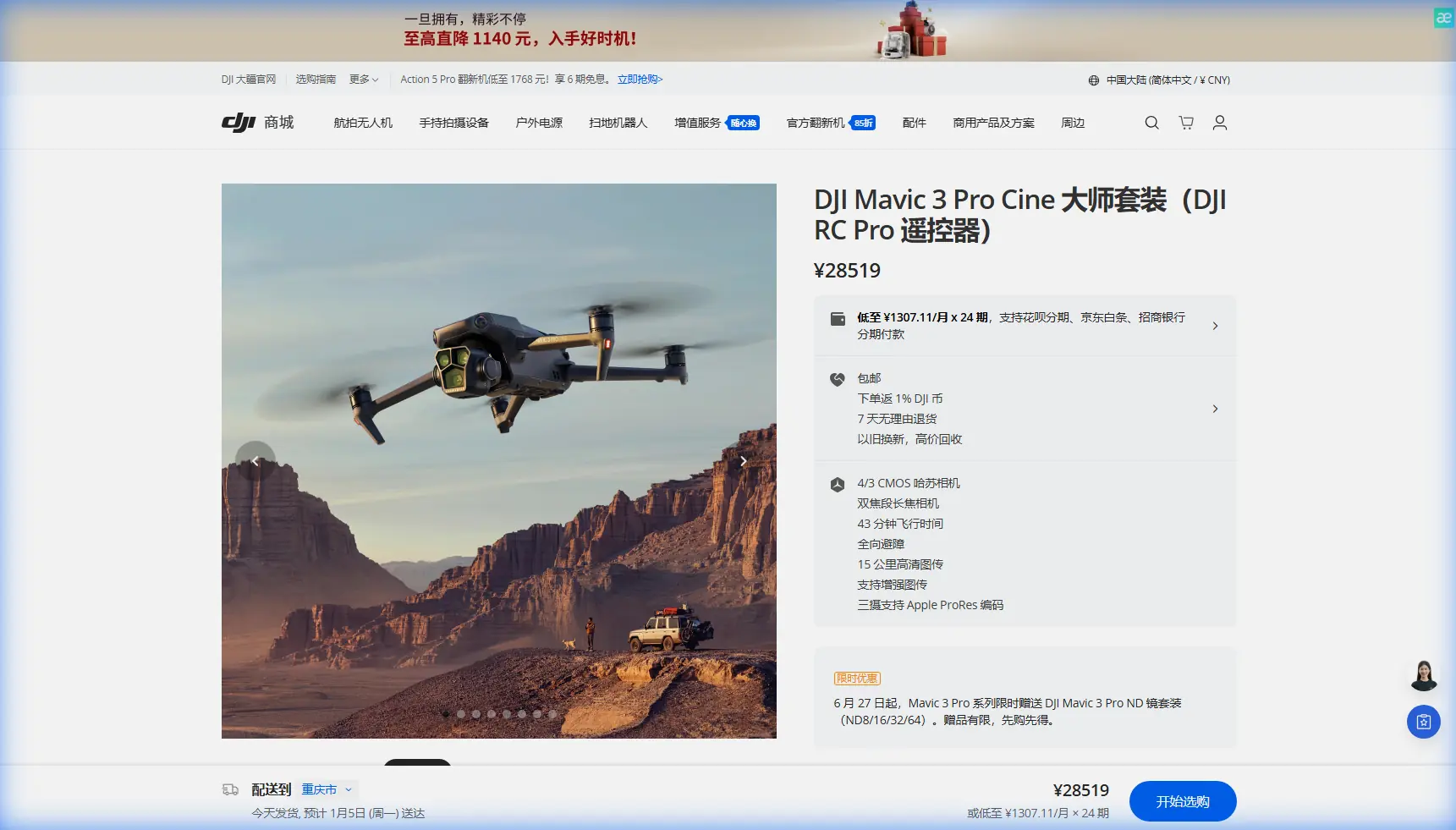
The Mavic 3 Pro addresses these demands through its tri-camera Hasselblad system, extended flight endurance, and intelligent flight modes designed for linear infrastructure mapping.
After completing 47 highway delivery projects across desert heat and mountain cold, I've developed specific workflows that maximize this drone's capabilities while protecting expensive equipment from environmental stress.
Understanding the Tri-Camera Advantage for Highway Work
Primary Hasselblad Camera: The Foundation
The 4/3 CMOS sensor with 20MP resolution serves as your primary documentation tool. For highway work, this camera excels at:
- Capturing road surface conditions with exceptional detail
- Recording signage legibility from regulatory distances
- Documenting drainage systems and shoulder conditions
- Creating orthomosaic-ready imagery for engineering analysis
The f/2.8-f/11 adjustable aperture proves invaluable when transitioning between shadowed underpasses and sun-bleached concrete sections within a single flight.
Medium Tele: Bridge and Structure Documentation
The 70mm equivalent medium telephoto lens fills a critical gap in highway documentation. This focal length captures:
- Bridge joint conditions without dangerous proximity flying
- Overhead sign structure details
- Guardrail damage assessment imagery
- Wildlife crossing structure inspections
Expert Insight: I configure the medium tele as my default inspection camera. The 3x optical zoom provides sufficient detail for preliminary assessments while maintaining safe operating distances from active traffic lanes.
Tele Camera: Detail Without Risk
The 166mm equivalent telephoto enables documentation that would otherwise require lane closures or specialized equipment:
- Expansion joint measurements
- Concrete spalling identification
- Cable stay condition assessment
- Pavement marking reflectivity evaluation
Battery Management in Extreme Temperatures
Here's what changed everything about my cold-weather highway operations: I discovered that pre-flight battery conditioning isn't optional—it's the difference between completing a project and explaining equipment failures to clients.
Cold Weather Protocol (Below 10°C/50°F)
The Mavic 3 Pro's intelligent batteries contain internal heating elements, but they require proper activation:
- Store batteries in an insulated case with hand warmers during transport
- Power on the drone and let it idle for 3-5 minutes before takeoff
- Monitor battery temperature through the DJI Fly app—wait for 20°C minimum
- Hover at 2 meters for 60 seconds before beginning mission profiles
- Plan for 15-20% reduced capacity in temperatures below freezing
Hot Weather Protocol (Above 35°C/95°F)
Desert highway projects present opposite challenges:
- Avoid midday operations when possible—battery cells degrade faster above 40°C
- Keep spare batteries in air-conditioned vehicles until needed
- Monitor motor temperatures during extended hovers—the app provides warnings
- Reduce maximum speed to prevent additional heat generation
- Land immediately if battery temperature warnings appear
Pro Tip: I carry a portable cooler with frozen gel packs for hot-weather operations. Rotating batteries through a 10-minute cooling period between flights extends their operational lifespan significantly.
Obstacle Avoidance Configuration for Highway Environments
The Mavic 3 Pro's omnidirectional obstacle sensing system requires specific configuration for highway work. Default settings prioritize safety over operational efficiency—appropriate for recreational flying but limiting for professional applications.
Recommended Settings for Open Highway Corridors
| Parameter | Default Setting | Highway Configuration | Rationale |
|---|---|---|---|
| Obstacle Avoidance | Bypass | Brake | Prevents unexpected path deviations near traffic |
| Sensing Range | Maximum | Medium | Reduces false positives from passing vehicles |
| Return-to-Home Altitude | 100m | 150m | Clears highway lighting structures |
| Max Altitude | 120m | 120m | Regulatory compliance |
| Max Distance | 8km | Project-specific | Based on visual line of sight requirements |
When to Disable Obstacle Avoidance
Certain highway documentation scenarios require temporarily disabling obstacle sensing:
- Bridge underpass inspections where sensors misinterpret structural elements
- Tight corridor flying between sound barriers and traffic lanes
- Hyperlapse captures requiring precise, uninterrupted flight paths
Always maintain visual observers when operating with reduced sensing capabilities.
Subject Tracking for Traffic Flow Analysis
ActiveTrack 5.0 transforms the Mavic 3 Pro into a traffic analysis platform. Highway engineers increasingly request drone-captured traffic flow data as supplements to fixed camera installations.
Configuring ActiveTrack for Vehicle Tracking
The system recognizes vehicles reliably at distances up to 200 meters. For optimal tracking:
- Select Trace mode for following individual vehicles through interchanges
- Use Parallel mode for maintaining consistent lateral positioning during flow analysis
- Configure Spotlight mode when the drone must remain stationary while tracking
QuickShots for Presentation Materials
Highway project stakeholders respond to compelling visual presentations. QuickShots provides automated capture modes that create professional-quality footage:
- Dronie: Reveals project scale by pulling back from a specific feature
- Circle: Showcases interchange geometry and traffic patterns
- Helix: Combines vertical and orbital movement for dramatic bridge reveals
- Rocket: Emphasizes vertical infrastructure elements
D-Log and Color Science for Documentation
Highway documentation demands accurate color reproduction. Faded lane markings, weathered signage, and subtle pavement distress patterns must be captured faithfully.
Why D-Log Matters for Infrastructure Work
The D-Log M color profile captures the full 12.8 stops of dynamic range available from the Hasselblad sensor. This flat profile preserves:
- Shadow detail in bridge undersides while maintaining sky exposure
- Subtle color variations indicating pavement deterioration
- Reflective sign face details without highlight clipping
Post-Processing Workflow
D-Log footage requires color grading. My standard workflow:
- Apply DJI's official D-Log to Rec.709 LUT as a starting point
- Adjust exposure to match reference cards captured on-site
- Increase contrast selectively to enhance pavement texture visibility
- Export in H.265 for archival and H.264 for client delivery
Hyperlapse for Construction Progress Documentation
Long-term highway construction projects benefit from Hyperlapse captures showing progress over weeks or months. The Mavic 3 Pro's GPS precision enables consistent framing across multiple site visits.
Creating Repeatable Hyperlapse Waypoints
- Save mission profiles for each camera position
- Document exact takeoff coordinates using the app's GPS display
- Record time of day to match lighting conditions
- Note weather conditions affecting visibility and shadows
Consistent capture parameters enable seamless time-lapse compilations showing construction phases from identical perspectives.
Common Mistakes to Avoid
Ignoring wind corridors: Highways create predictable wind patterns. Traffic flow generates turbulence, and bridge decks accelerate crosswinds. Always assess conditions before committing to low-altitude operations.
Underestimating documentation requirements: Highway agencies require specific deliverables. Confirm resolution requirements, file formats, and metadata standards before beginning capture.
Neglecting airspace authorization: Highway corridors frequently intersect controlled airspace near airports. Verify authorization requirements through LAANC or manual processes well before scheduled operations.
Skipping pre-flight sensor calibration: Temperature changes affect IMU and compass accuracy. Calibrate sensors when operating in conditions significantly different from storage environments.
Forgetting backup power: Remote highway locations lack charging infrastructure. Carry sufficient batteries for complete project coverage plus 30% reserve for unexpected requirements.
Frequently Asked Questions
How does the Mavic 3 Pro handle wind during highway operations?
The Mavic 3 Pro maintains stable flight in sustained winds up to 12 m/s and gusts to 15 m/s. Highway environments create localized turbulence from traffic and structures. I recommend limiting operations when sustained winds exceed 8 m/s for documentation requiring precise positioning. The tri-camera system's stabilization compensates for minor movement, but strong crosswinds affect image sharpness during telephoto captures.
What flight altitude works best for highway documentation?
Optimal altitude depends on documentation objectives. For pavement condition surveys, fly at 30-40 meters to balance resolution with coverage efficiency. Traffic flow analysis benefits from 80-100 meters for broader perspective. Structure inspections require variable altitudes based on feature locations. Always maintain 30 meters minimum clearance from active traffic lanes regardless of documentation type.
Can the Mavic 3 Pro capture usable imagery in rain or fog?
The Mavic 3 Pro lacks weather sealing, making rain operations inadvisable. Light fog reduces visibility but doesn't prevent flight—however, moisture accumulation on lens elements degrades image quality. I postpone documentation when visibility drops below 3 kilometers or precipitation probability exceeds 20%. Morning fog often clears within hours, making schedule flexibility valuable for highway projects.
Ready for your own Mavic 3 Pro? Contact our team for expert consultation.