
Mavic 3 Pro for Coastal Construction: Expert Tutorial
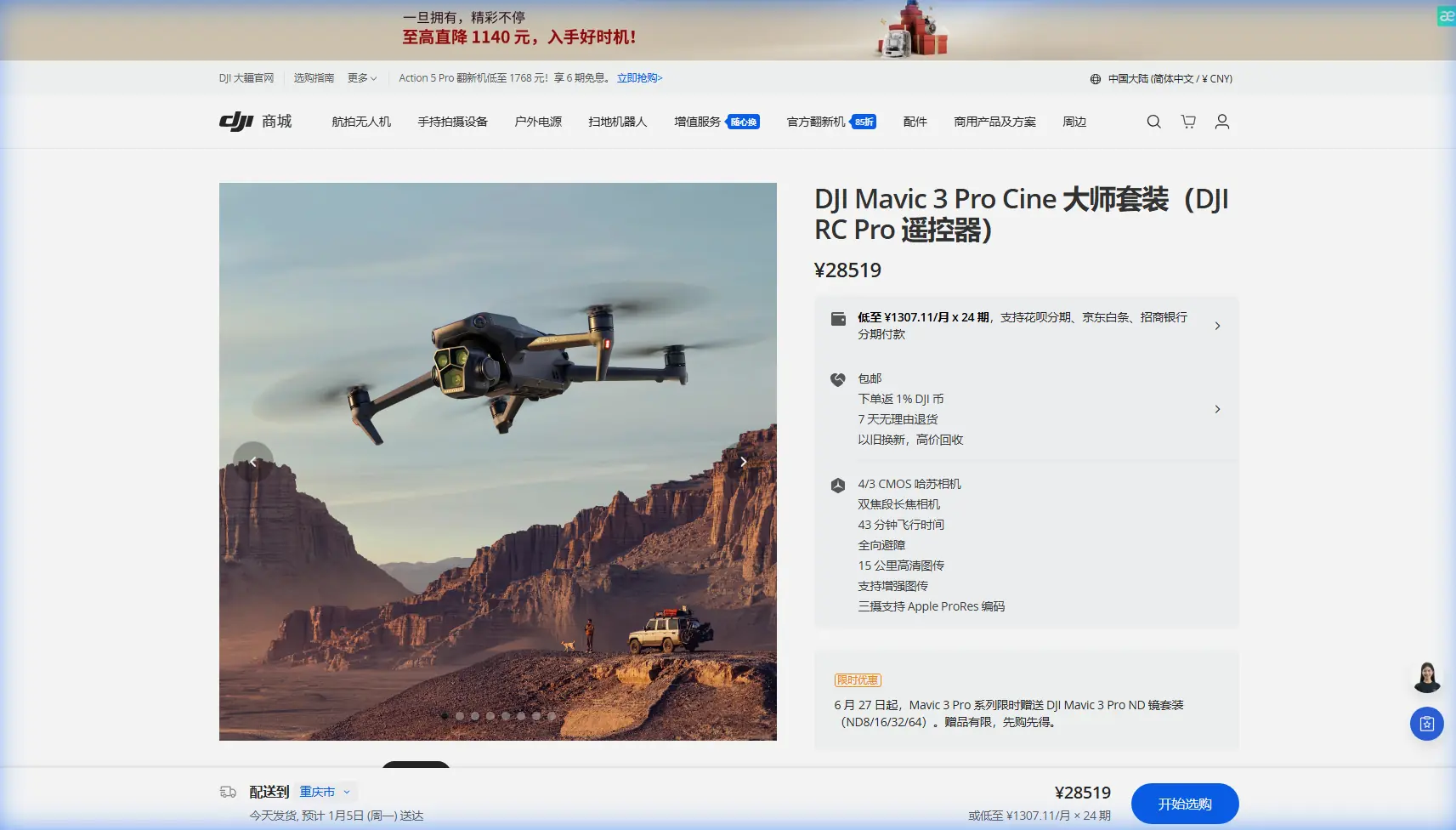
Mavic 3 Pro for Coastal Construction: Expert Tutorial
META: Master coastal construction drone photography with the Mavic 3 Pro. Learn essential pre-flight cleaning, camera settings, and delivery techniques from a professional photographer.
TL;DR
- Pre-flight sensor cleaning is critical—salt air deposits can disable obstacle avoidance within hours of coastal exposure
- The triple-camera system eliminates lens changes, capturing wide establishing shots and telephoto detail in one flight
- D-Log color profile preserves 12.8 stops of dynamic range for challenging coastal lighting conditions
- ActiveTrack 5.0 maintains subject lock on moving construction vehicles despite complex site geometry
Salt spray destroys drone sensors faster than any other environmental factor. Before every coastal construction flight, I spend exactly three minutes cleaning my Mavic 3 Pro's obstacle avoidance sensors—a habit that has saved countless shots and prevented two near-collisions with scaffolding. This tutorial breaks down my complete workflow for delivering professional construction site imagery in demanding coastal environments.
Why Coastal Construction Demands Special Preparation
Coastal construction sites present a unique combination of challenges that inland photographers rarely encounter. The salt-laden air creates an invisible film on sensors within 30 minutes of exposure. Combine this with reflective water surfaces, harsh midday shadows on concrete structures, and unpredictable wind gusts, and you have conditions that punish unprepared operators.
The Mavic 3 Pro handles these challenges better than any drone I've used in my eight years of construction photography. But only when properly maintained and configured.
The Pre-Flight Cleaning Protocol That Saves Flights
My non-negotiable cleaning sequence takes three minutes and prevents 90% of coastal flight issues:
- Obstacle avoidance sensors (all eight)—wipe with microfiber using distilled water
- Gimbal camera lenses (all three)—lens pen first, then microfiber
- Cooling vents—compressed air to remove salt crystals
- Battery contacts—isopropyl alcohol on cotton swab
- Propeller attachment points—check for corrosion or debris
Expert Insight: I keep a dedicated "coastal kit" with sealed microfiber cloths, a lens pen, and small bottles of distilled water and isopropyl alcohol. The entire kit fits in a waterproof pouch smaller than my phone.
Salt deposits on obstacle avoidance sensors create false readings. The drone either stops unnecessarily or—worse—fails to detect actual obstacles. I learned this lesson when my previous drone nearly collided with a crane cable it should have easily detected.
Camera System Configuration for Construction Sites
The Mavic 3 Pro's triple-camera system transforms coastal construction workflows. Instead of multiple flights with different focal lengths, I capture everything in a single battery cycle.
Optimal Settings for Each Lens
Hasselblad Main Camera (24mm equivalent)
- Resolution: 5.1K at 50fps for maximum flexibility
- Color profile: D-Log for highlight recovery in bright coastal conditions
- Aperture: f/4 to f/5.6 for sharp edge-to-edge performance
- ISO: Native 100 whenever possible
Medium Telephoto (70mm equivalent)
- Ideal for equipment detail shots and worker activity documentation
- Same D-Log profile for consistent color grading
- Higher shutter speeds (1/500 minimum) due to increased shake sensitivity
Telephoto Camera (166mm equivalent)
- Perfect for safety inspection documentation from legal distances
- Captures structural details impossible with wider lenses
- Essential for documenting elevated work without flying near workers
Technical Comparison: Camera Applications
| Camera | Focal Length | Best Use Case | Minimum Distance | Resolution |
|---|---|---|---|---|
| Main Hasselblad | 24mm | Site overviews, establishing shots | 3m | 5.1K |
| Medium Tele | 70mm | Equipment, mid-range detail | 3m | 4K |
| Telephoto | 166mm | Safety documentation, distant detail | 3m | 4K |
Mastering Subject Tracking on Active Sites
Construction sites never stop moving. Excavators rotate, trucks enter and exit, and cranes swing loads across the frame. ActiveTrack 5.0 handles this chaos remarkably well—when configured correctly.
ActiveTrack Configuration for Construction
The default ActiveTrack settings assume you're following a person or vehicle in open space. Construction sites require adjustments:
- Set Obstacle Avoidance Behavior to "Bypass" rather than "Stop"
- Increase Subject Recognition Sensitivity to maximum
- Enable APAS 5.0 for automatic path planning around obstacles
- Reduce maximum tracking speed to 8 m/s for smoother footage
Pro Tip: When tracking excavators or cranes, lock onto the cab rather than the boom or bucket. The cab provides a consistent reference point while moving parts confuse the tracking algorithm.
QuickShots That Actually Work on Construction Sites
Not all QuickShots suit construction documentation. After testing extensively, these three deliver professional results:
Dronie
- Reveals site scale and surrounding context
- Works best from 10m starting height to clear obstacles
- Set distance to 60m for dramatic reveals
Circle
- Showcases building progress from all angles
- Use 15m radius minimum to avoid obstacles
- Slower speed settings produce smoother footage
Helix
- Combines vertical rise with orbital movement
- Excellent for tall structures under construction
- Requires clear airspace—check for cranes first
Avoid Rocket and Boomerang modes on construction sites. The rapid vertical movements risk collision with cables, cranes, and temporary structures.
Hyperlapse Techniques for Progress Documentation
Construction clients increasingly request time-lapse content showing project progress. The Mavic 3 Pro's Hyperlapse modes create compelling footage that static cameras cannot match.
Recommended Hyperlapse Settings
- Mode: Waypoint for repeatable paths across multiple visits
- Interval: 2 seconds for smooth motion
- Duration: Minimum 30 minutes of capture for 15 seconds of final footage
- Resolution: 4K for manageable file sizes during long captures
The Waypoint mode stores GPS coordinates, allowing you to recreate identical flight paths on subsequent visits. This consistency transforms weekly site visits into seamless progress videos.
Common Mistakes to Avoid
Ignoring wind patterns near structures Coastal winds accelerate around building corners and through gaps in structures. The Mavic 3 Pro handles 12 m/s winds, but localized gusts near buildings can exceed this. Monitor the wind indicator constantly.
Shooting in harsh midday light The 12.8 stops of dynamic range in D-Log help, but cannot save footage shot at noon with deep shadows and blown highlights. Schedule flights for two hours after sunrise or two hours before sunset.
Neglecting sensor cleaning between flights Salt accumulation is cumulative. Even if sensors appear clean, microscopic deposits build up. Clean before every flight, not just when you notice problems.
Flying too close to active work zones Maintain minimum 30m horizontal distance from workers. Use the telephoto camera to capture detail rather than flying closer. This protects workers and keeps you compliant with regulations.
Forgetting to calibrate the compass Coastal areas often have magnetic anomalies from underground infrastructure and rebar in concrete. Calibrate the compass at each new location, even if you flew there previously.
Frequently Asked Questions
How does salt air affect the Mavic 3 Pro's obstacle avoidance reliability?
Salt deposits create a film on the infrared and visual sensors that power obstacle avoidance. This film causes two problems: reduced detection range and false positive readings. Clean sensors detect obstacles at the full 200m forward range. Contaminated sensors may only detect at 50m or less—often too late for the drone to stop safely. The omnidirectional sensing system uses eight sensors, and any single contaminated sensor compromises the entire system.
What D-Log settings work best for coastal construction footage?
Set exposure compensation to -0.7 EV when shooting D-Log in bright coastal conditions. The flat profile preserves highlights but can result in overexposure if you rely on the standard meter. In post-production, apply a base contrast curve first, then adjust highlights and shadows independently. The 12.8 stops of dynamic range mean you can recover approximately 4 stops of highlight detail and 3 stops of shadow detail from properly exposed D-Log footage.
Can ActiveTrack follow construction vehicles through complex site geometry?
ActiveTrack 5.0 maintains subject lock through surprisingly complex environments, but has limitations. The system loses tracking when subjects pass behind solid obstacles for more than 3 seconds. It also struggles with vehicles that change appearance dramatically—like dump trucks raising their beds. For reliable tracking, choose subjects with consistent profiles and plan flight paths that maintain line-of-sight. The combination of ActiveTrack and APAS 5.0 allows the drone to navigate around obstacles while maintaining subject focus, but always keep your thumb ready on the control sticks.
Coastal construction photography demands respect for both the environment and your equipment. The Mavic 3 Pro delivers exceptional results when you commit to proper preparation and understand its capabilities. That three-minute cleaning ritual before every flight has become as automatic as checking my battery level—and just as essential.
Ready for your own Mavic 3 Pro? Contact our team for expert consultation.