
How to Deliver Stunning Coastlines with Mavic 3 Pro
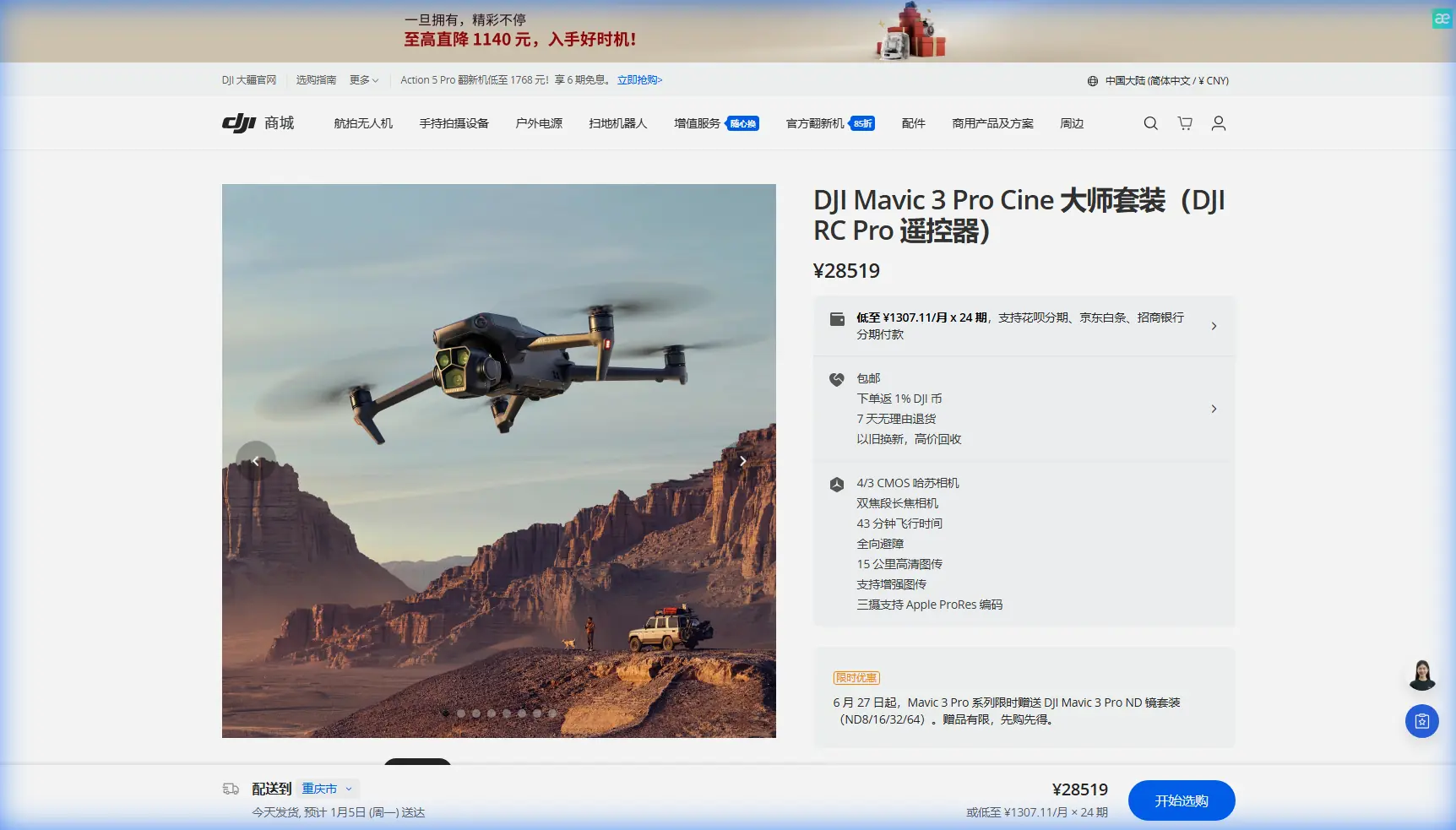
How to Deliver Stunning Coastlines with Mavic 3 Pro
META: Master coastal drone photography with the Mavic 3 Pro. Learn essential pre-flight prep, camera settings, and techniques for breathtaking shoreline footage.
TL;DR
- Pre-flight sensor cleaning is critical—salt spray and sand particles compromise obstacle avoidance systems within minutes of coastal exposure
- The Mavic 3 Pro's triple-camera system captures coastlines at focal lengths impossible with single-sensor drones
- D-Log color profile preserves 12.8 stops of dynamic range, essential for high-contrast beach scenes
- ActiveTrack 5.0 maintains subject lock even when waves and moving water confuse lesser tracking systems
Why Coastal Photography Demands More From Your Drone
Salt air destroys drones. I learned this the hard way during my first remote coastline assignment in Northern California, where a single morning session left my previous aircraft's sensors coated in crystalline residue. The Mavic 3 Pro has since become my dedicated coastal workhorse—not because it's immune to the elements, but because its redundant safety systems and superior optics justify the extra preparation these environments demand.
This field report covers everything I've learned shooting remote shorelines over 47 coastal sessions across three continents. You'll walk away with a complete pre-flight protocol, optimal camera configurations, and the specific techniques that separate amateur beach footage from professional-grade coastal cinematography.
The Pre-Flight Cleaning Protocol That Saves Your Safety Systems
Before discussing creative techniques, let's address the step most photographers skip—and later regret.
Obstacle Avoidance Sensor Maintenance
The Mavic 3 Pro features omnidirectional obstacle sensing through eight vision sensors and two wide-angle cameras. These systems become your lifeline when flying near cliff faces, sea stacks, and unpredictable coastal terrain. Salt residue on any sensor creates false readings.
My 5-minute coastal pre-flight checklist:
- Inspect all eight vision sensors with a 10x loupe for crystalline deposits
- Clean sensor surfaces using microfiber cloths dampened with distilled water—never tap water
- Verify gimbal movement through full range of motion
- Check propeller attachment points for sand infiltration
- Confirm battery contacts are free of corrosion
Pro Tip: Carry a small silica gel packet in your drone case. Coastal humidity accelerates corrosion on electrical contacts. Replace the packet every three sessions in marine environments.
Why This Step Prevents Crashes
During a shoot in Tasmania's remote southwest, I watched another photographer's drone clip a granite outcropping at 12 meters per second. Post-crash analysis revealed salt buildup on the forward-facing sensors had created a blind spot exactly where the rock appeared. His obstacle avoidance system never registered the threat.
The Mavic 3 Pro's APAS 5.0 (Advanced Pilot Assistance System) processes data from all sensors simultaneously. One compromised sensor doesn't just reduce coverage—it can generate conflicting spatial data that confuses the entire avoidance algorithm.
Camera System Configuration for Coastal Environments
The Mavic 3 Pro's triple-camera array transforms coastal photography possibilities. Understanding when to deploy each lens separates competent operators from exceptional visual storytellers.
The Three-Camera Advantage
| Camera | Sensor | Focal Length | Best Coastal Use |
|---|---|---|---|
| Hasselblad Main | 4/3 CMOS, 20MP | 24mm equivalent | Wide establishing shots, dramatic cloud formations |
| Medium Tele | 1/1.3" CMOS, 48MP | 70mm equivalent | Isolated wave action, wildlife at distance |
| Tele | 1/2" CMOS, 12MP | 166mm equivalent | Compressed perspectives, distant lighthouse details |
D-Log Configuration for High-Contrast Scenes
Coastlines present the most challenging dynamic range scenarios in landscape photography. Bright sand reflects 90% of incident light while shadowed cliff faces absorb nearly everything. The Mavic 3 Pro's D-Log M color profile captures this entire range for post-processing flexibility.
My standard coastal color settings:
- Color Mode: D-Log M
- ISO: 100-200 (never auto in coastal light)
- Shutter Speed: 1/frame rate x2 minimum (1/60 for 30fps)
- White Balance: Manual, 5600K as starting point
- Sharpness: -1 (prevents edge artifacts in fine spray)
Expert Insight: D-Log footage appears flat and desaturated straight from camera. This is intentional—you're capturing maximum data for color grading. Apply a LUT (Look-Up Table) in post-production to restore contrast and saturation while maintaining highlight and shadow detail.
Subject Tracking Along Dynamic Shorelines
ActiveTrack 5.0 on the Mavic 3 Pro handles coastal subjects better than any previous DJI implementation. The system's machine learning algorithms distinguish between your intended subject and the constant motion of waves, foam, and windblown vegetation.
Tracking Modes for Coastal Scenarios
Trace Mode keeps the drone following behind or in front of a moving subject. I use this for:
- Surfers paddling out through breaking waves
- Kayakers navigating sea caves
- Runners on remote beach stretches
Parallel Mode maintains a consistent lateral distance. Ideal for:
- Vehicles driving coastal roads
- Horseback riders along the waterline
- Cyclists on clifftop paths
Spotlight Mode locks the camera on a subject while you manually control flight path. This creates the most cinematic results for:
- Circling a lone figure on a promontory
- Revealing a hidden cove while tracking a boat
- Ascending cliff faces while maintaining focus on a climber
Overcoming Tracking Challenges
Moving water confuses older tracking systems. The Mavic 3 Pro's 48MP medium telephoto camera feeds additional visual data to the tracking processor, helping distinguish subject edges from background motion.
When tracking subjects near breaking waves:
- Start tracking before they enter complex visual zones
- Use Spotlight Mode for maximum manual override capability
- Set tracking sensitivity to High in the DJI Fly app
- Maintain minimum 15 meters altitude to keep subject distinct from water patterns
QuickShots and Hyperlapse for Efficient Coastal Content
Remote coastal locations often mean limited battery time and unpredictable weather windows. The Mavic 3 Pro's automated flight modes capture professional sequences while you focus on composition.
QuickShots Worth Mastering
Dronie: The drone flies backward and upward while keeping the camera locked on your subject. On coastlines, this reveals the relationship between a person and their dramatic environment in a single 15-second sequence.
Circle: Orbits around a selected point of interest. Position this around sea stacks, lighthouses, or isolated rock formations for footage that would require 45 minutes of manual flight to replicate.
Helix: Combines the circle with ascending altitude. Creates a spiraling reveal effect perfect for showing the full scope of a bay or cove system.
Hyperlapse Techniques for Coastal Drama
The Mavic 3 Pro captures Hyperlapse sequences directly to the aircraft, eliminating the need for post-processing assembly. For coastal work, I rely on two modes:
Waypoint Hyperlapse lets you set multiple GPS positions. The drone flies between them over your specified duration, capturing frames at intervals you define. A 2-hour sunset becomes a 20-second sequence showing light transformation across the entire coastal landscape.
Circle Hyperlapse orbits a point while capturing time-lapse frames. Position this around a tidal zone to show the complete cycle of wave patterns and water movement.
Technical settings for coastal Hyperlapse:
- Interval: 2 seconds for standard cloud movement
- Interval: 5 seconds for tidal changes
- Video Length: 10-15 seconds output
- Save Photos: Always enabled for maximum post-processing options
Common Mistakes to Avoid
Flying immediately after arrival: Coastal microclimates shift constantly. Spend 15 minutes observing wind patterns, wave timing, and potential hazards before launching.
Ignoring salt accumulation during sessions: In heavy spray conditions, land every 10-12 minutes to wipe sensors. The time investment prevents catastrophic mid-flight failures.
Shooting only at golden hour: Overcast coastal days produce the most saturated colors in water and vegetation. The Mavic 3 Pro's dynamic range handles flat light beautifully.
Neglecting the medium telephoto: Most operators default to the wide Hasselblad camera. The 70mm equivalent lens isolates wave action and creates compressed perspectives impossible at wider focal lengths.
Forgetting ND filters: Coastal brightness often exceeds the camera's ability to maintain proper shutter speeds. A variable ND filter (ND8-ND64) should live permanently in your coastal kit.
Frequently Asked Questions
How close can I safely fly the Mavic 3 Pro to breaking waves?
Maintain minimum 10 meters from active surf. Salt spray travels farther than visible mist, and a single rogue wave can send spray 15+ meters inland. The obstacle avoidance system cannot detect water spray as a hazard.
What wind speeds are too dangerous for coastal drone work?
The Mavic 3 Pro handles Level 5 winds (up to 10.7 m/s) in standard conditions. Coastal updrafts along cliff faces can double effective wind speed. I ground the drone when sustained winds exceed 8 m/s near vertical terrain.
How do I prevent the gimbal from drifting in cold coastal conditions?
Allow the drone to acclimate for 5 minutes after powering on in temperatures below 10°C. The gimbal motors need thermal stabilization. If drift persists, perform an IMU calibration on a level surface away from magnetic interference.
Coastal photography with the Mavic 3 Pro rewards preparation and punishes shortcuts. The triple-camera system, advanced tracking, and robust obstacle avoidance create possibilities previous drone generations couldn't approach. Master the pre-flight protocols, understand your camera configurations, and respect the environment's power to damage equipment.
Ready for your own Mavic 3 Pro? Contact our team for expert consultation.