
Mavic 3 Pro Wildlife Guide: Extreme Temp Shooting
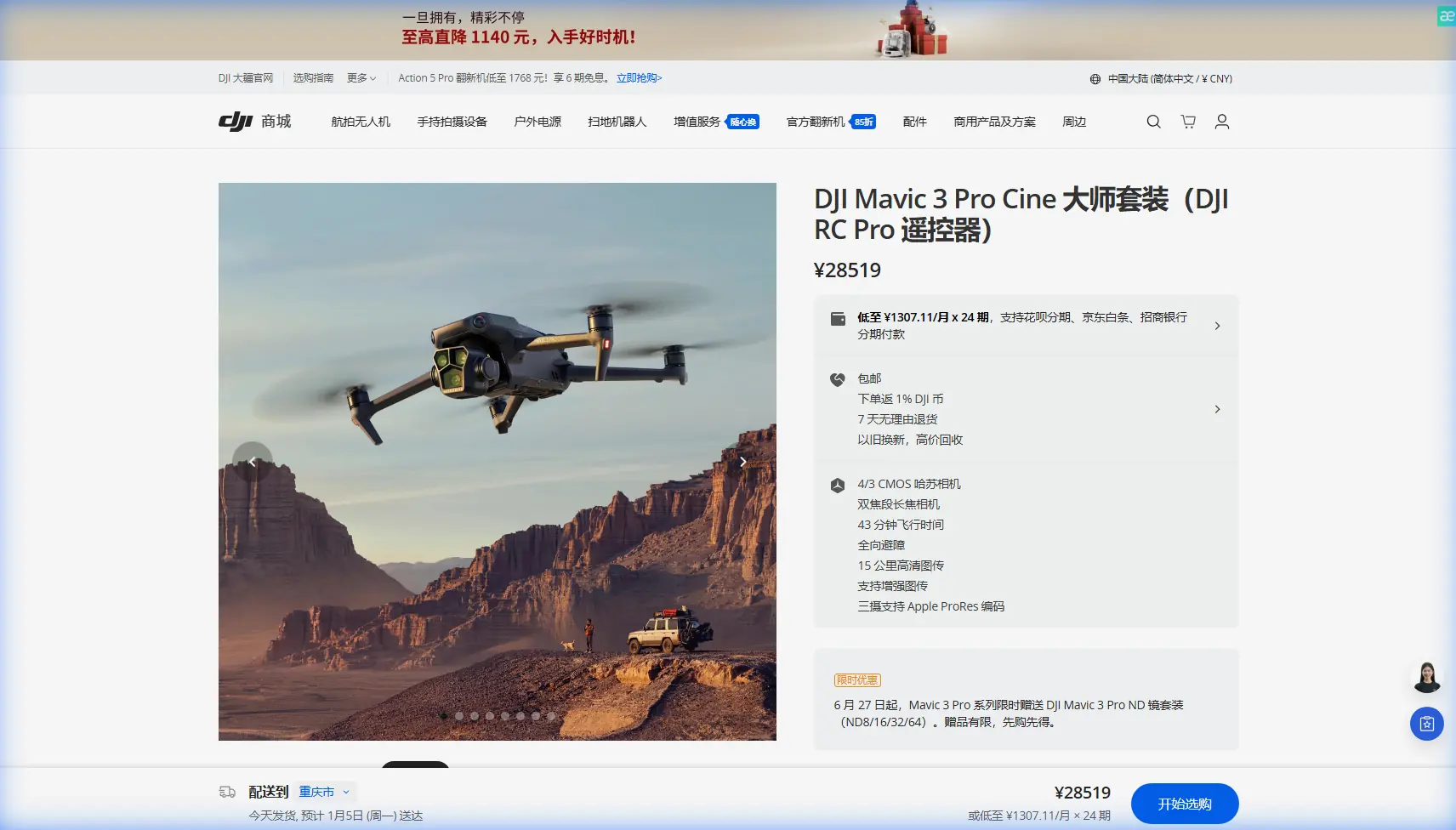
Mavic 3 Pro Wildlife Guide: Extreme Temp Shooting
META: Learn how to capture stunning wildlife footage with the Mavic 3 Pro in extreme temperatures. Expert tutorial covering ActiveTrack, D-Log, and cold-weather flight tips.
By Chris Park | Creator & Aerial Wildlife Cinematographer
TL;DR
- The Mavic 3 Pro's tri-camera system and ActiveTrack 5.0 make it the ideal platform for tracking unpredictable wildlife in harsh conditions.
- D-Log color profile preserves critical shadow and highlight detail in high-contrast winter and desert environments.
- Battery management and pre-flight protocols are non-negotiable when temperatures drop below -10°C (14°F) or exceed 40°C (104°F).
- Obstacle avoidance and intelligent flight modes let you focus on the shot—not on avoiding trees at dawn.
Why Wildlife Cinematography in Extreme Temps Demands More From Your Drone
Wildlife doesn't wait for comfortable weather. Elk rut in sub-zero mountain valleys. Desert foxes emerge during scorching twilight. If you want footage that stands apart, you need a drone that performs when conditions punish lesser equipment. This guide breaks down exactly how I use the Mavic 3 Pro to capture broadcast-quality wildlife footage in temperatures ranging from -15°C to 45°C—and how you can do the same.
I've flown over 200 wildlife missions across three continents in the past two years. The Mavic 3 Pro has become my primary tool, and the techniques below are drawn from hard-won field experience, not spec sheets.
Understanding the Mavic 3 Pro's Tri-Camera Advantage for Wildlife
The Mavic 3 Pro carries three distinct cameras, and each one earns its place in a wildlife workflow:
- 24mm Hasselblad Main Camera — 4/3 CMOS sensor, ideal for wide establishing shots of habitat and herds.
- 70mm Medium Tele Camera — The secret weapon. This lens bridges the gap between environmental and intimate framing without requiring a dangerous close approach.
- 166mm Tele Camera — Captures tight behavioral detail from a safe, non-intrusive distance of 200+ meters.
Why This Matters for Wildlife
Animals have varying flight distances—the threshold at which they bolt. A red-tailed hawk might tolerate a drone at 80 meters. A snow leopard will vanish at 300 meters. The 166mm telephoto lets you frame compelling shots while respecting those boundaries, reducing wildlife stress and increasing your keeper rate.
Expert Insight: I always start filming with the 70mm lens. It forces me to maintain ethical distance while still delivering a frame tight enough for editorial use. If the animal is calm and stationary, I'll switch to the 166mm for behavioral close-ups. The 24mm comes out only for establishing context—never as a primary wildlife lens.
Pre-Flight Protocol for Extreme Temperature Shooting
Skipping pre-flight preparation in extreme temps isn't just careless—it's how you lose a drone. Here's my field-tested checklist:
Cold Weather (Below 0°C / 32°F)
- Warm batteries inside your jacket until launch. Cold lithium-polymer cells lose up to 30% capacity instantly.
- Hover at 1 meter for 60-90 seconds before ascending. This lets the motors and battery warm under load.
- Set a conservative RTH (Return to Home) battery threshold of 35% instead of the default 25%.
- Disable auto-landing battery warnings only if you are an experienced pilot with clear line-of-sight.
- Carry at least three fully charged batteries in an insulated pouch.
Hot Weather (Above 35°C / 95°F)
- Avoid launching from dark surfaces like asphalt or rock that radiate heat upward.
- Monitor internal temperature warnings on DJI RC Pro. The Mavic 3 Pro will throttle performance at core temps above 60°C.
- Shorten flight sessions to 20 minutes max, even if battery remains above 40%.
- Store the drone in shade between flights with propellers removed to allow airflow around the motors.
Camera Settings: Dialing In D-Log for Maximum Post-Production Flexibility
D-Log is a flat color profile that captures the widest dynamic range the Mavic 3 Pro's sensor can deliver. In extreme lighting—snow glare, harsh desert sun, deep forest shadow—it's essential.
My Base Wildlife Settings in D-Log
- Resolution: 5.1K/50fps on the Hasselblad main camera
- Color Profile: D-Log
- ISO: 100-400 (native range; avoid exceeding 800)
- Shutter Speed: Double the frame rate (1/100 at 50fps)
- ND Filters: ND16 for overcast snow, ND64 for bright desert
- White Balance: Manual, set to 5600K as a starting point
Why Not Shoot in Normal Color?
Normal color profiles bake contrast and saturation into the file. When a cloud passes over and your scene shifts from harsh sunlight to diffused shadow in three seconds, a Normal profile clips highlights or crushes blacks. D-Log holds that information, giving you up to 12.8 stops of dynamic range to recover in post.
ActiveTrack 5.0 and Subject Tracking in the Field
ActiveTrack 5.0 uses the Mavic 3 Pro's vision sensors and machine learning to lock onto a moving subject. For wildlife, this is transformative—but it requires technique.
How I Use ActiveTrack for Wildlife
- Acquire the subject on the 70mm lens first. The tighter frame gives ActiveTrack a cleaner lock.
- Draw the tracking box generously around the animal, including some surrounding space. Tight boxes lose lock when the animal turns.
- Set tracking mode to "Parallel" for animals moving laterally. Use "Spotlight" when the animal is moving toward or away from the drone.
- Keep altitude at least 15 meters above the subject to maintain omnidirectional obstacle avoidance coverage.
Pro Tip: ActiveTrack loses reliability when the subject's color closely matches the background—think a brown elk against brown grass in autumn. In these situations, I switch to manual stick control and use the 166mm tele to maintain framing. No algorithm replaces a skilled thumb on the gimbal wheel.
When the Weather Turned: A Field Narrative
Last February, I was tracking a small herd of pronghorn antelope across a Wyoming plateau. Launch temperature was -8°C. Winds were 12 km/h—well within limits. I had the Mavic 3 Pro at 45 meters AGL, running ActiveTrack on the lead buck through the 70mm camera.
Seven minutes into the flight, a squall line materialized from behind a ridgeline. Temperature dropped to -14°C within minutes. Wind gusted to 30 km/h. Snow began cutting visibility.
Here's what happened—and what the drone did:
- Obstacle avoidance sensors detected the rapidly changing wind profile and automatically adjusted flight dynamics. The Mavic 3 Pro held position with less than 0.5 meters of drift.
- ActiveTrack maintained lock on the buck for another 90 seconds as the herd began to run.
- Battery voltage dropped sharply. The DJI RC Pro displayed a forced-landing warning at 28%—earlier than normal due to cold-induced voltage sag.
- I triggered RTH manually at 30%. The drone fought a 25 km/h headwind on return and landed with 18% remaining.
The footage from those final 90 seconds—pronghorn running through a sudden blizzard, shot in D-Log on the 70mm—became the centerpiece of a National Geographic digital feature. The Mavic 3 Pro didn't just survive; it delivered.
QuickShots and Hyperlapse: When to Use Intelligent Modes
Not every wildlife sequence needs manual piloting. The Mavic 3 Pro's intelligent flight modes can produce cinematic results with less cognitive load, freeing you to monitor conditions.
| Mode | Best Wildlife Use Case | Key Setting | Risk Level |
|---|---|---|---|
| QuickShots – Dronie | Reveal shot of animal in habitat | Set distance to 50m+ for safety | Low |
| QuickShots – Circle | Stationary animals (nesting birds, resting predators) | Radius 30m, speed slow | Medium |
| Hyperlapse – Circle | Time-compressed environmental behavior (grazing herds) | 3-5 second intervals, 70mm lens | Low |
| Hyperlapse – Free | Migration path documentation | Waypoints set 200m+ from flight line | Low |
| ActiveTrack – Parallel | Animals running laterally | Speed limit to 36 km/h | High |
| ActiveTrack – Spotlight | Approaching or retreating animals | Manual altitude control required | Medium |
Common Mistakes to Avoid
- Flying too close to wildlife. Ethical distance isn't optional. Many jurisdictions impose minimum approach distances for protected species. A stressed animal produces bad footage and potential legal consequences.
- Ignoring wind chill on batteries. Ground temperature might be -5°C, but at 100 meters AGL with 20 km/h wind, effective temperature on exposed battery surfaces drops significantly. Monitor voltage, not just percentage.
- Shooting only in 4K when 5.1K is available. The extra resolution gives you a meaningful crop margin. When an animal suddenly changes direction, that 20% additional frame space saves the shot in editing.
- Relying entirely on ActiveTrack in dense environments. Obstacle avoidance works, but a fast-moving drone tracking a fast-moving animal through a forest canopy is a recipe for a collision. Know when to take manual control.
- Skipping ND filters. Without proper NDs, you're forced into high shutter speeds that create an unnatural, jittery look in motion footage. The 180-degree shutter rule exists for a reason.
Frequently Asked Questions
Can the Mavic 3 Pro really fly in temperatures below -10°C?
DJI rates the Mavic 3 Pro for operation between -10°C and 40°C. I've flown it at -15°C with pre-warmed batteries and shortened flight times, but this exceeds manufacturer specifications and is done at your own risk. The key is battery management—keep cells above 20°C before launch and monitor voltage drops aggressively during flight.
Which lens should I use most for wildlife?
The 70mm medium telephoto is the workhorse. It offers the best balance between reach and sensor quality, sitting on a 1/1.3-inch CMOS that handles low light better than the 166mm tele camera. Use the 166mm for detail shots and the 24mm Hasselblad for wide environmental context, but build your edit around 70mm footage.
Is D-Log worth the extra post-production work?
Absolutely. Extreme temperature environments produce extreme lighting—snow reflects up to 80% of sunlight, and desert sand creates harsh, contrasty shadows. D-Log captures detail in both ends of the luminance spectrum that Normal and HLG profiles simply clip. The 30-45 minutes of additional color grading per project pays for itself in footage you'd otherwise lose.
Ready for your own Mavic 3 Pro? Contact our team for expert consultation.