
Mavic 3 Pro Guide: Capturing Wildlife in Remote Areas
Mavic 3 Pro Guide: Capturing Wildlife in Remote Areas
META: Master wildlife filming with the Mavic 3 Pro. Learn expert antenna positioning, tracking techniques, and camera settings for stunning remote footage.
TL;DR
- Antenna positioning at 45-90 degrees maximizes signal strength for extended range in remote wilderness locations
- ActiveTrack 5.0 combined with obstacle avoidance enables autonomous wildlife following without pilot intervention
- D-Log color profile captures 12.8 stops of dynamic range for professional-grade footage in challenging lighting
- 46-minute flight time provides extended shooting windows for patient wildlife observation
Wildlife cinematography presents unique challenges that separate amateur footage from professional-quality content. The Mavic 3 Pro addresses these challenges with a triple-camera system, advanced subject tracking, and transmission technology designed for remote operations. This guide breaks down the exact techniques, settings, and positioning strategies that will transform your wildlife filming results.
Understanding the Mavic 3 Pro's Wildlife Filming Advantages
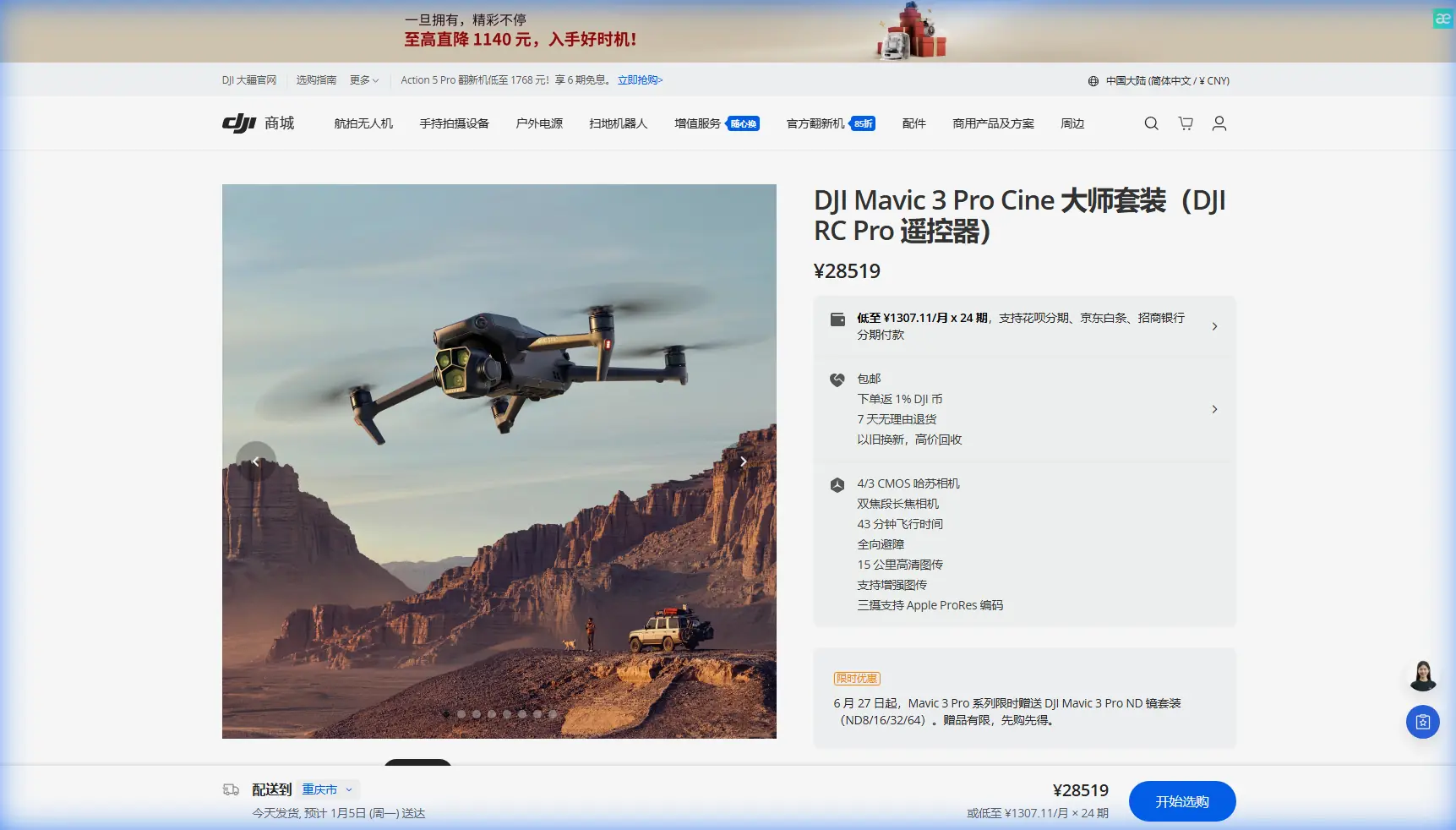
The Mavic 3 Pro carries three distinct cameras that serve different wildlife filming scenarios. The primary 4/3 CMOS Hasselblad sensor delivers exceptional low-light performance—critical for dawn and dusk animal activity. The 70mm medium telephoto allows tighter framing without approaching subjects, while the 166mm equivalent telephoto captures intimate behavioral moments from safe distances.
Triple Camera System Breakdown
Each lens serves specific wildlife scenarios:
- 24mm equivalent (main): Establishing shots, habitat context, and wide animal group movements
- 70mm medium telephoto: Individual animal portraits and moderate-distance tracking
- 166mm telephoto: Detailed behavioral footage, nest observations, and skittish species
The ability to switch between focal lengths mid-flight eliminates the need for multiple approach attempts. Animals remain undisturbed while you capture varied perspectives from a single position.
Antenna Positioning for Maximum Range in Remote Locations
Signal strength determines your operational radius in wilderness environments. Most pilots lose connection not because of distance limitations, but due to improper antenna orientation.
Expert Insight: The Mavic 3 Pro's O3+ transmission system delivers 15km maximum range, but only when antennas are positioned correctly. The signal radiates perpendicular to the flat face of each antenna—not from the tips.
Optimal Antenna Angles
Follow these positioning rules for consistent signal:
- Keep antennas perpendicular to the drone's position at all times
- Maintain 45-90 degree angles from the controller body
- Avoid pointing antenna tips directly at the aircraft—this creates signal dead zones
- Adjust as the drone moves—reposition every 30-60 seconds during long-range flights
When filming in valleys or forested areas, elevation matters significantly. Position yourself on higher ground when possible. The O3+ system struggles with dense tree canopy between you and the aircraft, so maintaining line-of-sight dramatically improves reliability.
Terrain Considerations
Remote wildlife locations often include challenging terrain that affects transmission:
- Mountain valleys: Signal bounces create interference; fly higher than surrounding ridgelines
- Dense forests: Canopy blocks signal; operate from clearings or forest edges
- Water bodies: Reflective surfaces can enhance or disrupt signal; test before critical shots
- Weather conditions: Humidity and precipitation reduce effective range by 20-30%
Mastering Subject Tracking for Wildlife
ActiveTrack 5.0 represents a significant advancement for autonomous wildlife following. The system uses machine learning to predict animal movement patterns, maintaining frame composition even during erratic behavior.
ActiveTrack Configuration
Before engaging tracking on wildlife subjects:
- Select Trace mode for following animals along their natural path
- Set obstacle avoidance to Bypass rather than Brake for smoother footage
- Enable APAS 5.0 for automatic obstacle navigation during tracking sequences
- Adjust tracking sensitivity to Medium for most wildlife—High sensitivity causes overcorrection
Pro Tip: Draw a larger selection box around your subject than seems necessary. Wildlife movements are unpredictable, and a generous tracking area prevents the system from losing lock during sudden direction changes.
When Tracking Fails
ActiveTrack struggles with certain wildlife scenarios:
- Camouflaged animals against matching backgrounds
- Fast-moving birds with erratic flight patterns
- Animals entering dense vegetation
- Low-contrast lighting conditions
For these situations, switch to manual control with the 166mm telephoto. The extended reach compensates for the closer approach distances required without tracking assistance.
Camera Settings for Professional Wildlife Footage
D-Log color profile unlocks the Mavic 3 Pro's full dynamic range potential. Wildlife filming often involves extreme lighting contrasts—bright skies against shadowed forest floors, or backlit subjects at golden hour.
Recommended Settings
| Setting | Wildlife Standard | Low Light | High Action |
|---|---|---|---|
| Resolution | 5.1K/50fps | 4K/60fps | 4K/120fps |
| Color Profile | D-Log | HLG | D-Log |
| ISO | 100-400 | 800-1600 | 100-200 |
| Shutter Speed | 1/100 | 1/125 | 1/250+ |
| Aperture | f/2.8-f/4 | f/2.8 | f/4-f/5.6 |
The 12.8 stops of dynamic range in D-Log preserves highlight and shadow detail that would clip in standard color profiles. This latitude proves essential when animals move between sun and shade during a single shot.
Hyperlapse for Habitat Context
Wildlife stories benefit from environmental context. Hyperlapse mode creates compelling time-compressed sequences showing:
- Animal migration patterns across landscapes
- Weather changes affecting habitat
- Day-to-night transitions at watering holes
- Seasonal vegetation changes (with multiple visits)
Set Hyperlapse to Circle mode around key habitat features, or Waypoint mode for repeatable paths across multiple filming sessions.
QuickShots for Dynamic Sequences
QuickShots automate complex camera movements that would require significant manual skill. For wildlife applications, certain modes prove more useful than others.
Most Effective QuickShots for Wildlife
- Spotlight: Maintains subject center-frame while you control aircraft position
- Circle: Orbital shots around stationary animals or habitat features
- Helix: Ascending spiral reveals environmental context while keeping subject visible
Avoid Dronie and Rocket modes for wildlife—the rapid movements and altitude changes typically startle animals and produce unusable footage.
Technical Comparison: Mavic 3 Pro vs. Wildlife Filming Alternatives
| Feature | Mavic 3 Pro | Mavic 3 Classic | Air 3 |
|---|---|---|---|
| Sensor Size | 4/3 CMOS | 4/3 CMOS | 1/1.3" CMOS |
| Telephoto Options | 70mm + 166mm | None | 70mm |
| Flight Time | 46 minutes | 46 minutes | 46 minutes |
| Transmission Range | 15km | 15km | 20km |
| Obstacle Sensing | Omnidirectional | Omnidirectional | Omnidirectional |
| Dynamic Range | 12.8 stops | 12.8 stops | 13.5 stops |
| Weight | 958g | 895g | 720g |
The Mavic 3 Pro's dual telephoto system provides wildlife filming flexibility unavailable in other consumer platforms. The 166mm equivalent reach particularly benefits filmmakers working with easily disturbed species.
Common Mistakes to Avoid
Approaching too quickly: Wildlife requires patience. Ascend to altitude before approaching horizontally, and move at 2-3 m/s maximum when near animals.
Ignoring wind patterns: Animals detect drone sound carried downwind. Approach from downwind positions whenever possible, even if this requires longer flight paths.
Overusing tracking modes: ActiveTrack works brilliantly for certain scenarios but produces generic footage when overused. Manual flying with intentional composition creates more compelling sequences.
Neglecting battery management: Remote locations mean no charging options. The 46-minute flight time drops significantly in cold conditions or high winds. Land with 30% battery minimum for safety margins.
Filming during midday: Harsh overhead lighting flattens wildlife footage. Schedule flights for the first and last two hours of daylight when animal activity peaks and lighting creates dimension.
Forgetting audio context: Drone footage requires separate audio recording. Bring a field recorder for ambient wildlife sounds that will accompany your edited sequences.
Frequently Asked Questions
What distance should I maintain from wildlife when filming?
Maintain minimum 100 meters horizontal distance from most wildlife, increasing to 200+ meters for nesting birds, marine mammals, and easily stressed species. Many regions have specific drone-wildlife regulations—research local requirements before filming. The 166mm telephoto allows frame-filling shots even at these conservative distances.
How do I prevent the drone from startling animals?
Ascend to 60-80 meters altitude before approaching the subject area. Animals respond less to overhead presence than lateral approaches at eye level. Reduce motor noise by avoiding aggressive acceleration, and use Cine mode for smoother, quieter movements. Position yourself downwind so sound carries away from subjects.
Can I film wildlife in national parks with the Mavic 3 Pro?
Most national parks prohibit drone operations without special permits. Contact park authorities well in advance—permit processes often require 30-90 days and detailed flight plans. Private lands, wildlife reserves with filming agreements, and unprotected wilderness areas offer more accessible alternatives for wildlife cinematography.
Wildlife cinematography with the Mavic 3 Pro rewards preparation and patience. The technical capabilities exist to capture footage previously requiring helicopter budgets—but success depends on understanding both the equipment and your subjects.
Ready for your own Mavic 3 Pro? Contact our team for expert consultation.