
Capturing Mountain Venues with Mavic 3 Pro | Pro Tips
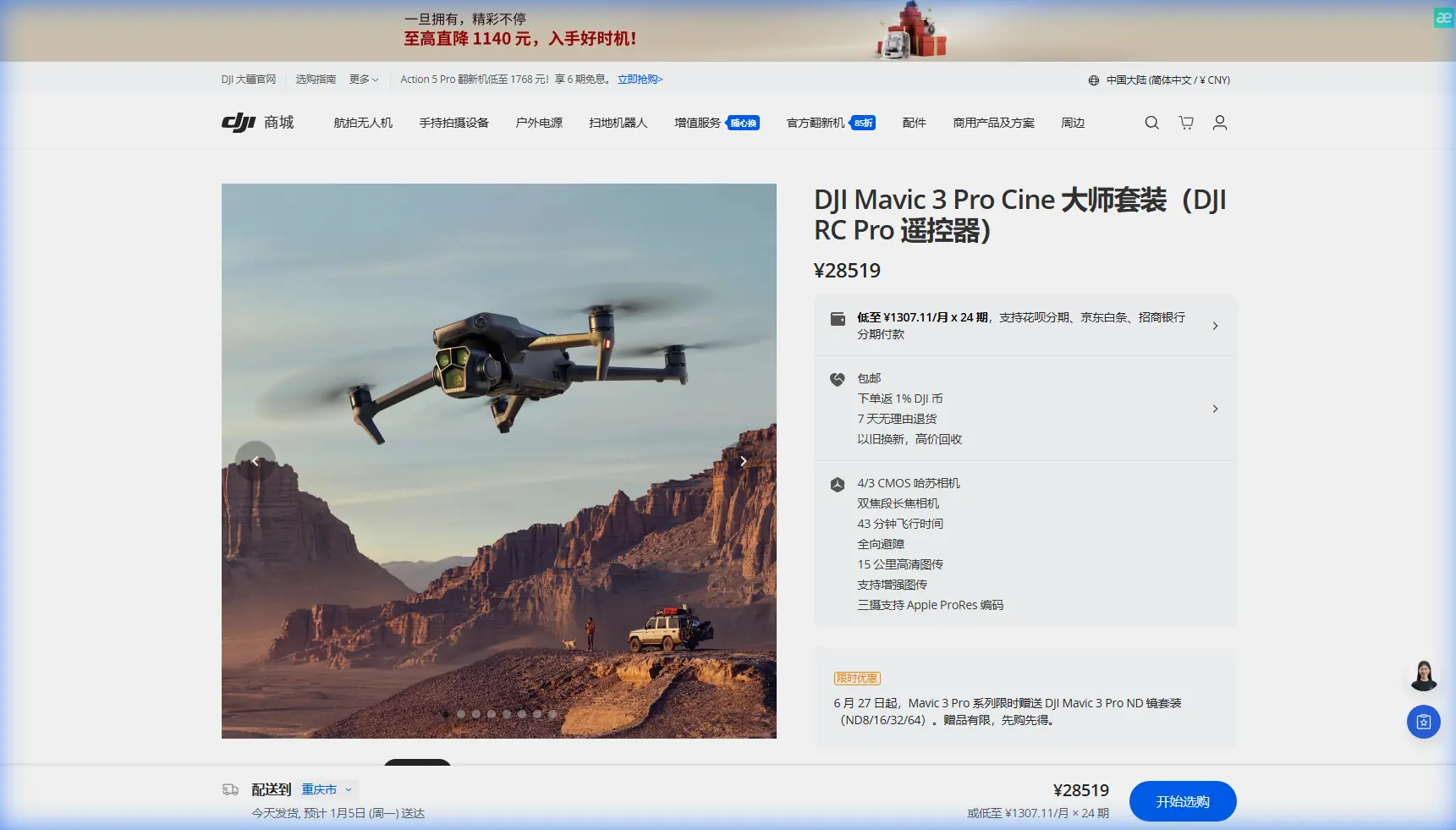
Capturing Mountain Venues with Mavic 3 Pro | Pro Tips
META: Master mountain venue photography with the Mavic 3 Pro. Expert tips on obstacle avoidance, D-Log settings, and ActiveTrack for stunning aerial footage.
TL;DR
- Pre-flight sensor cleaning is critical for reliable obstacle avoidance in dusty mountain environments
- The Hasselblad triple-camera system captures venue details from wide establishing shots to tight telephoto compositions
- D-Log color profile preserves 12.8 stops of dynamic range for challenging mountain lighting conditions
- ActiveTrack 5.0 maintains smooth subject tracking even when venues are surrounded by complex terrain
Mountain venue photography presents unique challenges that separate amateur drone operators from professionals. Dust, altitude, unpredictable winds, and dramatic lighting shifts demand both technical expertise and the right equipment.
The Mavic 3 Pro has become my go-to platform for capturing wedding venues, resort properties, and event spaces nestled in mountainous terrain. After 200+ commercial venue shoots, I've developed a workflow that maximizes this drone's capabilities while avoiding costly mistakes.
This guide covers everything from pre-flight preparation to post-processing, with specific techniques for mountain environments.
Why Pre-Flight Sensor Cleaning Determines Your Safety
Before discussing camera settings or flight patterns, we need to address something most operators overlook: sensor maintenance for obstacle avoidance systems.
The Mavic 3 Pro features omnidirectional obstacle sensing with sensors positioned on all six sides of the aircraft. These sensors are your safety net when navigating around mountain structures, trees, and terrain features.
Here's the problem. Mountain environments expose these sensors to:
- Fine dust particles kicked up during takeoff and landing
- Pollen and plant debris
- Moisture condensation from altitude changes
- Fingerprints from handling
A single smudged sensor can create blind spots in your obstacle avoidance coverage.
My Pre-Flight Cleaning Protocol
I carry a dedicated cleaning kit containing:
- Microfiber lens cloths (separate ones for sensors and camera lenses)
- Compressed air canister
- Lens cleaning solution (alcohol-free)
- Soft-bristle brush for debris removal
Before every mountain venue shoot, I spend three to four minutes cleaning each sensor surface. This habit has prevented at least two potential collisions with guy-wires and tree branches that the sensors might have missed with dirty surfaces.
Pro Tip: Clean sensors in the shade. Direct sunlight makes it difficult to spot smudges and streaks on the dark sensor covers. I typically clean inside my vehicle or under a portable shade canopy.
Understanding the Triple-Camera Advantage for Venue Work
The Mavic 3 Pro's three-camera Hasselblad system transforms how I approach venue photography. Each lens serves a specific purpose in my mountain shooting workflow.
Camera Specifications Breakdown
| Camera | Sensor Size | Focal Length (Equiv.) | Best Use Case |
|---|---|---|---|
| Main (Wide) | 4/3 CMOS | 24mm | Establishing shots, property overviews |
| Medium Tele | 1/1.3" CMOS | 70mm | Architectural details, mid-range compositions |
| Tele | 1/2" CMOS | 166mm | Distant features, compressed perspectives |
The 70mm medium telephoto lens has become my most-used option for venue work. It provides enough compression to make mountain backdrops appear closer while maintaining sufficient width to capture building context.
Practical Application: Resort Property Shoot
During a recent shoot at a mountain wedding venue, I used all three cameras strategically:
- 24mm wide: Captured the entire property with surrounding peaks, showing guests the full scope of the location
- 70mm medium: Focused on the main ceremony pavilion with compressed mountain backdrop
- 166mm telephoto: Isolated architectural details like the stone chimney against distant ridgelines
This approach delivered 47 unique compositions from just six flight positions, maximizing battery efficiency in the thin mountain air.
Mastering D-Log for Mountain Lighting Challenges
Mountain venues present extreme dynamic range challenges. You're often dealing with:
- Bright snow or rock faces reflecting harsh sunlight
- Deep shadows in forested areas and building overhangs
- Rapidly changing cloud cover affecting exposure
The Mavic 3 Pro's D-Log M color profile captures 12.8 stops of dynamic range, giving you flexibility to recover highlights and shadows in post-processing.
D-Log Settings I Use for Venue Work
My standard mountain venue configuration:
- Color Profile: D-Log M
- ISO: 100-200 (native range for cleanest files)
- Shutter Speed: Double your frame rate (1/50 for 24fps, 1/60 for 30fps)
- ND Filters: Essential for proper exposure control
Expert Insight: Many operators avoid D-Log because footage looks flat and desaturated straight from the camera. This is intentional. That flat profile contains massive amounts of color and exposure data that you'll unlock during color grading. For client-facing work where post-processing time is limited, consider using HLG (Hybrid Log-Gamma) as a middle ground.
ND Filter Selection for Mountain Conditions
Bright mountain environments require aggressive ND filtration. My typical kit includes:
- ND8: Overcast conditions, early morning, late afternoon
- ND16: Partly cloudy, standard daylight
- ND32: Bright sun, snow present, midday shoots
- ND64: Extreme brightness, highly reflective surfaces
I switch filters two to three times during a typical venue shoot as lighting conditions change.
ActiveTrack 5.0: Navigating Complex Mountain Terrain
Subject tracking technology has improved dramatically, and ActiveTrack 5.0 on the Mavic 3 Pro handles mountain venue challenges remarkably well.
When capturing dynamic content like couples walking through venue grounds or vehicles approaching mountain properties, ActiveTrack maintains lock even when:
- Subjects pass behind trees or structures temporarily
- Lighting changes dramatically between sun and shade
- Multiple people enter the frame
Configuring ActiveTrack for Venue Shoots
For reliable tracking in mountain environments:
- Enable APAS 5.0 (Advanced Pilot Assistance System) alongside ActiveTrack
- Set obstacle avoidance to Bypass mode rather than Brake
- Maintain minimum 15 meters altitude above ground level when tracking moving subjects
- Keep tracking subjects at least 30 meters from cliff edges or steep drops
The combination of ActiveTrack and obstacle avoidance creates a safety buffer, but never rely on it completely. I maintain manual override readiness throughout every tracking sequence.
QuickShots and Hyperlapse for Efficient Content Creation
Time constraints are real on commercial venue shoots. Clients expect variety, but you may only have one to two hours of optimal lighting.
QuickShots That Work for Venues
The Mavic 3 Pro's automated flight modes produce professional results with minimal setup:
- Dronie: Classic pullback reveal, perfect for showing venue in landscape context
- Circle: Orbits around a central point, ideal for showcasing building architecture
- Helix: Ascending spiral, creates dramatic reveals of mountain properties
- Rocket: Vertical ascent, emphasizes venue scale against terrain
I typically capture two to three QuickShots at each major venue feature, giving clients options during editing.
Hyperlapse for Time-Compressed Storytelling
Mountain venues benefit from Hyperlapse sequences showing:
- Cloud movement over peaks behind the property
- Shadow patterns shifting across building facades
- Guest activity during events (when permitted)
The Circle Hyperlapse mode works exceptionally well for venue exteriors. A 30-second final clip requires approximately 15 minutes of capture time, so plan accordingly.
Common Mistakes to Avoid
After years of mountain venue work, I've identified errors that consistently compromise shoot quality:
Ignoring altitude effects on battery performance. At elevations above 2,000 meters, expect 15-20% reduction in flight time. The thinner air requires motors to work harder, draining batteries faster. Plan for shorter flights and bring extra batteries.
Shooting only during midday. Harsh overhead sun creates unflattering shadows on buildings and washes out mountain textures. Schedule primary shooting for golden hour periods when possible.
Neglecting wind pattern awareness. Mountains create complex wind patterns including downdrafts, rotors, and venturi effects through valleys. Check conditions at multiple altitudes before committing to flight paths near terrain features.
Over-relying on obstacle avoidance near structures. The system works well but has limitations with thin wires, glass surfaces, and fast-moving obstacles. Maintain visual line of sight and manual control readiness.
Failing to capture safety shots. Always get basic wide establishing shots before attempting creative angles. If something goes wrong during a complex maneuver, you'll have usable footage to deliver.
Frequently Asked Questions
What altitude should I fly when capturing mountain venue exteriors?
For most venue work, I operate between 30 and 60 meters AGL (above ground level). This range provides sufficient context to show the property within its mountain setting while maintaining enough detail to appreciate architectural features. Higher altitudes work for establishing shots, but you lose the intimate connection between venue and landscape.
How do I handle rapidly changing mountain weather during a shoot?
Monitor conditions constantly and have a rapid landing protocol ready. I use weather apps with radar overlay and watch cloud formations visually. When conditions deteriorate, I prioritize capturing essential shots first. The Mavic 3 Pro handles light rain briefly, but moisture and electronics don't mix well. Land immediately if precipitation begins.
Should I use automatic or manual exposure for venue photography?
Manual exposure provides consistency between shots, which simplifies editing. However, I use auto exposure with exposure lock when conditions are stable. Lock exposure on a mid-tone area of your scene, then recompose. This approach balances efficiency with control, especially when capturing multiple angles quickly.
Mountain venue photography rewards preparation and technical knowledge. The Mavic 3 Pro provides the tools—obstacle avoidance, subject tracking, and that remarkable triple-camera system—but your expertise determines the final results.
Clean those sensors, understand your lighting, and respect the mountain environment. The footage you capture will speak for itself.
Ready for your own Mavic 3 Pro? Contact our team for expert consultation.