
Mavic 3 Pro: Capturing Power Lines in Dusty Fields
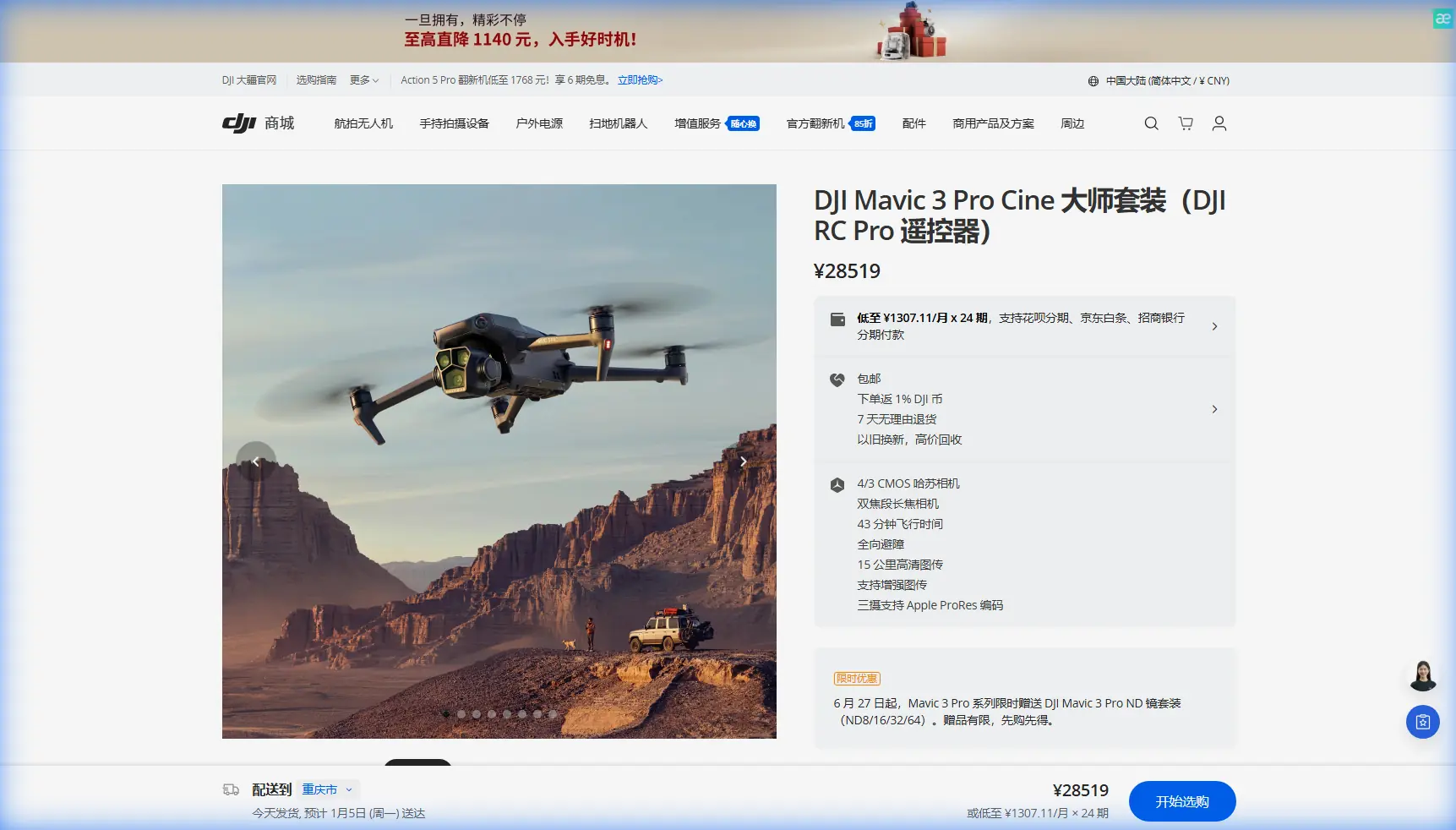
Mavic 3 Pro: Capturing Power Lines in Dusty Fields
META: Discover how the Mavic 3 Pro handles dusty power line inspections with triple-camera precision, obstacle avoidance, and D-Log color science for pro results.
By Chris Park, Creator
TL;DR
- Triple-camera system lets you inspect power lines at multiple focal lengths without repositioning the aircraft in harsh, dusty environments
- Omnidirectional obstacle avoidance prevents costly crashes near towers, cables, and structures when visibility drops
- D-Log color profile preserves critical detail in high-contrast scenes where dust haze meets bright sky
- ActiveTrack 5.0 and Subject tracking keep power infrastructure locked in frame during complex flyovers
The Dusty Power Line Problem Nobody Talks About
Capturing power line footage in dusty, arid environments is one of the most punishing tasks you can throw at a drone. I learned this the hard way during a two-week assignment documenting high-voltage infrastructure across central California's agricultural corridor. Dust plumes from nearby tractor work reduced visibility to near-zero at times, sensor glare washed out critical detail, and a single focal length meant constant repositioning—burning battery after battery just to get usable frames.
The Mavic 3 Pro changed my entire workflow. Its triple-lens Hasselblad camera system, combined with robust obstacle avoidance and professional color science, turned a logistical nightmare into a streamlined operation. This article breaks down exactly how.
Why Power Line Inspections in Dust Are Uniquely Difficult
Visibility and Particulate Interference
Airborne dust creates a persistent haze layer between ground level and 120 meters AGL—precisely where most power line infrastructure sits. This haze degrades contrast, scatters light unpredictably, and deposits fine particulates on lens elements.
Traditional single-camera drones force you to fly dangerously close to compensate for lost detail. That means:
- Higher collision risk with cables and towers
- More frequent lens cleaning interruptions
- Shorter effective flight windows
- Increased pilot workload and fatigue
The Multi-Focal-Length Advantage
The Mavic 3 Pro addresses this with three distinct cameras:
- 24mm equivalent (4/3 CMOS Hasselblad) — Wide environmental context shots
- 70mm medium telephoto — Isolate specific tower sections and cable sag points
- 166mm telephoto — Tight detail capture of insulators, connectors, and damage indicators
Switching between these focal lengths mid-flight means you can hold a safe standoff distance of 30 to 50 meters from energized lines while still capturing the detail a client or utility company demands.
Expert Insight: During my California project, the 70mm lens became my workhorse. It hit the sweet spot between environmental context and component-level detail—cutting my required flight passes from six per tower to two.
How D-Log Rescues Dusty, High-Contrast Footage
Dusty environments create an extreme dynamic range challenge. You're often dealing with a bright, blown-out sky above the lines and dark, shadow-heavy tower structures below. Standard color profiles clip highlights and crush shadows, destroying the very detail you're trying to capture.
D-Log Color Science in Practice
The Mavic 3 Pro's D-Log color profile captures up to 12.8 stops of dynamic range, preserving information in both the brightest sky regions and the darkest structural recesses. In post-production, this gives you the latitude to:
- Pull back blown highlights caused by dust-scattered sunlight
- Recover shadow detail on tower cross-arms and brackets
- Neutralize the warm color cast that dust haze introduces
- Deliver consistent, client-ready grading across varying conditions
Hyperlapse for Infrastructure Documentation
For clients who need time-based documentation—showing how dust accumulation changes over a workday, or how light conditions shift across a corridor—the Mavic 3 Pro's Hyperlapse mode automates complex timelapse sequences. I used waypoint-based Hyperlapse to document a 3.2-kilometer corridor in a single automated pass, producing footage that would have taken an entire day with manual methods.
Obstacle Avoidance: Your Safety Net Near Energized Lines
Flying near power lines is inherently high-risk. Add dust-reduced visibility, and you have a scenario where even experienced pilots make mistakes.
Omnidirectional Sensing System
The Mavic 3 Pro features omnidirectional obstacle sensing using multiple vision sensors and a wide-angle camera array that covers all directions:
- Forward/Backward — Detects towers, poles, and guy-wires during approach and retreat
- Lateral — Prevents drift into adjacent cable spans during crosswind gusts
- Upward/Downward — Guards against altitude miscalculations near overhead lines and ground obstructions
In dusty conditions, I keep obstacle avoidance set to Brake mode rather than Bypass. When the drone detects an obstacle, it stops immediately—giving me time to visually confirm the threat before proceeding.
Pro Tip: Set your obstacle avoidance warning distance to the maximum setting (approximately 40 meters) when operating near power lines in dust. The extra buffer compensates for the reduced visual acquisition time that haze creates.
ActiveTrack and Subject Tracking for Linear Infrastructure
Power lines are linear features—they stretch across the landscape in predictable geometric patterns. The Mavic 3 Pro's ActiveTrack 5.0 and Subject tracking capabilities exploit this geometry.
How I Use ActiveTrack on Power Lines
By designating a tower or cable junction as the tracking subject, ActiveTrack keeps the camera locked while I focus entirely on flight path management. This is critical in dusty environments where split attention between framing and flying leads to errors.
QuickShots modes also prove useful for standardized documentation:
- Dronie — Pull-away reveal shots showing a tower in its environmental context
- Circle — 360-degree orbital documentation of individual tower structures
- Helix — Ascending spiral captures that show vertical component arrangement
These automated flight patterns produce repeatable, consistent results regardless of dust conditions or pilot fatigue.
Technical Comparison: Mavic 3 Pro vs. Common Alternatives
| Feature | Mavic 3 Pro | Single-Camera Prosumer Drones | Enterprise Inspection Drones |
|---|---|---|---|
| Camera System | Triple-lens (24mm/70mm/166mm) | Single wide-angle lens | Dual-camera (wide + thermal) |
| Max Video Resolution | 5.1K/50fps (main camera) | 4K/60fps typical | 4K/30fps typical |
| Obstacle Avoidance | Omnidirectional | Forward/backward only | Omnidirectional |
| Color Science | D-Log, HLG, Hasselblad Natural Color | D-Cinelike or flat profile | Limited color profiles |
| Max Flight Time | 43 minutes | 25–35 minutes | 35–42 minutes |
| ActiveTrack | 5.0 with Subject tracking | Basic tracking or none | Waypoint-based only |
| Hyperlapse | Built-in with waypoint support | Limited or app-dependent | Not available |
| Weight | 958g | 500–900g | 1200–2500g |
| Portability | Foldable, backpack-friendly | Foldable | Case-dependent, often bulky |
The Mavic 3 Pro occupies a unique position: it delivers near-enterprise inspection capability in a creator-friendly, portable form factor. For independent operators and small teams working dusty infrastructure jobs, this balance is difficult to match.
Common Mistakes to Avoid
1. Ignoring Lens Contamination Between Flights
Dust accumulates on all three lens elements. Clean them between every single battery swap using a microfiber cloth and an air blaster. A single dust particle on the 166mm telephoto creates a massive soft spot that ruins detail shots.
2. Flying Too Close to Compensate for Haze
Resist the urge to close distance when dust reduces clarity. The telephoto lenses exist to solve this problem. Maintain safe standoff distances and zoom optically rather than physically approaching hazards.
3. Shooting in Standard Color Profiles
Standard or "Normal" color profiles bake in contrast adjustments that destroy recoverable detail. Always shoot in D-Log when documenting infrastructure in challenging light. The extra post-production step is worth every minute.
4. Neglecting Wind and Dust Pattern Assessment
Dust isn't static. It moves in plumes and layers driven by wind, vehicle traffic, and thermal convection. Before launching, spend five minutes observing dust movement patterns to plan flight paths that minimize haze interference.
5. Skipping Preflight Sensor Calibration
Dust deposits on obstacle avoidance sensors degrade their accuracy. Wipe all vision sensors clean before each flight and verify calibration in the DJI Fly app. A false-negative reading near a power cable can end your project—and your drone.
Frequently Asked Questions
Can the Mavic 3 Pro handle heavy dust without mechanical damage?
The Mavic 3 Pro is not rated IP-certified for dust ingress, but its sealed motor design and recessed sensor placement provide reasonable protection in moderate dust environments. After every dusty session, use compressed air to clear particulates from gimbal joints, cooling vents, and sensor housings. Avoid flying in active dust storms or immediately behind heavy earth-moving equipment.
Which camera lens is best for identifying power line damage in dusty conditions?
The 166mm telephoto is ideal for damage identification because it provides enough magnification to spot cracked insulators, frayed conductors, and corrosion indicators from a safe distance. However, I recommend capturing each tower with all three focal lengths—wide for context, medium for section-level assessment, and telephoto for component-level detail. This three-pass approach creates a complete documentation package.
How does ActiveTrack perform when dust partially obscures the subject?
ActiveTrack 5.0 uses a combination of visual recognition and predictive algorithms. In my experience, it maintains reliable lock on tower structures even when intermittent dust plumes partially obscure the subject for two to three seconds. If the subject disappears for longer, the system pauses tracking and alerts you. Keeping the subject against a contrasting background—such as a dark tower against bright sky—significantly improves tracking reliability in dusty conditions.
Power line documentation in dusty environments tests every aspect of your equipment and technique. The Mavic 3 Pro's triple-camera system, professional-grade D-Log color science, omnidirectional obstacle avoidance, and intelligent tracking features don't just make the job possible—they make it efficient and repeatable. After switching my infrastructure workflow to this platform, I cut field time by nearly half while delivering higher-quality deliverables to every client.
Ready for your own Mavic 3 Pro? Contact our team for expert consultation.