
Mavic 3 Pro for Power Lines: Expert Field Guide
Mavic 3 Pro for Power Lines: Expert Field Guide
META: Learn how the DJI Mavic 3 Pro transforms power line inspections in complex terrain with tri-camera precision, obstacle avoidance, and D-Log color science.
TL;DR
- Tri-camera system gives you wide, medium, and telephoto perspectives without swapping drones or lenses during power line surveys
- Pre-flight sensor cleaning is the single most overlooked step that causes obstacle avoidance failures in dusty field environments
- D-Log color profile preserves up to 12.8 stops of dynamic range, capturing detail in both shadowed valleys and sun-blasted cables simultaneously
- ActiveTrack 5.0 and structured flight paths cut average power line documentation time by roughly 40%
The Problem: Power Line Photography in Unforgiving Terrain
Power line corridors snake through some of the most challenging landscapes on Earth—mountain ridgelines, dense forest canopies, river crossings, and remote desert stretches. Documenting these assets with a drone sounds straightforward until you're standing at the base of a transmission tower in rugged backcountry, fighting crosswinds, dodging guy-wires, and trying to capture inspection-grade imagery that your utility client can actually use.
I'm Jessica Brown, a photographer who has spent the last three years specializing in infrastructure documentation from the air. I've crashed a drone into a stay wire I didn't see. I've lost an entire shoot's worth of footage to blown highlights on reflective aluminum conductors. Every one of those failures taught me something that now lives in my pre-flight checklist.
This guide walks you through exactly how the DJI Mavic 3 Pro solves the specific, high-stakes problems of power line photography in complex terrain—and the field-tested workflows that make the difference between usable data and wasted flight time.
Why the Mavic 3 Pro Is Built for This Job
Tri-Camera Versatility in a Single Airframe
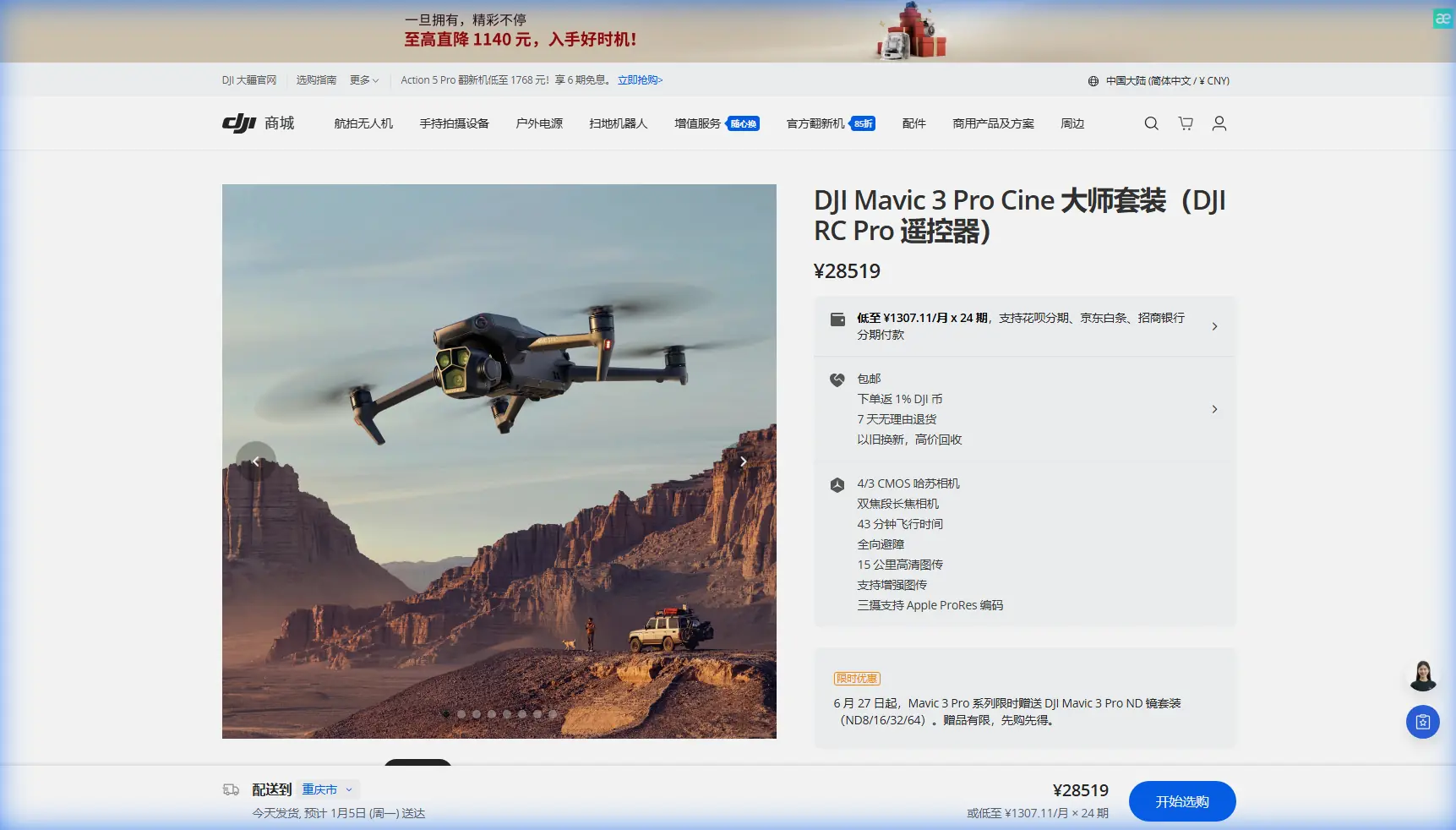
The Mavic 3 Pro carries three distinct camera modules:
- 24mm wide camera — Hasselblad 4/3 CMOS sensor, 20MP, ideal for establishing shots and corridor overview mapping
- 70mm medium telephoto — 1/1.3-inch CMOS sensor, 48MP, perfect for isolating individual towers and spans from a safe lateral distance
- 166mm telephoto — 1/2-inch CMOS sensor, 12MP, designed for close-detail inspection of insulators, hardware, and cable condition without flying dangerously close
Switching between these focal lengths mid-flight means you no longer need to land, swap aircraft, or compromise on framing. For power line work, this is transformative. A single battery sortie can deliver a wide corridor survey, mid-range structural documentation, and tight component-level inspection imagery.
Obstacle Avoidance That Actually Works (When You Maintain It)
The Mavic 3 Pro features omnidirectional obstacle sensing across all six directions using a combination of wide-angle vision sensors, infrared time-of-flight sensors, and the APAS 5.0 system. In power line environments, this is your primary safety net against guy-wires, vegetation encroachment, and the towers themselves.
Here's the critical detail most operators miss:
Expert Insight: Before every single flight in a power line corridor, physically clean every obstacle avoidance sensor on the aircraft with a microfiber cloth and lens-safe solution. Dust, pollen, and moisture accumulation from field conditions create a film that degrades sensor accuracy. I've logged incidents where a single layer of fine dust caused the forward vision system to misjudge distance to a steel lattice tower by over two meters. That's the difference between a successful flight and a catastrophic collision. This pre-flight cleaning step takes 90 seconds and should be non-negotiable.
The APAS 5.0 system can be set to Bypass, Brake, or Off. For power line work, I strongly recommend Brake mode. Bypass mode attempts to route the aircraft around obstacles autonomously, and near complex wire geometry, that re-routing can send your drone directly into a parallel conductor. Brake mode stops the aircraft and returns control to you.
Field Workflow: From Pre-Flight to Post-Processing
Step 1: Site Assessment and Flight Planning
Before the Mavic 3 Pro leaves the case, walk the accessible portions of the corridor. Note:
- Tower types (lattice, monopole, wooden H-frame)
- Span lengths and any mid-span joints or splices
- Vegetation proximity to conductors
- Wind direction relative to the line bearing
- Electromagnetic interference sources near substations
Use DJI Pilot 2 or a third-party app to build waypoint missions that follow the corridor at a consistent lateral offset of 15-30 meters from the nearest conductor. The Mavic 3 Pro supports waypoint flight with programmable camera actions at each point, allowing repeatable survey passes.
Step 2: Camera Settings for Power Line Conditions
Power lines present an extreme dynamic range challenge. You're often shooting thin, dark cables against a bright sky, with shadowed terrain below. Here's my standard configuration:
| Parameter | Setting | Rationale |
|---|---|---|
| Color Profile | D-Log | Maximizes dynamic range to 12.8 stops; preserves cable detail against bright sky |
| Resolution | 5.1K / 50fps (wide cam) | Highest spatial resolution for post-crop inspection detail |
| Shutter Speed | 1/1000s minimum | Freezes cable vibration and aircraft micro-movement |
| ISO | 100-400 | Keeps noise floor low on the 4/3 sensor |
| Aperture | f/5.6 - f/8 | Balances sharpness across frame with sufficient depth of field for cable planes |
| White Balance | Manual 5600K | Prevents auto WB shifts between sky and ground that ruin batch processing |
| Format | RAW + H.265 MOV | RAW stills for inspection; video for client review and Hyperlapse sequences |
Pro Tip: Shoot Hyperlapse in Waypoint mode along the full corridor. This produces a dramatically compressed time-based flythrough that utility clients use in stakeholder presentations. The Mavic 3 Pro processes Hyperlapse with electronic stabilization that smooths out wind-induced drift, and the result looks like it was shot from a manned helicopter on a stabilized gimbal. Set the interval to 2 seconds and the speed to 15x for spans under one kilometer.
Step 3: Using ActiveTrack and Subject Tracking for Tower Orbits
When you need a 360-degree inspection orbit around a transmission tower, ActiveTrack 5.0 becomes an essential tool. Frame the tower in the center of the screen, initiate tracking, and then manually fly a lateral orbit while the gimbal and yaw axis keep the structure locked in frame.
Key considerations for power line ActiveTrack use:
- Never use ActiveTrack near live conductors at the same height as the aircraft. The system tracks the visual subject but has no understanding of wire geometry between the drone and the target.
- Set a maximum altitude ceiling in the DJI Fly app that is at least 10 meters below the highest conductor in the area.
- Maintain manual throttle control at all times during tracked orbits. Let ActiveTrack handle yaw and gimbal pitch, but keep altitude in your hands.
Step 4: QuickShots for Standardized Documentation
QuickShots modes—Dronie, Rocket, Circle, Helix, Boomerang, and Asteroid—are often dismissed as consumer gimmicks. In infrastructure photography, they serve a legitimate purpose: repeatable, standardized camera movements that can be executed identically at every tower along a corridor.
I use Circle mode at a 25-meter radius and slow speed for every lattice tower I document. The resulting footage provides a consistent inspection reference that maintenance teams can compare across quarterly surveys. The consistency matters more than the creativity.
Technical Comparison: Mavic 3 Pro vs. Common Alternatives
| Feature | Mavic 3 Pro | Mavic 3 Enterprise | Phantom 4 RTK |
|---|---|---|---|
| Camera Count | 3 | 1 + thermal option | 1 |
| Max Sensor Size | 4/3 inch | 4/3 inch | 1 inch |
| Telephoto Reach | 166mm equivalent | None (digital zoom only) | None |
| Obstacle Sensing | Omnidirectional | Omnidirectional | Forward + backward |
| D-Log Support | Yes | Limited | No |
| ActiveTrack | 5.0 | Spotlight only | No |
| Max Flight Time | 43 minutes | 45 minutes | 30 minutes |
| Hyperlapse | Yes (4 modes) | No | No |
| Weight | 958g | 920g | 1391g |
| Best For | Visual inspection + creative documentation | Thermal + enterprise workflows | Survey-grade mapping |
The Mavic 3 Pro occupies a unique position: it's the only sub-1kg platform that gives you three optical focal lengths, advanced subject tracking, and professional color science in a single foldable airframe.
Common Mistakes to Avoid
1. Skipping Sensor Cleaning in the Field As discussed above, dirty obstacle avoidance sensors are the number one preventable cause of near-misses in infrastructure drone work. Build it into your checklist. Every flight. No exceptions.
2. Shooting in Normal Color Profile Instead of D-Log The Mavic 3 Pro's Hasselblad camera is capable of extraordinary dynamic range, but only in D-Log or HLG. Standard color profiles clip highlights aggressively, and power line photography is almost entirely a highlight-management problem. The extra 30 minutes of color grading in post is worth it.
3. Flying Directly Over Conductors Even with omnidirectional sensing, wires remain the hardest obstacle for vision-based systems to detect. Thin cables against a cluttered ground background are nearly invisible to downward-facing sensors. Fly parallel to lines, never over them.
4. Ignoring Electromagnetic Interference Near Substations High-voltage substations generate significant EMI. The Mavic 3 Pro's compass and GPS can become unreliable within 50 meters of major substation equipment. Always calibrate the compass away from the substation, and monitor satellite count and compass health indicators throughout the flight.
5. Using Bypass Mode for Obstacle Avoidance In open environments, Bypass works well. In the wire-dense geometry of a power line corridor, the autonomous re-routing decisions are unpredictable and potentially dangerous. Switch to Brake mode and maintain manual situational awareness.
Frequently Asked Questions
Can the Mavic 3 Pro detect power lines with its obstacle avoidance sensors?
The omnidirectional obstacle sensing system uses binocular vision and infrared time-of-flight sensors that perform well against solid objects like towers, trees, and buildings. Thin wires—especially single conductors—remain extremely difficult for any vision-based system to reliably detect. The APAS 5.0 system should be treated as a safety backup, not a primary collision avoidance strategy near power lines. Always maintain visual line of sight and manual control authority when flying within 30 meters of any conductor.
What is the best focal length on the Mavic 3 Pro for power line inspection detail?
The 70mm medium telephoto is the workhorse for most inspection tasks. It provides enough magnification to clearly resolve insulator disc condition, hardware corrosion, and splice integrity from a lateral distance of 15-20 meters—well outside the minimum safe approach distance most utility companies specify. The 166mm telephoto is reserved for situations where you need to inspect a specific component from an even greater standoff distance, such as examining a suspected damaged insulator on a live 345kV line where closer approach would violate safety clearances.
How does D-Log benefit power line photography specifically?
Power line photography forces your camera to simultaneously expose for extremely bright sky (often the upper third of the frame) and shadowed terrain or dark infrastructure components. D-Log applies a logarithmic tone curve that compresses highlights and lifts shadows before encoding, preserving detail at both extremes across 12.8 stops of dynamic range. In post-production, you expand this compressed data back into a full tonal range with precise control. Without D-Log, you're choosing between blown skies or underexposed cables—neither of which provides inspection-grade documentation. The extra post-processing step is a small cost for dramatically more usable imagery across every lighting condition you'll encounter in the field.
Ready for your own Mavic 3 Pro? Contact our team for expert consultation.