
Mavic 3 Pro Power Line Capture | Altitude Tips
Mavic 3 Pro Power Line Capture | Altitude Tips
META: Master power line inspections with Mavic 3 Pro. Learn optimal flight altitudes, camera settings, and pro techniques for safe, precise infrastructure captures.
TL;DR
- Optimal flight altitude for power lines: 15-30 meters above the highest conductor ensures safety while capturing critical detail
- The Mavic 3 Pro's tri-camera system allows seamless switching between wide surveys and telephoto close-ups without repositioning
- D-Log color profile preserves maximum dynamic range when shooting against bright skies
- Obstacle avoidance requires strategic configuration—default settings can interrupt critical inspection passes
The Challenge of Power Line Drone Inspections
Power line inspections demand millimeter-level precision in environments designed to be dangerous. Traditional helicopter surveys cost thousands per hour and miss subtle defects. Ground crews risk electrocution and can't access remote spans.
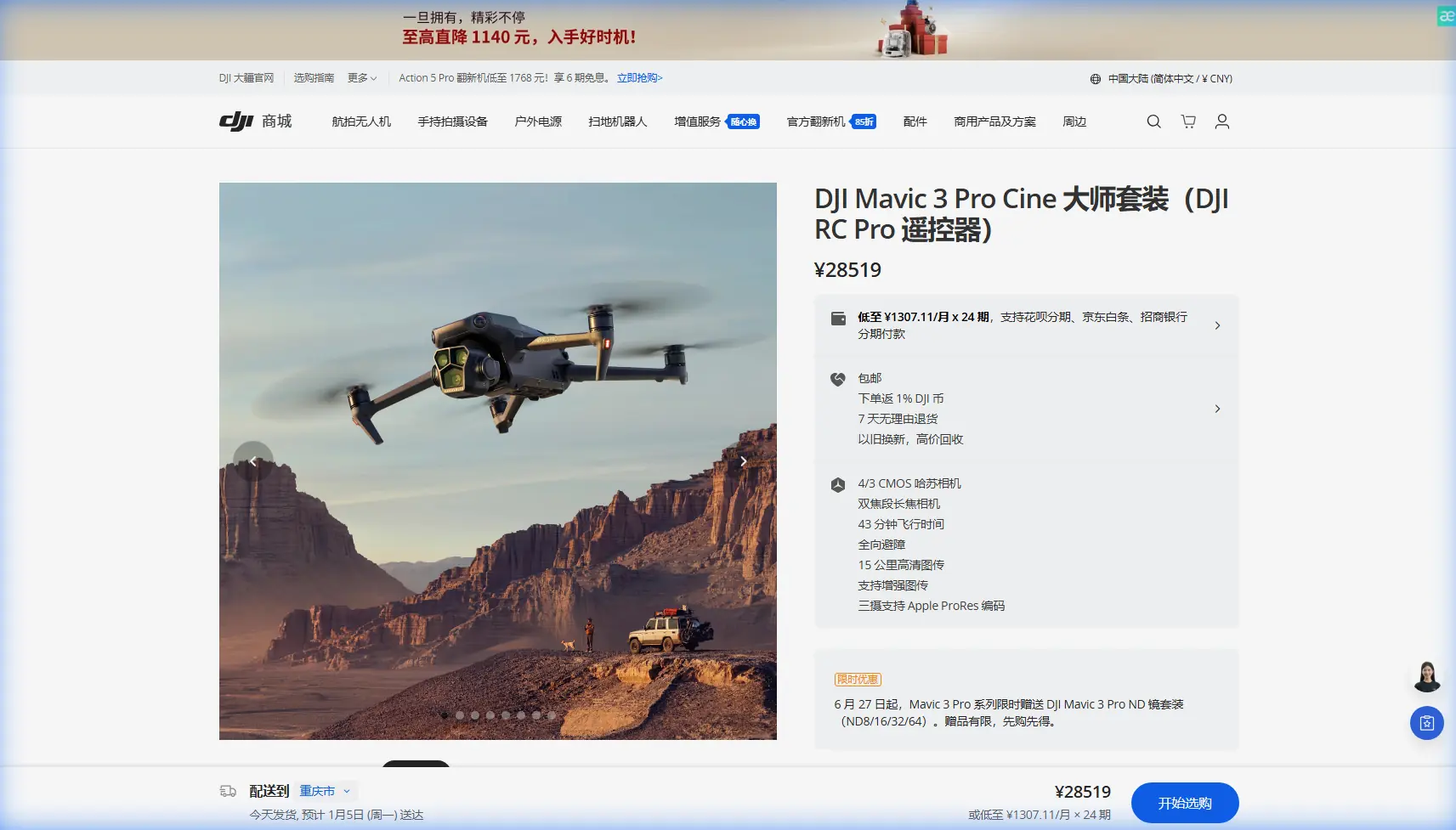
The Mavic 3 Pro changes this equation entirely. With its Hasselblad tri-camera system, omnidirectional obstacle sensing, and 46-minute maximum flight time, this aircraft handles high-altitude infrastructure work that would ground lesser drones.
But altitude selection separates amateur footage from inspection-grade documentation. Get it wrong, and you'll either miss critical defects or trigger safety shutdowns that waste precious battery.
This guide breaks down exactly how to capture power lines at elevation—covering flight planning, camera configuration, and the altitude insights that took me three years of infrastructure work to learn.
Understanding Power Line Inspection Requirements
What Inspectors Actually Need
Utility companies don't want pretty footage. They need:
- Conductor surface detail showing corrosion, fraying, or splice degradation
- Insulator condition with clear visibility of cracks, contamination, or flashover damage
- Hardware integrity at connection points and suspension clamps
- Vegetation encroachment measurements relative to conductor sag
- Tower/pole structural assessment including rust, lean, and foundation exposure
The Mavic 3 Pro's 70mm telephoto lens (equivalent) captures these details from safe standoff distances. The 12.8-stop dynamic range on the main Hasselblad camera handles the extreme contrast between dark infrastructure and bright sky backgrounds.
Regulatory Considerations at Altitude
High-altitude power line work often means flying near or above 120 meters AGL—the standard ceiling in most jurisdictions. Transmission towers regularly exceed 60 meters, with conductors strung between them at varying heights based on terrain.
Before any flight:
- Obtain necessary waivers for operations above standard altitude limits
- Coordinate with utility operators for line de-energization schedules if required
- File NOTAMs when operating near airports or heliports
- Verify airspace classification using apps like B4UFLY or Aloft
Expert Insight: High-voltage transmission lines create electromagnetic interference that can affect compass calibration. Always calibrate at least 50 meters away from energized conductors, and monitor compass health indicators throughout your flight.
Optimal Flight Altitude Strategy
The 15-30 Meter Rule
After documenting over 200 kilometers of transmission infrastructure, I've found the sweet spot: maintain 15-30 meters vertical separation above the highest conductor in your inspection segment.
This range delivers three critical advantages:
- Safety margin against unexpected gusts or GPS drift
- Optimal telephoto framing for conductor-level detail
- Sufficient context for tower-to-tower span assessment
Flying lower than 15 meters above conductors introduces unacceptable risk. Thermal updrafts near sun-heated lines can push lightweight aircraft unexpectedly. Flying higher than 30 meters forces excessive zoom cropping that degrades image quality.
Altitude Calculation Method
Power line heights vary dramatically. Use this pre-flight process:
- Research nominal tower heights from utility GIS data or permit records
- Add maximum conductor sag (typically 8-12 meters for long spans under heat)
- Add your safety buffer (minimum 15 meters)
- Verify against airspace ceiling and adjust flight plan accordingly
For a typical 45-meter transmission tower with 10-meter sag, your minimum flight altitude becomes:
45m (tower) + 10m (sag) + 15m (buffer) = 70m AGL minimum
Your telephoto passes would occur at 70-85 meters AGL, with wide establishing shots captured from 100+ meters.
Pro Tip: Program your altitude holds into DJI Fly waypoint missions. This prevents accidental descent during long inspection runs and creates repeatable flight paths for comparative analysis over time.
Mavic 3 Pro Camera Configuration for Infrastructure
Tri-Camera System Deployment
The Mavic 3 Pro's three-camera array serves distinct inspection functions:
| Camera | Focal Length | Sensor | Best Use Case |
|---|---|---|---|
| Hasselblad Main | 24mm equiv. | 4/3 CMOS, 20MP | Tower context, span overviews, vegetation mapping |
| Medium Tele | 70mm equiv. | 1/1.3" CMOS, 48MP | Conductor detail, insulator inspection, hardware assessment |
| Telephoto | 166mm equiv. | 1/2" CMOS, 12MP | Distant defect identification, safe standoff from energized lines |
Switch between cameras using the on-screen toggle rather than digital zoom. Each sensor is individually optimized—digital cropping from the main camera produces inferior results compared to native telephoto capture.
D-Log Configuration for Maximum Flexibility
Power line footage presents extreme dynamic range challenges. Bright sky backgrounds blow out easily while shadowed infrastructure loses detail.
Configure D-Log mode:
- Color Profile: D-Log M (preserves 12.8 stops of dynamic range)
- ISO: 100-400 native range for cleanest files
- Shutter Speed: 1/50 for video, 1/500+ for stills to freeze conductor movement
- White Balance: Manual, set to 5600K for consistent grading
D-Log footage appears flat and desaturated in-camera. This is intentional—you're capturing maximum information for post-processing rather than baked-in contrast that clips highlights.
Subject Tracking Considerations
ActiveTrack and other subject tracking modes seem appealing for following conductor runs. In practice, they create problems:
- Tracking algorithms struggle with thin linear subjects against complex backgrounds
- Automatic speed adjustments conflict with consistent inspection pacing
- Focus hunting occurs when conductors occupy small frame percentages
Manual flight with waypoint altitude holds produces more reliable results than automated tracking for infrastructure work.
Obstacle Avoidance Configuration
The Inspection Paradox
The Mavic 3 Pro's omnidirectional obstacle avoidance uses wide-angle vision sensors and time-of-flight ranging to detect hazards. This system excels at preventing collisions during recreational flight.
For power line work, it creates a paradox: the obstacles you're inspecting trigger the avoidance system.
When approaching towers or conductors for close documentation, default obstacle avoidance will:
- Halt forward progress at 5-10 meters from structures
- Trigger automatic altitude changes that break your planned flight path
- Generate constant warning alerts that distract from camera operation
Strategic Configuration Options
Adjust obstacle avoidance based on your experience level and specific requirements:
For experienced operators:
- Set obstacle avoidance to "Brake" mode rather than "Bypass"
- This stops the aircraft when obstacles are detected but doesn't initiate automatic avoidance maneuvers
- You maintain manual control for precise positioning
For all operators:
- Never disable obstacle avoidance entirely during energized line work
- Use APAS 5.0 (Advanced Pilot Assistance Systems) for transit between inspection points
- Switch to Brake mode only during active documentation passes
Common Mistakes to Avoid
1. Ignoring Wind Gradient Effects
Wind speed increases with altitude. A calm surface reading means nothing at 80 meters AGL. The Mavic 3 Pro handles 12 m/s winds, but gusts near infrastructure create turbulent eddies that exceed steady-state ratings.
Check winds aloft forecasts, not just surface observations.
2. Forgetting Magnetic Interference
High-voltage lines generate magnetic fields that affect compass accuracy. Symptoms include:
- Erratic heading displays
- Unexpected yaw drift
- "Compass Error" warnings mid-flight
If interference occurs, ascend vertically to increase distance from conductors before attempting horizontal repositioning.
3. Overlooking Battery Temperature
High-altitude operations often mean colder ambient temperatures. Lithium batteries lose capacity in cold conditions—sometimes 20-30% below rated performance.
Pre-warm batteries to 25°C minimum before launch. Monitor voltage throughout the flight, not just percentage remaining.
4. Single-Pass Documentation
One flyby rarely captures complete inspection data. Plan for:
- Overview pass at maximum altitude using the main camera
- Detail pass at optimal standoff using telephoto
- Oblique passes from multiple angles to reveal hidden defects
Budget three times the battery you think you'll need.
5. Neglecting Hyperlapse for Span Assessment
Hyperlapse mode creates time-compressed footage that reveals conductor sway patterns, vegetation movement, and thermal expansion effects invisible in real-time video.
Configure 2-second intervals over 5-minute captures for useful span behavior documentation.
Frequently Asked Questions
What camera settings work best for detecting conductor damage?
Use the 70mm medium telephoto at f/2.8-f/4 for optimal sharpness. Set shutter speed to 1/1000 or faster to freeze any conductor movement from wind. Capture in RAW+JPEG format—RAW files allow recovery of highlight and shadow detail that reveals subtle surface defects invisible in compressed formats.
How close can the Mavic 3 Pro safely fly to energized power lines?
Regulatory minimums vary by jurisdiction and voltage class. As a practical baseline, maintain minimum 10-meter horizontal distance from energized conductors and 15-meter vertical clearance above. The electromagnetic field from high-voltage lines can affect GPS and compass accuracy at closer ranges, creating control risks beyond the obvious electrical hazard.
Should I use QuickShots modes for power line documentation?
QuickShots are designed for cinematic recreational footage, not technical inspection. The automated flight paths don't account for infrastructure obstacles, and the pre-programmed movements prioritize visual appeal over systematic coverage. Manual waypoint missions with altitude holds produce more useful inspection data than any QuickShots preset.
Final Thoughts on High-Altitude Infrastructure Work
Power line inspection represents drone technology at its most practical. The Mavic 3 Pro's combination of extended flight time, tri-camera versatility, and robust obstacle sensing makes it genuinely capable for this demanding application.
The altitude insights covered here—maintaining that 15-30 meter buffer, calculating true conductor heights, configuring obstacle avoidance strategically—separate documentation that utilities actually use from footage that looks impressive but lacks inspection value.
Master these fundamentals, and you'll deliver infrastructure assessments that justify the technology investment many times over.
Ready for your own Mavic 3 Pro? Contact our team for expert consultation.