
Mavic 3 Pro Guide: Capturing Highways in Low Light
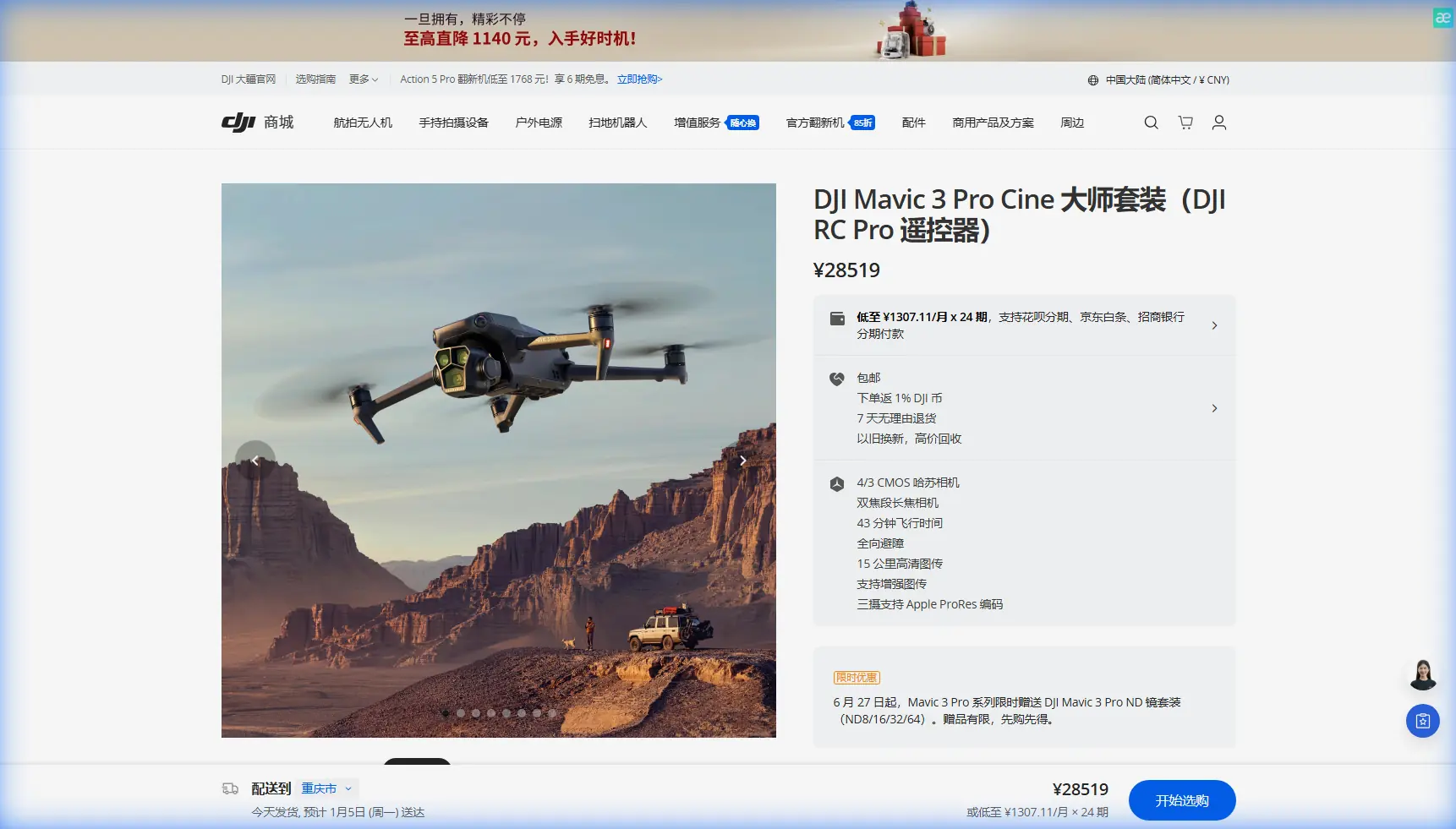
Mavic 3 Pro Guide: Capturing Highways in Low Light
META: Master highway photography in low light with the Mavic 3 Pro. Learn expert camera settings, antenna positioning, and techniques for stunning results.
TL;DR
- Triple-camera system with Hasselblad sensor captures highway scenes at ISO 12800 with minimal noise
- Proper antenna positioning extends reliable signal range to 15km in open highway corridors
- D-Log color profile preserves 12.8 stops of dynamic range for headlight and taillight streaks
- ActiveTrack 5.0 maintains subject lock on vehicles even during complex interchange maneuvers
Why Highway Photography Demands the Mavic 3 Pro
Low-light highway photography pushes drone capabilities to their limits. The Mavic 3 Pro's 4/3 CMOS Hasselblad sensor captures 12.8 stops of dynamic range, preserving detail in bright headlights and dark road surfaces simultaneously.
This guide breaks down the exact settings, positioning strategies, and techniques that separate amateur highway shots from professional-grade content.
Highway corridors present unique challenges. Moving vehicles, artificial lighting, and extended distances from your takeoff point require a drone that excels in multiple disciplines at once.
Antenna Positioning for Maximum Highway Range
Your remote controller's antennas determine whether you capture that perfect overpass shot or lose signal at the critical moment.
The Perpendicular Rule
Position your antennas so the flat sides face your drone. The signal radiates outward from the flat antenna surfaces, not from the tips.
For highway shooting where your drone travels along a linear path:
- Stand perpendicular to the highway direction
- Angle antennas at 45 degrees from vertical
- Keep the controller at chest height
- Avoid positioning yourself under bridges or overpasses
Expert Insight: Highway corridors often provide exceptional signal propagation. The open space above roadways creates a natural signal channel. Position yourself on elevated ground adjacent to the highway—parking structures work exceptionally well—to maintain line-of-sight across multiple miles of roadway.
Signal Interference Considerations
Highways generate electromagnetic noise from vehicles, power lines, and communication infrastructure. The Mavic 3 Pro's O3+ transmission system operates on both 2.4GHz and 5.8GHz bands.
Switch to 5.8GHz manually when flying near:
- High-voltage transmission lines
- Cellular towers along highway corridors
- Dense traffic areas with multiple vehicle electronics
The 15km maximum transmission range provides substantial buffer for highway work, but maintaining optimal antenna orientation ensures you never test those limits unexpectedly.
Camera Settings for Low-Light Highway Mastery
The triple-camera system offers distinct advantages for highway documentation.
Primary Hasselblad Camera Configuration
| Setting | Recommended Value | Rationale |
|---|---|---|
| ISO | 400-3200 | Balance noise and exposure |
| Shutter Speed | 1/50 - 2 seconds | Match creative intent |
| Aperture | f/2.8 | Maximum light gathering |
| Color Profile | D-Log | Maximum dynamic range |
| White Balance | 4000K | Compensate for sodium lights |
| Format | RAW + MP4 | Flexibility in post |
Understanding D-Log for Highway Scenes
D-Log captures the extreme contrast between vehicle lights and dark pavement. This flat color profile looks washed out on your screen but contains recoverable detail in both highlights and shadows.
Highway sodium vapor lights cast an orange color temperature around 2200K. LED highway lighting runs closer to 5000K. Setting white balance to 4000K provides a neutral starting point for mixed lighting scenarios.
Pro Tip: Shoot test footage at your location before the optimal light window. Highway lighting varies dramatically between jurisdictions—some use warm sodium vapor, others cool LED, and many feature both during transition periods.
Hyperlapse Techniques for Traffic Flow
The Mavic 3 Pro's Hyperlapse mode transforms highway traffic into mesmerizing light streams.
Circle Hyperlapse Around Interchanges
Position your drone above a highway interchange and select Circle mode. Set the interval to 2 seconds with a total duration of 30 minutes for optimal light trail accumulation.
Key parameters:
- Altitude: 120-150 meters for full interchange coverage
- Circle radius: 80-120 meters depending on interchange size
- Speed: Slowest available setting
- Direction: Counter-clockwise matches typical traffic flow visualization
Waypoint Hyperlapse Along Corridors
For linear highway sections, Waypoint Hyperlapse creates dramatic perspective shifts.
Plot 5-7 waypoints along a 500-meter section of highway. The drone captures images at each position, creating smooth motion through the final timelapse.
This technique works exceptionally well during the blue hour—the 20-30 minutes after sunset when ambient light balances with artificial highway illumination.
ActiveTrack 5.0 for Vehicle Following
Subject tracking technology enables dynamic shots that follow specific vehicles through highway environments.
Tracking Configuration
ActiveTrack 5.0 uses the primary camera's processing power to maintain lock on moving subjects. For highway work:
- Select Trace mode for following behind vehicles
- Enable Obstacle Avoidance in all directions
- Set maximum speed to match highway traffic flow
- Maintain 50-80 meter following distance
The omnidirectional obstacle avoidance system uses 8 sensors to detect hazards. Highway environments typically present minimal obstacles at altitude, but overpasses, signage, and light poles require awareness.
Legal and Safety Considerations
Vehicle tracking over active highways requires careful planning. Position your tracking shots over:
- Highway shoulders during low-traffic periods
- Adjacent service roads
- Elevated sections with clearance beneath
Never position the drone directly above active traffic lanes where a malfunction could create road hazards.
QuickShots for Rapid Highway Content
When time constraints limit complex setups, QuickShots deliver professional results with minimal input.
Recommended QuickShots for Highways
Rocket: Ascends vertically while the camera tilts down. Reveals highway patterns and traffic flow from directly above.
Dronie: Flies backward and upward simultaneously. Creates dramatic reveals of highway interchanges.
Helix: Spirals upward around a central point. Works beautifully with cloverleaf interchanges as the focal point.
Each QuickShot completes in 10-15 seconds, allowing rapid content capture during optimal lighting windows.
Common Mistakes to Avoid
Ignoring wind patterns at altitude: Highway corridors create wind tunnels. Check conditions at your planned flight altitude, not ground level. The Mavic 3 Pro handles 12 m/s winds, but gusts near overpasses can exceed this.
Overexposing vehicle headlights: Auto exposure meters for the entire frame. Headlights will blow out completely. Use manual exposure locked to preserve highlight detail.
Forgetting ND filters: Even in low light, long exposures for light trails require ND8 or ND16 filters to achieve multi-second shutter speeds without overexposure.
Neglecting battery temperature: Low-light shooting often means cold conditions. Batteries below 15°C deliver reduced capacity. Warm batteries in your vehicle between flights.
Positioning too close to the highway: Turbulence from large vehicles affects drone stability. Maintain horizontal distance of at least 30 meters from active lanes.
Technical Comparison: Camera Options
| Feature | Main Camera | Medium Tele | Tele Camera |
|---|---|---|---|
| Sensor Size | 4/3 CMOS | 1/1.3-inch | 1/2-inch |
| Aperture | f/2.8 | f/2.8 | f/4.4 |
| Focal Length | 24mm equiv. | 70mm equiv. | 166mm equiv. |
| Low-Light Performance | Excellent | Good | Moderate |
| Best Highway Use | Wide establishing | Vehicle details | Distant signage |
The 70mm medium telephoto lens excels at isolating specific highway elements—individual vehicles, signage, or architectural details—while maintaining respectable low-light performance.
Frequently Asked Questions
What shutter speed creates the best light trails on highways?
Shutter speeds between 2-4 seconds produce defined light trails without excessive motion blur. Faster traffic requires shorter exposures. Use ND filters to achieve these speeds during twilight when ambient light remains significant.
Can the Mavic 3 Pro fly safely near highway power lines?
The obstacle avoidance system detects power lines in most conditions, but thin cables remain challenging for any vision-based system. Maintain minimum 30-meter clearance from power infrastructure. The 5.8GHz transmission band reduces interference from high-voltage lines.
How does ActiveTrack perform with fast-moving highway traffic?
ActiveTrack 5.0 successfully tracks vehicles at highway speeds up to 120 km/h in Trace mode. The system struggles with sudden lane changes or vehicles that become obscured by overpasses. For reliable tracking, select vehicles in lighter traffic conditions with predictable paths.
Highway photography with the Mavic 3 Pro rewards preparation and technical understanding. The combination of exceptional low-light sensor performance, reliable long-range transmission, and intelligent tracking features makes complex highway documentation accessible.
Master antenna positioning first—it determines whether every other technique remains available throughout your flight. Build your settings library through systematic testing at your chosen locations.
Ready for your own Mavic 3 Pro? Contact our team for expert consultation.