
Capturing Fields with Mavic 3 Pro | Terrain Tips
Capturing Fields with Mavic 3 Pro | Terrain Tips
META: Master complex terrain field photography with the Mavic 3 Pro. Expert tips on antenna positioning, obstacle avoidance, and camera settings for stunning agricultural shots.
TL;DR
- Antenna positioning at 45-degree angles maximizes signal penetration through trees and terrain obstacles
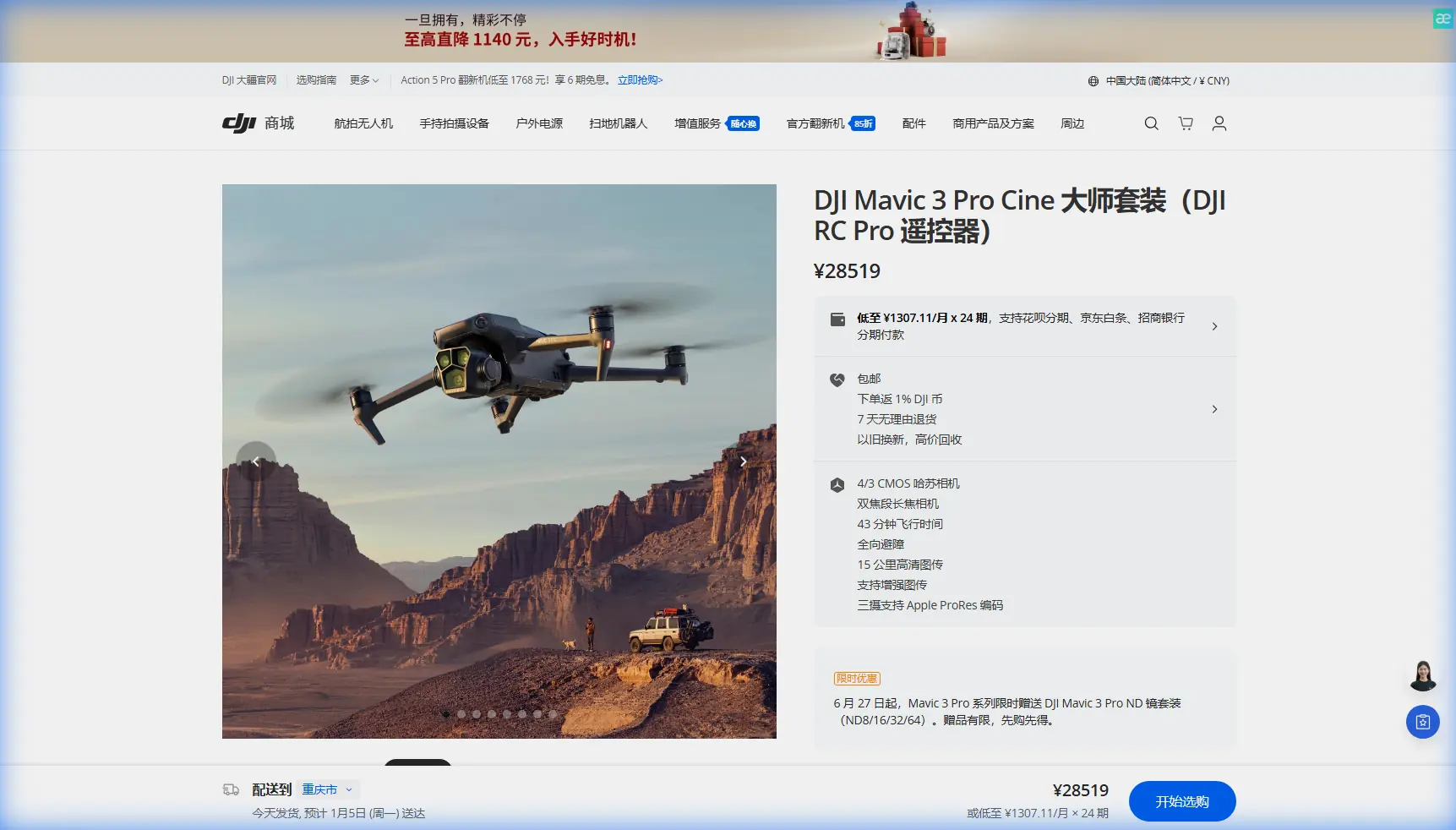
- The Mavic 3 Pro's tri-camera system captures field details from wide establishing shots to telephoto crop analysis in one flight
- D-Log color profile preserves highlight and shadow detail essential for post-processing agricultural imagery
- ActiveTrack 5.0 enables smooth tracking shots across uneven terrain without manual input
Complex terrain field photography separates amateur drone operators from professionals. The Mavic 3 Pro's advanced sensor array and transmission system solve the two biggest challenges you'll face: maintaining signal through obstacles and capturing usable footage across varying elevations. This field report breaks down exactly how I approach agricultural landscape shoots in challenging environments.
Understanding the Mavic 3 Pro's Terrain Advantages
The Mavic 3 Pro wasn't designed specifically for agricultural work, but its specifications align remarkably well with field photography demands. The 43-minute maximum flight time provides enough endurance to cover large properties without constant battery swaps. More critically, the O3+ transmission system maintains 15km range in ideal conditions—though terrain obstacles significantly reduce this in practice.
The Tri-Camera Advantage for Field Work
Unlike single-camera drones that force you to choose between wide context and detailed inspection, the Mavic 3 Pro carries three distinct imaging options:
- 24mm Hasselblad main camera with 4/3 CMOS sensor for establishing shots
- 70mm medium telephoto for mid-range field section captures
- 166mm telephoto for detailed crop inspection without low-altitude risks
This combination eliminates the need for multiple passes at different altitudes. I typically fly a single pattern at 120 meters AGL, switching between cameras to capture comprehensive coverage.
Expert Insight: The 70mm lens often proves more valuable than the telephoto for field work. It provides enough reach to isolate specific sections while maintaining sufficient depth of field for sharp focus across undulating terrain.
Antenna Positioning for Maximum Range in Complex Terrain
Signal degradation causes more failed field shoots than any equipment malfunction. The Mavic 3 Pro's controller antennas require deliberate positioning, especially when hills, tree lines, or structures create obstacles between you and the aircraft.
The 45-Degree Rule
Position both controller antennas at 45-degree outward angles rather than pointing them directly at the drone. This orientation creates a broader reception pattern that catches reflected signals bouncing off terrain features.
When working in valleys or behind tree lines:
- Stand on the highest accessible ground within your operating area
- Keep the controller face pointed toward the drone's general direction
- Avoid holding the controller flat—maintain a 60-70 degree upward tilt
- Monitor signal strength indicators and reposition before drops occur
Terrain-Specific Positioning Strategies
Rolling hills: Position yourself on ridge lines when possible. The Mavic 3 Pro's obstacle avoidance sensors won't prevent signal loss when the aircraft descends behind terrain features.
Tree-lined fields: The 2.4GHz frequency penetrates foliage better than 5.8GHz. Force this band in settings before launching when heavy tree cover exists between you and planned flight paths.
Valley operations: Plan flight paths that maintain line-of-sight. The O3+ system handles brief obstructions, but extended blocked signals trigger automatic return-to-home sequences that interrupt shoots.
Camera Settings for Agricultural Landscapes
Field photography presents unique exposure challenges. Crops create relatively uniform surfaces that confuse automatic metering, while sky-to-ground contrast often exceeds the sensor's dynamic range.
D-Log Configuration
The Mavic 3 Pro's D-Log M color profile captures approximately 12.8 stops of dynamic range, preserving detail in both bright sky regions and shadowed terrain. This flat profile requires post-processing but prevents the clipped highlights that ruin agricultural footage.
Recommended D-Log settings for field work:
| Parameter | Setting | Rationale |
|---|---|---|
| ISO | 100-200 | Minimizes noise in shadow recovery |
| Shutter | 1/50 (video) | Maintains natural motion blur |
| Aperture | f/4-f/5.6 | Balances sharpness with depth of field |
| White Balance | 5600K manual | Prevents shifts during panning |
| ND Filter | Variable based on conditions | Maintains proper shutter speed |
Hyperlapse for Seasonal Documentation
Agricultural clients increasingly request time-based documentation showing crop progression. The Mavic 3 Pro's Hyperlapse mode creates compelling content, but field applications require specific approaches.
Waypoint Hyperlapse works best for repeatable seasonal shots. Save the exact flight path and camera angles, then replicate the sequence monthly throughout growing seasons. The resulting footage shows genuine crop development rather than simulated time-lapse effects.
Pro Tip: Mark your takeoff position with a semi-permanent ground marker. Returning to identical GPS coordinates ensures your seasonal Hyperlapse sequences align perfectly in post-production.
Subject Tracking Across Uneven Ground
ActiveTrack 5.0 enables the Mavic 3 Pro to follow moving subjects—useful for documenting equipment operations or livestock movement across fields. The system handles elevation changes better than previous generations, but terrain complexity still creates challenges.
Optimizing ActiveTrack for Field Conditions
The tracking algorithm prioritizes horizontal movement prediction. When subjects move across slopes, the drone may lag behind elevation changes. Compensate by:
- Setting tracking altitude 20-30 meters higher than you'd use on flat ground
- Using Parallel tracking mode rather than Follow for hillside operations
- Enabling all obstacle avoidance sensors despite the slight speed reduction
QuickShots in Open Fields
The automated QuickShots modes produce professional-looking clips with minimal input. For field photography, certain modes outperform others:
Recommended:
- Helix: Creates dramatic reveals of field patterns
- Rocket: Establishes scale and surrounding context
- Circle: Documents irrigation pivot coverage
Avoid:
- Dronie: Often clips horizon awkwardly in flat landscapes
- Boomerang: Requires more vertical clearance than fields typically offer
Obstacle Avoidance Considerations
The Mavic 3 Pro's omnidirectional obstacle sensing provides genuine safety benefits in field environments where power lines, irrigation equipment, and isolated trees create hazards. The system uses wide-angle cameras and ToF sensors covering all directions during normal flight.
Sensor Limitations in Agricultural Settings
Thin obstacles like power lines and guy wires remain difficult for the system to detect. The sensors also struggle with:
- Wet or reflective surfaces that confuse depth perception
- Fast-moving obstacles like birds common in agricultural areas
- Transparent or semi-transparent materials
Maintain manual awareness despite the automated systems. The obstacle avoidance serves as backup protection, not primary navigation.
Common Mistakes to Avoid
Launching from crop surfaces: Standing crops can trigger obstacle avoidance during takeoff, causing erratic initial flight behavior. Always launch from cleared ground or a portable landing pad.
Ignoring wind patterns: Fields often experience stronger winds than surrounding areas due to reduced ground friction. The Mavic 3 Pro handles 12 m/s winds, but gusts near this limit drain batteries rapidly and affect footage stability.
Overrelying on automatic exposure: The uniform surfaces of agricultural fields fool metering systems. Spot meter on mid-tones and lock exposure before beginning recording.
Neglecting compass calibration: Large metal structures common on farms—equipment sheds, irrigation systems, fencing—create magnetic interference. Calibrate before each session when working near metal structures.
Flying during midday: The overhead sun eliminates shadows that reveal terrain texture and crop patterns. Schedule flights for two hours after sunrise or before sunset when side-lighting emphasizes field features.
Frequently Asked Questions
What altitude works best for field photography with the Mavic 3 Pro?
Most agricultural photography benefits from 80-150 meter altitudes. This range provides sufficient context while the telephoto lens options capture detail. Lower altitudes work for specific crop inspection, but require more passes to cover equivalent areas.
How do weather conditions affect the Mavic 3 Pro's performance over fields?
The aircraft operates reliably in temperatures from -10°C to 40°C, covering most agricultural conditions. Light rain triggers moisture warnings but rarely causes immediate problems. Dust presents greater concerns—the cooling vents can ingest particles during low-altitude operations over dry fields.
Can the Mavic 3 Pro create accurate field maps for agricultural analysis?
The Mavic 3 Pro captures excellent imagery for visual mapping, but lacks the RTK positioning required for survey-grade accuracy. For general documentation and visual analysis, the standard GPS positioning provides sufficient precision. Precision agriculture applications requiring centimeter accuracy need dedicated mapping platforms.
Field photography in complex terrain demands both technical knowledge and practical experience. The Mavic 3 Pro provides the tools—extended flight time, versatile camera options, and reliable transmission—but successful shoots depend on understanding how to deploy these capabilities in real conditions.
Ready for your own Mavic 3 Pro? Contact our team for expert consultation.