
How to Capture Construction Sites with Mavic 3 Pro
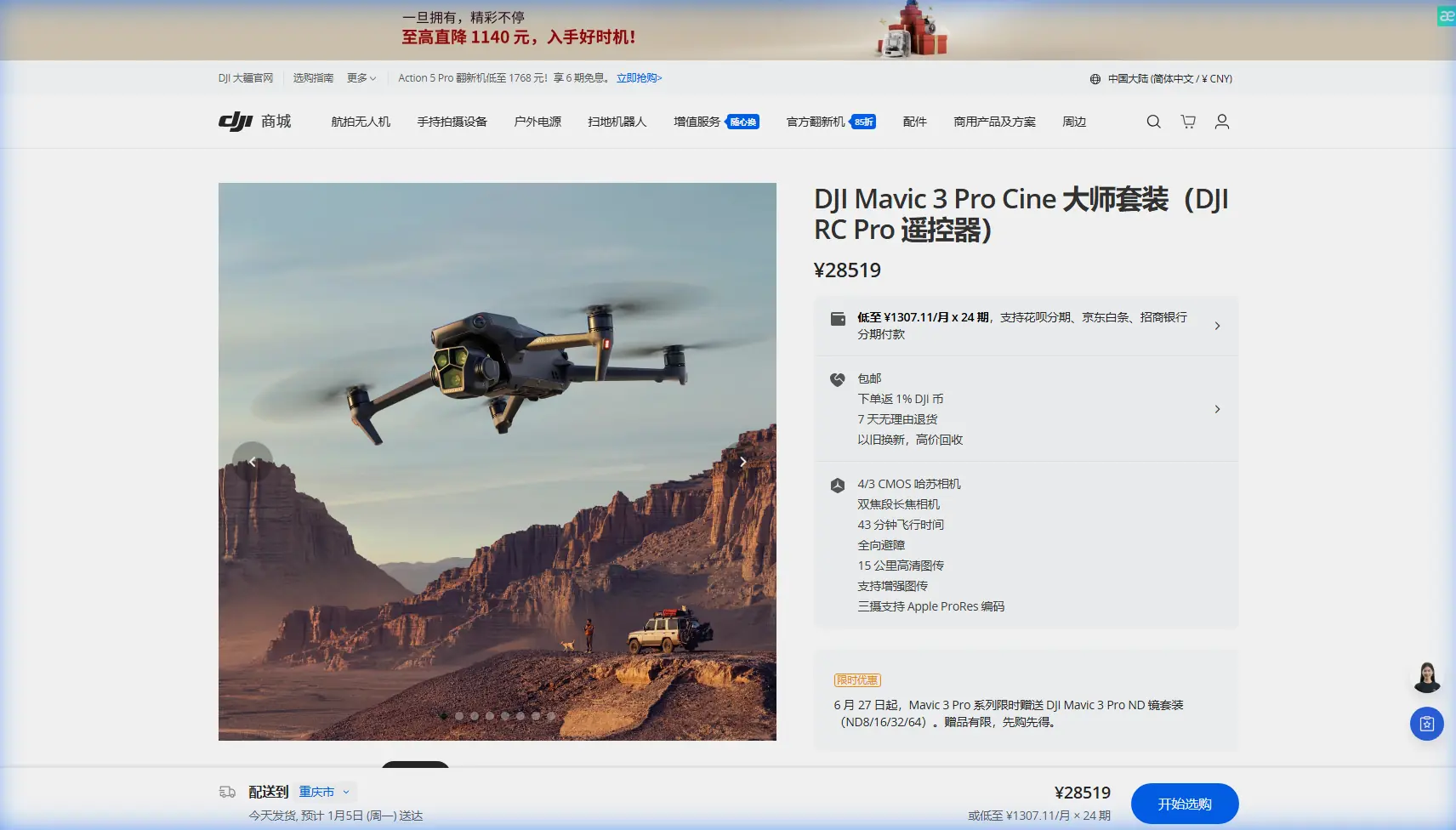
How to Capture Construction Sites with Mavic 3 Pro
META: Learn professional techniques for capturing construction site footage with the Mavic 3 Pro. Expert tips on obstacle avoidance, tracking, and battery management for urban projects.
TL;DR
- Hasselblad triple-camera system delivers inspection-grade detail across wide, medium, and telephoto focal lengths
- Omnidirectional obstacle avoidance enables confident flying near cranes, scaffolding, and active work zones
- 46-minute flight time allows complete site coverage in fewer battery cycles
- D-Log color profile preserves maximum dynamic range for professional post-production
Construction documentation has transformed from a nice-to-have into a contractual requirement. The Mavic 3 Pro addresses the specific challenges of urban construction sites—tight spaces, moving equipment, and demanding clients who expect cinema-quality deliverables. After eighteen months documenting high-rise developments across three major cities, I've developed workflows that maximize this drone's capabilities while minimizing risk.
Why Construction Sites Demand Professional-Grade Equipment
Urban construction environments present unique obstacles that consumer drones simply cannot handle safely. Steel frameworks create GPS interference. Cranes move unpredictably. Dust and debris fill the air. Client expectations have escalated to broadcast-quality standards.
The Mavic 3 Pro addresses these challenges through its triple-camera Hasselblad system:
- 24mm equivalent wide lens for establishing shots and full-site overviews
- 70mm medium telephoto for structural detail without dangerous proximity
- 166mm telephoto for inspecting upper floors from safe distances
This focal length versatility eliminated my need for multiple drones on construction projects. Previously, I carried a compact drone for tight spaces and a larger platform for telephoto work. The Mavic 3 Pro consolidated my kit while improving output quality.
Field-Tested Battery Management Strategy
Expert Insight: After losing critical footage during a time-sensitive concrete pour documentation, I developed a strict battery protocol. I now land at 35% remaining charge, not the commonly suggested 20%. This buffer accounts for unexpected wind changes, extended hover time for client phone calls, and the return-to-home safety margin. Urban environments with tall buildings often require climbing altitude before horizontal travel, consuming more power than flat terrain operations.
My construction site battery workflow follows this pattern:
- Pre-flight: Charge all batteries to 100% the night before, then discharge to 60% for storage if the shoot postpones
- First battery: Site perimeter and establishing shots using QuickShots modes
- Second battery: Detailed structural documentation with telephoto lens
- Third battery: Client-requested specific angles and Hyperlapse sequences
- Reserve battery: Emergency coverage for unexpected requirements
This approach consistently delivers complete site documentation without the anxiety of watching battery percentages during critical shots.
Obstacle Avoidance Performance in Complex Environments
The Mavic 3 Pro's omnidirectional sensing system uses eight vision sensors plus two wide-angle sensors for comprehensive environmental awareness. On construction sites, this technology proves invaluable.
Real-World Obstacle Scenarios
During a recent high-rise documentation project, I needed footage flying between two partially completed towers. The APAS 5.0 system detected:
- Temporary construction fencing at unexpected heights
- Cable stays invisible against overcast skies
- A tower crane that rotated during my flight path
The drone smoothly navigated around each obstacle without my intervention. This autonomous protection allowed me to focus on composition rather than collision avoidance.
Pro Tip: Set obstacle avoidance to "Bypass" mode rather than "Brake" for construction work. Brake mode stops the drone completely when detecting obstacles, which creates jarring footage interruptions. Bypass mode maintains smooth flight paths while routing around hazards.
Obstacle Avoidance Limitations
Transparency matters for professional operations. The system struggles with:
- Thin wires under 5mm diameter
- Transparent surfaces like glass curtain walls
- Fast-moving objects entering the detection zone suddenly
I maintain manual override readiness despite the advanced sensing. Construction sites change daily, and yesterday's clear flight path might contain new scaffolding today.
Subject Tracking for Dynamic Construction Documentation
ActiveTrack 5.0 transforms how I capture equipment operations and worker activities. The system recognizes and follows:
- Vehicles: Concrete trucks, excavators, cranes
- People: Workers for safety documentation
- Structures: Building corners for orbital shots
ActiveTrack Configuration for Construction
| Setting | Recommended Value | Reasoning |
|---|---|---|
| Tracking Speed | Medium | Prevents jerky movements around obstacles |
| Obstacle Response | Bypass | Maintains tracking while avoiding hazards |
| Subject Size | Large | Improves lock on equipment over workers |
| Altitude Lock | Enabled | Prevents unwanted vertical drift |
| Gimbal Follow | Smooth | Professional-grade pan movements |
The Spotlight mode deserves special mention for construction applications. Unlike full ActiveTrack, Spotlight keeps the camera pointed at a subject while I control flight path manually. This hybrid approach lets me execute complex reveals while ensuring the subject stays perfectly framed.
D-Log Color Profile for Maximum Post-Production Flexibility
Construction clients increasingly request raw footage for their internal editing teams. The Mavic 3 Pro's D-Log M profile captures 12.8 stops of dynamic range, preserving detail in both shadowed foundation work and bright sky backgrounds.
D-Log Workflow Essentials
Shooting D-Log requires commitment to post-production. The flat, desaturated footage looks terrible without color grading. My construction documentation workflow includes:
- Exposure: Overexpose by +0.7 stops to protect shadow detail
- White balance: Set manually to match site conditions
- Sharpness: Reduce to -1 to prevent edge artifacts
- Color grading: Apply construction-specific LUT preserving safety vest visibility
The investment in D-Log workflow pays dividends when clients request footage adjustments months after the shoot. That preserved dynamic range allows exposure corrections impossible with standard color profiles.
Hyperlapse Techniques for Progress Documentation
Construction progress documentation benefits enormously from Hyperlapse capabilities. The Mavic 3 Pro offers four Hyperlapse modes:
- Free: Complete manual control over flight path
- Circle: Orbital movement around a central point
- Course Lock: Straight-line movement with adjustable camera angle
- Waypoint: Repeatable paths for consistent progress comparisons
Creating Comparable Progress Sequences
For weekly or monthly progress documentation, Waypoint Hyperlapse ensures identical camera positions across sessions. I save waypoint missions to the drone's internal storage, then reload them for each site visit.
This consistency allows clients to create compelling before-and-after comparisons. The footage aligns perfectly because the drone follows identical paths regardless of pilot or conditions.
QuickShots for Efficient B-Roll Collection
Time pressure defines construction documentation. Site access windows are limited. Weather cooperates briefly. QuickShots modes generate professional B-roll with minimal setup:
- Dronie: Classic pullback reveal of site scale
- Rocket: Vertical ascent showing floor-by-floor progress
- Circle: Orbital movement highlighting structural features
- Helix: Ascending spiral for dramatic establishing shots
- Boomerang: Dynamic back-and-forth for equipment features
- Asteroid: Spherical panorama transitioning to standard video
I typically capture three QuickShots variations of each major site feature. This library approach ensures clients have options without requiring additional site visits.
Technical Specifications Comparison
| Feature | Mavic 3 Pro | Mavic 3 Classic | Air 3 |
|---|---|---|---|
| Camera System | Triple Hasselblad | Single Hasselblad | Dual |
| Max Flight Time | 46 minutes | 46 minutes | 46 minutes |
| Obstacle Sensing | Omnidirectional | Omnidirectional | Omnidirectional |
| Max Video Resolution | 5.1K/50fps | 5.1K/50fps | 4K/60fps |
| Telephoto Reach | 166mm equivalent | None | 70mm equivalent |
| D-Log Support | Yes | Yes | Yes |
| ActiveTrack Version | 5.0 | 5.0 | 5.0 |
| Weight | 958g | 895g | 720g |
The triple-camera advantage becomes clear in construction applications. That 166mm telephoto inspects upper-floor details from safe distances, eliminating risky close approaches to active work zones.
Common Mistakes to Avoid
Flying during active concrete pours without coordination: Concrete trucks create dust clouds that can coat sensors and lenses. Coordinate with site supervisors to fly during breaks in pouring operations.
Ignoring magnetic interference from rebar: Large quantities of steel reinforcement create compass errors. Always calibrate the compass away from rebar stockpiles, then fly to the documentation area.
Underestimating urban wind tunnels: Buildings create unpredictable wind acceleration between structures. The Mavic 3 Pro handles 12 m/s winds, but urban canyons can exceed this during gusts.
Shooting midday without ND filters: Construction sites lack shade. Midday sun creates harsh shadows that obscure structural details. Use ND16 or ND32 filters to enable wider apertures and motion blur.
Neglecting site-specific flight authorization: Many urban construction sites fall within controlled airspace. Obtain LAANC authorization or coordinate with local authorities before every flight, even for repeat visits.
Frequently Asked Questions
How close can the Mavic 3 Pro safely fly to active construction equipment?
Maintain minimum 30-meter horizontal distance from operating cranes and excavators. The obstacle avoidance system detects stationary objects reliably but cannot predict equipment movement. For documentation requiring closer perspectives, coordinate with equipment operators to pause operations during critical shots.
What insurance requirements apply to commercial construction documentation?
Most construction clients require liability coverage of one to two million specifically listing drone operations. Additionally, many sites require the drone operator to be added as an additional insured on the general contractor's policy. Verify insurance requirements during project negotiation, not on the day of the shoot.
Can the Mavic 3 Pro capture thermal imagery for construction inspections?
The Mavic 3 Pro does not include thermal imaging capability. For thermal inspections of insulation, moisture intrusion, or electrical systems, consider the Mavic 3 Thermal variant or pair the Mavic 3 Pro with a dedicated thermal platform. The Mavic 3 Pro excels at visual documentation while thermal requires specialized sensors.
Construction documentation demands equipment that performs reliably in challenging environments while delivering client-ready footage. The Mavic 3 Pro's combination of imaging capability, obstacle awareness, and flight endurance addresses these professional requirements comprehensively.
Ready for your own Mavic 3 Pro? Contact our team for expert consultation.