
Mavic 3 Pro Coastline Guide: Extreme Temperature Tips
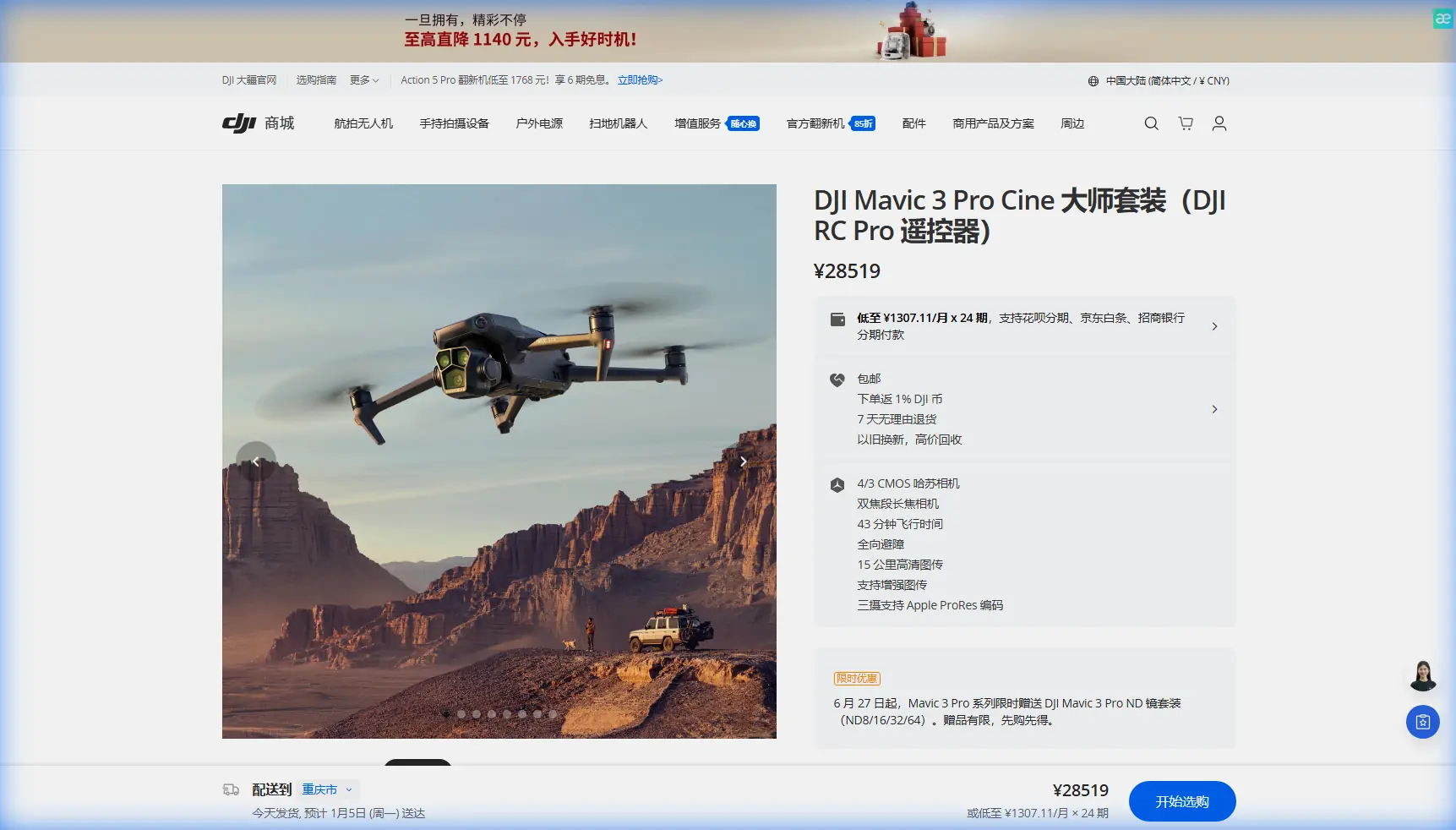
Mavic 3 Pro Coastline Guide: Extreme Temperature Tips
META: Master coastline photography with the Mavic 3 Pro in extreme temperatures. Expert tips for thermal management, camera settings, and stunning aerial shots.
TL;DR
- Battery performance drops 20-35% in temperatures below 10°C—pre-warm batteries to 25°C before flight
- Position antennas perpendicular to the drone for maximum signal range up to 15km
- Use D-Log color profile to capture 12.8 stops of dynamic range in high-contrast coastal scenes
- Enable ActiveTrack 5.0 for smooth subject tracking along unpredictable shorelines
Coastal photography in extreme temperatures pushes both pilot and equipment to their limits. The Mavic 3 Pro's triple-camera system and advanced thermal management make it the ideal tool for capturing dramatic shorelines—but only when you understand how to optimize every setting for harsh conditions.
This guide breaks down the exact techniques I've developed over three years of professional coastal work, from Iceland's volcanic beaches to Australia's scorching summer coastlines.
Understanding the Mavic 3 Pro's Triple-Camera Advantage
The Mavic 3 Pro separates itself from competitors with a Hasselblad 4/3 CMOS main sensor paired with two telephoto options. For coastline work, this combination proves invaluable.
The primary 20MP sensor captures sweeping panoramas with exceptional dynamic range. When conditions demand tighter framing—isolated rock formations, wildlife on distant cliffs—the 70mm equivalent medium tele delivers without sacrificing image quality.
Sensor Specifications for Coastal Work
| Camera | Sensor Size | Focal Length | Best Coastal Use |
|---|---|---|---|
| Main (Hasselblad) | 4/3 CMOS | 24mm equiv. | Wide landscapes, golden hour |
| Medium Tele | 1/1.3" CMOS | 70mm equiv. | Rock formations, wildlife |
| Tele | 1/2" CMOS | 166mm equiv. | Distant subjects, compression |
The 12.8 stops of dynamic range on the main camera handles the extreme contrast between bright ocean reflections and shadowed cliff faces that typically plague coastal photographers.
Thermal Management in Extreme Conditions
Temperature extremes demand proactive battery management. The Mavic 3 Pro's intelligent batteries perform optimally between 15°C and 40°C, but coastal environments rarely cooperate.
Cold Weather Protocol (Below 10°C)
Cold batteries deliver reduced capacity and can trigger unexpected voltage drops. Before any cold-weather coastal flight:
- Store batteries in an insulated bag with hand warmers
- Pre-warm to minimum 20°C before insertion
- Hover at 2 meters for 60 seconds before ascending
- Monitor battery temperature through DJI Fly app
- Land with minimum 25% remaining (not the usual 20%)
Expert Insight: I keep batteries inside my jacket against my body during location scouting. Body heat maintains optimal temperature without draining power from warmers.
Hot Weather Protocol (Above 35°C)
Extreme heat presents different challenges. The Mavic 3 Pro's motors and processors generate significant heat during operation, and ambient temperatures compound the issue.
- Avoid direct sunlight on the drone during pre-flight checks
- Limit continuous flight to 25 minutes maximum
- Allow 10-minute cool-down between flights
- Watch for thermal throttling warnings in the app
- Keep the controller shaded—screen visibility and processor temperature both suffer
Antenna Positioning for Maximum Coastal Range
Salt air, humidity, and open water create unique signal propagation challenges. Proper antenna positioning becomes critical when flying 500+ meters offshore to capture dramatic wave patterns or coastal geology.
The Mavic 3 Pro controller uses OcuSync 3+ transmission, capable of 15km range in ideal conditions. Coastal environments rarely offer ideal conditions.
Optimal Antenna Configuration
Position both controller antennas perpendicular to the drone's location—the flat faces should point directly at your aircraft. Many pilots make the mistake of pointing antenna tips toward the drone, which actually minimizes signal strength.
For extended coastal flights:
- Stand on elevated ground when possible
- Keep the controller above waist height
- Avoid positioning yourself between metal structures and the drone
- Face the ocean directly—your body absorbs signal when positioned incorrectly
Pro Tip: When flying along a coastline parallel to your position, angle antennas at 45 degrees to maintain optimal coverage as the drone moves through your signal cone.
Camera Settings for Coastal Conditions
Harsh coastal light demands specific camera configurations. The Mavic 3 Pro's Hasselblad color science provides an excellent foundation, but default settings rarely deliver professional results.
D-Log Configuration
Shoot in D-Log color profile for maximum post-processing flexibility. This flat profile preserves highlight and shadow detail that standard profiles clip.
Recommended D-Log settings for coastal work:
- ISO 100-200 (native ISO for cleanest files)
- Shutter speed 1/50 for 24fps, 1/100 for 48fps
- ND filters essential—ND16 for overcast, ND64 for bright sun
- Manual white balance at 5600K for consistency
Hyperlapse for Tidal Movements
The Mavic 3 Pro's Hyperlapse mode captures stunning tidal transitions. For coastal timelapses:
- Use Course Lock mode to maintain consistent framing
- Set 2-second intervals for smooth water movement
- Plan for minimum 20-minute capture sessions
- Calculate battery requirements—Hyperlapse drains faster than standard flight
Leveraging Obstacle Avoidance in Complex Terrain
Coastal environments present unpredictable obstacles: sea stacks, cliff overhangs, diving birds. The Mavic 3 Pro's omnidirectional obstacle sensing provides crucial protection, but understanding its limitations prevents accidents.
The system uses wide-angle vision sensors and infrared sensors covering all directions. Detection range extends to 200 meters forward and 20 meters in other directions.
When to Disable Obstacle Avoidance
Certain coastal scenarios require manual override:
- Flying through natural arches or sea caves
- Capturing close-proximity cliff face details
- Operating near thin obstacles like antenna wires
- Executing precise proximity shots of rock formations
Switch to Sport Mode only when you have clear visual line of sight and full manual control capability.
QuickShots for Dynamic Coastal Content
The Mavic 3 Pro's QuickShots automated flight modes produce cinematic results with minimal pilot input. For coastal content:
- Dronie: Reveals coastline scope while maintaining subject focus
- Helix: Dramatic spiral reveals around sea stacks or lighthouses
- Rocket: Vertical ascent showcasing beach patterns from above
- Circle: Orbits around points of interest with consistent framing
Combine QuickShots with ActiveTrack 5.0 for moving subjects—surfers, boats, or wildlife along the shoreline.
Subject Tracking Along Unpredictable Shorelines
ActiveTrack 5.0 handles the erratic movements common in coastal environments. The system maintains lock on subjects moving at up to 28 mph, sufficient for most watercraft and wildlife.
For tracking along coastlines:
- Draw a box around your subject in the app
- Select Trace mode for following behind
- Use Parallel mode for side-angle tracking
- Set Spotlight for stationary drone with rotating gimbal
The Mavic 3 Pro predicts subject movement, maintaining smooth footage even when subjects temporarily disappear behind obstacles.
Common Mistakes to Avoid
Ignoring wind patterns: Coastal winds shift rapidly. Check forecasts for gusts, not just sustained speeds. The Mavic 3 Pro handles 12 m/s sustained wind, but gusts exceeding this cause instability.
Underestimating salt corrosion: Salt air damages electronics. Wipe down the drone with a slightly damp microfiber cloth after every coastal session. Pay attention to gimbal motors and sensor surfaces.
Flying during spray conditions: Wave spray travels farther than most pilots realize. Maintain minimum 30-meter altitude when waves exceed 2 meters.
Neglecting compass calibration: Coastal areas often have magnetic anomalies from mineral deposits. Calibrate before each session at a new location.
Forgetting lens maintenance: Salt spray creates invisible residue that destroys image quality. Clean the lens before every flight, not just when visible spots appear.
Frequently Asked Questions
How does salt air affect the Mavic 3 Pro's lifespan?
Salt air accelerates corrosion on exposed metal components and can damage sensor coatings. With proper post-flight cleaning—wiping all surfaces with a lightly dampened cloth and storing in a sealed case with silica gel packets—the drone maintains full functionality. Professional coastal operators typically service their aircraft every 100 flight hours to inspect for salt damage.
What ND filter strength works best for coastal golden hour?
During golden hour, light intensity drops significantly. Start with ND8 and adjust based on your target shutter speed. For cinematic motion blur at 24fps, maintain 1/50 shutter speed. As light fades, switch to ND4 or remove filtration entirely. The Mavic 3 Pro's variable aperture (f/2.8-f/11) provides additional exposure control without filter changes.
Can the Mavic 3 Pro handle ocean spray directly?
The Mavic 3 Pro lacks official water resistance ratings. Direct spray contact risks motor damage, sensor malfunction, and electrical shorts. If unexpected spray occurs, land immediately, power off, and allow complete drying for 24-48 hours before attempting operation. Preventive altitude management remains the only reliable protection.
Ready for your own Mavic 3 Pro? Contact our team for expert consultation.